No items found.
No items found.

If I have learned one thing from testing AI presentation tools, it is this: the easiest tool to start with is not always the best tool to grow with. That is exactly why many users begin with PopAI, then start exploring better alternatives as their expectations evolve.
The presentation landscape is changing quickly with growing AI adoption. PopAI has gained attention because it is simple and approachable, allowing users to create a presentation quickly. But it is far from the only option, and for many professional use cases, it is no longer the strongest fit. Many professionals and teams continue using it out of familiarity, not because it supports their workflow or long-term AI productivity needs.
In this guide, I break down the best PopAI alternatives, what each AI platform does better, who it is built for, and where it falls short. This is not just a surface-level comparison. I focus on real-world performance, design quality, workflow fit, collaboration, onboarding, and how effectively each AI assistant helps you create presentations.
If you are trying to discover the best AI presentation maker for your needs, this guide will help you make that decision with more confidence.
Before going deeper into each tool, here is a high-level view of how the top PopAI alternatives compare. These tools solve different presentation needs, from document-heavy workflows to enterprise AI presentations and brand-compliant slide tools. This comparison focuses on what matters most in practice: positioning, starting price, best-fit user, and the kind of output each tool is designed to produce.
PopAI is an all-in-one AI app that combines chat, document analysis, AI image generation, and presentation creation in one place. You can upload PDFs or documents, chat with the content to summarize or extract insights, and then turn that information into slides, mind maps, or even videos using AI-generated outlines, layouts, and visuals.
It is easy to see why it became popular, especially among students and first-time users.
Here is what makes it attractive at the start:
Think of PopAI as the first tool many people try because it gives them a fast win. It helps them get from a blank page to a basic deck without much effort, using an AI assistant that helps generate structure and content. But once better design, stronger collaboration, clearer structure, or brand consistency become important, that early convenience starts to feel limiting.
That is where the alternatives become much more compelling.
PopAI does a few things well. It is simple, the learning curve is low, and it can turn research notes or uploaded files into a basic presentation structure fairly quickly. For students building class presentations or casual users putting together rough slides, that may be enough.
But "good enough" is not the same as "good."
The most common complaints from business users usually come down to three issues:
There are other limitations that lead users to look for PopAI alternatives, too. PopAI lacks presentation analytics, so you cannot easily understand whether your audience viewed the deck or which sections held attention. Its collaboration features are also light compared with tools designed for teams, approvals, and shared editing.
If those pain points sound familiar, you are not looking for a different tool because PopAI failed completely. You are looking because your needs have become more professional, and the tool has not evolved at the same pace.
I evaluated each tool by creating a 10-slide business presentation from the same PDF-based input and reviewing the output across the factors that matter most in a real presentation workflow: design quality, narrative structure, content accuracy, ease of editing, export flexibility, speed, collaboration, and overall usability.
I also reviewed pricing, plan structure, and product fit by use case. The goal was not to name one universal winner. It was to identify which tools perform best for specific presentation needs, and which ones offer a stronger option than PopAI, depending on the user, workflow, and level of presentation complexity. All pricing has been verified as of Q1 2026.
Not all tools solve the same problem. Some are better for fast drafting, some are better for doc-to-slides AI workflows, and some are built for enterprise AI presentations where brand, audience, and communication quality matter more than speed alone. Below, each option is broken down based on where it fits best, what it does well, and where you should expect trade-offs.
Prezent AI stands out as one of the strongest options in this list for teams that need brand-compliant slide tools, executive-ready output, and greater control over how business presentations are created at scale.
At its core, Prezent AI is an enterprise-grade AI presentation platform built to transform raw business inputs into polished, on-brand presentations up to 90% faster than traditional presentation creation workflows.
What sets it apart is that it goes beyond basic slide generation. Astrid, the AI behind the platform, is designed with an understanding of industry context, brand governance, and business communication. This allows it to support not just content creation, but also how that content should be structured and presented in a corporate environment.
You can use a simple prompt with supporting documents, reports, or spreadsheets, and Prezent AI converts that input into a structured presentation with a clear narrative, well-defined sections, and professional formatting. This is especially valuable in real-world scenarios where teams are working with complex, unstructured information and need to turn it into a coherent story.
A key differentiator is its focus on brand compliance. Prezent AI enables teams to work within company-specific templates, fonts, colors, and communication standards, ensuring that every presentation stays aligned with organizational expectations. For enterprises, this level of consistency directly supports credibility and clarity.
Prezent AI also supports audience-aware personalization. You can tailor a presentation for a CEO, a technical stakeholder, or a client audience using Communication Fingerprint features, with messaging that adjusts accordingly. This contextual intelligence, driven by industry, brand, and audience inputs, helps ensure that presentations are not just visually consistent but also relevant and effective for the intended audience.
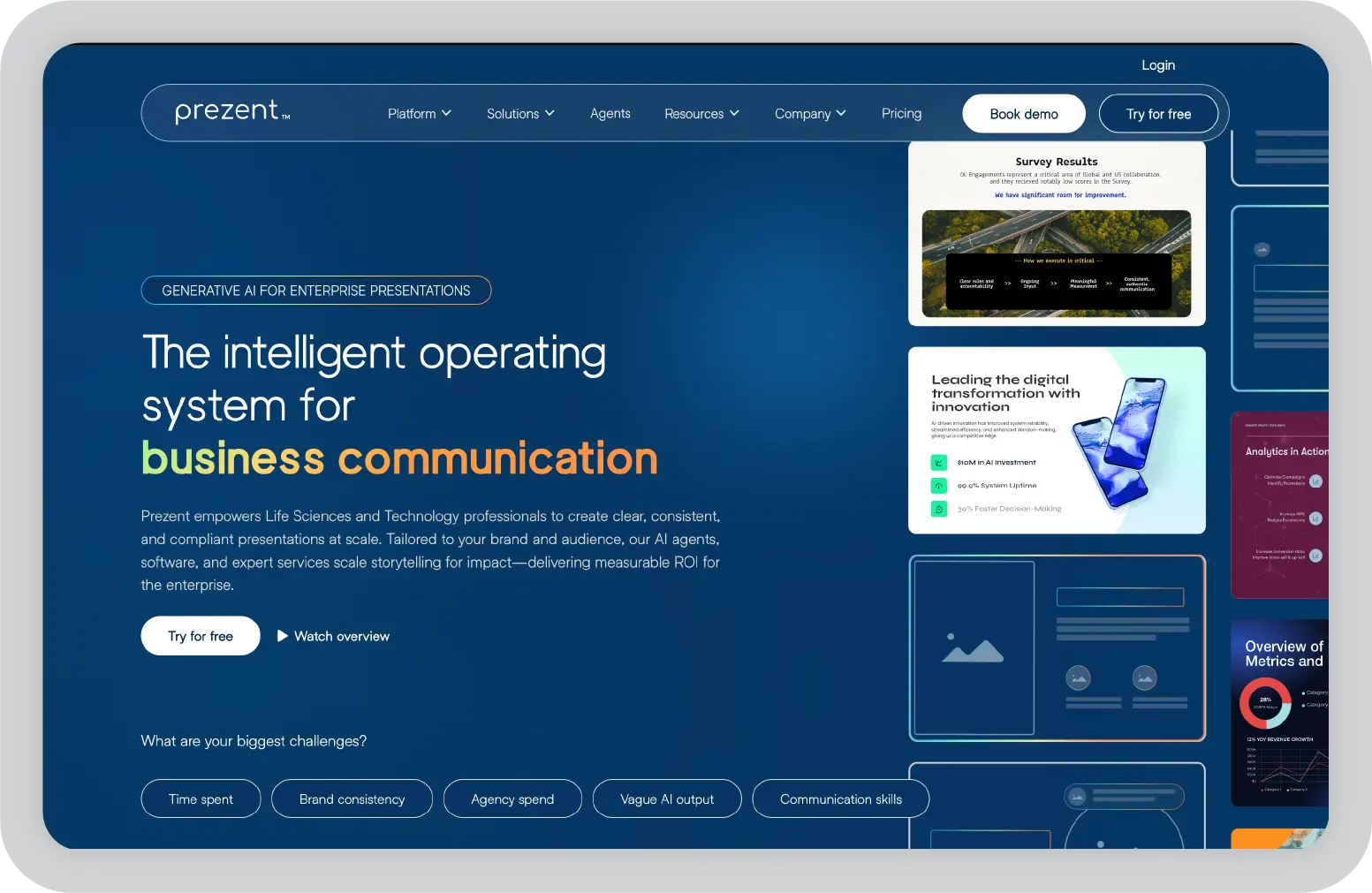
Prezent AI is designed for business teams that prioritize structured communication, brand consistency, and executive-ready presentations. It is best suited for users working in professional or enterprise environments rather than casual or one-off use cases.
The platform follows a guided onboarding and evaluation approach, including a free two-week trial and demo-led exploration. This allows teams to align the tool with their workflows, brand systems, and presentation needs before scaling usage. For organizations where presentations play a critical role in decision-making, client communication, or leadership updates, this structured approach often leads to better long-term adoption and consistency.
Pros
Cons
Pricing: Free two-week trial available. Pricing is custom-based on team and enterprise needs.
Best for: Medium and large enterprises, especially life sciences and technology teams where brand consistency and executive communication quality are non-negotiable.
Gamma is an AI-powered presentation platform that creates modern, flexible presentations using a card-based format rather than traditional slides. Among AI presentation makers in 2026, it stands out for combining content generation with responsive design, and it now serves over 70 million users.
Instead of building presentations slide by slide, Gamma organizes content into structured cards that adapt across devices. This makes it particularly useful when presentations are viewed in browsers, shared as links, or accessed on mobile devices. The format feels closer to a web experience than a static deck.
You can start with a prompt, document, or outline, and Gamma generates a structured presentation with a clear narrative flow and supporting visuals. While the output often needs a pass for high-stakes presentations, it provides a strong starting point compared to tools like PopAI.
Gamma also integrates well into modern workflows, with support for collaboration, sharing, and analytics. One notable consideration: while Gamma exports to PowerPoint, users occasionally report formatting inconsistencies in those exports, which may require cleanup before use in traditional slide environments.
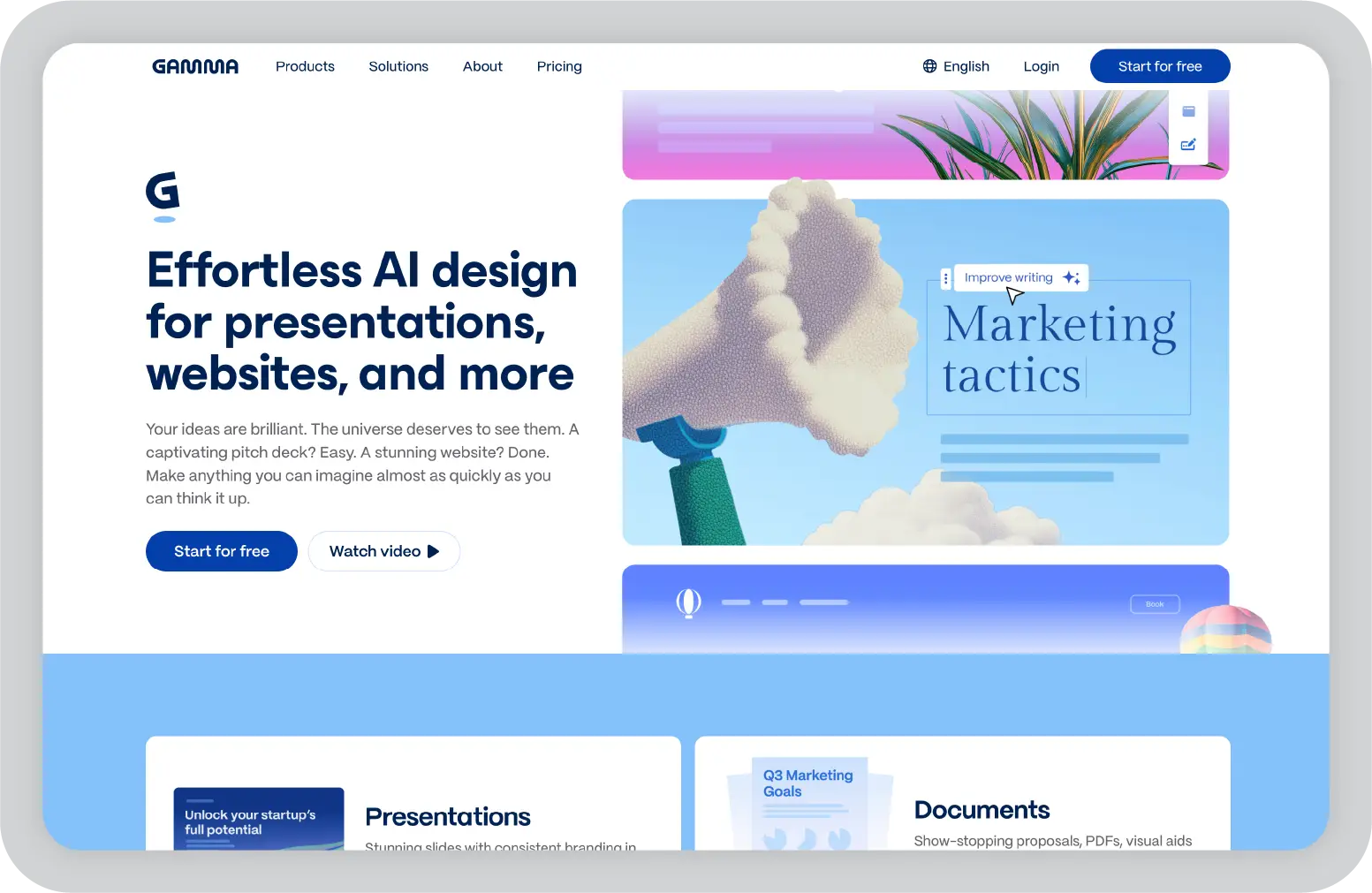
Gamma is optimized for speed and flexibility rather than strict control. It works well when fast output and ease of sharing are priorities, but may not fully meet the needs of teams that require strong brand governance or PowerPoint-native workflows.
Pros
Cons
Pricing: Free plan available. Paid plans start at $8/user/month.
Best for: Business professionals, product teams, and marketers who need fast, modern presentations.
SlideSpeak is an AI presentation tool built specifically for converting long-form documents into structured slide decks. It focuses on doc-to-slides AI workflows, where preserving the logic and flow of the source material is critical.
Unlike many tools that extract surface-level content, SlideSpeak analyzes document structure to identify key arguments, sections, and relationships. This allows it to generate presentations that reflect the intent of the original document rather than just summarizing text.
This approach is especially useful when working with research papers, reports, or technical documentation. You can upload a detailed document and receive a presentation that maintains the narrative integrity of the source content.
The platform also includes an AI chat interface that allows iterative refinement, making it easier to adjust or expand slides after initial generation.
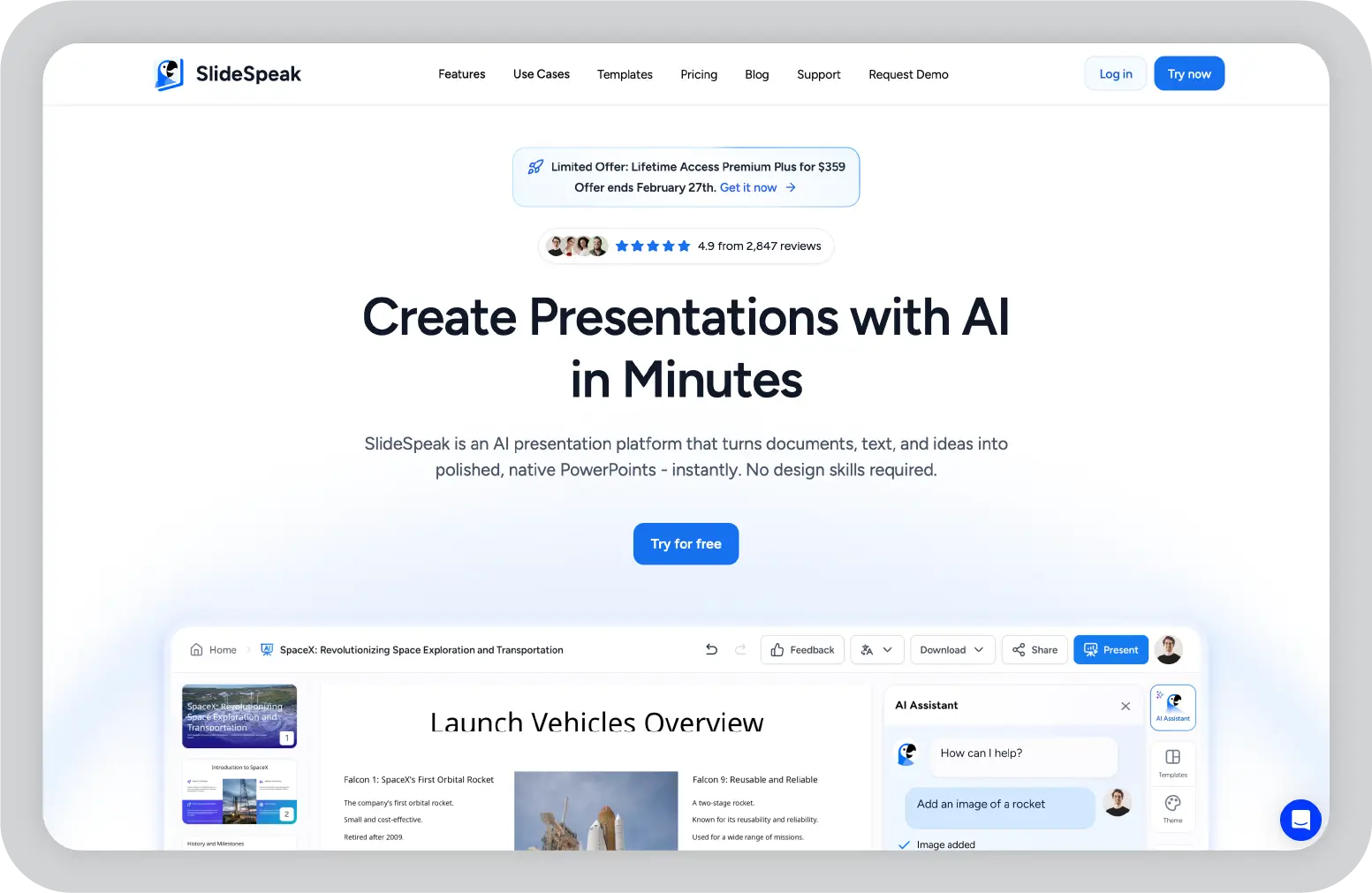
SlideSpeak performs best when presentations are built from existing documents. If your workflow starts from scratch or requires high visual design quality, additional editing will be needed.
Pros
Cons
Pricing: Free plan available. Paid plans start at $29/month (Premium), with a Premium Plus plan also available. Enterprise pricing on request.
Best for: Consultants, analysts, and document-heavy workflows.
Prezi is a presentation platform that takes a fundamentally different approach from traditional slide-based tools. Instead of linear slides, it uses a zoomable canvas that allows you to create presentations with a more visual and connected narrative structure.
This format enables presenters to move between topics dynamically, showing relationships between ideas rather than presenting them in a fixed sequence. Prezi is often used in scenarios where storytelling, explanation, and engagement are key priorities.
It works effectively in education, training, and presentations that require explaining systems or processes. The ability to visually connect ideas can help audiences better understand complex information.
While Prezi has incorporated AI features over time, its primary strength remains its presentation format rather than AI-driven content generation.
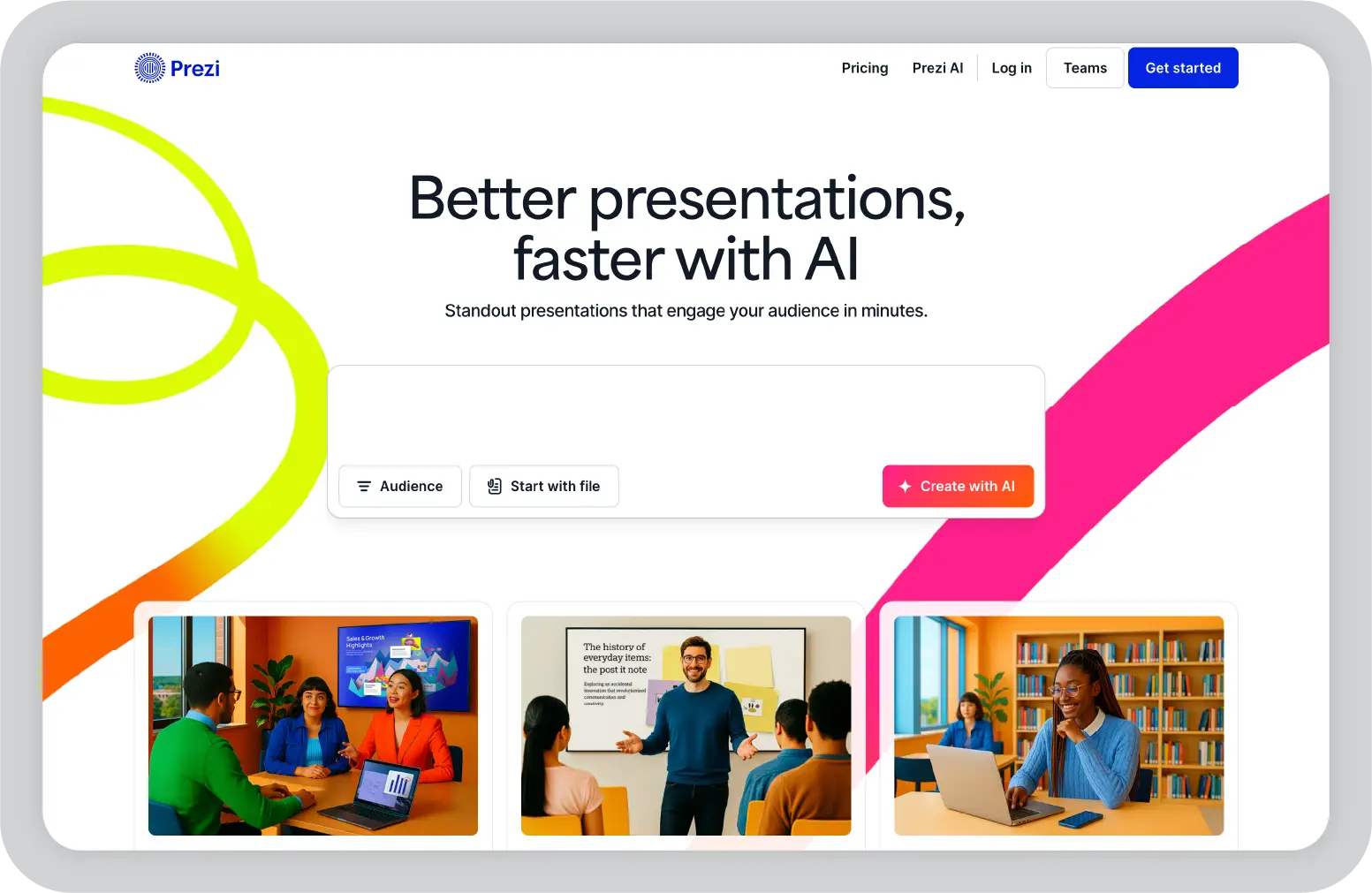
Prezi requires more planning and design effort compared to traditional tools. Its non-linear format may not be suitable for all audiences or business use cases. Teams should evaluate whether visual storytelling adds meaningful value to their presentation goals before committing.
Pros
Cons
Pricing: Free plan available. Paid plans start at $7/month (Standard, billed annually).
Best for: Educators, trainers, and keynote speakers.
Decktopus is an AI presentation tool designed to simplify and accelerate the presentation creation process. It uses a guided workflow that helps you generate complete presentations from prompts or inputs with minimal effort.
The platform is structured to reduce time spent on formatting and layout decisions. You describe the presentation you need, and Decktopus generates a full deck with content, structure, and basic design applied.
It also includes branding features such as custom colors, fonts, and logos, which allow teams to maintain a level of consistency across presentations without needing advanced design skills. Decktopus is particularly useful in scenarios where speed and repeatability are important, such as sales presentations, internal updates, or webinar content.

Decktopus prioritizes speed over customization. While it supports branding features, it offers limited flexibility for advanced design adjustments. One thing worth noting: the free plan provides only 20 credits, which is not enough to generate a full AI presentation (which requires 30 credits), so evaluating the tool meaningfully requires a paid plan.
Pros
Cons
Pricing: Free plan available (limited credits). Paid plans start at $14.99/month (Pro).
Best for: Small teams and users who need fast, repeatable presentation creation.
Pitch is a collaborative presentation platform built for teams that prioritize design quality and real-time collaboration. It combines a structured design system with team-based workflows, making it well-suited for modern agencies, product teams, and creative environments.
The platform allows multiple users to work on the same presentation simultaneously, with features such as commenting, task assignment, and version tracking. This makes it especially relevant for teams that create presentations collectively rather than individually.
Pitch also integrates with tools like Slack, Notion, Google Drive, and Figma, allowing it to fit into broader product and creative workflows. It has been around since 2018, which means its AI features are built on top of an established, well-developed presentation product rather than bolted on after the fact.
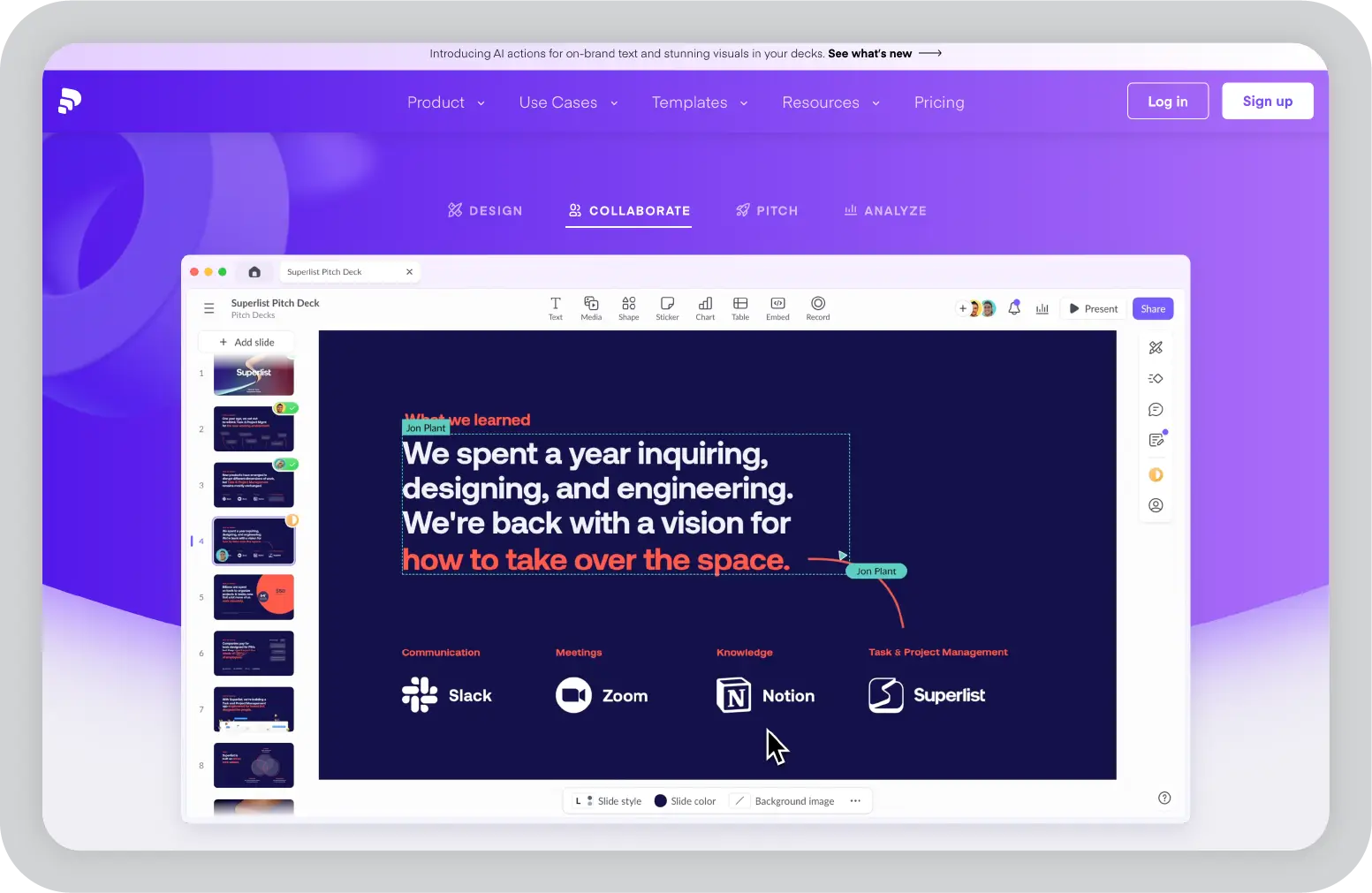
Pitch is most valuable in team environments. For individual users or document-driven workflows, some of its capabilities may not be fully utilized. It focuses more on design and collaboration than document interpretation.
Pros
Cons
Pricing: Free plan available. Paid plans start at $10/user/month (Pro).
Best for: Agencies, design teams, and collaborative business environments.
Presentations.AI is an AI presentation tool focused on simplifying the process of creating structured slide decks. It is positioned as a lightweight alternative for users who want to generate presentations quickly without a complex setup.
The platform focuses on turning prompts or outlines into coherent presentations with a logical flow. It helps you organize ideas into a structured narrative, which is especially useful for those who struggle with presentation structure.
While it does not offer the depth of more advanced tools, it provides a straightforward way to move from idea to presentation, making it relevant for users exploring free PopAI alternatives.
Presentations.AI emphasizes simplicity over depth. It is suitable for basic use cases but may not meet the needs of users requiring advanced design or enterprise features. The free plan is limited to a set number of presentations before credits run out.
Pros
Cons
Pricing: Free plan available (limited credits). Paid plans available on request.
Best for: Individuals and small teams exploring AI presentation tools for the first time.
Slidebean is a presentation platform designed specifically for creating startup pitch decks. It focuses on aligning presentation structure with investor expectations, making it different from general-purpose presentation tools.
The platform separates content from design, allowing you to focus on messaging while the system determines the most effective layout. This approach helps reduce clutter and ensures a consistent visual presentation.
Slidebean also offers analytics and an optional professional design service, which can be useful for founders preparing for high-stakes investor presentations. Its platform has helped founders raise over $500 million, according to Slidebean's own data, which speaks to its relevance in the fundraising context.

Slidebean is highly specialized. While it works well for fundraising presentations, it may not be the best fit for broader business use cases. It also does not allow the import of existing PowerPoint, Keynote, or PDF files for editing.
Pros
Cons
Pricing: Free plan available (limited sharing and export). Paid plans start at $7/month (Starter, billed annually).
Best for: Startup founders and fundraising teams.
Beautiful.AI is a presentation tool focused on automating design decisions. It uses smart templates that automatically adjust layout, spacing, and alignment as content is added.
This allows you to create visually consistent presentations without manually managing design elements. The platform ensures that slides remain clean and structured, even as content changes.
Beautiful.AI is particularly useful for business users who want polished presentations but do not want to spend time on formatting and design adjustments. Its focus is more on visual consistency than on advanced AI content generation.
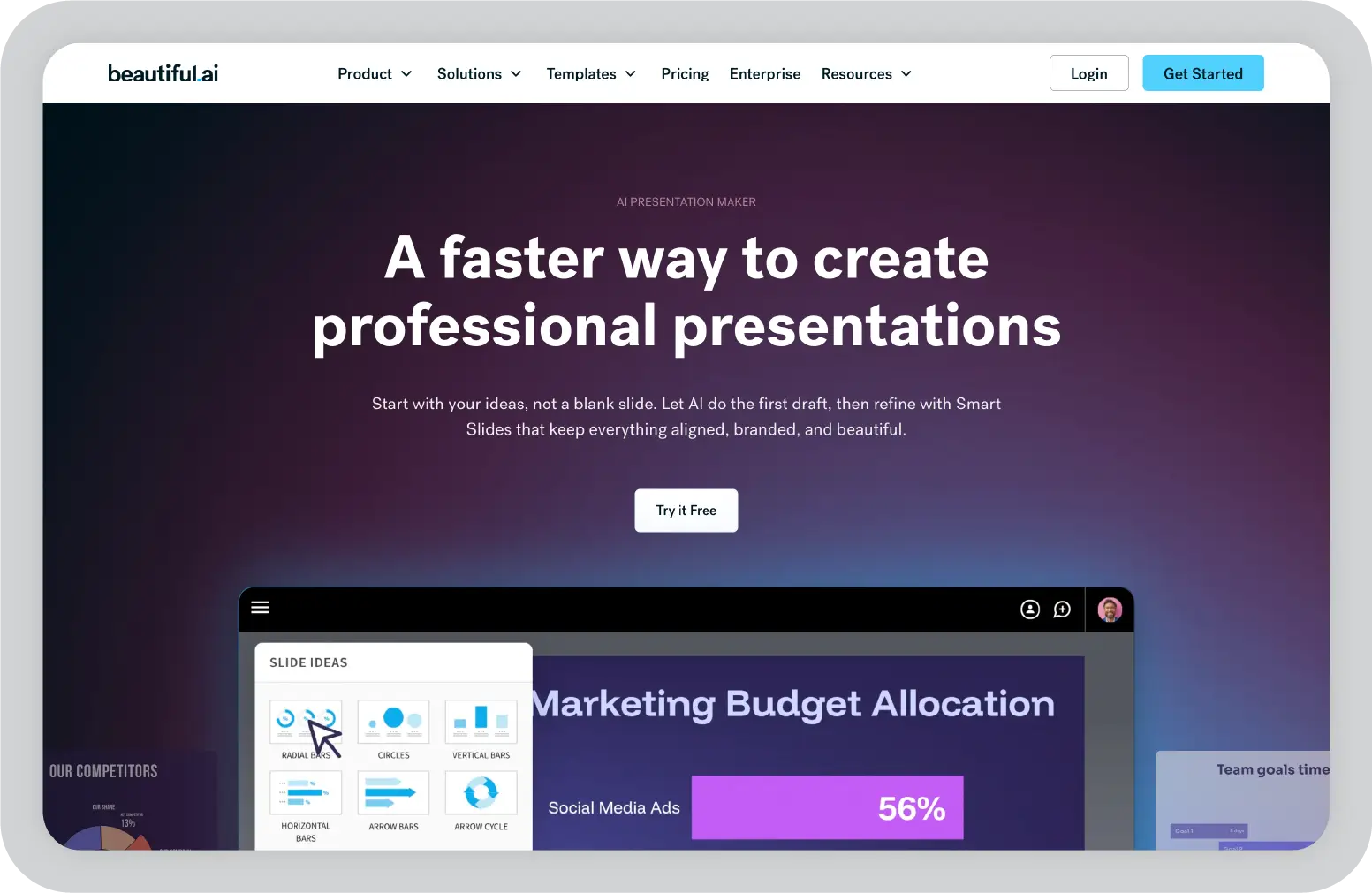
Beautiful.AI does not offer a permanent free plan. A 14-day free trial is available, but a credit card is required to start it. If design automation matters to you but you want to test before committing, plan accordingly.
Pros
Cons
Pricing: No free plan. 14-day free trial available (credit card required). Paid plans start at $12/month (Pro, billed annually).
Best for: Business professionals who want clean, consistent presentations without manual design work.
Canva Slides is part of the broader Canva design platform, extending its capabilities into presentation creation. It combines an intuitive interface with a large library of templates and visual assets.
The platform allows you to create presentations using drag-and-drop functionality, making it accessible to non-designers. It also integrates with Canva's broader ecosystem, including images, videos, and design elements. With over 230 million users and adoption across 95% of Fortune 500 companies, Canva's scale is hard to ignore.
Canva has introduced AI features such as Magic Design for Presentations and a Docs to Decks feature that converts written content into a slide format. Its core strength, however, remains its design capabilities and template library rather than deep AI presentation logic.
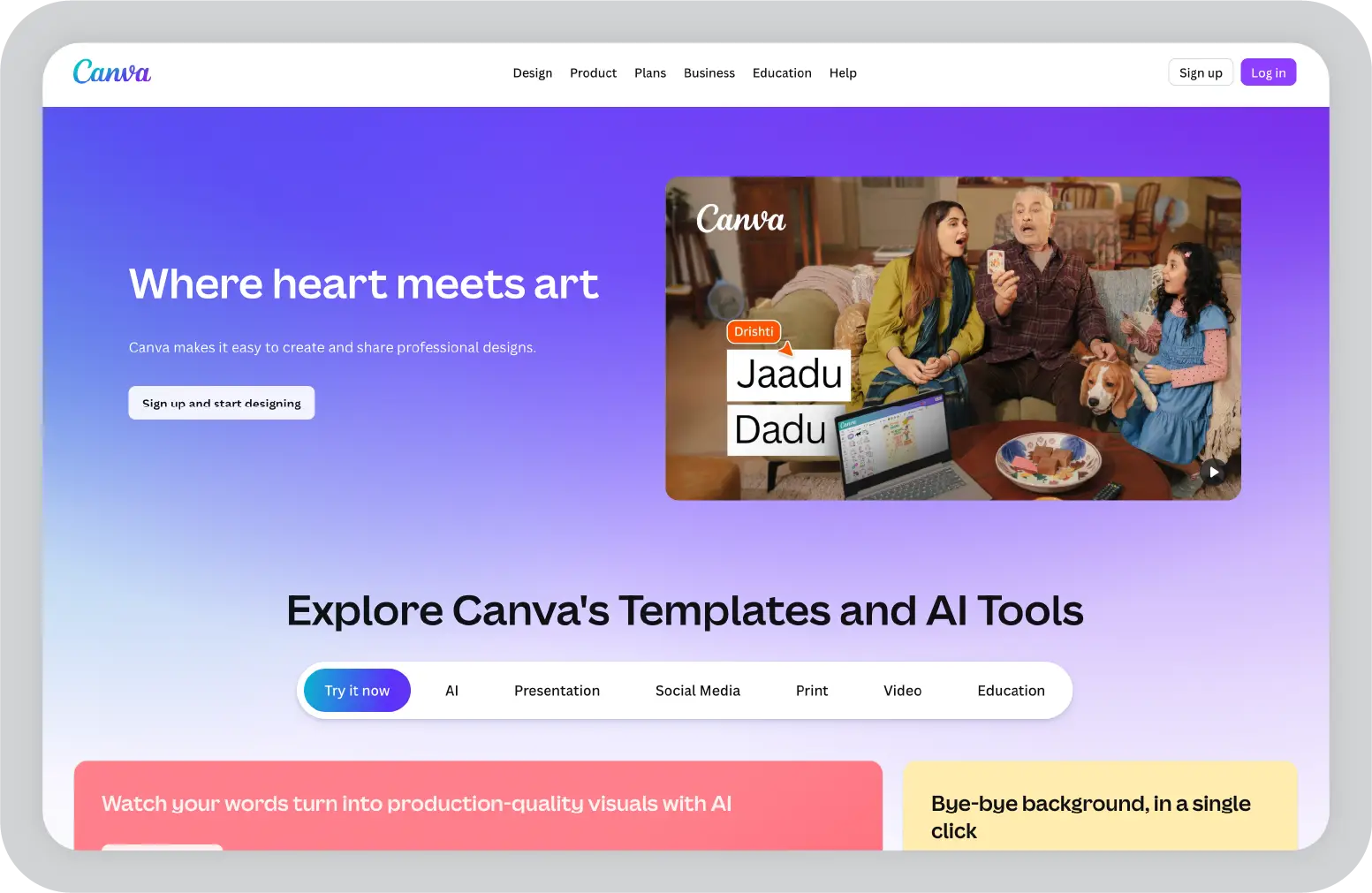
Canva Slides is design-first rather than presentation-first. While it offers strong visuals, its AI presentation capabilities are less advanced compared to dedicated tools. Teams with more complex presentation workflows may find it limiting over time.
Pros
Cons
Pricing: Free plan available. Paid plans start at $13/user/month (Pro, billed annually). Business plan at $20/user/month.
Best for: Teams already using Canva for design and content creation.
For users searching for PopAI presentation alternatives, this is the comparison that matters most when the decision is between a general AI workspace and a more enterprise-ready presentation platform.
If you need a simple tool to turn source material into a quick draft, PopAI can be a workable starting point. But if you need brand-compliant slide tools, clearer business storytelling, and a platform designed for enterprise communication, Prezent AI operates in a different category. For enterprise teams evaluating the best PopAI alternatives now, Prezent AI is the more strategic choice.
Choosing the right tool depends less on features and more on how you actually create presentations. Some tools are built for speed, others for design, and a few for structured business communication at scale. The table below simplifies the decision by mapping common use cases to the most suitable PopAI alternatives.
The market for AI presentation makers has become broader and more specialized than it was even a year ago. PopAI still works as a lightweight starting point for users who want quick, document-led slide drafts, especially in academic or individual use cases.
For professionals looking for a stronger PopAI alternative, the question is not just which AI presentation tool can generate slides, but which one can help create presentations that are clearer, more credible, and better aligned with their workflow.
This is where the differences begin to matter. Some AI tools are better suited for fast visual drafts, while others support structured presentation workflows or more advanced AI assistance. A few platforms are specifically built for professional presentations, where brand alignment, audience context, and communication quality are just as important as speed.
If I were evaluating the best PopAI alternatives for a business team, I would look closely at Prezent AI. It stands out as a powerful AI presentation maker for teams that need brand-compliant slides, stronger business storytelling, and a more structured path from raw content to executive-ready presentations. For medium and large enterprises, this makes it one of the best AI presentation makers in this category.
If you want to see whether it fits your workflow, the next step is simple: schedule a demo with Prezent AI and evaluate it against the type of presentations your team creates every week.
Gamma and Presentations.AI both offer free plans that are stronger than what PopAI offers for most users. Gamma excels in presentation design and integrations as a leading AI presentation maker. Presentations.AI is a good option when simplicity matters more than polish.
Yes. Prezent AI, Gamma, SlideSpeak, Decktopus, Pitch, Presentations.AI, Slidebean, Beautiful.AI, and Canva Slides all support PPTX export. Prezi is the exception, as its format does not map cleanly to traditional slide-based presentation software. Gamma’s exports may also need minor formatting adjustments.
Google Slides with Gemini works well for teams already using Google Workspace. However, when it comes to AI presentation creation, design quality, and specialized features, dedicated tools like Prezent AI and Gamma perform better as purpose-built AI presentation makers.
SlideSpeak is a good option for document conversion, especially for long-form content. It uses AI to understand structure instead of just extracting visible text. Prezent AI, however, goes further for enterprise use cases by combining document import with advanced AI assistance that helps create structured, business-ready presentations. For dense documents and professional presentations with AI, Prezent AI is one of the best alternatives to PopAI.
Prezent AI stands out among the best AI presentation makers for business presentations. It includes advanced AI tools, strong brand control, and structured presentation workflows that help teams create presentations aligned with business context and audience needs.
Gamma and Pitch generate strong AI content in terms of clarity and structure. Prezent AI goes further with specialized AI and built-in AI assistance that helps teams create presentations from scratch with better audience targeting and communication framing. For teams looking to use AI beyond basic slide generation, Prezent AI is a top performer among alternatives to PopAI.
.webp)
Supriya is a Content Strategist and Creator at Prezent AI with extensive experience in brand storytelling, digital strategy, and B2B content. She has worked across SaaS and technology-driven businesses, building content engines that drive awareness, engagement, and pipeline growth. Passionate about crafting clear, insight-led narratives, Supriya focuses on turning complex ideas into compelling stories that resonate with modern business audiences. You can connect with her on LinkedIn.