AI Presentation Software for Life Sciences
Turn operational metrics into clear,
decision-ready performance reviews
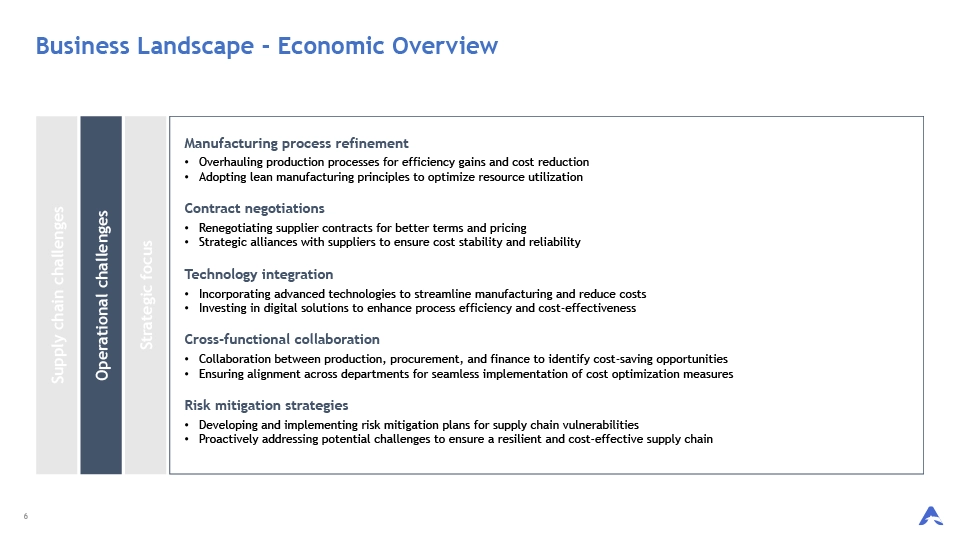
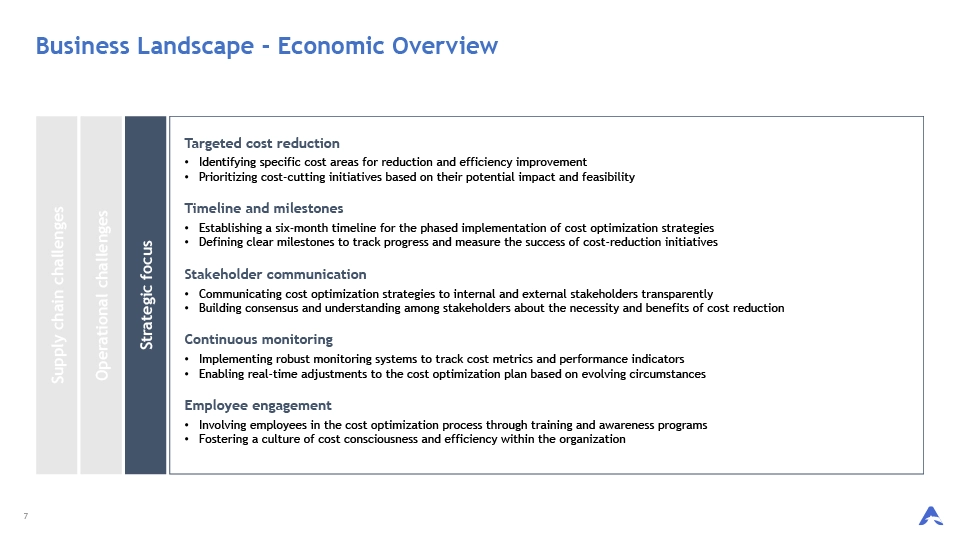
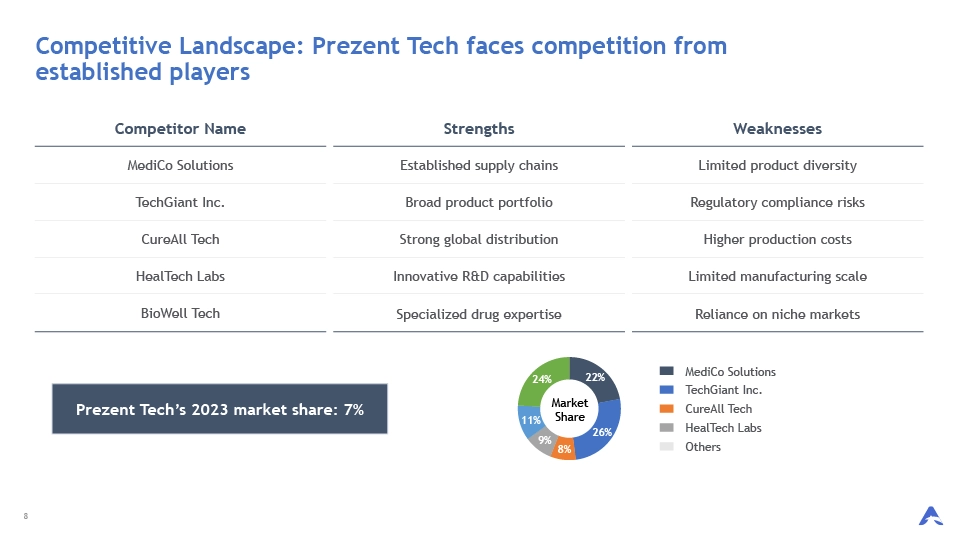
Prezent’s AI platform and expert services help teams transform complex operational metrics into clear, on-brand presentations with visual charts and graphs that support performance reviews, cross-functional alignment, and faster, data-driven decisions.

How Prezent helps craft clear Operational Metrics presentations
Go from data to clear operational metrics and KPI decks—in minutes
Visualize complex data and plans for faster alignment
Generate on-brand presentations from within chatbots, dashboards, and workflows
Send us rough drafts and get designer-quality presentations—overnight
Elevate executive storytelling with strategic communication partners
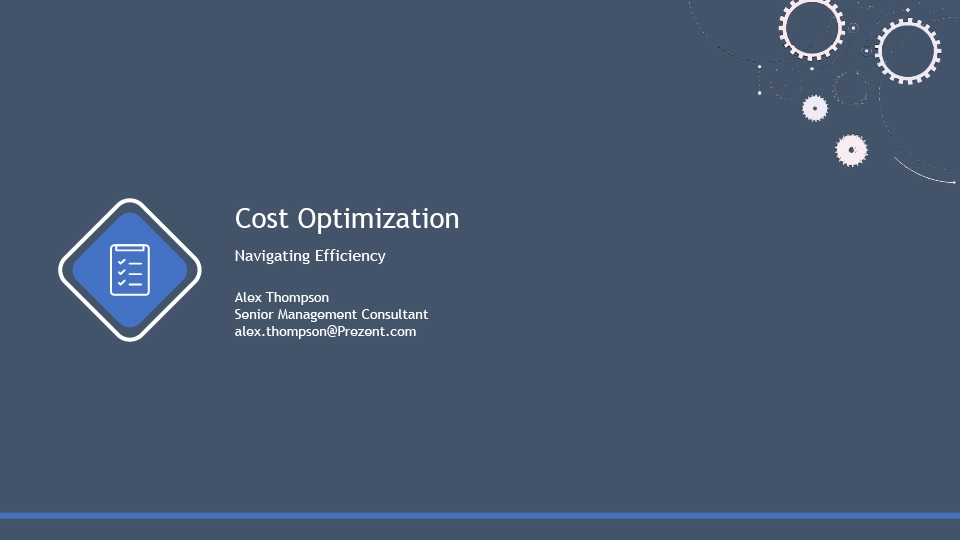

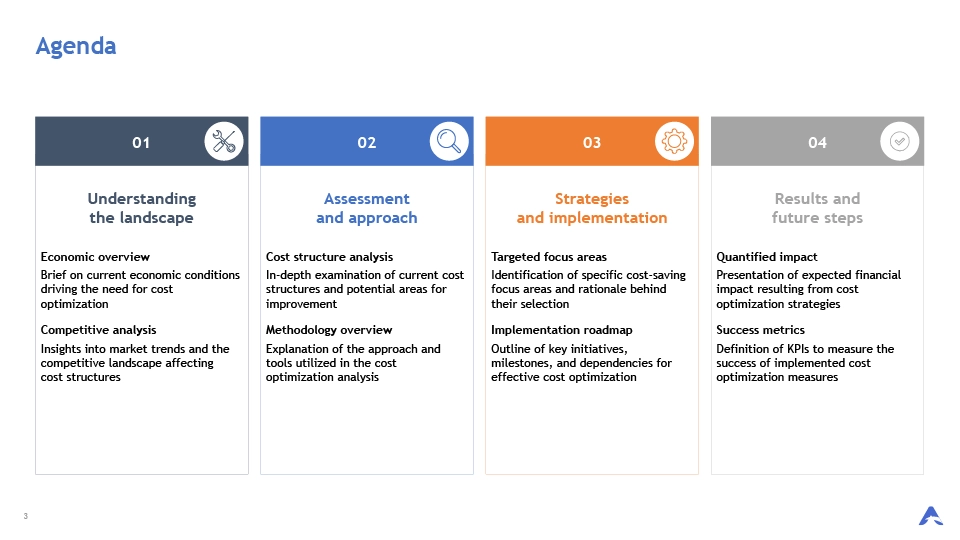
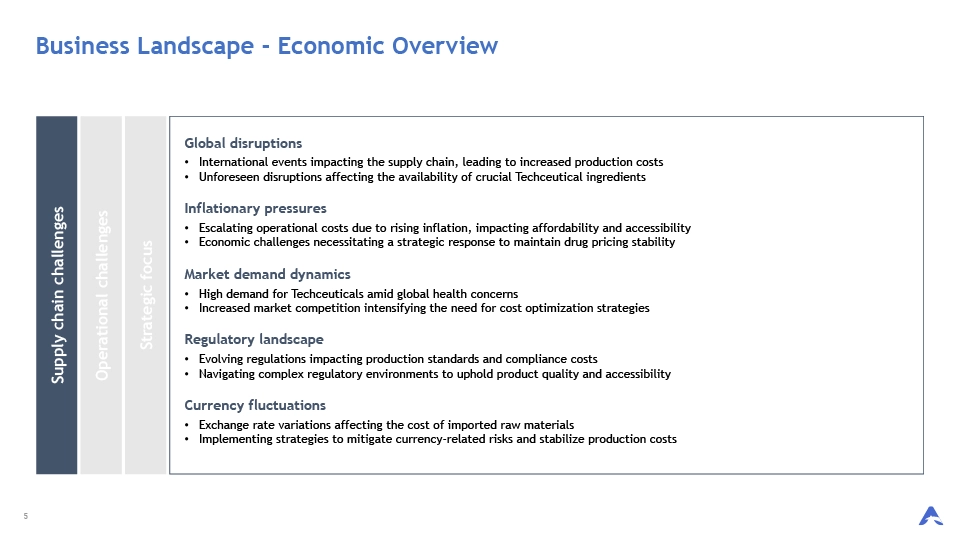
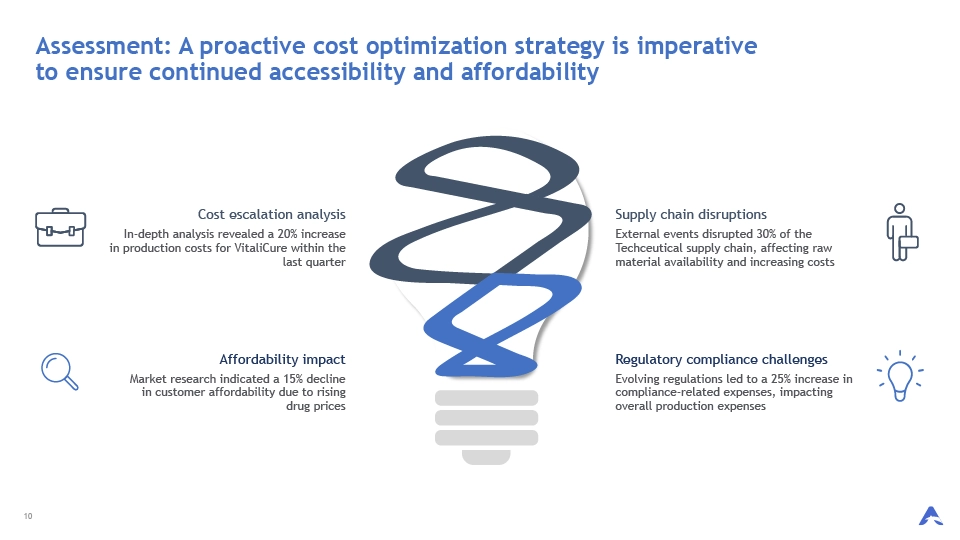
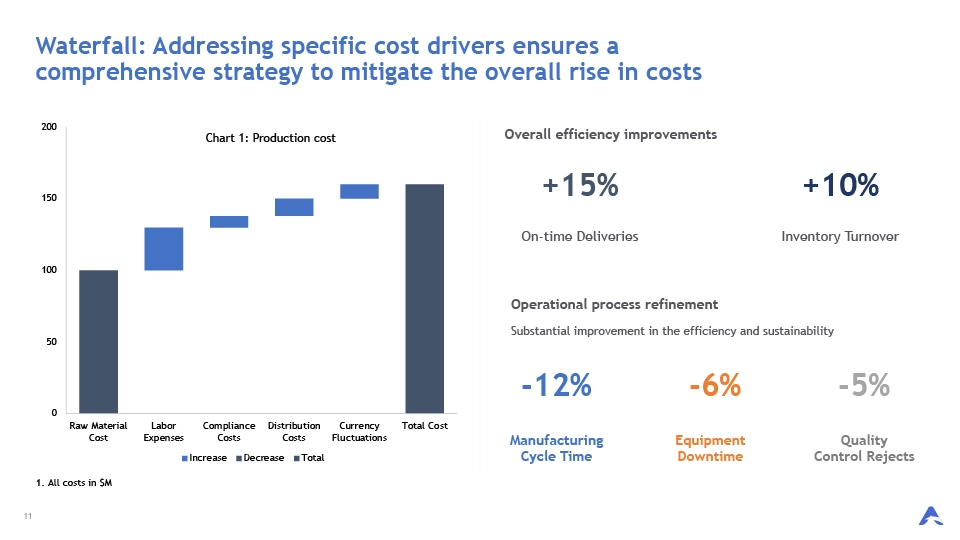
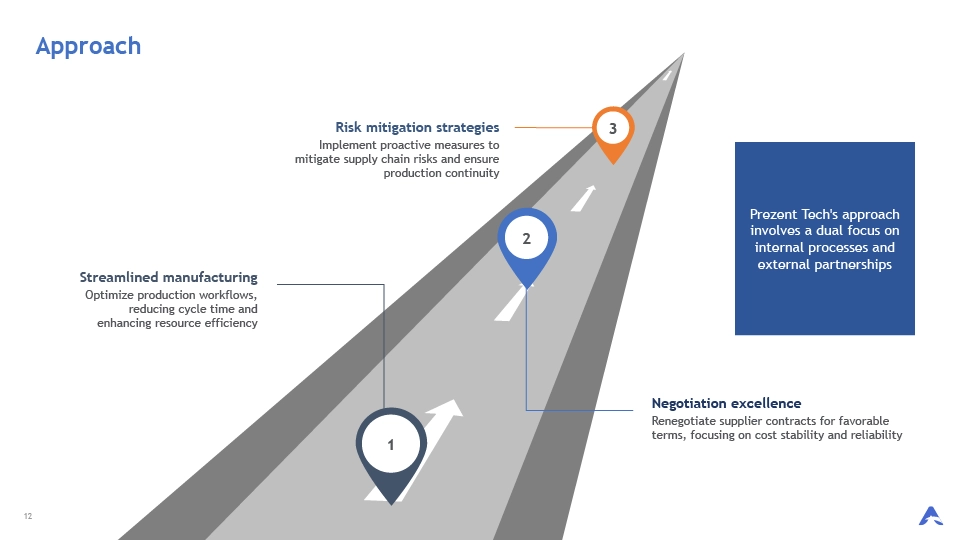
Join Fortune 2000 companies transforming visual storytelling with Prezent
Jules Robertson,
Product Marketing
.png)
“It was so easy to onboard, so easy to create our templates and just get going.”
Steven Januar Kusmanto,
Digital & Customer Engagement

“With Prezent, I upload the PDF, and 80% of the work is done.”
Maurice Garland,
Sales and Market Access

“I can now organize technical data in a story that is easily understood.”
Amar Chahal,
SVP, Global Marketing

“Prezent gives us the flexibility to use different templates for different audiences.”
Steven Januar Kusmanto,
Digital & Customer Engagement
“With Prezent even junior colleagues can now build an effective story in their presentations.”
Ben Lei,
Head of Marketing

“Adding Prezent as an enterprise application allowing all of our team members to use the different services has added great value.”
Explore other use cases for your next presentation

Frequently Asked Questions About
AI Presentation Maker
How can I download the operational metrics presentation templates?
To access operational metrics presentation templates, start by registering for a free Prezent trial. Once your details are reviewed, you’ll receive your login credentials via email. Prezent acts as an enterprise presentation platform and business presentation software, giving you access to over 35,000 storyline-based slides and best-practice templates. You can download the templates you need and customize them to support performance reviews, KPI tracking, and operational reporting.
Can I edit Presentation templates using PowerPoint or Google Slides?
You can edit operational metrics Presentation templates in either PowerPoint or Google Slides. Our templates are fully compatible with both platforms, offering you the convenience and versatility to customize the content and overall presentation according to your preferences. Whether you prefer PowerPoint's functionality or Google Slides' collaborative features, you can seamlessly edit and adapt the templates to meet your specific needs.
How do I ensure the AI pulls the correct information from context files?
To get the best results, be specific in your prompt—reference page numbers, tables, figures, or sections, and include supporting context files such as Excel sheets, PDFs, or Word documents. This helps the AI presentation maker pull the exact operational data you want included.
