No items found.
No items found.

Enterprise teams lose 20+ hours each week building presentations manually. Across sales reviews, board meetings, client pitches, and internal updates, that time compounds quickly. When I tested 14 AI presentation makers, my objective was to identify which platforms could meaningfully reduce that effort while still helping teams create presentations that meet enterprise-grade brand standards.
For enterprise teams, presentations are strategic assets. They influence revenue outcomes, executive decisions, and client relationships. An AI presentation platform must therefore do more than use AI to generate slides from a simple AI prompt. It must support brand-compliant design across teams, produce accurate and usable content, enable secure collaboration, and export seamlessly to tools like PowerPoint without creating downstream formatting issues. Enterprise teams need polished presentations without spending hours fixing layouts or rewriting AI-generated content.
To evaluate this properly, I built real enterprise-style decks rather than relying on demo examples. I assessed each presentation software platform across five core areas: speed of generation, content accuracy, design quality, ease of use, and collaboration capabilities. I also examined how well each AI assistant supported brand governance and fit into existing workflows such as Microsoft 365 and Google Workspace.
In the sections that follow, I break down what I observed, where each AI presentation maker performed well, where limitations appeared, and which tools are best suited for specific enterprise use cases, whether you are starting from scratch or refining an existing PowerPoint presentation.
I evaluated each platform against the same enterprise workload over a 10-day period. Every tool received identical, detailed AI prompts, the same brand kit, and access to the same small internal team for collaboration testing. This ensured consistency, reduced bias, and allowed for a fair comparison across leading presentation tools on the market.
Here is the framework I used.
The table below provides a quick side-by-side comparison of all 14 AI presentation makers tested under the same enterprise conditions. The goal was to help teams find the best tool based on real performance, not marketing claims.
It highlights each platform’s primary use case, key AI capabilities, brand compliance support, speed, PowerPoint export performance, and pricing. All results reflect the structured testing framework outlined above.
These platforms excel with templates, libraries, standardization, and controls that support advanced AI capabilities while ensuring zero brand drift across enterprise teams.
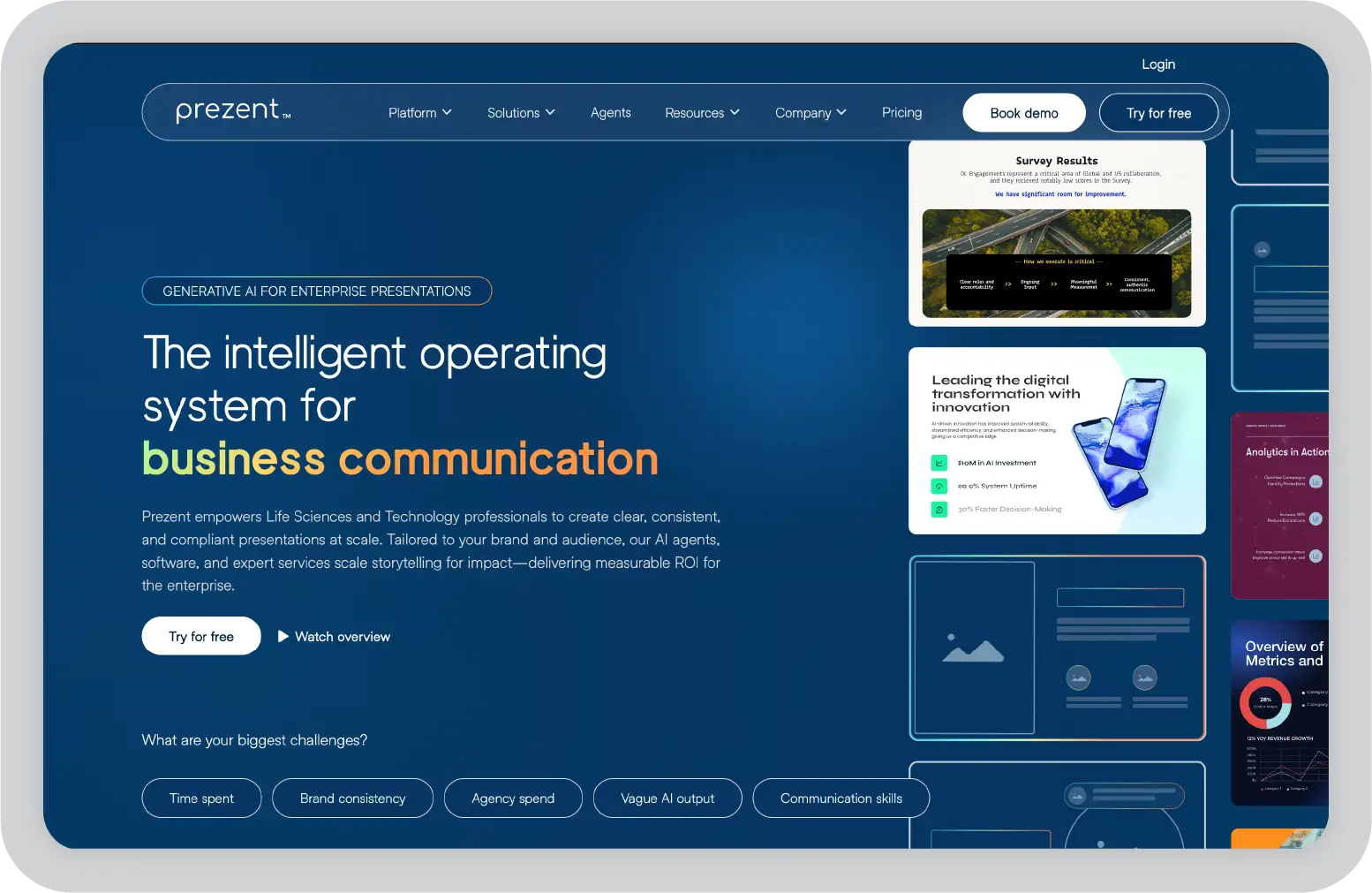
Prezent is an AI presentation platform built for enterprise teams. This tool is built on a specialized AI engine, Astrid, which automates brand compliance while generating hyper-personalized content at scale. Trained on industry-specific models, it auto-generates decks tailored to audience role, industry vertical, and business function, helping eliminate brand drift across sales, marketing, and leadership decks.
Key features of Prezent:
Pricing:
Lite plans start at $39 per month. Pro and Enterprise plans are available with custom pricing.
What it did well (Pros):
Where it falls short (Cons):
Best for:
Enterprise sales, marketing, and leadership teams that need fast, on-brand presentations at scale without sacrificing control over messaging or design.
Verdict: ★★★★★
Beautiful.ai is a smart template-based presentation platform designed to automate layout and formatting. It is particularly effective for recurring, data-heavy decks such as monthly reports and dashboards. Its core strength lies in design automation, reducing manual slide adjustments while supporting asynchronous team collaboration.
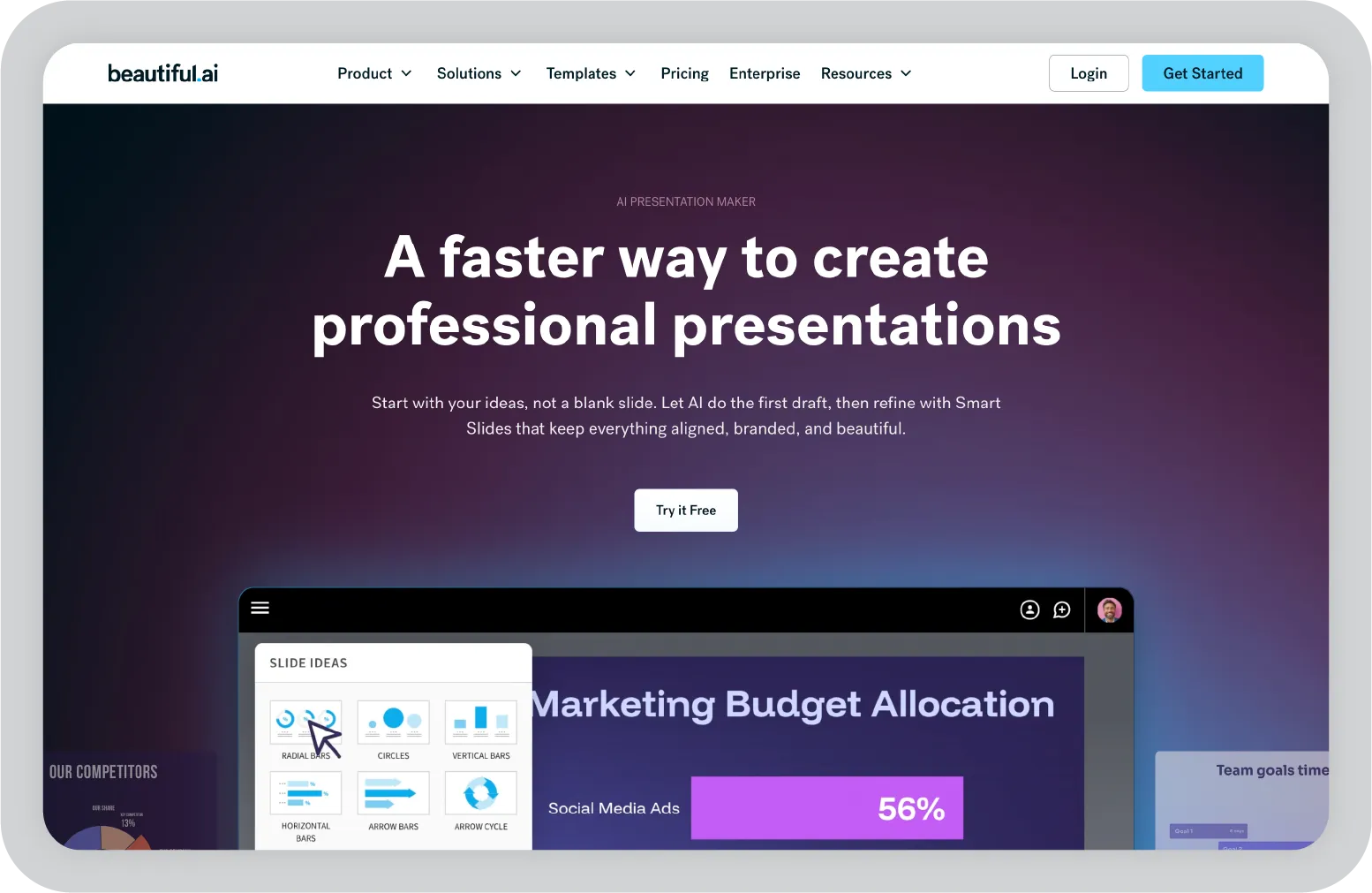
Key features of Beautiful AI:
Pricing:
Pro plans start at $12 per month. Team plans are available at $40 per user.
What it did well (Pros):
Where it falls short (Cons):
Best for:
Teams building recurring data-heavy reports such as monthly dashboards and quarterly reviews, where layouts need to auto-adjust as numbers change without manual reformatting.
Verdict: ★★★★☆
Visme is a presentation platform that combines interactive data visualization with enterprise-level administrative controls. It is particularly suited for training demos, internal education sessions, and mixed-media presentations that require charts, embedded media, and interactive elements. Its core strength lies in supporting visually rich, engagement-driven content rather than fully automated slide generation.
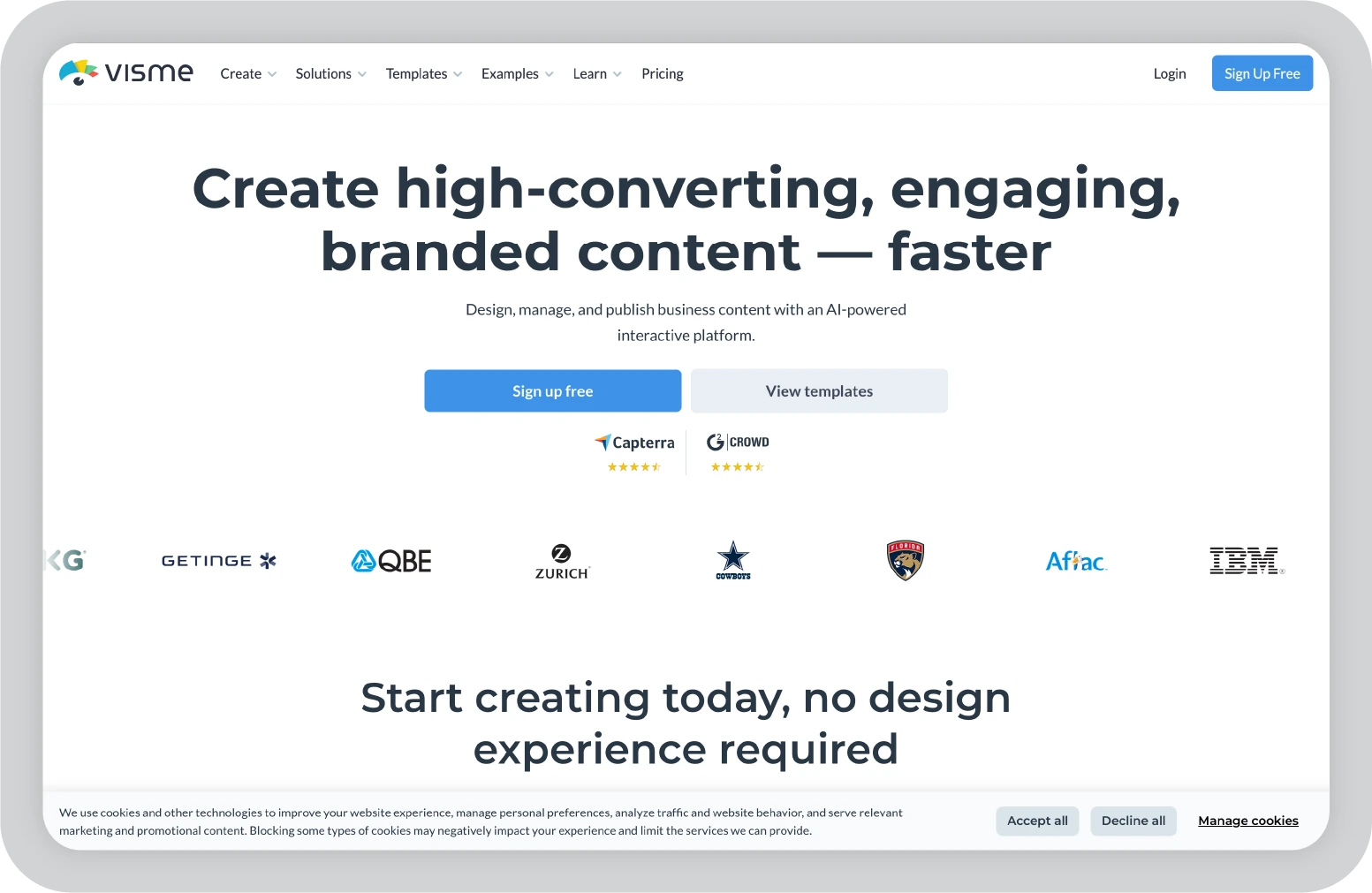
Key features of Visme:
Pricing:
Starter plans begin at $29 per month. Business and Enterprise plans provide expanded team features and administrative controls for larger organizations.
What it did well:
Where it falls short:
Best for:
Training teams, sales enablement leaders, or demo presenters who need interactive charts, embedded audio or video, and data widgets that increase engagement without complex technical setup.
Verdict: ★★★☆☆
These tools use AI models to generate structured narratives for a full presentation, prioritizing accuracy over visual polish when tested on complex business topics.
GenPPT is an AI presentation platform focused on research-driven content creation. It leverages advanced language models, including Gemini Pro and Claude Opus, to generate slides grounded in structured information. The platform prioritizes content depth and credibility over heavy design customization, making it suitable for analysts, consultants, and professionals who require substance-first presentations.
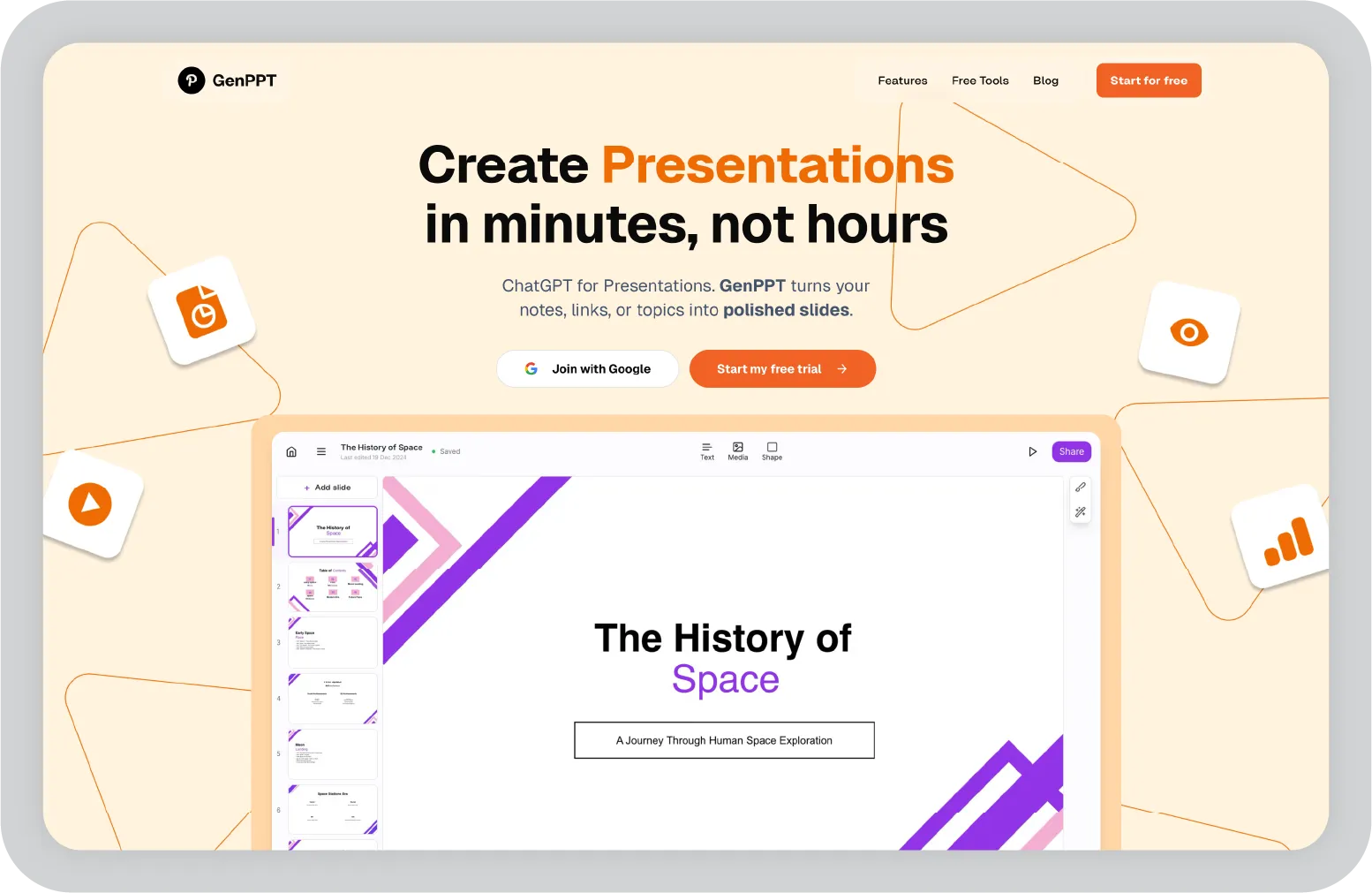
Key features of GenPPT:
Pricing:
Pro plans are available at $19 per month.
What it did well:
Where it falls short:
Best for:
Analysts, consultants, and professionals who prioritize research-backed content with real statistics, where substance matters more than advanced design polish.
Verdict: ★★★★☆
Presentations.ai focuses on automating complex visual creation from text prompts. It is designed for data-heavy reports that require charts, timelines, and infographics. Its adaptive template system helps maintain visual consistency as content expands, reducing the need for manual layout adjustments.
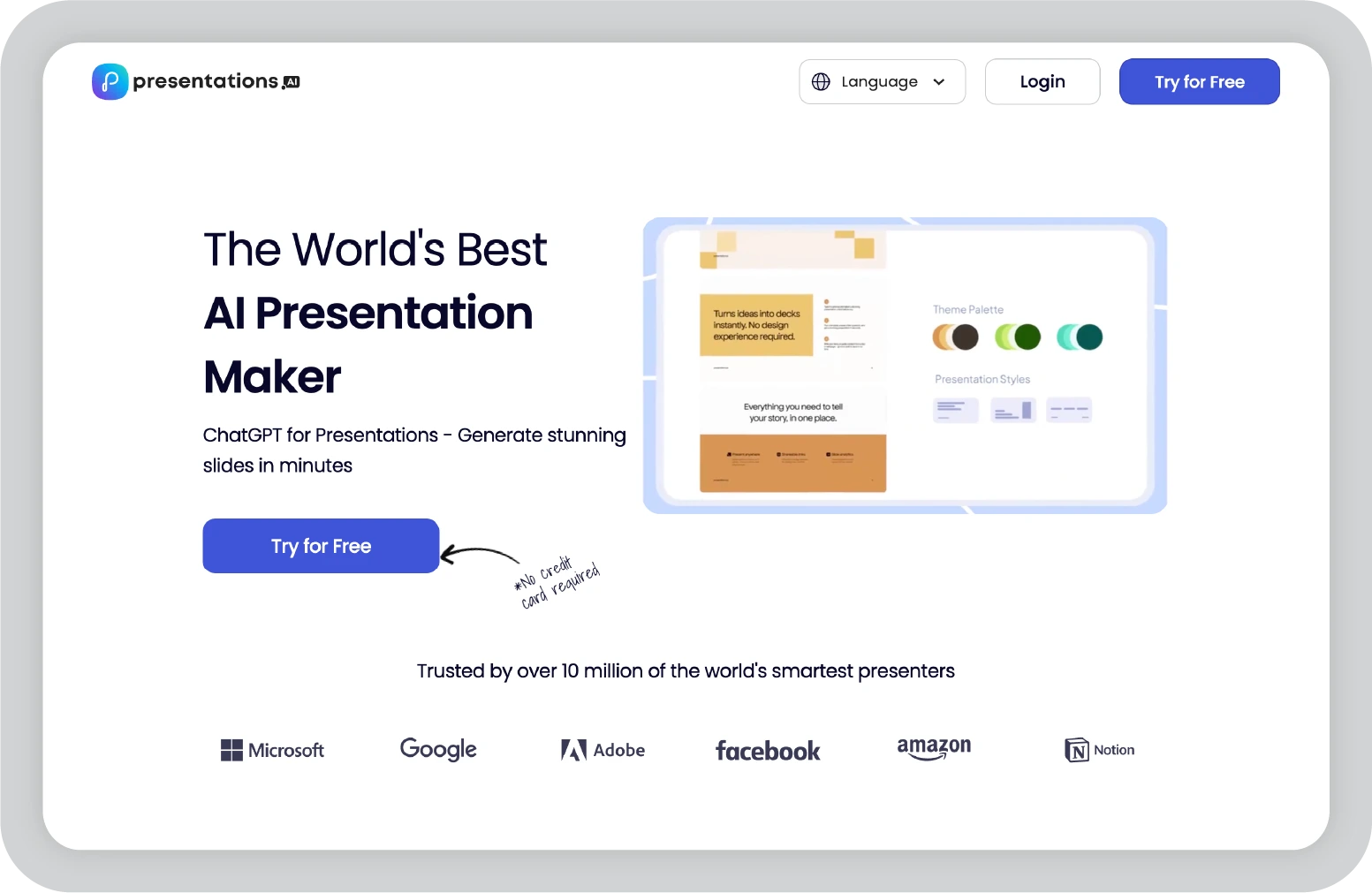
Key features of Presentation.ai
Pricing:
Pro plans are available on an annual subscription basis for $198.
What it did well (Pros):
Where it falls short (Cons):
Best for:
Data analysts and report builders who need charts, timelines, and infographics generated automatically from raw text or datasets, without relying on manual design skills.
Verdict: ★★★☆☆
These platforms help teams create the presentation you want with scrollable, website-like formats. Ideal for startups choosing modern aesthetics over basic PowerPoint decks, especially when comparing options like Canva or Gamma.
Gamma is an AI presentation platform that creates scrollable, web-style presentations designed to resemble modern websites rather than traditional slides. Its visual-first approach, combined with built-in AI image generation, makes it well-suited for startup pitch decks and narrative-driven presentations.
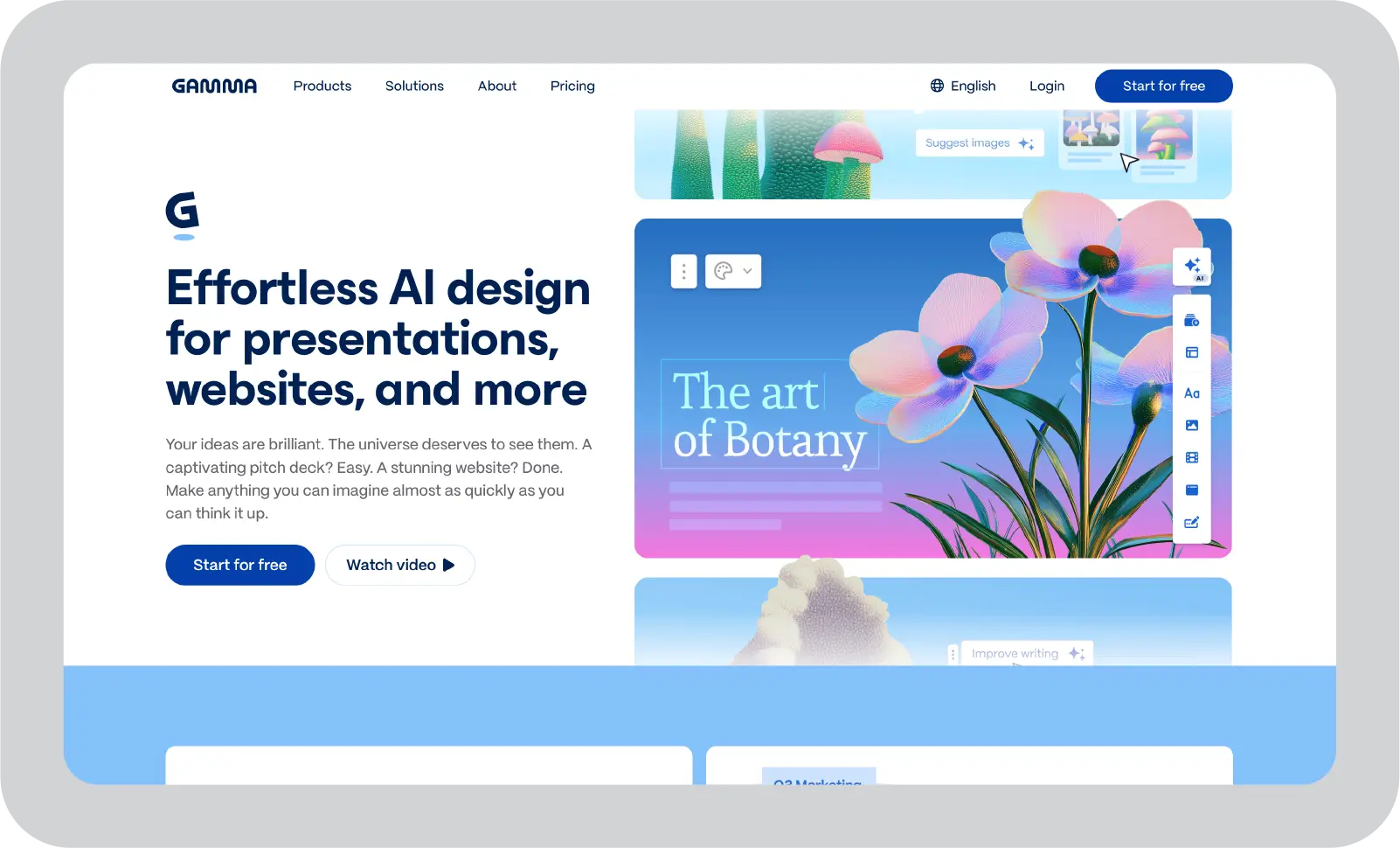
Key features of Gamma:
Pricing:
A free plan is available with limited credits. Plus plans start at $12 per month.
What it did well
Where it falls short
Best for:
Startups, product marketers, and growth teams building scrollable pitch decks and investor updates that resemble modern web experiences rather than traditional corporate PowerPoint slides.
Verdict: ★★★★☆
Tome is a presentation platform built around a scrollable, narrative-first format. It is designed for concept storytelling rather than traditional slide decks, making it suitable for founders and teams communicating vision, strategy, or creative ideas. The platform emphasizes visual storytelling and engagement tracking over structured corporate reporting.
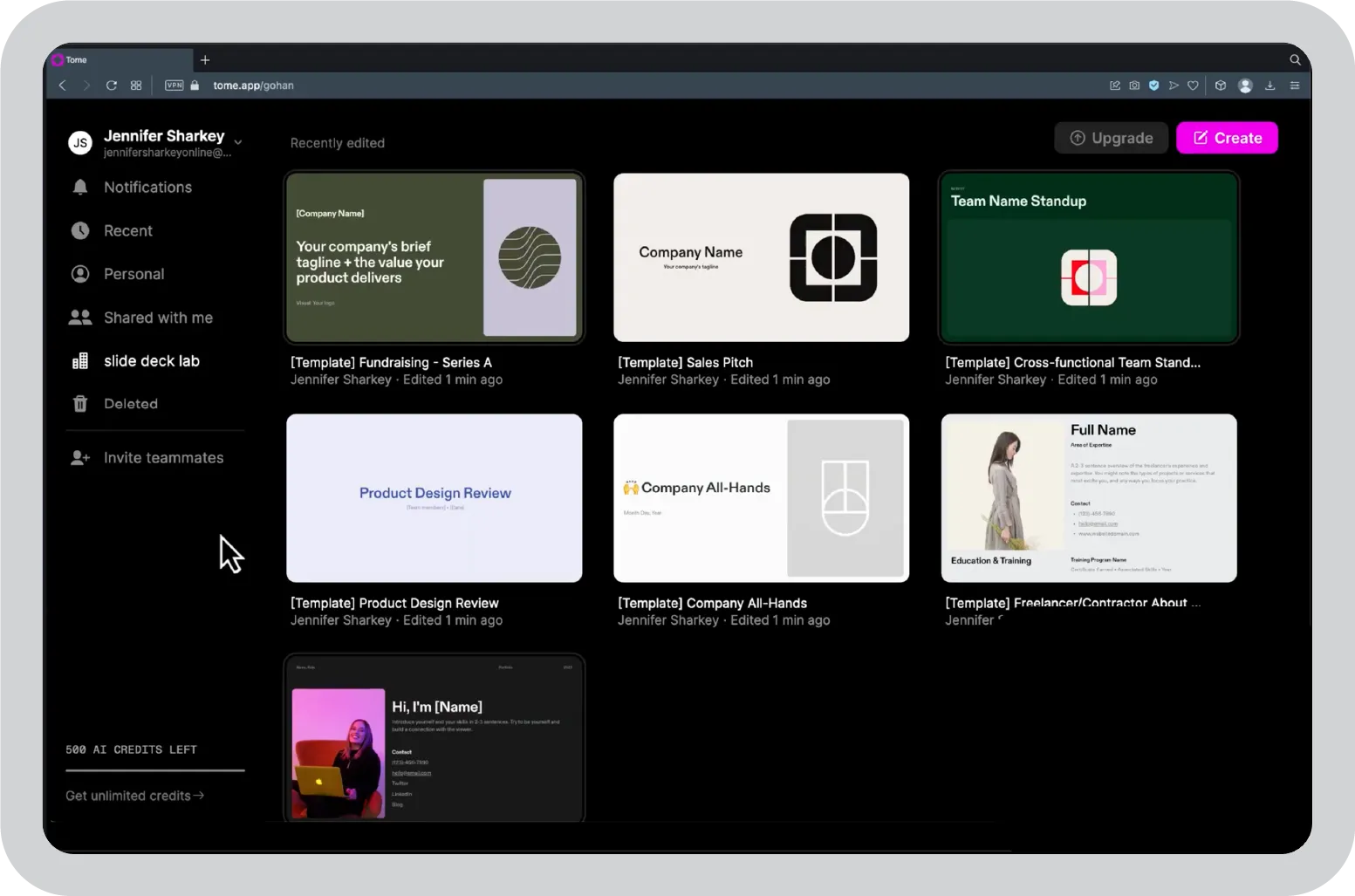
Key features of Tome:
Pricing:
Starter plans begin at $8 per month.
What it did well (Pros):
Where it falls short (Cons):
Best for:
Founders, strategy leads, and vision communicators creating scrollable concept decks where narrative flow and visual storytelling take priority over traditional slide structure.
Verdict: ★★★☆☆
These tools enhance AI PowerPoint workflows and allow teams to build slides without leaving their existing environment, reducing friction and reliance on another platform.
Plus AI operates directly within Google Slides and PowerPoint, allowing teams to enhance existing presentations without switching platforms. It is designed for organizations already embedded in Microsoft 365 or Google Workspace workflows. Its core advantage lies in improving slide structure and layout while maintaining familiarity and workflow continuity.
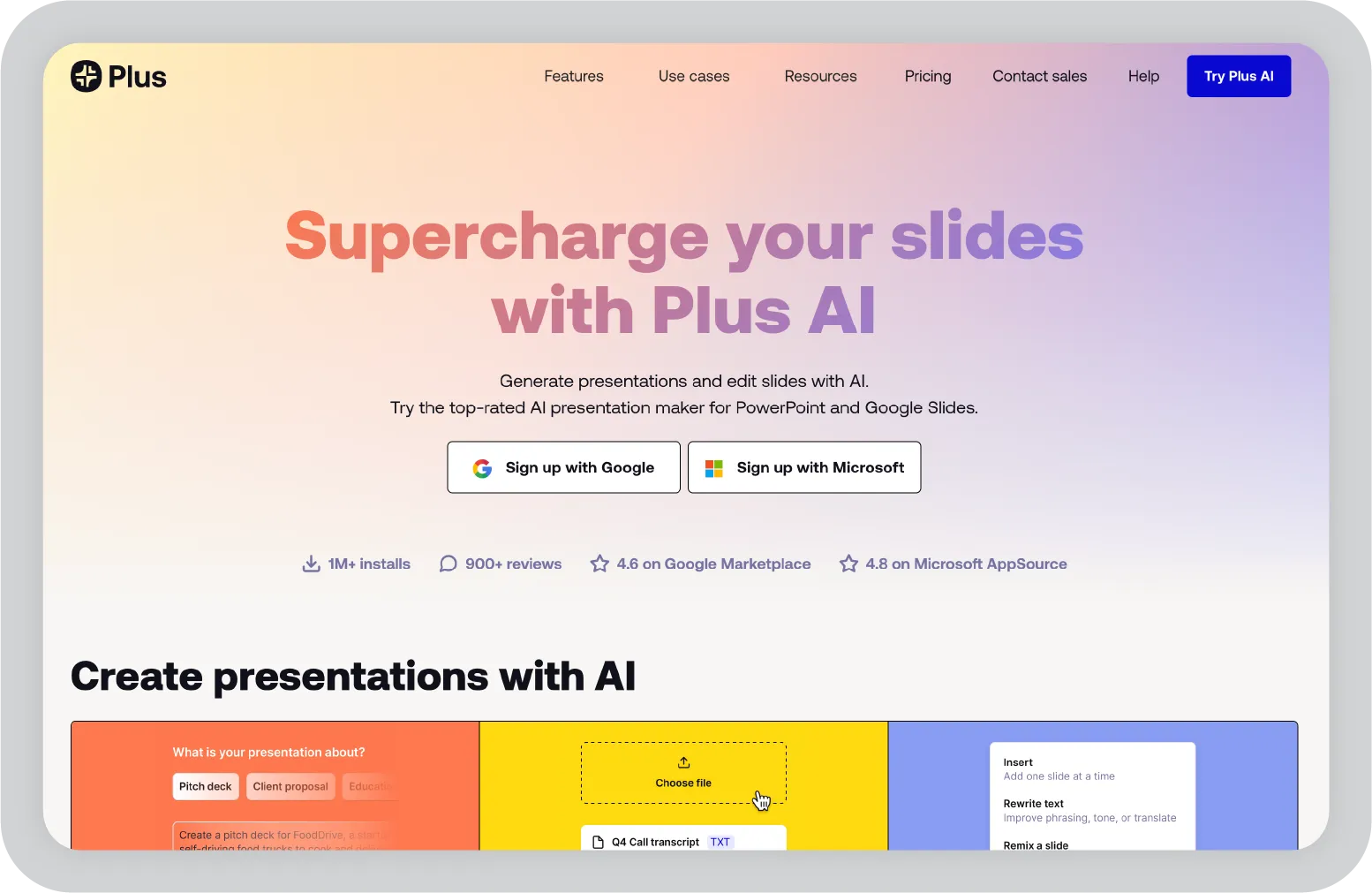
Key features of Plus AI
Pricing:
Basic plans start at $10 per month. Pro plans offer advanced features for teams working directly inside PowerPoint and Google Slides to save time without switching tools.
What it did well (Pros):
Where it falls short (Cons):
Best for:
Google Workspace or Microsoft 365 teams that want AI slide generation, layout improvements, and live data embeds directly within their existing PowerPoint or Google Slides workflow, without adopting a new platform.
Verdict: ★★★★☆
SlidesAI converts text and documents into structured slide decks directly within Google Slides and PowerPoint. It focuses on rapid content transformation rather than advanced design. The platform is particularly useful for teams that need to turn reports, articles, or notes into presentation-ready slides quickly.
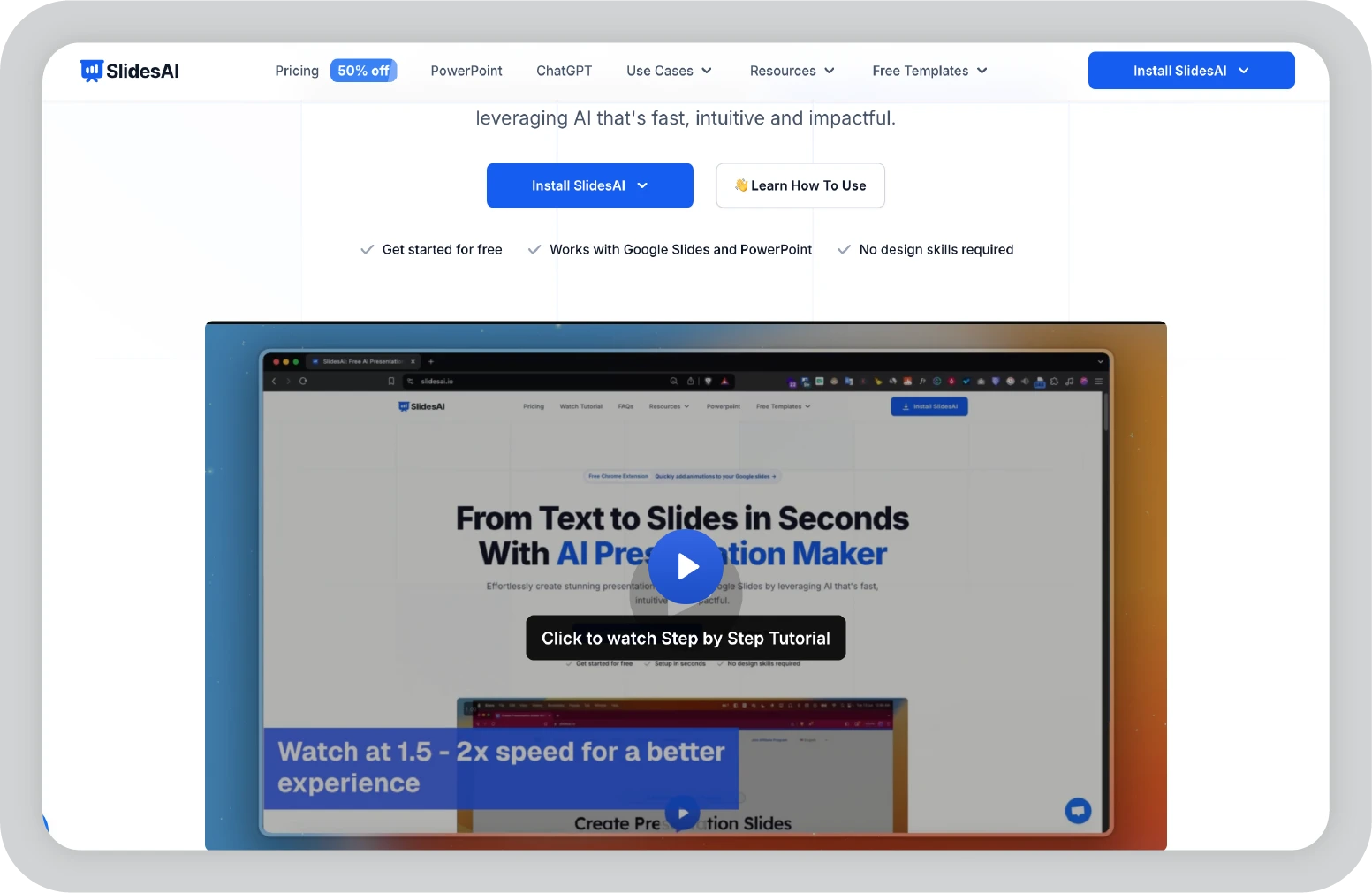
Key features of SlidesAI
Pricing:
Pro plans start at $10 per month.
What it did well (Pros):
Where it falls short (Cons):
Best for:
Sales enablement teams, training teams, or consultants who need to convert proposals, reports, and whitepapers into structured slide decks instantly, without leaving Google Slides or PowerPoint.
Verdict: ★★★☆☆
These platforms support visually flexible workflows, giving teams more customization options than a basic PowerPoint setup while enabling AI-assisted design beyond a simple text box edit.
Canva AI combines a large template ecosystem with AI-assisted design and drag-and-drop editing. It is built for creative flexibility, making it well-suited for marketing teams that manage presentations alongside social media graphics and other visual assets. The platform emphasizes design control and multi-format output rather than structured enterprise governance.
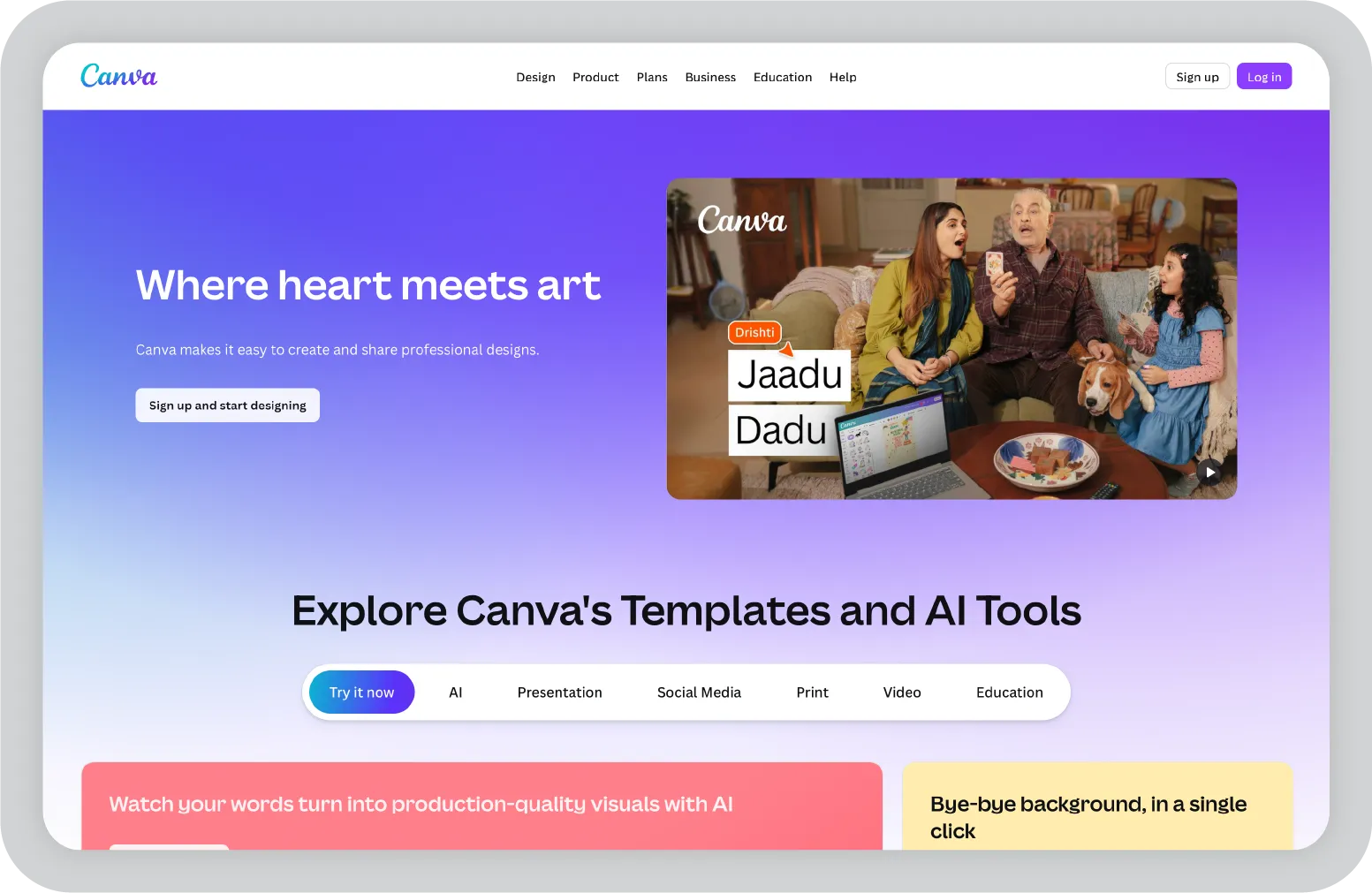
Key features of Canva AI:
Pricing:
Pro plans start at $15 per month.
What it did well (Pros):
Where it falls short (Cons):
Best for:
Marketing, social media, and creative teams that need maximum design flexibility across presentations, social graphics, and video, all within one platform with extensive templates and export options.
Verdict: ★★★★☆
These tools show how AI can help streamline stakeholder feedback, permissions, and client sharing without disrupting the presentation process.
Pitch combines modern presentation design with strong asynchronous collaboration features. It is built for teams that regularly share decks with clients and external stakeholders. Its collaboration tools, including video feedback and permission controls, make it well-suited for distributed workflows.
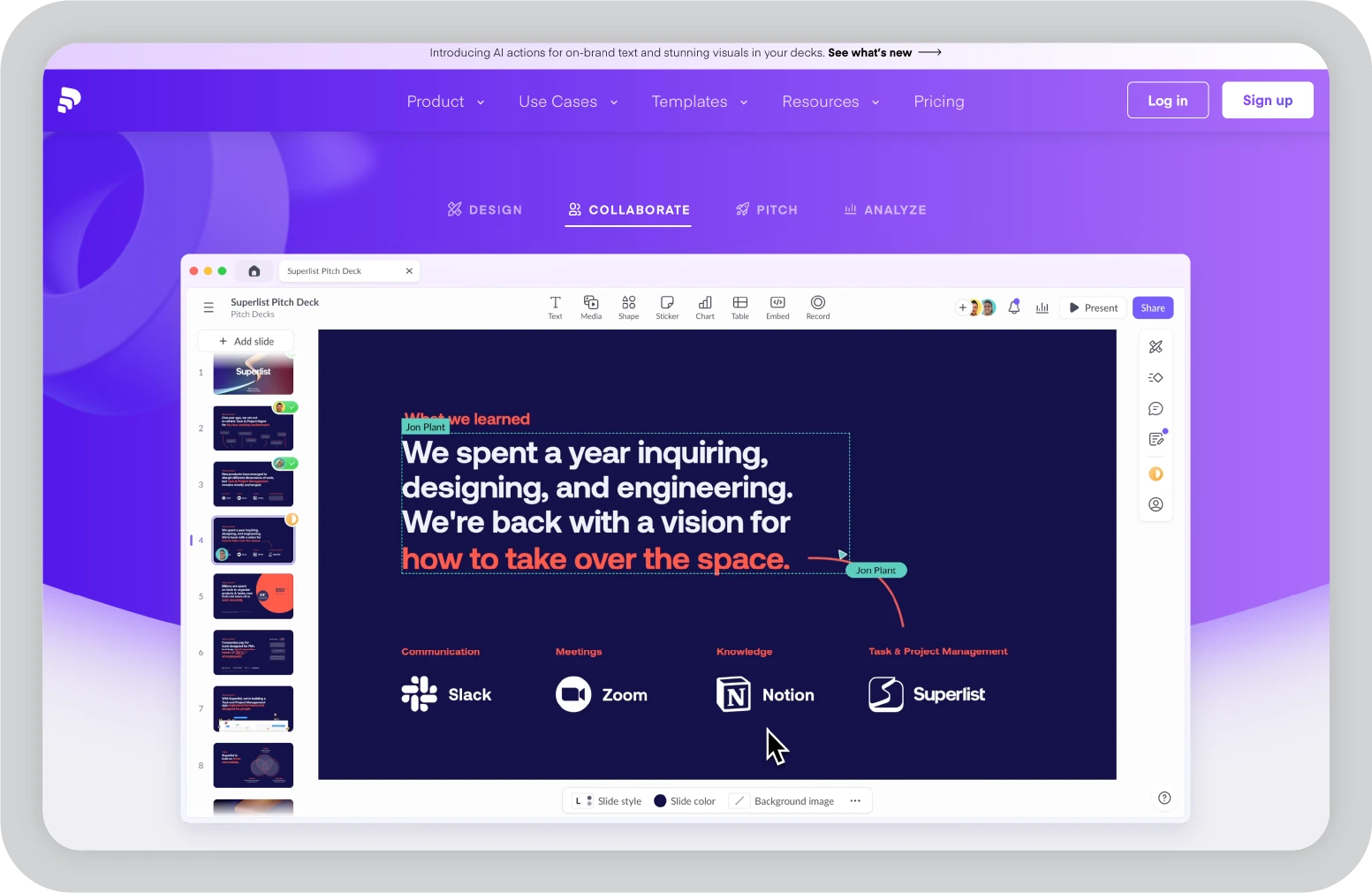
Key features of Pitch:
Pricing:
Pro plans start at $15 per month.
What it did well (Pros):
Where it falls short (Cons):
Best for:
Client teams, agencies, and sales organizations managing external stakeholder reviews who need asynchronous video feedback, granular permissions, and real-time collaboration on customer-facing decks.
Verdict: ★★★★☆
These tools are built for founders who need AI that generates structured investor decks, with integrated tools that go beyond slides and support fundraising workflows.
Slidebean is a pitch-focused presentation platform designed for founders and startups preparing investor decks. It combines structured pitch templates with built-in tools such as CRM tracking and financial modeling. The platform is purpose-built for teams that iterate frequently on fundraising presentations and investor outreach.
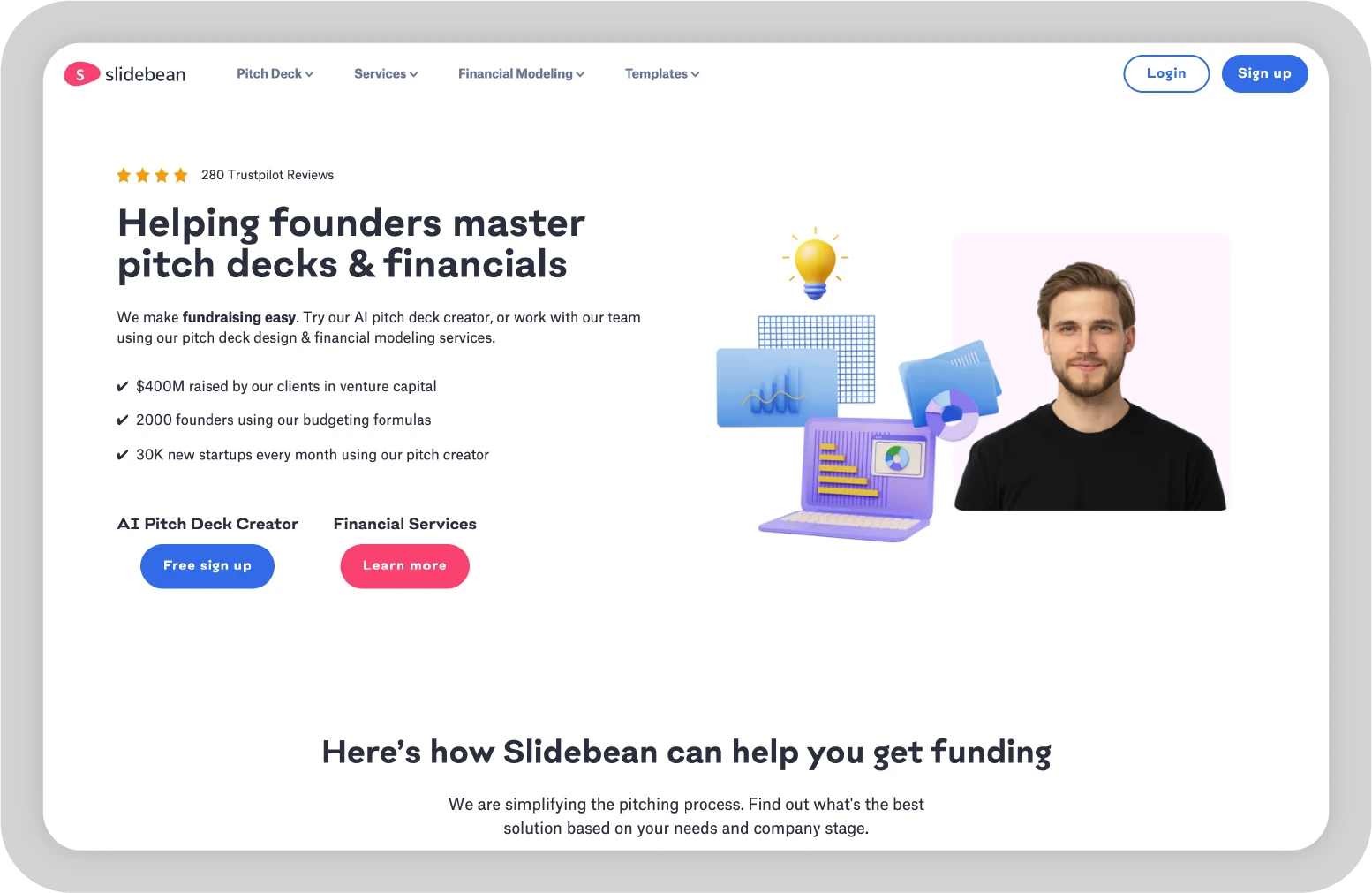
Key features of Slidebean:
Pricing:
Pro plans start at $12 per month.
What it did well (Pros):
Where it falls short (Cons):
Best for:
Founders and startup teams actively fundraising who need investor CRM, financial modeling, and pitch analytics alongside polished slide decks, all within a single platform.
Verdict: ★★★★☆
Designed for trainers who need more than sequential slides, enabling visual storytelling without relying solely on basic PowerPoint transitions.
Prezi uses a zoomable canvas instead of traditional slides, enabling non-linear visual storytelling. It is particularly effective for teachers and trainers who need to illustrate relationships between ideas, timelines, or interconnected concepts. The platform emphasizes dynamic navigation and visual flow over AI-driven automation.
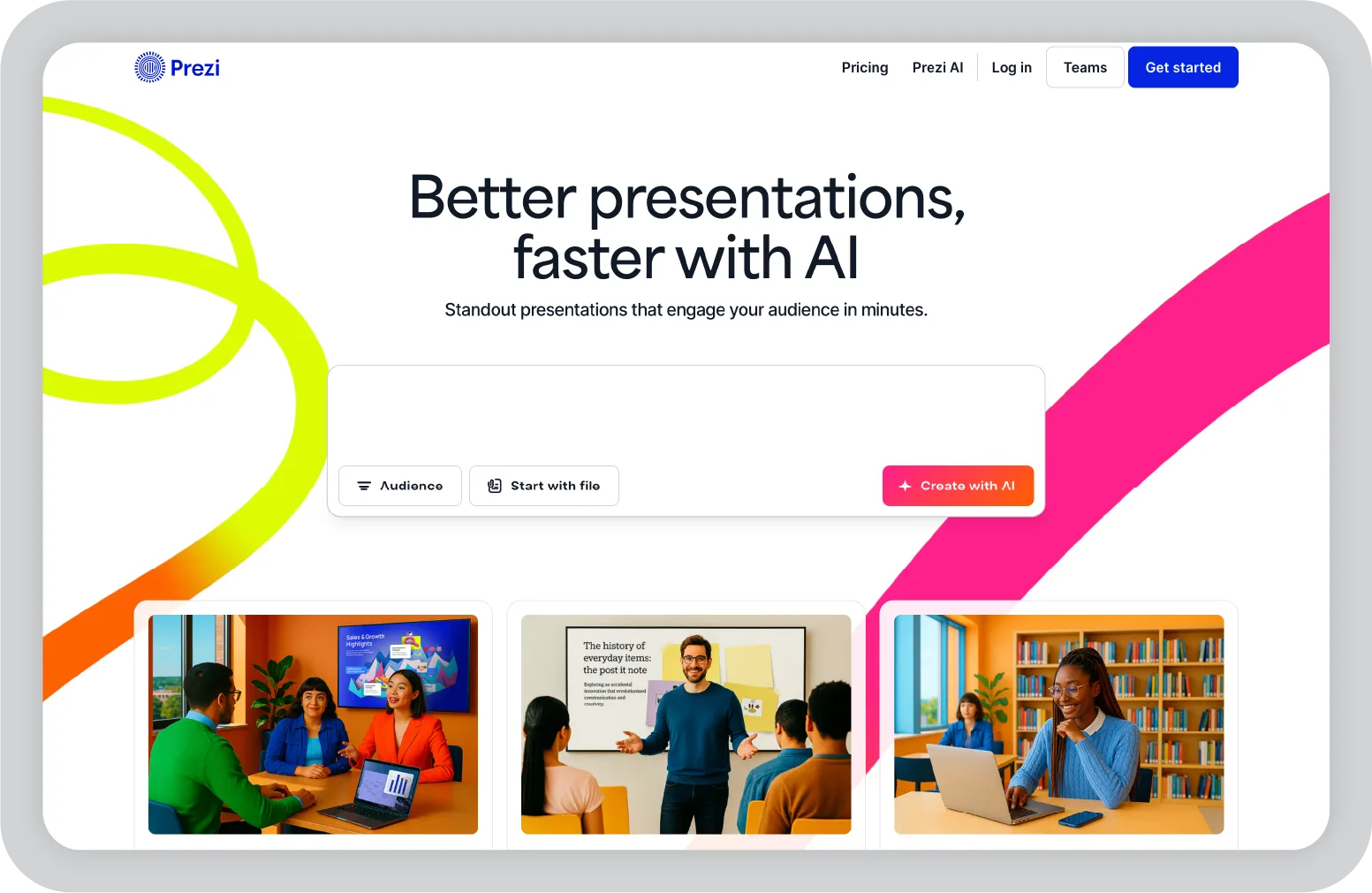
Key features of Prezi:
Pricing:
Plus plans start at $15 per month. Premium plans are available for advanced features and education-focused usage.
What it did well (Pros):
Where it falls short (Cons):
Best for:
Educators, trainers, and technical presenters explaining complex relationships, processes, or hierarchies where zoomable visual paths support deeper understanding than linear slide progression.
Verdict: ★★★☆☆
These platforms extend beyond slide creation, showing how AI assistance without manual effort can support research, preparation, delivery, and follow-up as part of a broader workflow.
Lindy focuses on automating the broader presentation workflow rather than slide design itself. It supports the full lifecycle, from research and preparation to delivery and follow-up. The platform integrates with tools such as Slack, Zoom, and Google Workspace to streamline coordination and post-meeting processes.
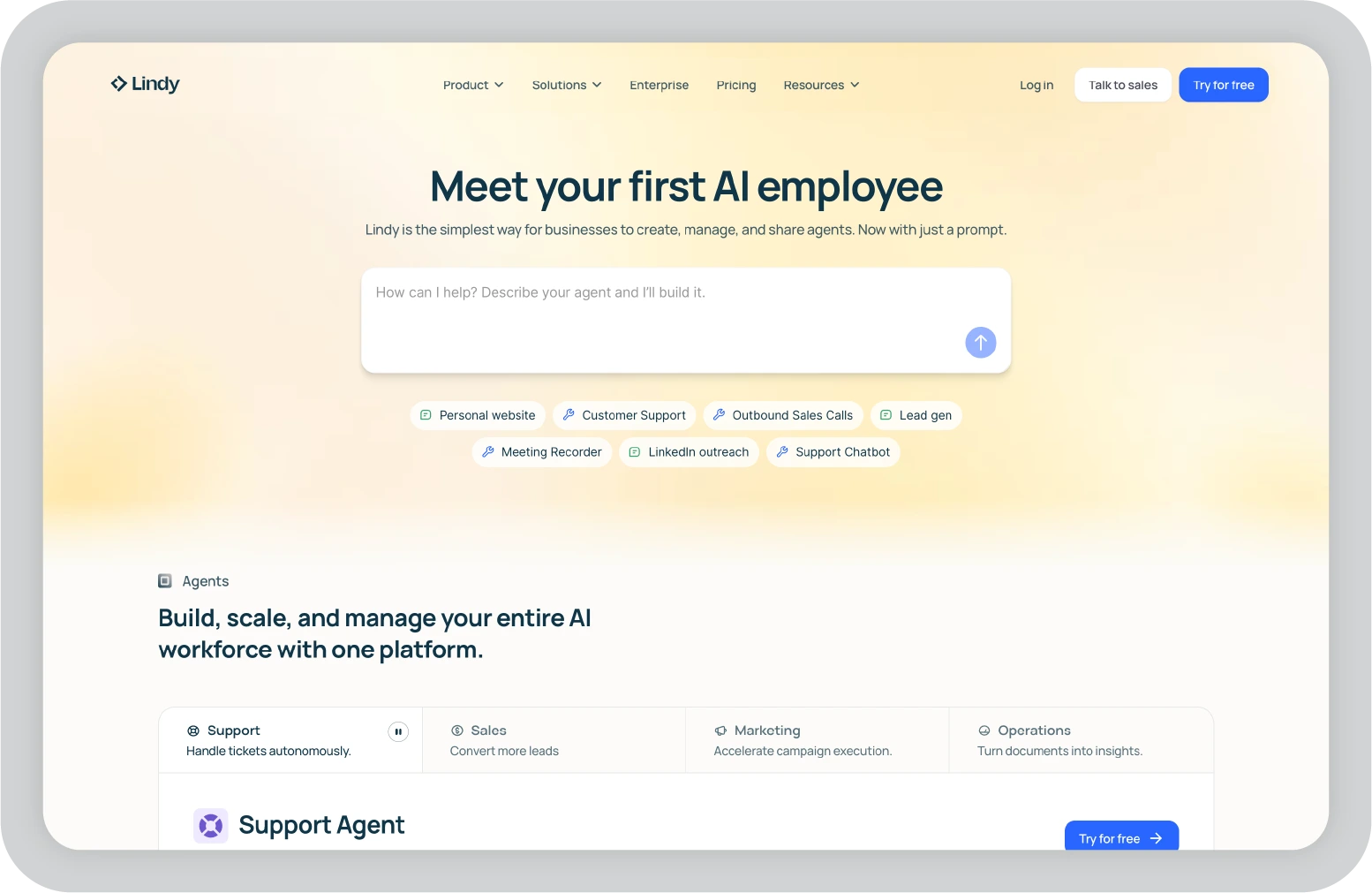
Key features of Lindy:
Pricing:
Pro plans start at $49 per month.
What it did well (Pros):
Where it falls short (Cons):
Best for:
Sales teams, consultants, and executives who want AI agents to automate research, meeting preparation, speaker notes, and follow-up workflows alongside slide creation, with integrations across Slack, Zoom, and email.
Verdict: ★★★☆☆
Beyond the 14 AI presentation makers that I analyzed in depth, I also explored several additional AI tools during the evaluation process. While they were not included in the primary enterprise comparison, each supports a specific part of the presentation creation process.
Here is what stood out during brief testing.
Decktopus:
Provides guided, question-based slide building that helps users move from idea to generated presentation quickly. It is useful when creating business presentations from scratch without extensive manual structuring.
Slideoo:
Converts blog posts and long-form content into structured slides. The AI detects content flow automatically, supporting efficient repurposing into a polished presentation.
Simplified:
An all-in-one presentation software platform that combines slides, social graphics, and video. Its AI assistant allows real-time content refinement within a multi-format creative workflow.
Designs.ai:
Focuses on presentation aesthetics through automated color scheme selection and layout suggestions. It reduces manual formatting during presentation creation.
Kroma.ai:
Emphasizes collaboration, generating solid first drafts that teams can refine together. Its workflow supports group editing during deck development.
MagicSlides:
A Google Slides extension that converts URLs and PDFs into structured slides. It operates within Google Slides and PowerPoint-style environments, enabling AI-assisted presentation creation without leaving existing tools.
Wonderslide:
A PowerPoint add-in that refreshes existing templates while preserving original content. It improves layout structure without rebuilding entire PowerPoint files.
AutoSlide:
Condenses long documents into concise, pitch-focused business presentations. It supports executive briefings and time-constrained presentation development.
Each of these AI presentation makers addresses a specific workflow need within the broader landscape of AI-powered presentation software. While their capabilities vary, they demonstrate how AI can support different stages of presentation creation across tools like Google Slides and PowerPoint.
Testing these AI presentation software platforms revealed a clear pattern. Every tool could generate a first draft quickly. Using AI to create a deck from a detailed prompt now takes seconds, not hours.
But speed was not the real differentiator.
Under structured enterprise testing, weaknesses surfaced. Brand drift appeared in 9 of the 14 tools. Six generated unsupported or fabricated statistics that required manual correction. Some visually polished decks broke when exported to Google Slides and PowerPoint. In several cases, the time saved by AI-generated slides was lost in revision and cleanup.
The core insight was this: AI can automate much of the presentation creation process, but brand control, data accuracy, export stability, and workflow fit determine whether a tool truly works for enterprise teams.
In that context, Prezent aligned most closely with enterprise needs. Its AI assistant is designed not just to generate slides, but to support brand compliance, structured personalization, and reliable PowerPoint export. Rather than functioning as a standalone presentation tool, it integrates into how enterprise teams already create business presentations.
For organizations that rely on polished presentations to influence revenue and executive decisions, the difference between a fast AI-generated draft and a scalable, brand-consistent workflow is significant.
If you would like to evaluate this within your own environment, you can schedule a demo to see how Prezent fits into your existing workflow.
Prezent guarantees 100% brand compliance across 60+ elements with one-click brand sync, making it a strong option for enterprise teams that need consistent business presentations at scale. Canva and Beautiful.ai offer solid Brand Kit capabilities, but they require more manual oversight to maintain full compliance across decks.
Prezent, Plus AI, and SlidesAI delivered strong PowerPoint presentation fidelity during testing. Gamma and Tome frequently experienced formatting and chart shifts during export, which can create additional cleanup work for corporate workflows using Google Slides and PowerPoint.
Prezent (45 seconds) and Gamma generated complete drafts at similar speeds. However, when factoring in brand compliance and export stability, Prezent maintained an advantage for enterprise use. In some cases, Gamma’s speed was offset by additional time required to fix export formatting.
Prezent offers a 14-day enterprise trial with access to advanced features. Gamma provides 400 credits under its free tier. Canva Pro includes a 30-day trial. Prezent Lite starts at $39 per month, while the enterprise trial allows teams to evaluate full brand compliance and governance capabilities before committing.
Plus AI and SlidesAI operate natively within Google Slides and PowerPoint. Prezent exports cleanly to both environments while adding structured brand governance and personalization capabilities that native add-ons may not provide.
Canva offers greater creative flexibility for visually driven decks. Prezent focuses on enterprise scale, with 100 percent brand compliance, 35,000+ templates, and enterprise-grade security. For sales and marketing teams creating high-stakes business presentations, governance and structured personalization may outweigh creative flexibility.
Gamma offers a generous free plan available (400 credits) for testing modern designs. However, most free AI presentation tools come with limited AI usage, which runs out quickly during real business use. Prezent’s 14-day enterprise trial provides access to more advanced capabilities than many permanent free tiers, allowing teams to try it free before committing.
Prezent, Plus AI, and SlidesAI delivered strong, PowerPoint expert-level exports during testing. Gamma and Tome showed layout issues after export. Prezent also adds enterprise-grade brand compliance that native PowerPoint lacks, positioning it as a more structured companion to traditional workflows rather than just another AI add-on.
.jpg)
Anoob is the Head of Content at Prezent with over 16 years of experience in marketing and content. He has worked with leading startups such as SocialPilot, Writesonic, BigBasket, FreshMenu, GupShup, and SimplyHired. Passionate about social media and digital tools, Anoob enjoys testing new platforms to help businesses make better marketing decisions. You can connect with him on LinkedIn.