Last Updated :
March 27, 2026
Niyati Mahale

11 Best SlideShare Alternatives for Sharing Presentations

Explore the best SlideShare alternatives for creating and sharing presentations. Compare tools for hosting, collaboration, design, and presentation analytics.
slideshare-alternatives

SlideShare used to be the easiest way to publish and share presentations online. I've seen many teams use SlideShare to distribute slide decks to a wider audience.

But every time I’ve used SlideShare recently, it feels like the platform hasn’t kept up with how teams work today. The interface feels outdated and collaboration features are almost nonexistent.

Modern presentation workflows demand much more: real-time collaboration, better design tools, brand control, and meaningful analytics.

That’s why many teams are moving to newer platforms. In this guide, I’ll walk through 11 SlideShare alternatives that help you create, share, and manage presentations more effectively.

Quick Comparison: Best SlideShare Alternatives in 2026

Before diving into detailed reviews, Before diving into detailed reviews, I’ve put together a ranking and comparison table to show how the best SlideShare alternatives compare across key features.

You can use this table to quickly check what tool aligns best with your presentation requirements.

Tool Best For Free Plan Collaboration Analytics Unique Strength
Prezent AI Enterprise teams No Yes Advanced AI-powered presentations with brand governance
Prezi Storytelling presentations Yes Yes Yes Zoomable, non-linear presentation format
Visme Visual presentations Yes Yes Yes Interactive charts, infographics, and design tools
Google Slides Team collaboration Yes Yes Limited Real-time editing within Google Workspace
Canva Fast presentation design Yes Yes Basic Huge library of templates and visual assets
Zoho Show Zoho ecosystem users Yes Yes Yes Deep integration with Zoho apps
Speaker Deck Simple presentation sharing Yes No No Clean platform for publishing slide decks
AuthorSTREAM Multimedia presentations Yes No Basic Audio and video support in slides
SlideServe Public presentation hosting Yes No Basic Easy upload and sharing of decks
Haiku Deck Simple storytelling Yes No No Minimalist presentation creation
PowerPoint Online Microsoft users Yes Yes Limited Familiar PowerPoint experience in the browser

These tools range from presentation creation platforms to presentation sharing platforms similar to SlideShare, depending on whether your goal is designing slides or publishing them online.

11 SlideShare Alternatives To Consider in 2026

1. Prezent AI

Best SlideShare alternative for enterprise teams

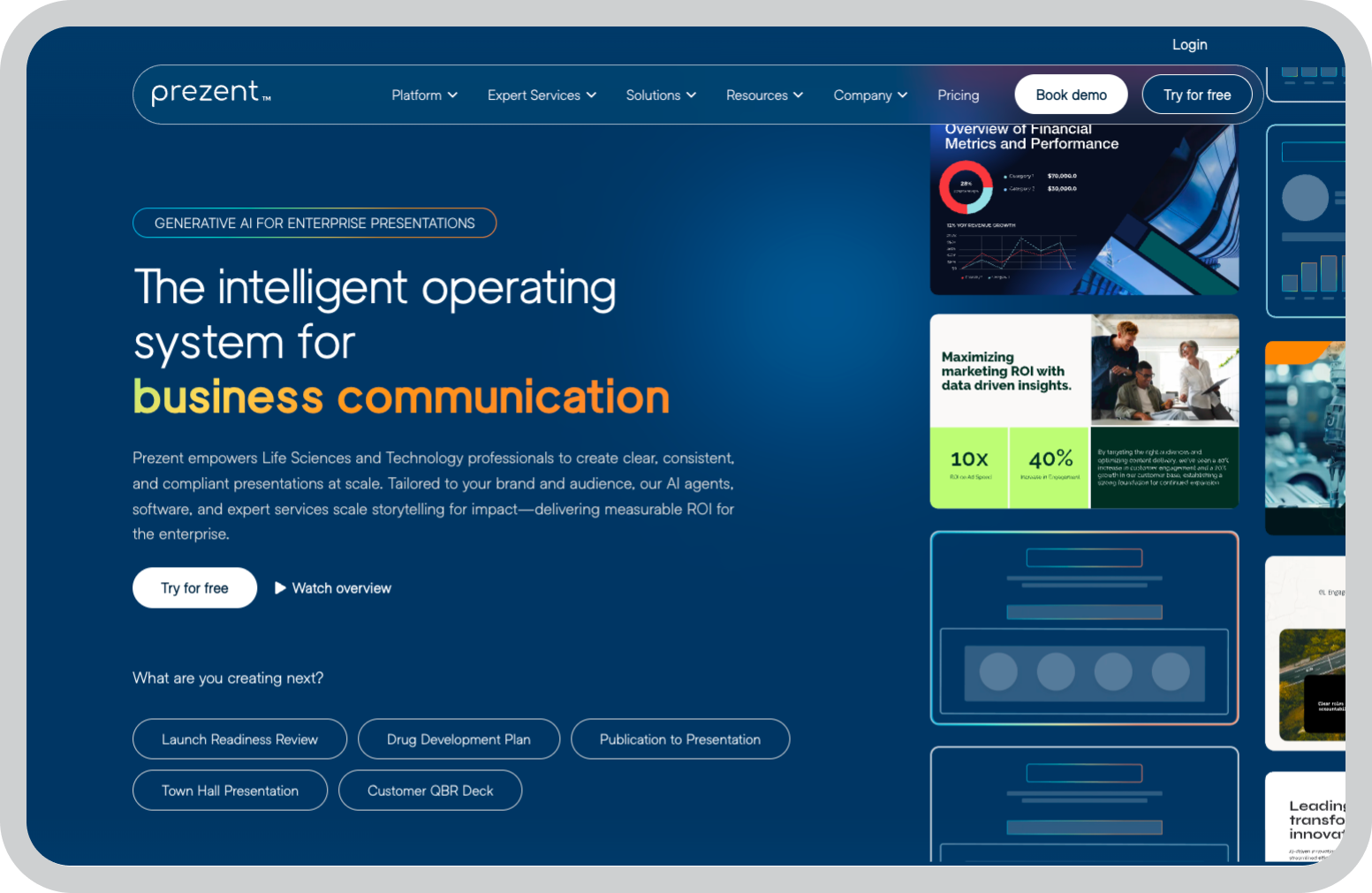
When I first started looking into SlideShare alternatives for business teams, one gap became obvious quickly. Most platforms are built either for designing presentations or hosting slides online, but very few are designed for enterprise presentation workflows.

That’s where Prezent AI stands out.

Instead of focusing only on slide creation or publishing, Prezent AI is built to help organizations create presentations at scale while maintaining brand consistency.

One feature I found particularly useful is how the platform combines AI-assisted presentation creation with brand governance. Teams can use Astrid AI to generate slides quickly and create compelling presentations while still ensuring every presentation follows approved templates and messaging.

For organizations where presentations play a major role in communication such as sales pitches, strategy updates, executive reporting, or budget approvals, that combination can save significant time.

Prezent AI also includes one of the largest template libraries I’ve seen, with more than 35,000 professionally designed slides and templates covering common business scenarios.

Key features

  • AI-powered presentation creation that helps generate presentation drafts from prompts, documents, or outlines
  • Brand governance tools that allow teams to enforce approved templates, layouts, and messaging
  • Large slide library with 35,000+ prebuilt slides designed for common business use cases
  • Audience personalization features that make it easier to adapt presentations for different stakeholders
  • Real-time collaboration tools that allow teams to review, comment on, and refine presentations together

Pros

  • Helps teams create presentations much faster by combining AI assistance with prebuilt slides
  • Strong brand governance features, which are useful for organizations with strict brand guidelines
  • Large slide library reduces the need to build presentations from scratch
  • Collaboration features make it easier for teams to work together on decks
  • Designed specifically for enterprise communication workflows

Cons

  • No free plan available
  • Pricing is designed for organizations rather than individual users
  • May feel more advanced than necessary for small teams or solo presenters

Pricing

Prezent AI offers custom pricing based on team size and organizational needs.

Best for

Enterprise teams and organizations that want to create presentations faster while maintaining consistent branding across departments.

2. Prezi

Best SlideShare alternative for interactive presentations

The first time I used Prezi, the biggest difference I noticed was how it changes the way presentations move.

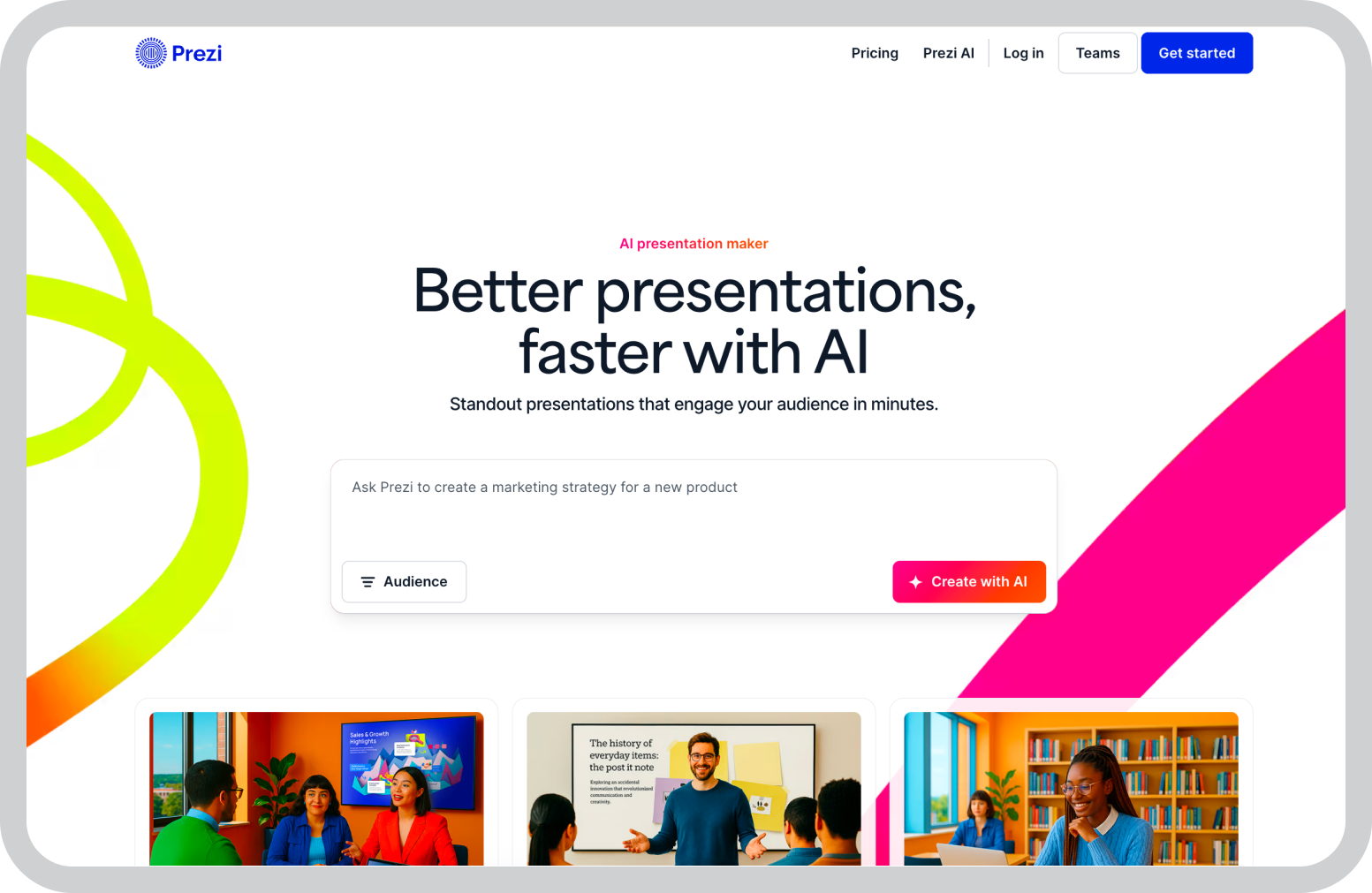
Prezi is known for its interactive presentation style, where slides move across a zoomable canvas. You can start with a broad topic, zoom into a specific concept, and then move back out to show how everything connects.

That structure makes presentations feel less like a sequence of slides and more like a visual journey through a topic.

I’ve found this especially useful when explaining complex ideas that have multiple layers. Rather than splitting related ideas across several slides, you can keep everything connected on the same visual canvas.

Prezi also includes collaboration features and templates that help teams structure presentations without losing that narrative flow.

Key features

  • Zoomable presentation canvas that replaces traditional slide navigation and lets you move fluidly between ideas, topics, and sections of a presentation
  • Non-linear storytelling structure that allows presenters to explore topics in different orders instead of following a fixed slide sequence
  • Template library designed for visual narratives, making it easier to structure presentations without starting from scratch
  • Prezi Video integration, which lets presenters overlay slides next to their webcam for remote presentations and virtual meetings
  • Real-time collaboration tools that allow multiple team members to edit and comment on presentations together
  • Presentation analytics that show how viewers interact with shared presentations and where they spend the most time
  • Cloud-based platform that allows presentations to be edited and accessed from any device

Pros

  • The zoomable canvas makes presentations feel more dynamic and visually engaging than traditional slides
  • Works particularly well for storytelling, training, and educational presentations where ideas need to connect visually
  • Templates help presenters structure narratives quickly without designing everything from scratch
  • Prezi Video makes it easier to present alongside slides during virtual meetings or webinars
  • Cloud-based collaboration allows teams to build and refine presentations together

Cons

  • The zooming motion can feel distracting if overused or applied to every slide
  • Presenters used to traditional slide tools may experience a learning curve at first
  • The format may not always fit formal corporate presentations or data-heavy decks

Pricing

Prezi offers a free plan with basic functionality. Paid plans start at around $4 per month.

Best for

Educators, trainers, and presenters who want more dynamic storytelling than traditional slides allow.

3. Visme

Best SlideShare alternative for visually rich presentations

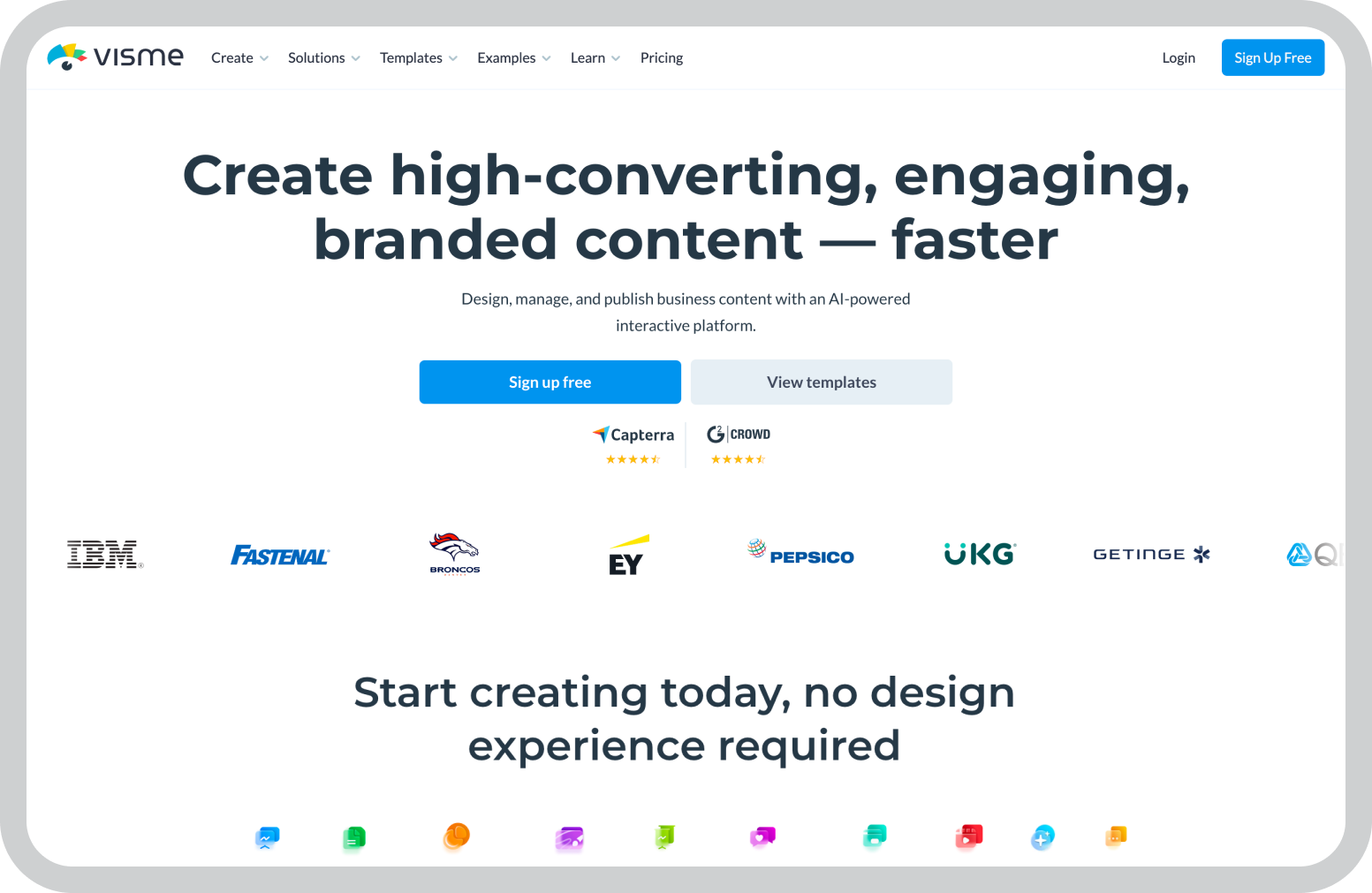
I’ve used Visme a few times when a presentation needed more than standard slides. Things like marketing reports, research summaries, or data-heavy presentations often require charts and layouts that go beyond basic slide templates.

Visme works well in those situations because the platform focuses heavily on visual storytelling. 

When building slides with the tool, I found it much easier to create charts and visual elements directly inside the presentation rather than importing them from other tools. That makes a noticeable difference when working on slides that rely on data.

Visme also supports interactive elements such as animations, clickable objects, and embedded media. For presentations that will be shared online or embedded into websites, those features can make the experience more engaging for viewers.

Key features

  • Extensive template library with presentation templates, reports, infographics, and other visual formats
  • Built-in data visualization tools including charts, graphs, maps, and diagrams
  • Drag-and-drop visual editor that allows slides to be designed without advanced design software
  • Interactive elements such as animations, clickable areas, and embedded media
  • Large asset library with icons, illustrations, stock images, and visual components
  • Collaboration tools that allow teams to edit and review presentations together
  • Presentation analytics that track views and audience engagement

Pros

  • Strong design tools make it easier to build visually engaging presentations
  • Built-in charts and diagrams simplify data-heavy slides
  • Supports multiple visual content formats beyond presentations
  • Interactive features make presentations more engaging when shared online
  • Analytics help track how audiences interact with presentations

Cons

  • The number of design options can feel overwhelming for those who only want to design presentations
  • Performance may slow when working with very complex visual slides
  • There are less number of presentation-focused options compared to other dedicated tools

Pricing

Visme offers a free plan with limited templates and watermarked designs. Paid plans start at around $12.25 per month.

Best for

Marketing teams, analysts, and educators who want to create visually rich presentations with strong data visualization tools.

4. Google Slides

Best SlideShare alternative for real-time collaboration

For many teams, Google Slides becomes the presentation tool people use without even thinking about it.

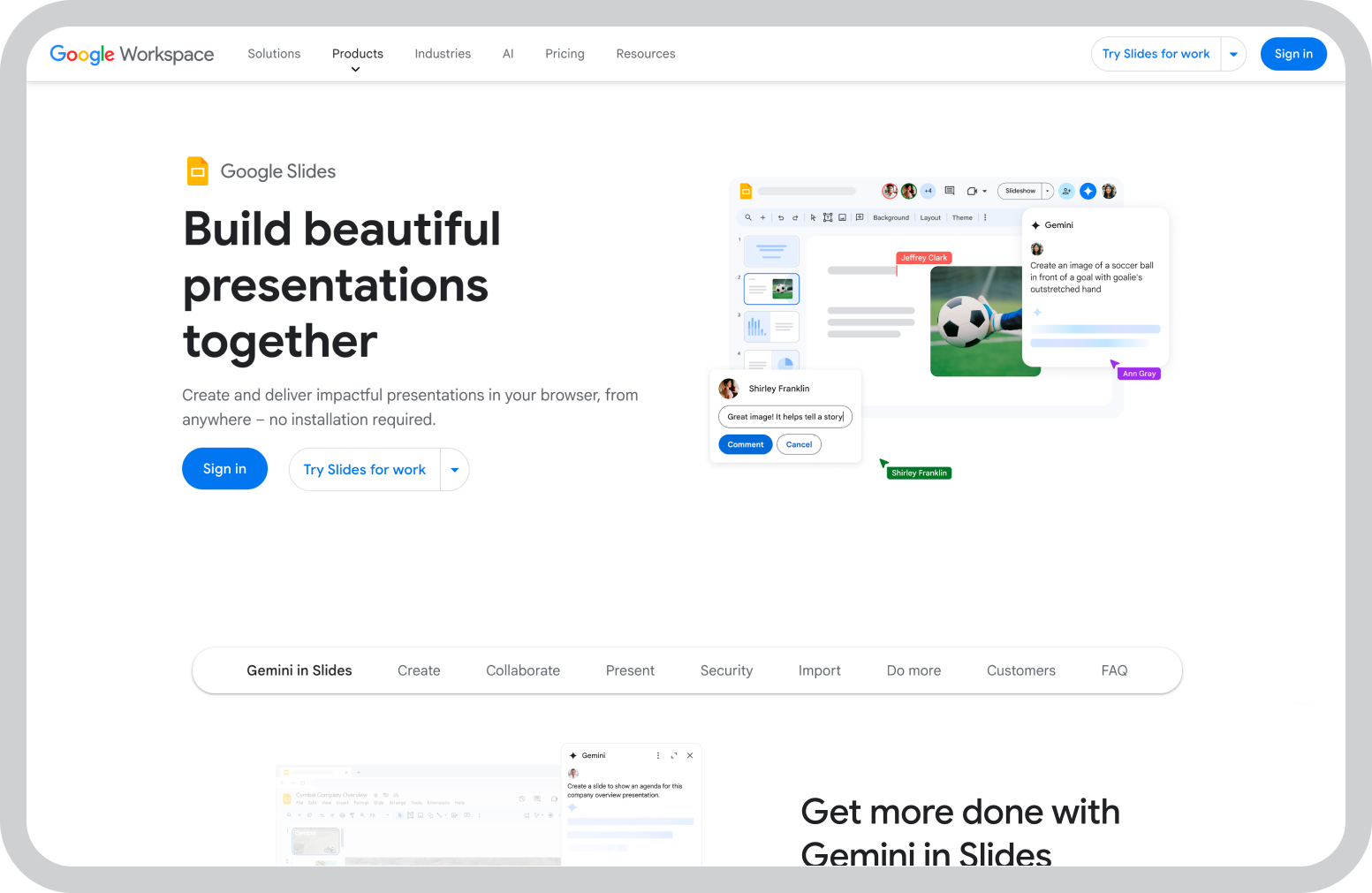
Because it’s part of Google Workspace, it often ends up being the easiest place to build presentations, especially when multiple people need to work on the same deck. Sharing a presentation is as simple as sending a link, and everyone can edit, comment, or review the slides in real time.

That collaborative workflow is where Google Slides stands out. Instead of emailing files back and forth or managing multiple versions of the same presentation, teams can work inside the same document and see updates instantly.

The platform also integrates naturally with other Google tools. Charts can be pulled directly from Google Sheets, files can be stored in Drive, and presentations can be shared across teams without leaving the ecosystem.

While the design features are more basic compared to some dedicated presentation tools, Google Slides works well when speed, collaboration, and accessibility are the main priorities.

Key features

  • Real-time collaboration that allows multiple users to edit and comment on presentations simultaneously
  • Cloud-based editing with automatic saving and full version history
  • Deep integration with Google Workspace, including Google Docs, Sheets, and Drive
  • Built-in presentation templates for quickly creating structured slides
  • Add-ons and extensions that add additional features and integrations
  • Simple sharing and permission controls using links and access settings
  • Offline editing capabilities for working without an internet connection

Pros

  • One of the easiest tools for collaborative presentation building
  • Seamless integration with the Google Workspace ecosystem
  • Simple sharing makes it easy to collaborate with internal teams and external partners
  • Free to use with a Google account
  • Accessible from any device through a web browser

Cons

  • Design capabilities are more limited than design-focused presentation tools
  • Advanced animations and slide customization options are basic
  • Built-in templates are relatively simple compared to platforms like Canva or Visme
  • Analytics and engagement tracking features are minimal

Pricing

Google Slides is free with a Google account. It is also included in Google Workspace plans for businesses.

Best for

Teams that prioritize real-time collaboration and easy access to presentations across devices.

5. Canva

Best SlideShare alternative for quick presentation design

Canva is one of those tools many people default to when they have to design anything.

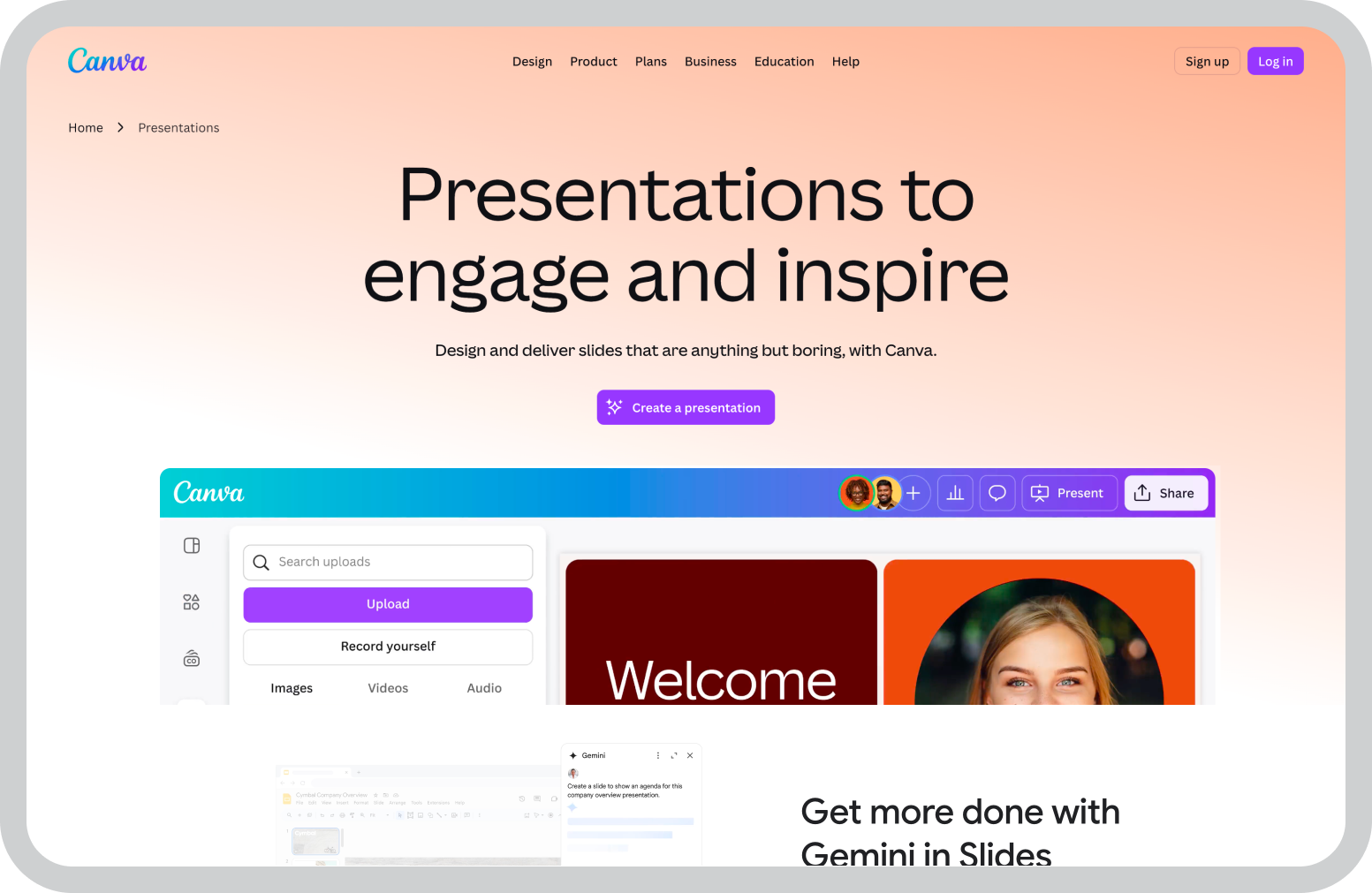
Unlike most presentation platforms, Canva isn’t built only for slide decks. It’s a broader design tool where presentations sit alongside social media graphics, documents, posters, videos, and many other visual formats.

That makes it particularly convenient when a presentation is just one part of a larger set of visual assets.

I’ve also found that Canva’s free plan goes much further than many design tools. Even without upgrading, it’s possible to access a large collection of templates, images, icons, and design elements that make it easy to build polished slides.

Instead of starting from scratch, you can begin with one of the presentation templates and then adjust the layout, visuals, and content to fit the topic.

For individuals or small teams that want presentations to look professional without investing in complex design tools, Canva offers a surprisingly capable starting point.

Key features

  • Large presentation template library covering a wide range of industries and presentation styles
  • Drag-and-drop design editor that makes slide creation simple even for non-designers
  • Massive design asset library with photos, icons, illustrations, and visual elements
  • Multi-format design workspace that supports presentations, social media graphics, documents, and more
  • Brand kit tools for maintaining consistent fonts, colors, and logos across designs
  • Collaboration tools that allow teams to edit, comment, and review presentations together
  • Cloud-based access so presentations can be edited from any device

Pros

  • Extremely easy to use, even for people without design experience
  • Canva’s free plan provides a large number of templates and design assets
  • Supports many visual formats beyond presentations
  • Huge template library helps create polished slides quickly
  • Collaboration features allow teams to work on presentations together

Cons

  • Some templates, assets, and brand tools are restricted to Canva Pro
  • Advanced presentation features are more limited than specialized presentation platforms
  • Customization options can feel constrained for highly complex presentations
  • Performance may slow slightly with very large slide decks

Pricing

Canva offers a free plan with many design features. Canva Pro starts at around $12.99 per month.

Best for

Individuals, small teams, and marketers who want to create presentations and other visual assets in the same design platform.

6. Zoho Show

Best SlideShare competitor for teams using the Zoho ecosystem

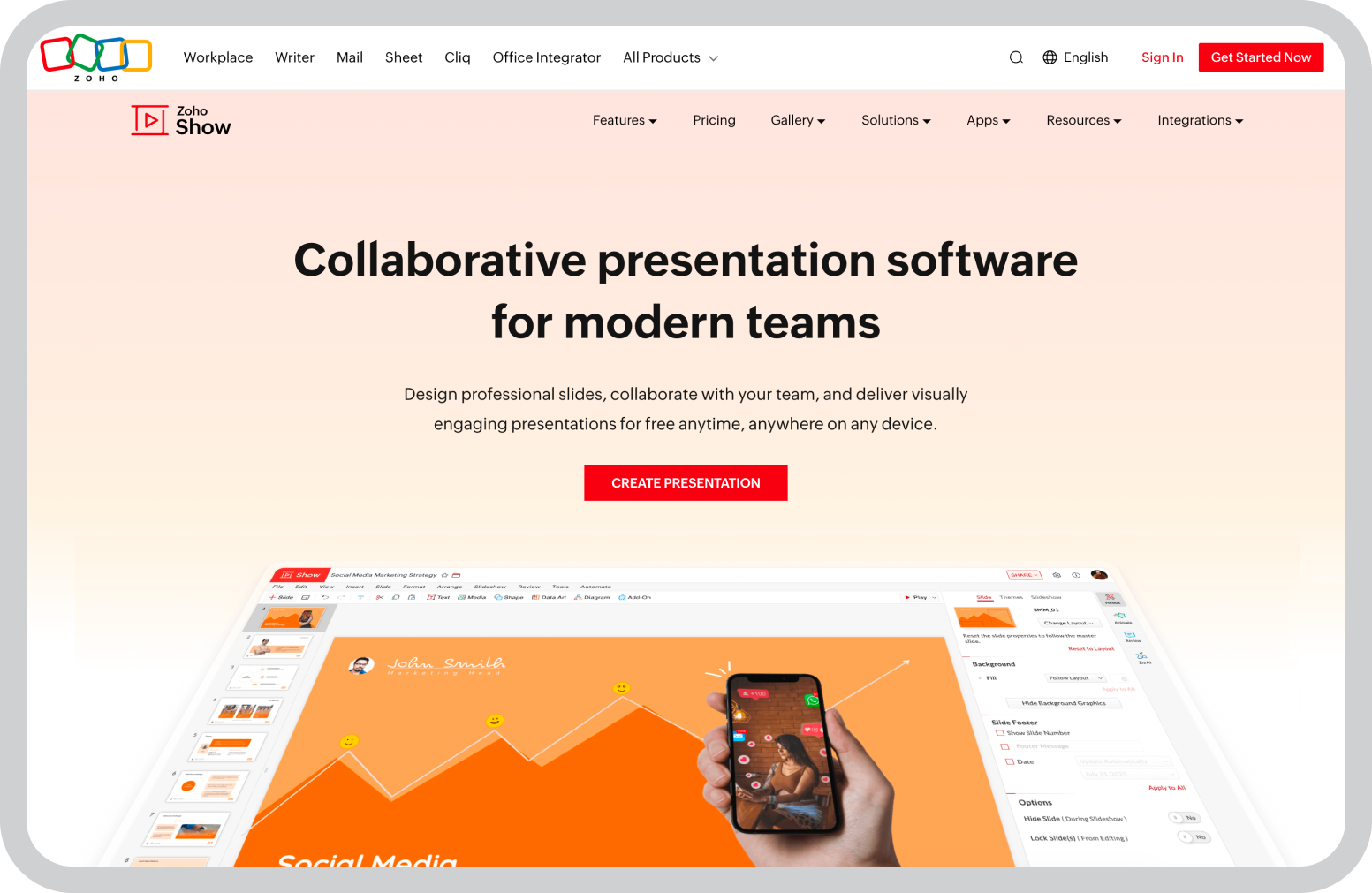
Zoho Show tends to make the most sense in environments where Zoho products are already part of the workflow. In those cases, it feels less like adopting a new presentation tool and more like extending an existing system.

The platform is part of the broader Zoho suite, which includes tools for CRM, project management, email, and collaboration. Because of that, presentations can connect more naturally with other parts of the workflow.

For example, files can be stored and shared through Zoho WorkDrive, teams can collaborate on slides in real time, and presentations can be presented or shared directly from the cloud.

Zoho Show also runs entirely in the browser, which makes it easy for teams to create and edit presentations without installing desktop software. That setup works well for distributed teams that need to collaborate on slides from different locations.

While the design library is smaller than some design-focused platforms, Zoho Show covers the core presentation needs for teams that prefer to keep their tools within the same ecosystem.

Key features

  • Cloud-based presentation editor that allows slides to be created and edited directly in the browser
  • Real-time collaboration tools for editing, commenting, and reviewing presentations together
  • Integration with Zoho applications such as Zoho CRM, WorkDrive, and Zoho Projects
  • Presentation broadcasting tools that allow presenters to share slides remotely with viewers
  • Import and export support for PowerPoint files
  • Basic slide templates and design elements for building presentations quickly
  • Mobile apps for creating and presenting slides from smartphones or tablets

Pros

  • Works seamlessly for teams already using Zoho’s ecosystem of business tools
  • Real-time collaboration helps teams build presentations together
  • Cloud-based editor makes presentations accessible from anywhere
  • Broadcasting feature allows presentations to be shared remotely
  • Pricing is relatively affordable compared to many presentation platforms

Cons

  • Template library and design assets are more limited than design-focused tools
  • Best suited for teams already using Zoho products
  • Advanced design customization options are relatively basic
  • Analytics and engagement tracking features are minimal

Pricing

Zoho Show offers a free plan with basic functionality. Paid plans through Zoho Workplace start at around $4 per month.

Best for

Teams and organizations that already rely on Zoho tools and want presentations to integrate with their existing workflow.

7. Speaker Deck

Best SlideShare alternative to share presentations

I usually think of Speaker Deck as a place for sharing finished presentations rather than creating them.

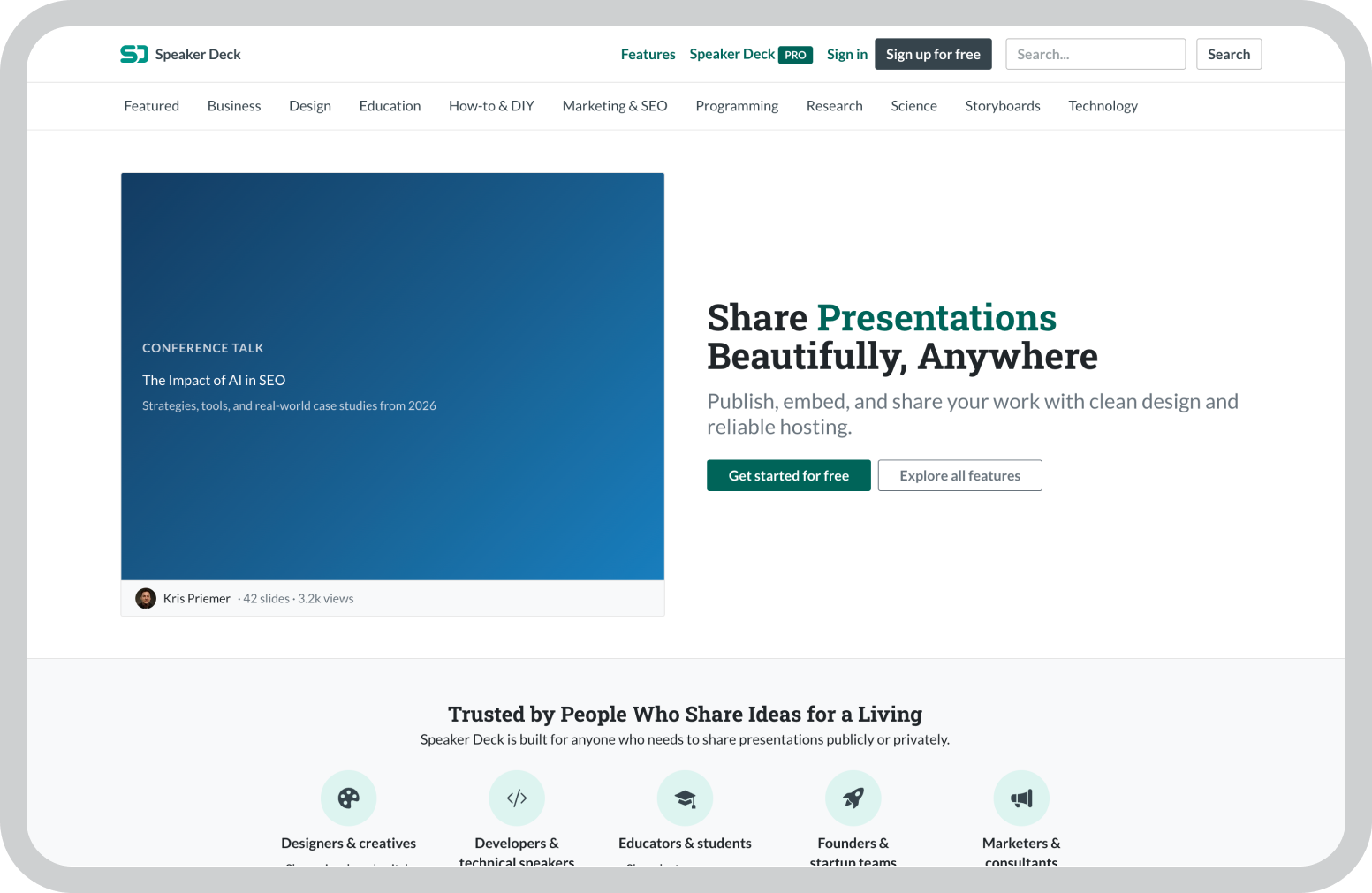
The platform focuses on one specific task: uploading slides and making them easy to view online. Once a presentation is uploaded, it can be shared through a link or embedded directly into websites and blog posts, just like SlideShare.

That simplicity is part of the appeal. Instead of adding editing tools, templates, or complex design features, Speaker Deck focuses on presenting slides in a clean and readable format.

The viewing experience is straightforward, which makes it well suited for publishing conference talks, educational decks, or thought leadership presentations.

For people who already create presentations in tools like PowerPoint, Keynote, or Google Slides and simply need a place to publish them online, Speaker Deck offers a lightweight alternative.

Key features

  • Simple slide upload system that allows presentations to be published online quickly
  • Embeddable presentation viewer that can be added to websites and blog posts
  • Clean reading interface that displays slides clearly across devices
  • Support for PDF slide uploads from tools like PowerPoint, Keynote, or Google Slides
  • Public presentation hosting for sharing talks, workshops, and educational content
  • Speaker profile pages where multiple presentations can be organized together

Pros

  • Very easy to use with minimal setup required
  • Clean viewing interface that keeps attention on the slides
  • Embedding feature makes it easy to add presentations to blogs and websites
  • Works well for presentation publication, especially when sharing conference talks or educational slide decks.
  • Free to use

Cons

  • It is more of a sharing platform, and does not include tools for creating presentations
  • Collaboration features are not available
  • Analytics and engagement insights are minimal
  • Limited customization options for presentation layouts

Pricing

Speaker Deck is free to use.

Best for

Professionals, educators, and conference speakers who want a simple way to publish and share presentations online.

8. AuthorSTREAM

Best SlideShare alternative to create multimedia presentations

I’ve often come across AuthorSTREAM when looking for presentation software with more than just static slides.

The platform focuses on presentation hosting but adds support for multimedia elements like audio narration and video. This makes it easier for presenters to stream recorded presentations alongside their slides.

Instead of simply uploading slides for people to flip through, presenters can add voice explanations or supporting video content alongside the slides. For educational presentations, tutorials, or recorded talks, that extra layer can make the content easier to follow.

AuthorSTREAM also has a community aspect where presentations can be discovered and shared publicly. That makes it useful for presenters who want their slides to reach a broader audience.

While the interface feels simpler compared to newer presentation tools, the platform still works well for publishing presentations that benefit from audio or video support.

Key features

  • Presentation hosting platform for uploading and sharing slide decks online
  • Audio narration support that allows presenters to add voice explanations to slides
  • Video integration for embedding multimedia content into presentations
  • Public presentation sharing through a community-driven platform
  • PowerPoint compatibility for uploading presentations directly from PowerPoint files
  • Embeddable presentation viewer for adding presentations to websites and blogs
  • Basic presentation analytics for tracking views and engagement

Pros

  • Supports audio and video elements within presentations
  • Simple platform for uploading and sharing slide decks
  • Useful for turning slides into recorded presentations or tutorials
  • PowerPoint compatibility makes uploads straightforward
  • Community platform can help presentations reach a wider audience

Cons

  • Interface feels outdated compared to newer presentation platforms
  • Limited collaboration and editing features
  • Design customization options are minimal
  • Analytics capabilities are basic

Pricing

AuthorSTREAM offers a free plan with limited functionality. Paid plans start at around $4.20 per month.

Best for

Educators, trainers, and presenters who want to add audio or video elements to presentations shared online.

9. SlideServe

Best SlideShare alternative for simple public presentation hosting

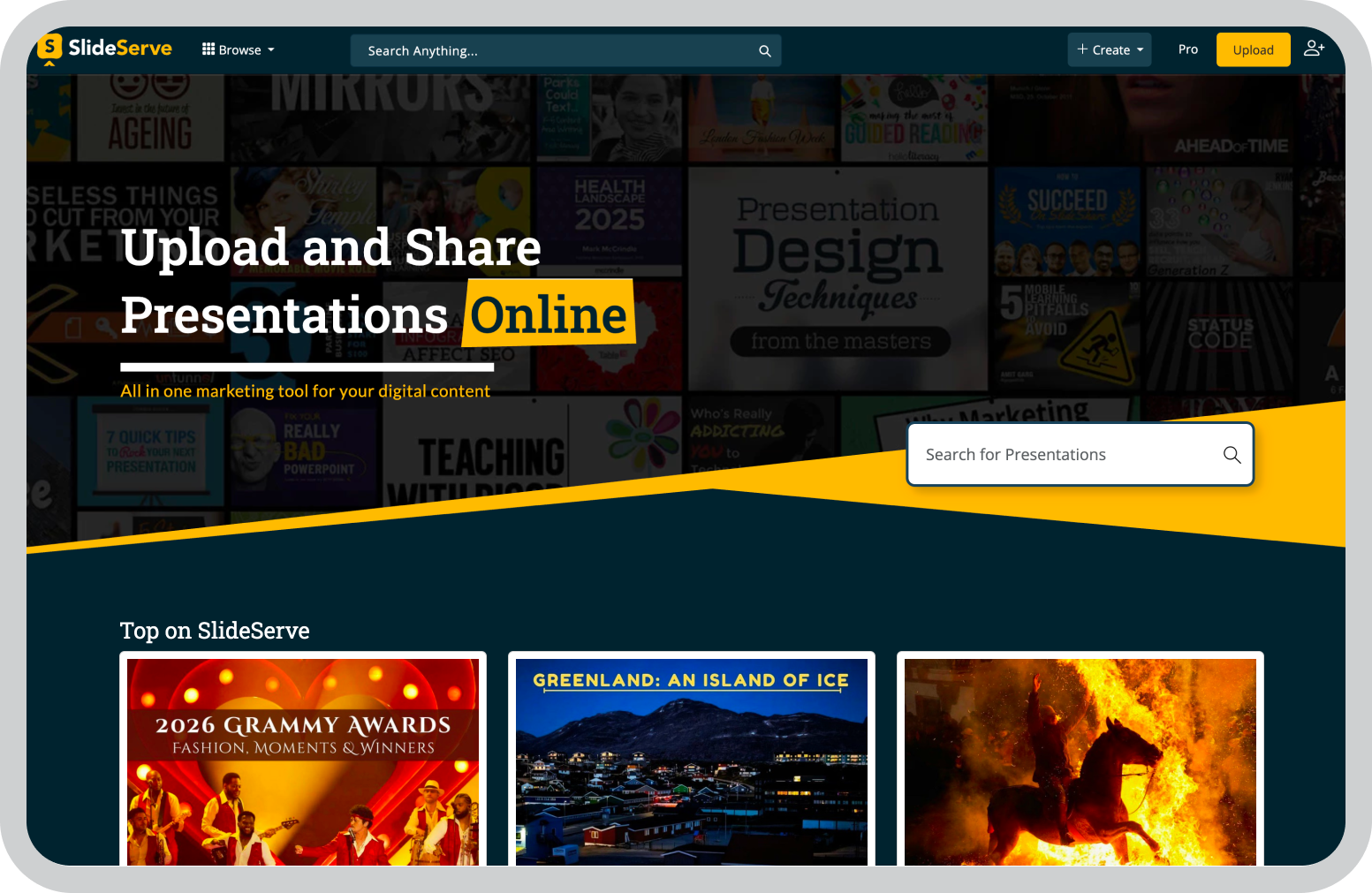
SlideServe focuses almost entirely on one thing: making presentations easy to publish and discover online.

Unlike many modern presentation platforms, it doesn’t try to combine design tools, collaboration features, or editing capabilities. Instead, the platform acts primarily as a presentation hosting library where slide decks can be uploaded and shared publicly.

That simplicity makes it useful when the goal is simply to make a presentation accessible online.

Presentations can be uploaded from tools like PowerPoint and then shared through links or embedded into websites. The platform also organizes presentations into categories, which helps users discover slides on different topics.

While the interface is fairly basic compared to newer tools, SlideServe still works as a lightweight option for publishing educational content, training material, or informational slide decks.

Key features

  • Presentation hosting platform that allows users to upload slide decks and publish them online for public viewing.
  • Public presentation library where slides are organized into categories, making it easier for users to discover presentations by topic.
  • Embeddable presentation viewer that allows presentations to be added directly to blogs, websites, or learning platforms.
  • PowerPoint compatibility which allows users to upload existing presentations without converting them to a different format.
  • Basic analytics tools that track presentation views and provide a simple overview of audience reach.
  • Search and discovery features that help users find presentations related to specific topics or industries.
  • Simple publishing workflow that allows presentations to be uploaded and shared with minimal setup.

Pros

  • Quick and straightforward way to publish presentations online without complex setup.
  • Public presentation library helps increase discoverability for shared slide decks.
  • Embedding support allows presentations to be easily added to blogs or websites.
  • Works well for uploading existing PowerPoint presentations without reformatting.
  • Free platform for hosting and sharing presentations.

Cons

  • Does not provide tools for creating or editing presentations.
  • Interface feels dated compared to modern presentation platforms.
  • Collaboration features are not available for teams working together.
  • Analytics capabilities are limited to basic view counts.

Pricing

SlideServe is free to use.

Best for

Users who want to share presentations publicly without needing editing or design tools.

10. Haiku Deck

Best SlideShare alternative for simple, visual storytelling

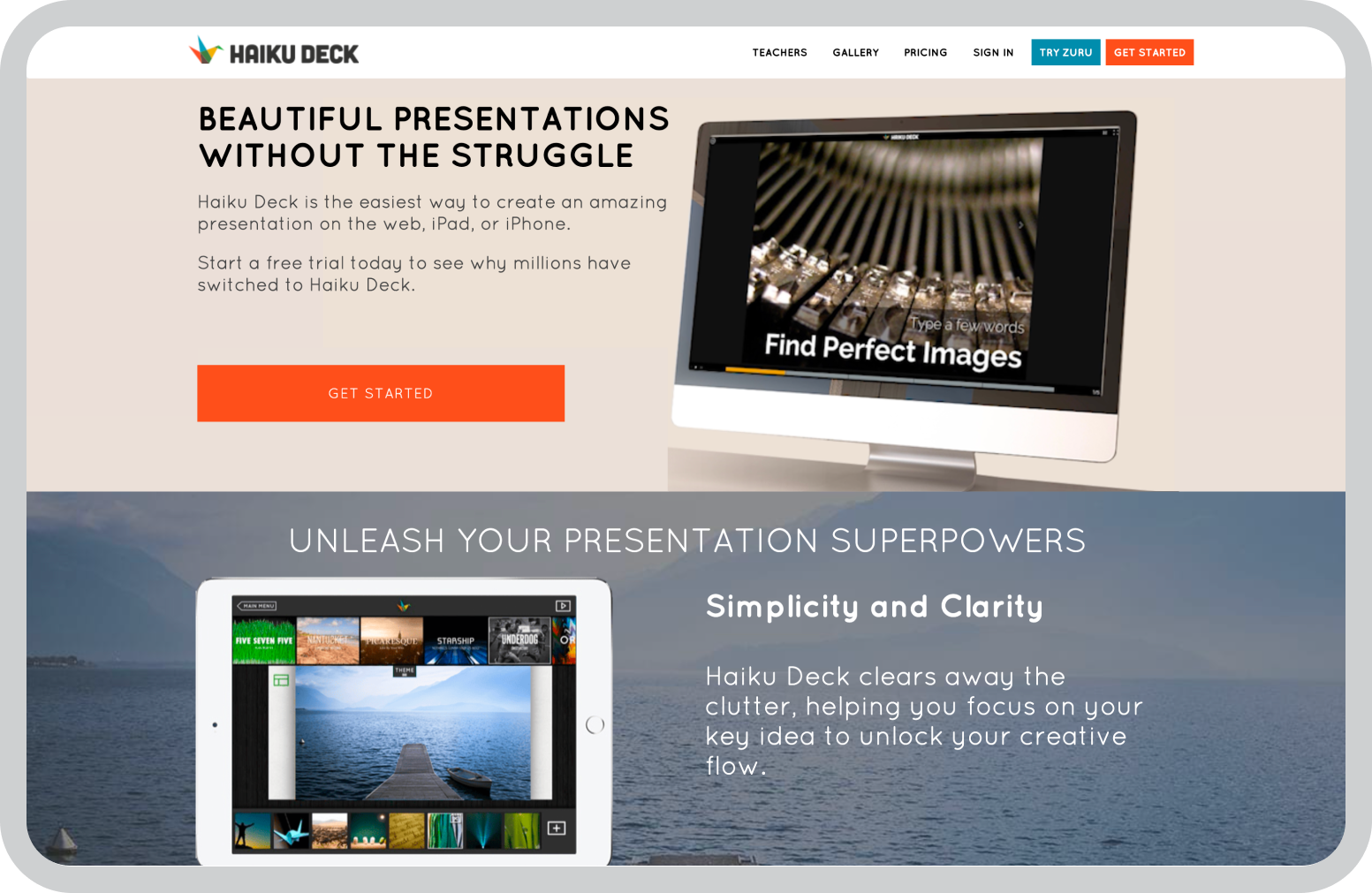
Haiku Deck takes a very different approach to presentations. Instead of offering dozens of design controls and formatting options, the platform encourages a much simpler style of slides.

The idea behind Haiku Deck is that presentations should focus on clear ideas supported by strong visuals, rather than crowded slides filled with text. Because of that, the editor intentionally limits how much content can be placed on a slide.

While working with the tool, I found that this constraint actually changes how presentations are built. Instead of thinking about layouts and formatting, the focus shifts to choosing the right image and writing short, clear points.

Haiku Deck also includes a built-in library of images and design themes, which helps maintain a consistent visual style across slides.

For presentations that rely on storytelling, teaching, or speaking alongside slides, this minimalist approach can work surprisingly well.

Key features

  • Minimalist slide editor designed to encourage simple slides with limited text and strong visuals
  • Built-in image library that provides access to a large collection of photos that can be used directly in presentations
  • Pre-designed themes that automatically apply consistent typography and layout across slides
  • Simple presentation builder that makes it easy to create slides quickly without complex formatting
  • Cloud-based access allowing presentations to be edited and viewed from different devices
  • Export and sharing options for downloading presentations or sharing them online
  • Mobile-friendly editing that allows presentations to be created or edited on tablets and mobile devices

Pros

  • Encourages clear and visually focused presentations
  • Simple editor makes it easy to build slides quickly
  • Built-in image library helps create visually appealing slides
  • Consistent themes maintain a polished look across presentations
  • Mobile support allows presentations to be edited on different devices

Cons

  • Limited design flexibility compared to full-featured presentation tools
  • Not ideal for data-heavy or complex business presentations
  • Smaller template and customization options compared to platforms like Canva
  • Collaboration features are relatively limited

Pricing

Haiku Deck offers a free plan with limited features. Paid plans start at around $9.99 per month.

Best for

Educators, speakers, and presenters who prefer simple slides with strong visuals and minimal text.

11. PowerPoint Online

Best SlideShare alternative for teams already using Microsoft tools

PowerPoint Online is essentially the browser-based version of Microsoft PowerPoint. For many teams, it becomes the natural choice simply because it fits into the Microsoft ecosystem they already use.

The experience feels very similar to the desktop version of PowerPoint, but the slides are stored in the cloud and can be edited directly in the browser. That makes it easier for multiple people to work on the same presentation without sending files back and forth.

Because it integrates with Microsoft 365 tools like OneDrive, Teams, and Excel, presentations can be shared, edited, and presented within the same workflow.

While the online version doesn’t include every feature available in the desktop application, it still provides the core functionality needed to build and share presentations collaboratively.

Key features

  • Browser-based PowerPoint editor that allows presentations to be created and edited without installing software
  • Real-time collaboration that allows multiple users to edit and comment on slides simultaneously
  • Integration with Microsoft 365 tools including OneDrive, Excel, Word, and Microsoft Teams
  • Automatic cloud saving with version history stored in OneDrive
  • PowerPoint template support with access to standard Microsoft presentation themes
  • Compatibility with PowerPoint files for uploading, editing, and exporting PPT and PPTX formats
  • Presentation mode and sharing tools for delivering or distributing slides online

Pros

  • Familiar interface for anyone who has used Microsoft PowerPoint
  • Works well within the Microsoft 365 ecosystem
  • Real-time collaboration helps teams edit presentations together
  • Cloud storage makes presentations accessible from different devices
  • Strong compatibility with PowerPoint files and templates

Cons

  • Some advanced features are available only in the desktop PowerPoint application
  • Design customization options are more limited compared to some modern presentation tools
  • Performance can depend on internet connectivity
  • Analytics and engagement tracking features are minimal

Pricing

PowerPoint Online is free with a Microsoft account. It is also included in Microsoft 365 subscription plans.

Best for

Teams and organizations that already rely on Microsoft 365 and want a familiar presentation tool in the browser.

Best SlideShare Alternative for Enterprises

While researching SlideShare alternatives, one thing became clear to me: presentations today are used very differently than they were when SlideShare first became popular.

Teams now collaborate on slides, reuse branded templates, and share presentations across multiple channels. Because of that, the tools used to create and distribute presentations have become much more important.

When I look at presentation workflows in organizations, two challenges appear repeatedly: creating slides quickly and maintaining consistent branding across teams. Managing both at scale can be difficult with traditional presentation tools.

That’s why platforms like Prezent AI stand out to me. Instead of focusing only on slide creation or hosting, Prezent AI is built to help organizations create, manage, and share presentations while keeping everything aligned with brand guidelines.

With AI-assisted slide creation, brand governance tools, and a large library of professionally designed slides, teams can move much faster when building presentations.

Book a demo with Prezent AI or start your free trial to see how AI-powered presentation creation can streamline your team’s presentation workflow.

Frequently Asked Questions: SlideShare Alternatives

1. What is the best SlideShare alternative?

The best SlideShare alternative depends on how presentations are used. Some platforms focus on presentation publishing, while others support collaboration, design, or enterprise workflows. In my experience, teams that need structured presentation workflows and brand consistency often look for platforms designed specifically for business presentations, such as Prezent AI.

2. Are there free alternatives to SlideShare?

Yes, several SlideShare alternatives offer free plans. Tools like Google Slides, Canva, Visme, and Prezi provide free versions that allow users to create and share presentations. Some platforms also allow presentations to be hosted or embedded online without requiring a paid subscription.

3. Can I upload PowerPoint presentations to these platforms?

Most SlideShare alternatives support PowerPoint files. Platforms like Speaker Deck, AuthorSTREAM, SlideServe, and PowerPoint Online allow users to upload existing PowerPoint presentations and share them online without needing to recreate the slides.

4. Which SlideShare alternative is best for teams?

For teams working on presentations together, collaboration features become important. Tools like Google Slides, Canva, and Prezent AI support real-time editing, comments, and shared access, which makes it easier for multiple people to contribute to the same presentation.

5. Which tools are best for designing visually engaging presentations?

Platforms like Canva and Visme focus heavily on design and visual storytelling. They provide large template libraries, visual assets, and design tools that make it easier to create polished presentations without advanced design skills.

6. Is SlideShare still useful for sharing presentations?

SlideShare can still be used for hosting presentations publicly, but many teams look for alternatives because newer tools offer more features such as collaboration, analytics, design flexibility, and workflow integrations.

Ready to create impactful presentations?

Try for free

About the author

Niyati

Niyati is a Content Marketing Specialist with over 5 years of experience creating product-led content that drives conversions. She focuses on building high-intent, search-driven content that aligns closely with product value and turns traffic into users. Having worked with several SaaS and AI-first companies, she specializes in bridging content strategy with measurable growth.

Connect with her on LinkedIn.

No items found.
No items found.

Related resources

BLOG
Niyati Mahale
March 27, 2026
Best Plus AI Alternatives in 2026: Top 8 AI Presentation Tools
I tested the best Plus AI alternatives to see which tools actually create presentation-ready decks. Here are the top AI presentation tools worth using in 2026.
BLOG
Supriya Sarkar
March 27, 2026
Nano Banana review: Evaluating strengths, workflow gaps, and AI solutions for enterprise presentations
Nano Banana review for enterprise presentations. Explore visual strengths, identify workflow gaps, and see how teams use AI to build faster, executive-ready presentations.
BLOG
Niyati Mahale
March 23, 2026
Beautiful.ai Review (2026): Features, Pricing, Pros & Cons
An in-depth Beautiful.ai review covering features, pricing, pros, and limitations to help you decide if it’s the right presentation tool for your needs.
BLOG
Niyati Mahale
March 23, 2026
15 Best AI Automation Tools for Workflow Automation in 2026
Explore the best AI automation tools in 2026. Compare platforms for workflow automation, content creation, and business operations to boost productivity.
BLOG
Niyati Mahale
March 23, 2026
Best Adobe Alternatives in 2026 (Free & Paid)
Explore the best Adobe alternatives in 2026. Compare tools for design, presentations, and photo editing that help you create faster without complexity.
BLOG
Niyati Mahale
March 23, 2026
9 Best Slidesgo Alternatives for Better Presentation Templates (2026)
Explore the best Slidesgo alternatives for presentation templates and design. Compare tools that help you create structured, on-brand presentations faster.
BLOG
Anoob PT
March 20, 2026
Prezent AI vs Presentations AI: Features, pricing, and use cases.
Prezent AI vs Presentations AI compared side-by-side. Features, pricing, brand compliance, and which AI presentation tool fits your team.
BLOG
Niyati Mahale
March 20, 2026
10 Best Gamma AI Alternatives for Business Presentations in 2026
Explore the best Gamma AI alternatives for business presentations. Compare tools for design, storytelling, collaboration, and enterprise workflows.
BLOG
Niyati Mahale
March 20, 2026
9 Best NotebookLM Alternatives (Free & Paid) in 2026
Explore the best NotebookLM alternatives for research, notes, and AI workflows. Compare tools that help you organize knowledge and work more efficiently.
BLOG
Niyati Mahale
March 19, 2026
9 Top AI Organization Tools for Better Productivity and Workflow Management
Discover the best AI organization tools to manage tasks, notes, meetings, and workflows. Compare platforms that help teams stay productive and organized.
BLOG
Niyati Mahale
March 19, 2026
10 Best SlidesCarnival Alternatives for Better Presentation Templates
Explore the best SlidesCarnival alternatives for presentation templates. Compare tools for design, collaboration, AI slide creation, and business presentations.
BLOG
Supriya Sarkar
March 18, 2026
Benefits of an AI presentation maker: Capabilities, automation, and real-world use cases
Discover the benefits of an AI presentation maker. Learn how AI helps teams automate presentation workflows, create brand-consistent decks, and improve business results.
Free 14-Day Trial*

Customized On-Boarding*