Most teams start exploring Gamma alternatives when presentation workflows begin to demand more structure and control.
Gamma does a solid job of turning ideas into slides quickly, which works well for early drafts and internal use.
But once presentations become part of how your team communicates with clients or aligns stakeholders, the expectations change. You need consistency across decks, messaging that adapts to different audiences, and visibility into how presentations perform.
That's the lens I used for this guide, where I break down the top Gamma alternatives based on how well they support real business workflows.
What is Gamma?
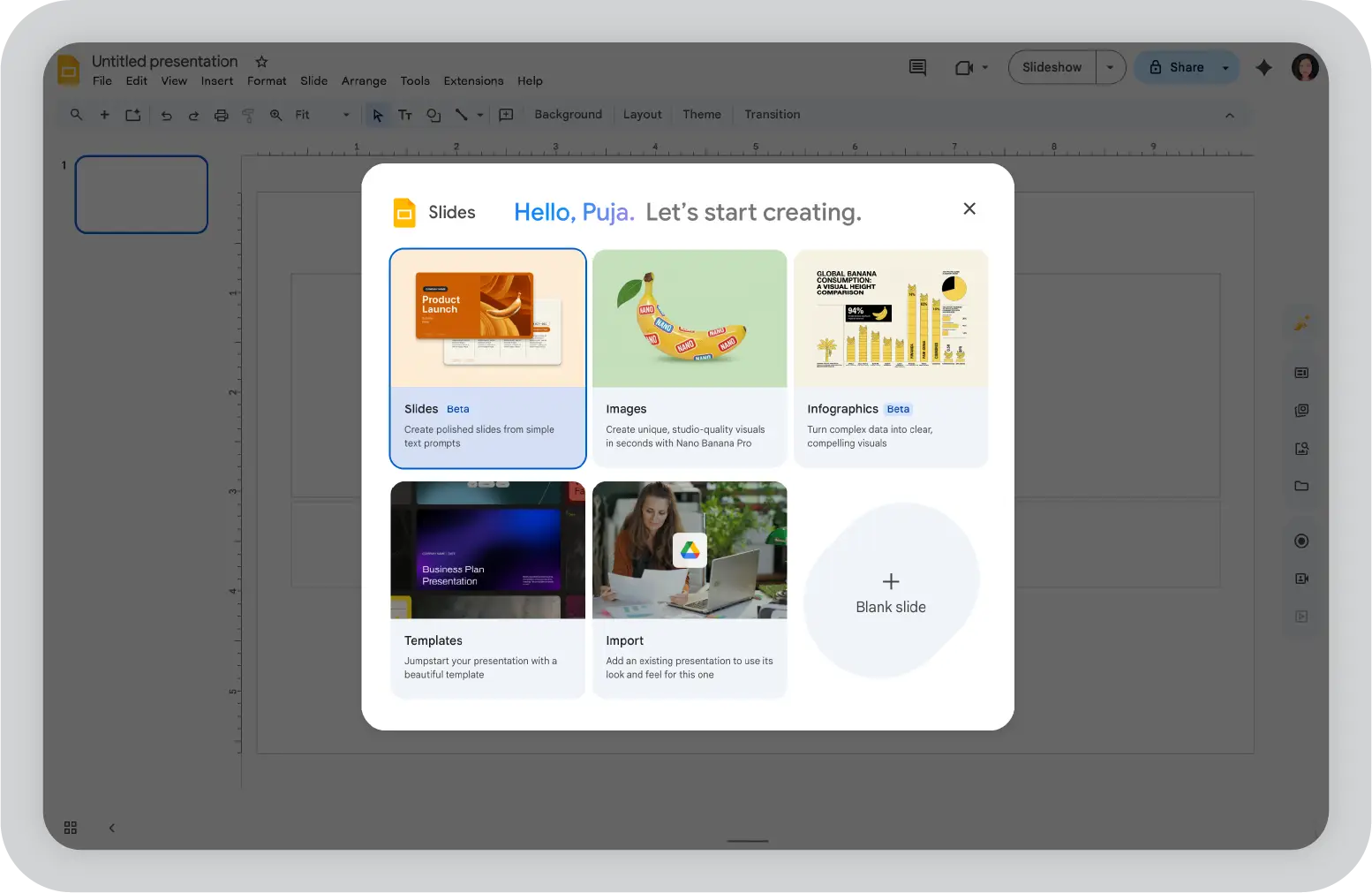
Gamma is a tool that uses generative AI to turn prompts into structured slide decks and other business presentations.
The Gamma app focuses on helping you move from an idea to a usable output quickly, without spending time on formatting or layout decisions. Gamma also offers a clean interface that makes it easy to start building without design expertise.
From my experience, Gamma helps when speed is the priority. You can input a topic, generate a presentation quickly using a prompt, and make quick edits without getting into design details.
The interface is clean, and collaboration is simple, which makes it easy for teams to iterate together.
However, Gamma is built more for creation than control. It helps you produce presentations quickly, but it offers limited AI support when you need to enforce brand standards or tailor messaging for different stakeholders.
Why look for Gamma alternatives?
A tool like Gamma makes a strong first impression. You type a prompt, and within minutes, you have a clean, structured slide deck. It feels fast and effortless. And for quick drafts, it works. But once you move beyond that first draft, the limitations start to show.
Editing flexibility is limited, especially when you want precise control over the visual structure.
Maintaining brand consistency across teams or client decks can be difficult without deeper customization options
Gamma's AI-generated content often needs reworking to match context or stakeholder expectations
Limited support for advanced storytelling, where slides need to build a clear narrative rather than just present information
Scaling presentations across teams or use cases becomes harder without stronger governance or standardization features
If you're building professional presentations that need to land well with stakeholders, not just look good, it makes sense to look for Gamma AI alternatives that give you more control and flexibility.
Quick comparison: top Gamma AI alternatives for 2026
Maybe you want more control. Maybe Gamma's outputs feel a bit too generic. Or maybe, like me, you just want to see what else is out there before committing to a workflow.
Whatever your reason, these top alternatives to Gamma solve different parts of the presentation problem, focusing on speed, structure, storytelling, or team collaboration. A platform like Gamma AI works well for quick drafts, but these tools go further.
Tool
Best for
Key strength
Pricing
Prezent.ai
Enterprise presentations and brand control
Audience-specific personalization with strong governance
Custom enterprise pricing
Beautiful.ai
Design-first slide creation
Automated layouts that keep slides visually consistent
Free plan; paid plans from $12/user/month
Prezi
Interactive storytelling
Non-linear, zoom-based presentations
Free plan; paid plans from $7/user/month
Canva
Visual content creation
Large template and asset library
Free plan; paid plans from $14.99/user/month
Microsoft PowerPoint
Traditional presentations
Full customization with wide enterprise adoption
Included in Microsoft 365 (from ~$6/user/month)
Pitch
Team collaboration
Real-time editing with modern UI
Free plan; paid plans from $13/user/month
Visme
Data-driven visuals
Strong infographic and visualization tools
Free plan; paid plans from $12.25/user/month
Google Slides
Cloud-based collaboration
Easy sharing within Google ecosystem
Free; business plans via Google Workspace (from ~$6/user/month)
Ludus
Creative presentations
Advanced design control and multimedia support
Paid plans from $14.90/user/month
Zoho Show
SMB workflows
Simple collaboration within Zoho ecosystem
Free; included in Zoho Workplace plans
How I evaluated these Gamma AI alternatives
This isn't a "top tools because they rank well" list. To find the best options among the AI alternatives, I looked at each Gamma AI alternative the way a team would actually use it. Not just to create slides, but to manage presentations end to end.
I evaluated each tool to see if it supports real business workflows. Here's what I focused on while evaluating them:
Whether it can handle real business use cases, including client presentations, internal reviews, and stakeholder updates without heavy rework
How much control you get over structure, messaging, and design when refining a presentation
Whether teams can maintain brand consistency across decks without relying on manual fixes
How well collaboration works, especially when multiple stakeholders are reviewing or editing the same presentation
Whether the tool supports creating presentations with AI in a way that goes beyond simple prompts, with AI features like analytics, performance tracking, or workflow integrations
How quickly teams can get value, from idea to a usable presentation without a long setup process
Only tools that performed well across most of these areas made the list.
10 best Gamma AI alternatives to try in 2026
From Beautiful.ai to Zoho Show, the top Gamma alternatives on this list each solve a specific part of the presentation workflow.
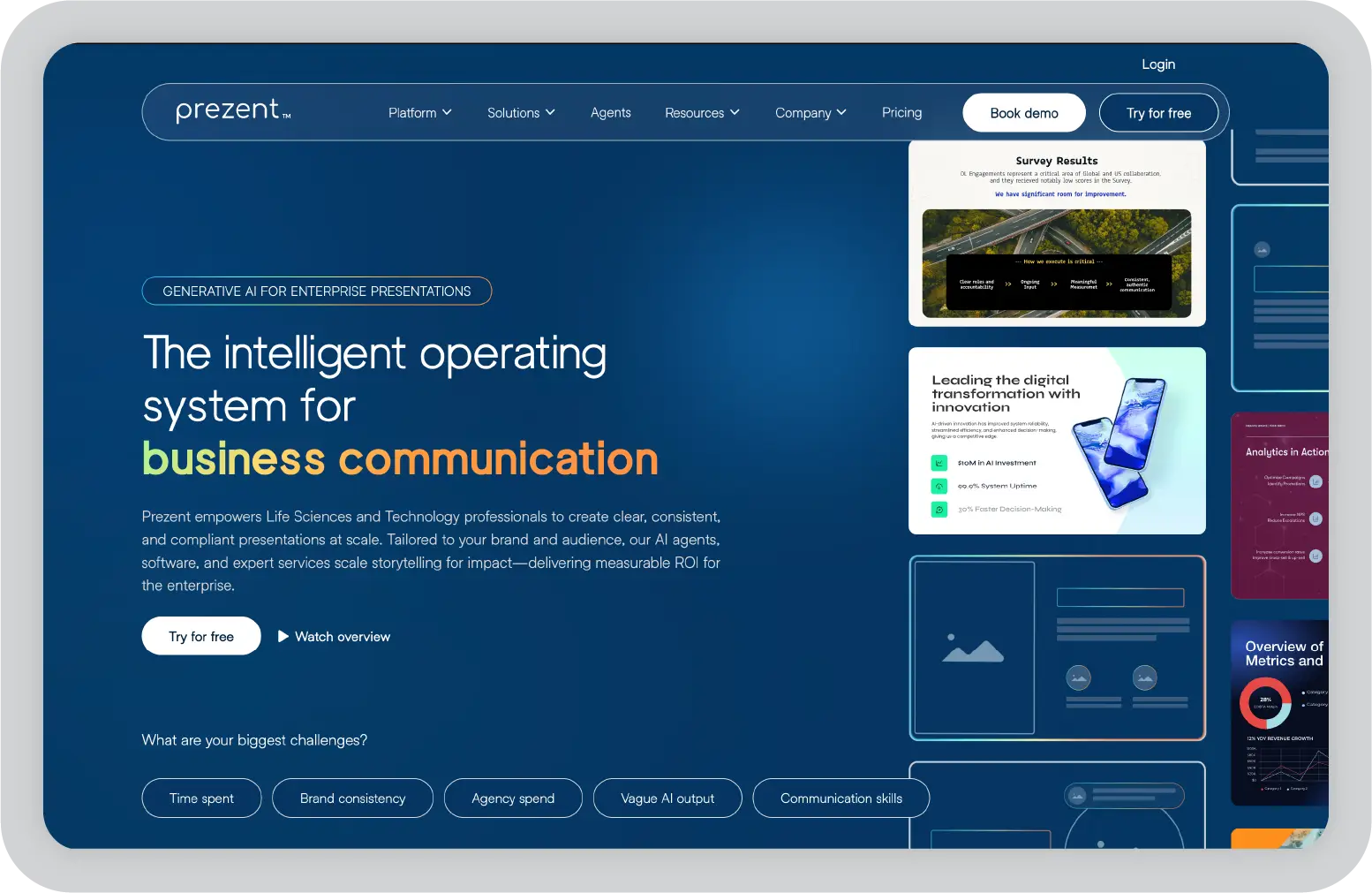
1. Prezent AI: best Gamma alternative for enterprise-ready presentations
You'll see this quickly once you start using it. Prezent AI is not trying to just generate slides. It's built for teams that need presentations to be structured, consistent, and ready for real business scenarios.
Instead of stopping at design or AI generation, Prezent AI focuses on what happens after the first draft. It helps you shape the message and decide the flow of the story while making sure every slide aligns with your brand.
In my experience, that shift makes a big difference. Especially when presentations are tied to client conversations, internal reviews, or leadership updates.
Key features
AI-powered presentation creation through Astrid AI that goes beyond prompts by factoring in your audience, brand guidelines, and business context, so outputs are usable from the first draft
Contextual AI that tailor messaging based on individual, team, company, and industry inputs, making presentations more relevant to specific stakeholders
Built-in brand compliance that automatically applies templates, fonts, colors, and formatting rules, ensuring every slide stays aligned without manual fixes
Story Builder and expert-curated frameworks that help structure presentations logically, instead of leaving users to figure out narrative flow on their own
Slide and presentation libraries with 35K+ business-ready templates and reusable assets, designed for common enterprise use cases
Transformation tools like template conversion and synthesis that can turn existing decks into brand-compliant versions or generate executive summaries quickly
Enterprise-grade security, access controls, and compliance features designed for large organizations and regulated industries
Strong alignment between AI output and real business needs, with presentations that are structured, audience-aware, and ready to use rather than requiring heavy edits
Consistent brand governance across teams, which reduces the risk of off-brand decks and removes the need for manual review cycles
Combines multiple parts of the workflow in one platform, including creation, transformation, learning, and expert support
Handles complex content well, especially when turning detailed inputs into clear summaries or executive-ready narratives
Scales effectively for teams, with shared libraries, collaboration features, and governance built in from the start
Cons
No free plan, which can make it less accessible for teams evaluating tools casually
More structured approach can feel restrictive if you are used to complete design freedom or highly custom layouts
Requires some onboarding to fully use features like contextual AI, brand governance, and storytelling frameworks effectively
Pricing
Custom enterprise pricing based on team size, features, and support requirements.
In my opinion
Prezent AI stands out because it focuses on what most tools miss. It does not stop at helping you create slides. It helps you create presentations that are aligned and ready for real business use.
If presentations are tied to outcomes, not just output, this is where the difference becomes clear.
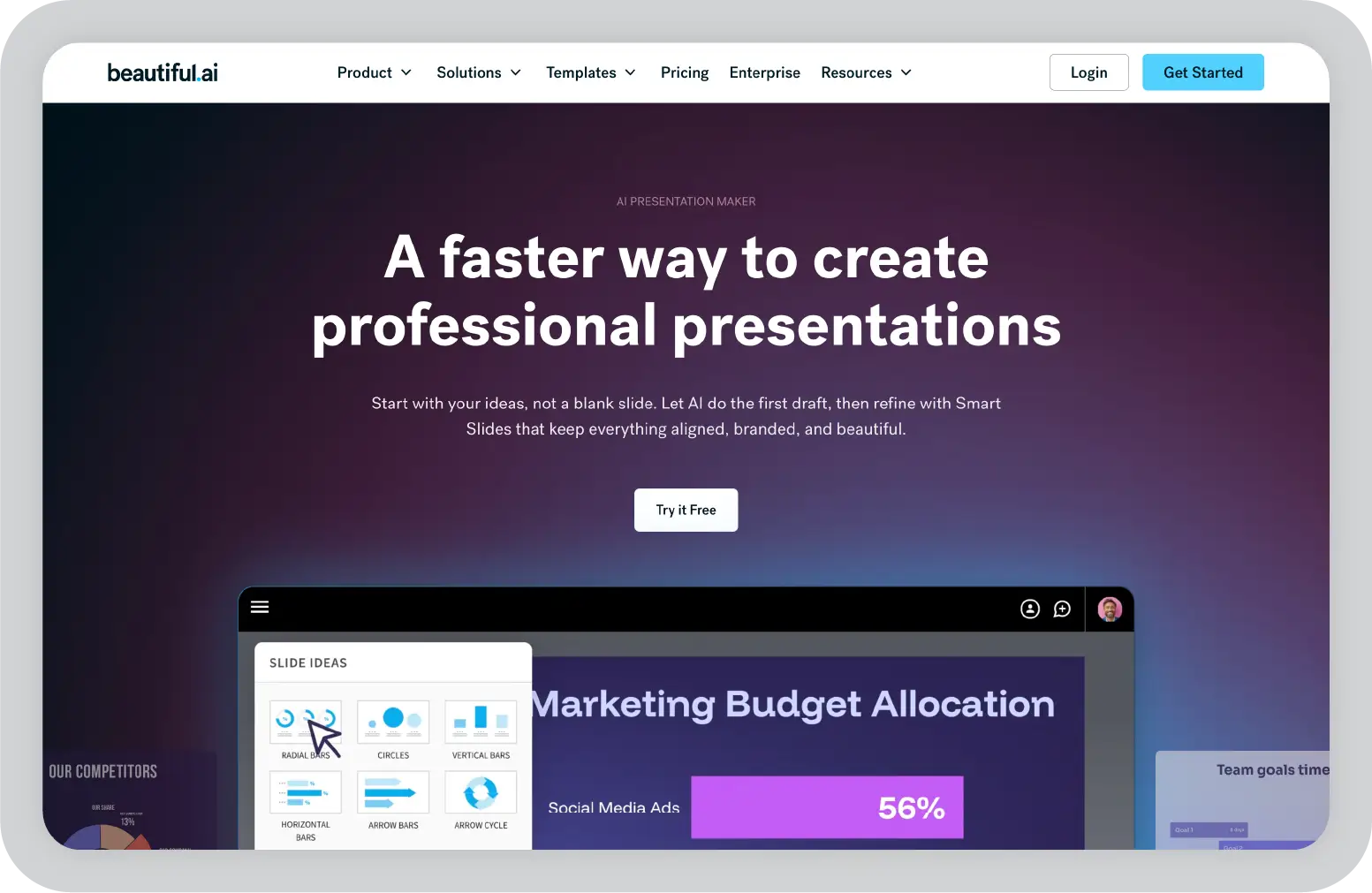
2. Beautiful.ai: best Gamma alternative for design-first presentations
As an AI presentation tool, Beautiful.ai is built around making presentations look polished without requiring design effort. Instead of giving you full control over every element, Beautiful.ai guides how slides are structured so layouts stay clean as you build.
That approach changes how you work. You spend less time adjusting alignment or formatting, and more time focusing on what goes into the slide. For teams that create a high volume of decks, this AI tool can save a noticeable amount of time while keeping outputs consistent.
At the same time, Beautiful.ai is still rooted in design automation. It helps you create good-looking presentations quickly, but it does not go as deep into storytelling or business context as some other tools. Unlike Gamma, which focuses primarily on speed of AI generation, Beautiful.ai prioritizes design consistency as its core strength.
Key features
Smart Slides that automatically adjust layout, spacing, and alignment as content is added or edited, keeping slides visually balanced without manual effort
AI-powered presentation builder that can generate full decks, rewrite content, and suggest visuals based on prompts
Built-in themes and brand controls that apply fonts, colors, and logos across slides for consistent visual identity
Large library of professionally designed templates and slide types that adapt dynamically to different content formats
Shared team workspace with reusable slides, templates, and brand assets to maintain consistency across presentations
Viewer analytics that provide visibility into slide engagement, including views and interaction patterns
Real-time collaboration with comments, assignments, and version tracking to support team workflows
Secure sharing with permission controls and trackable links for internal and external presentations
Export options for downloading presentations as PDF or PowerPoint
Pros
Beautiful.ai significantly reduces time spent on formatting and layout adjustments, especially for teams creating presentations frequently
Beautiful.ai produces visually consistent slides by default, which helps avoid common design issues like clutter or misalignment
Easy to use even for non-designers, with a low learning curve and strong ease of use that requires minimal training
Templates and slide variations make it easier to build presentations quickly without starting from scratch
Collaboration and analytics features add value beyond just slide creation
Cons
Limited flexibility when you need custom layouts or want to break away from predefined structures
Design automation can feel restrictive for users who prefer full control over slide composition
Brand controls are helpful but not as strict or enforceable as enterprise-grade governance tools
AI-generated content often needs refinement to match tone, depth, or business context
Limited advanced AI features for audience personalization or enterprise-level brand governance
Pricing
Beautiful.ai offers a free plan to get started. The free tier includes basic features, while paid plans start at around $12/month, with team plans at higher tiers depending on collaboration and admin needs. Higher tiers also unlock additional AI credits for teams with heavier usage.
In my opinion
When looking at Beautiful.ai and Gamma side by side, Beautiful.ai works best when design is the main friction point. It helps you create clean, consistent slides quickly without spending time on formatting.
But the focus stays on visual output. If your workflow requires deeper control over messaging, structure, or stakeholder alignment, you may outgrow Beautiful.ai.
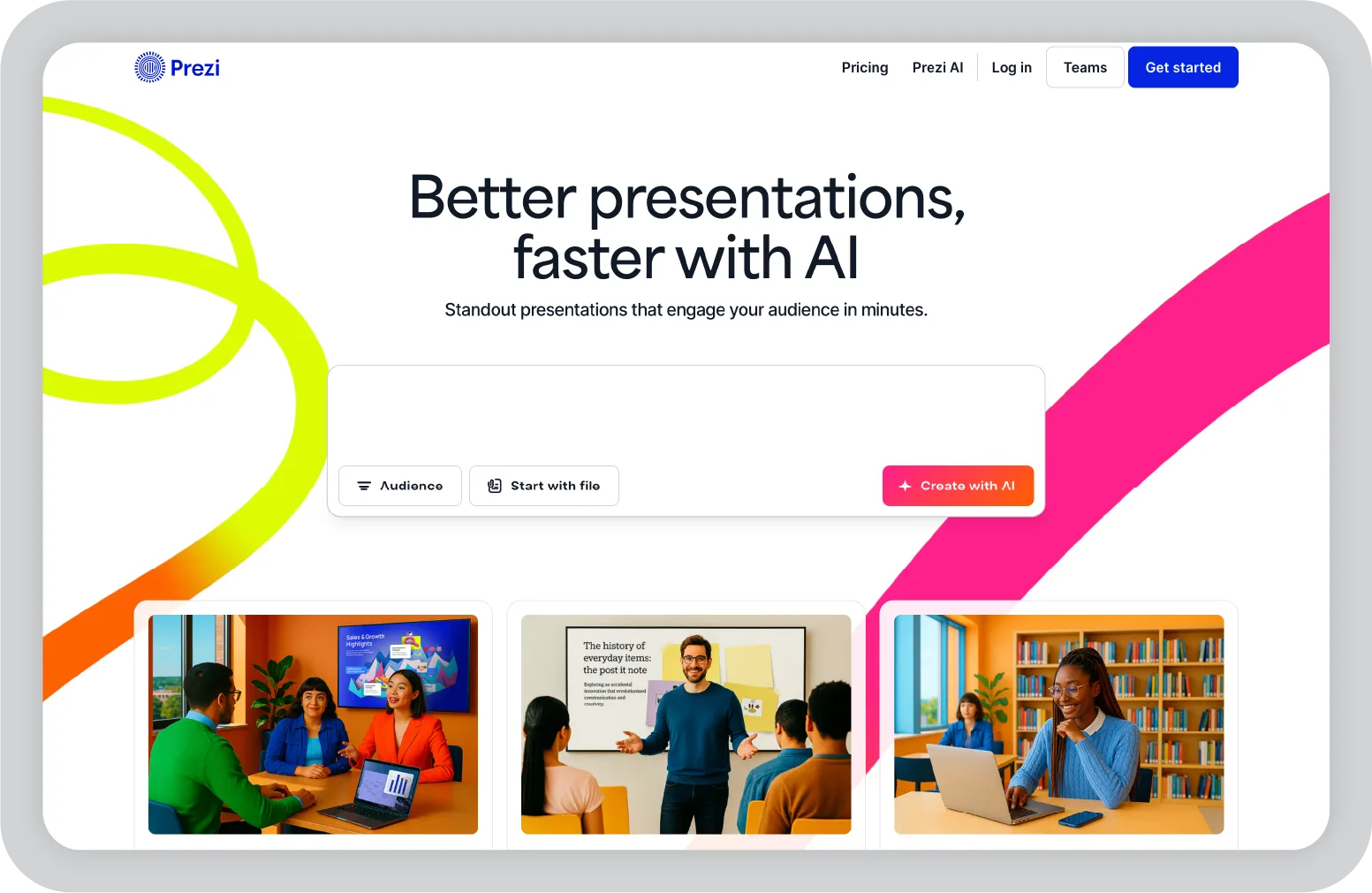
3. Prezi: best Gamma alternative for non-linear storytelling
"Slides don't have to be linear." That's essentially the idea behind Prezi, and it shows up in how the entire product is designed.
Instead of moving from slide to slide, you build a canvas. You zoom in and out of sections, connect ideas visually, and guide the audience through a narrative that feels more like a conversation than a sequence.
On paper, that sounds like a small shift. In practice, it changes how presentations are delivered, especially when the goal is to explain relationships, not just list points.
But spend some time using it, and the trade-offs become clear.
The format is engaging, but it also asks you to think differently. Structuring content takes more effort, and not every business presentation benefits from a non-linear approach.
Key features
Zoomable canvas interface that lets you move between topics fluidly, helping present complex ideas as connected concepts instead of isolated slides
Non-linear navigation that allows presenters to adapt flow in real time, based on audience questions or discussion points
Pre-designed templates built specifically for visual storytelling, with structured paths and focal points
Prezi Video, which overlays presentations on live video, making it useful for remote presentations and recordings
Real-time collaboration that allows teams to co-edit and structure presentations together
Integration with tools like Zoom and Microsoft Teams for live presentation delivery
Cloud-based access with sharing controls, making it easy to present or collaborate from anywhere
Export options for sharing and downloading presentations in various formats
Pros
Makes presentations feel more interactive and engaging, especially when explaining complex or layered ideas
Helps connect different parts of a story visually, rather than forcing a strict slide-by-slide format
Works well for presentations that require flexibility during delivery, such as discussions or workshops
Prezi Video adds a different dimension for remote communication, where presence matters
Strong differentiation from traditional slide tools, which can help presentations stand out
Cons
Requires more planning to structure content effectively compared to traditional slide-based tools
Can feel overwhelming for audiences if overused or not structured clearly
Not ideal for standard business presentations that require predictable flow and consistency
Limited AI capabilities compared to newer tools in this space
Brand control and compliance features are not as robust as enterprise-focused platforms
Pricing
Free plan available with basic features. Paid plans start at around $4/month, with higher tiers for advanced features and team collaboration.
In my opinion
Prezi works when the format itself adds value to the story you are telling. It's effective for visual explanations and interactive sessions.
But for most business use cases, structure matters more than movement. And that's where more traditional or AI-driven tools tend to fit better.
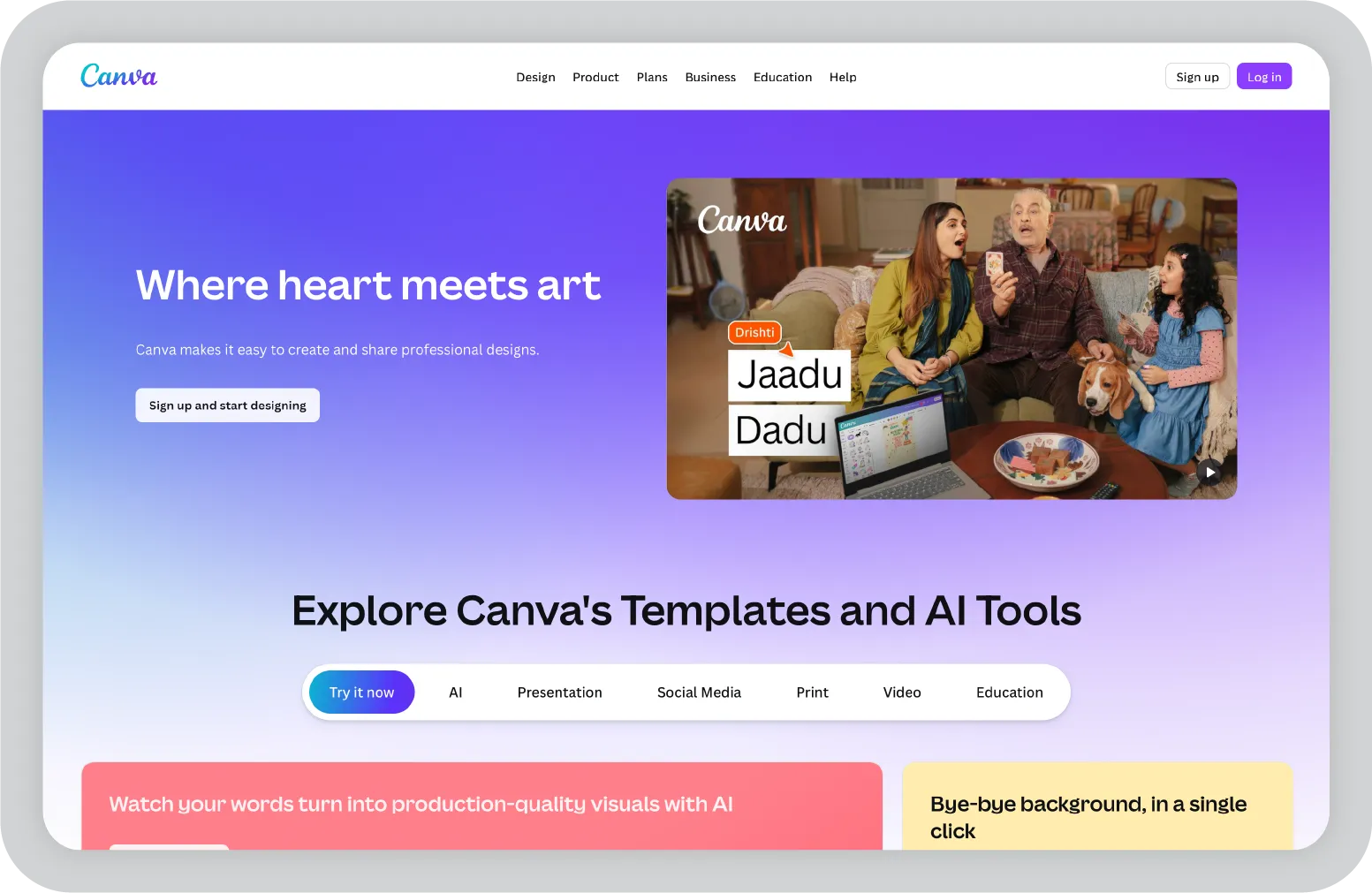
4. Canva: best Gamma alternative for multi-purpose content creation
Canva is one of those tools you've probably used before, even if presentations weren't the goal.
When I started using it for slides, it didn't feel like a "presentation tool" in the traditional sense. It felt more like a design workspace where presentations just happen to be one format among many.
That flexibility is what makes it appealing.
You can create presentations, reuse assets from other projects, and adapt the same content into different formats without switching tools. For teams working across marketing, content, and internal updates, that's useful.
But once presentations start requiring more structure and consistency, the limitations become more noticeable.
Key features
Drag-and-drop editor with a large library of templates, layouts, and design elements that make it easy to build slides quickly without starting from scratch
AI-powered tools like Magic Design and Magic Write that use AI to generate presentations, suggest layouts, and help refine AI content from prompts
Extensive built-in asset library including stock images, icons, videos, and fonts, all accessible within the editor
Brand Kit that allows teams to define colors, fonts, and logos to maintain visual consistency across designs
Real-time collaboration with editing, commenting, and sharing features for team workflows
Multi-format support with export options that let you repurpose presentations into documents, social posts, or videos
Pros
Fast to get started, even without prior design experience
Large template library helps reduce time spent building slides from scratch
Combines multiple content workflows in one place, which is useful for cross-functional teams
Simple collaboration and sharing make it easy to work across teams
Cons
Easy to create slides that look visually polished but lack clear structure or narrative flow
AI-generated content is useful for drafts but often needs refinement for business use cases
Limited support for data-heavy or insight-driven presentations
Brand consistency relies more on manual effort than strict governance
Pricing
Free plan available. Paid plans start at around $15/month (Canva Pro), with Canva for Teams offering additional collaboration and brand controls at higher tiers.
In my opinion
Canva works best when presentations are part of a broader content workflow.
If the goal is to create something quickly that looks good, it delivers. Especially for internal updates or marketing-focused decks.
But for presentations that need to communicate clearly with stakeholders, I find it requires more manual effort. The flexibility is there, but the structure and guidance are not.
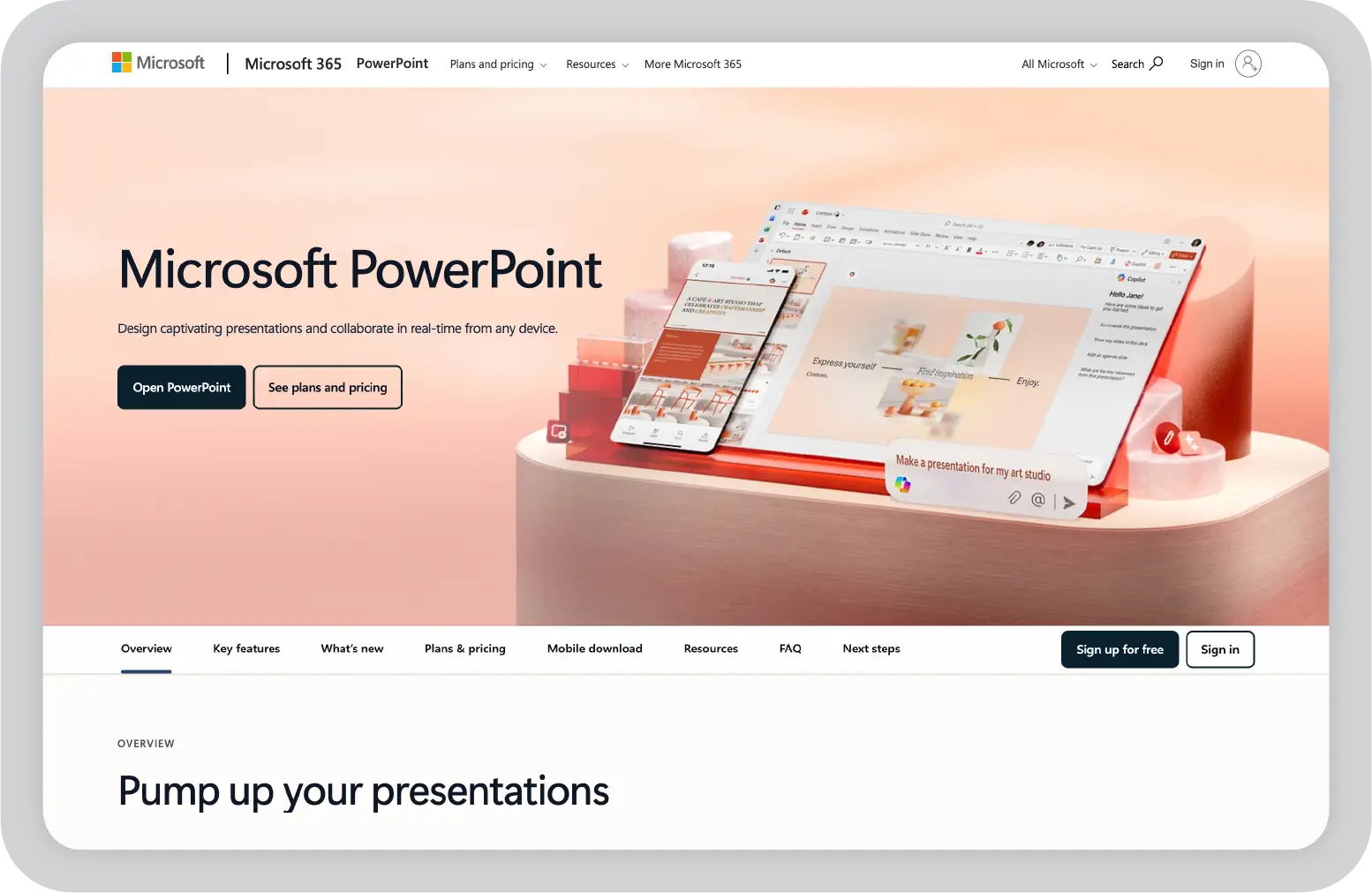
5. Microsoft PowerPoint: best Gamma alternative for full control and customization
PowerPoint is one of the most widely used presentation tools in business environments, and for good reason.
Unlike tools like Gamma that guide structure or automate layouts, PowerPoint takes a different approach. As a powerful AI presentation tool when paired with Microsoft Copilot, it gives you full control over how slides are built, from layout and formatting to animations and flow.
On paper, that sounds straightforward. In practice, it changes how you work.
You're not working within constraints or predefined systems. You're building everything yourself. That gives you flexibility, but it also means more responsibility for how the presentation turns out.
For teams that need precision and customization, that trade-off often makes sense. PowerPoint plus AI capabilities through Microsoft Copilot makes it one of the best AI-assisted options for teams that need both full control and modern AI support.
Key features
Full slide-level control over layout, formatting, animations, and visual structure without predefined constraints
Slide Master and template system that allows teams to standardize layouts, fonts, and branding across presentations
Advanced charting, tables, and data visualization tools for building detailed, data-heavy slides
Integration with Microsoft 365 tools like Excel, Word, and Teams for connected workflows
Presenter View with notes, timers, and slide previews to support live delivery
Offline access for creating and editing presentations without internet
Collaboration features including comments, co-authoring, and version history
Export options for PDF, video, and multiple other formats
Advanced AI features through Microsoft Copilot, including an AI assistant for AI slide creation and content suggestions with AI assistance
Pros
Complete flexibility to design and structure slides exactly as needed
Works well for complex, data-heavy, and highly customized presentations
Widely adopted across organizations, which reduces friction in sharing and collaboration
Strong integration with enterprise tools and workflows
Cons
Time-intensive, especially when building presentations from scratch
Maintaining brand consistency across slides and teams requires manual effort or strict template usage
No built-in guidance for storytelling or structuring presentations
Design quality depends heavily on individual skill and experience
Pricing
Included with Microsoft 365 subscriptions. Paid plans for Microsoft 365 vary based on team size and tier, with higher tiers providing full AI access through Copilot.
In my opinion
PowerPoint works best when control matters more than speed.
If the presentation is complex or needs to be tailored precisely, it's still one of the most reliable tools. You're not limited by templates or automation.
But that flexibility comes with more effort. You spend more time building, refining, and aligning slides, especially if brand consistency across teams is important.
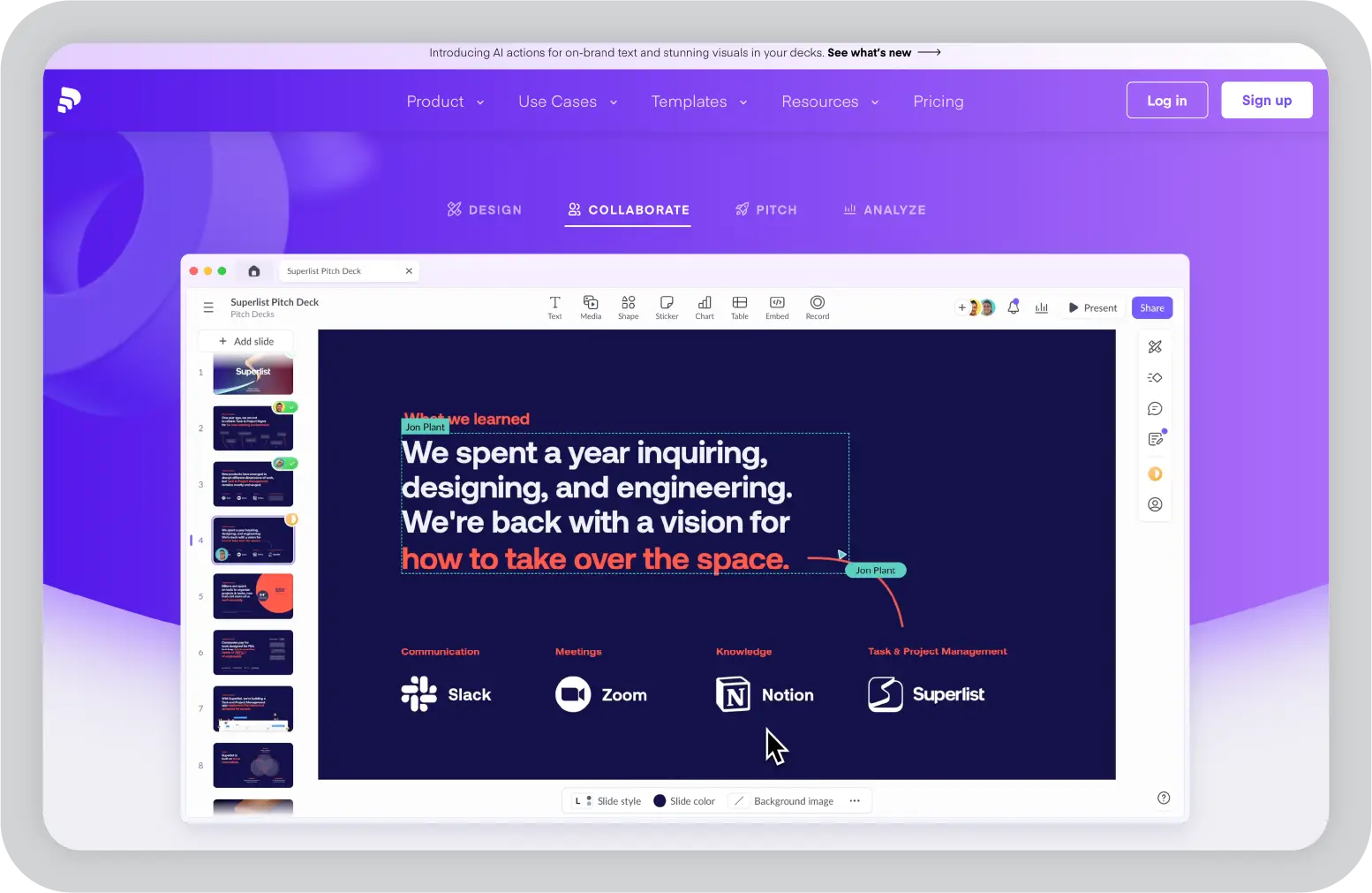
6. Pitch: best Gamma alternative for team collaboration
Pitch is built for teams that create presentations together, not individually.
When I started using it, the difference showed up in how collaboration is handled. It's not just about sharing a deck and leaving comments. The whole workflow is designed around multiple people working on the same presentation at the same time.
That changes how quickly things move.
You can assign slides, track progress, and keep feedback tied to specific parts of the deck instead of scattered across tools. For teams working on recurring decks or fast-moving projects, that structure makes a noticeable difference.
At the same time, Pitch keeps things relatively focused. It combines creation, collaboration, and sharing, but it doesn't go too deep into storytelling or governance. As a gamma alternative for teams, Pitch offers a clean collaborative workflow with modern AI assistance built in.
Key features
Real-time collaboration where multiple users can edit the same presentation simultaneously, with visible changes, comments, and live updates across the deck
Slide-level ownership and workflow management, allowing you to assign slides, track progress, and manage responsibilities within a single presentation
Shared workspaces that organize decks, templates, and brand assets, making it easier for teams to reuse content and stay aligned
Built-in templates (100+ expert-designed) that provide structured starting points for common business use cases like sales decks and updates
Integrations with tools like Slack, Google Drive, Notion, Figma, and CRM platforms to connect presentations with existing workflows
Presentation analytics and link sharing, so you can track views, engagement, and how stakeholders interact with your deck after sharing
Co-presenting capabilities that allow multiple team members to present together with smooth handoffs during delivery
Rich media and embedding support, including videos, charts, and external data sources, without leaving the editor
Export options for sharing and distributing finalized presentations
Pros
Collaboration feels built-in, not added later. Assigning slides, tracking updates, and working in parallel reduces back-and-forth significantly
Keeps teams aligned by centralizing decks, templates, and assets in one shared workspace instead of scattered files
Faster iteration cycles, especially for teams working on recurring presentations like sales decks or weekly updates
Analytics and sharing features add visibility into how presentations are actually being used after they're sent
Clean interface makes it easy to onboard teams without much training
Cons
Limited flexibility when you need highly customized layouts or complex slide structures compared to PowerPoint
Template library is solid but smaller than tools like Canva or Beautiful.ai, especially for highly visual or creative use cases
Less focus on storytelling frameworks or structured narrative building
Brand governance exists, but it's not as strict or enforceable as enterprise-focused tools
Can feel lightweight for large organizations that need deeper control, compliance, or advanced workflows
Pricing
Free plan available. Paid plans start at around $13 per user per month, with higher tiers for advanced collaboration and admin features.
In my opinion
Pitch works best when collaboration is the main friction point.
If multiple stakeholders are involved in building presentations, it makes the process smoother and more structured. You spend less time coordinating and more time actually building.
But beyond collaboration, it doesn't go very deep. If your workflow requires stronger control over messaging, structure, or brand governance, it may start to feel limited.
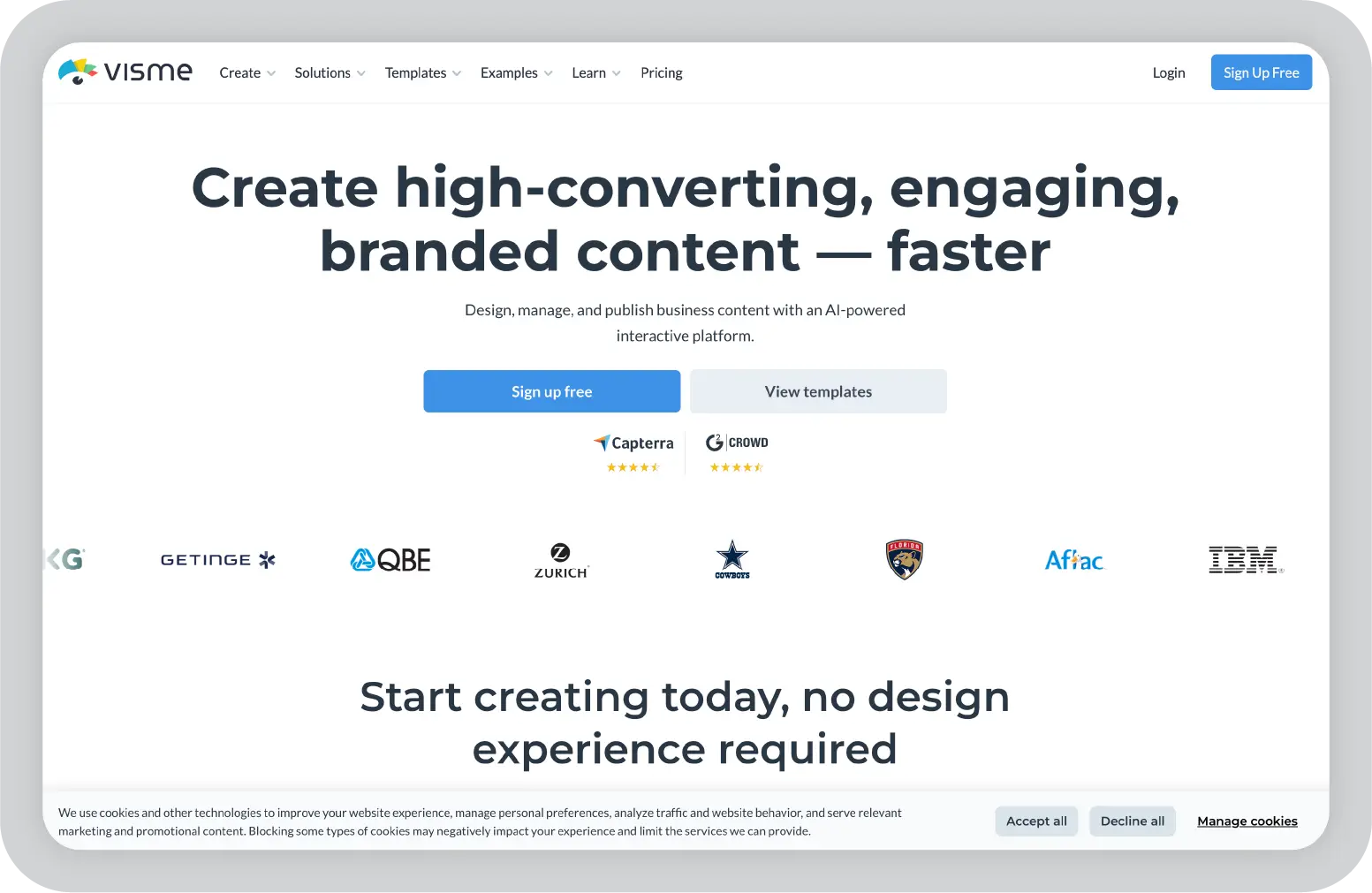
7. Visme: best Gamma alternative for data-driven presentations
Visme sits closer to a data visualization tool than a traditional presentation platform.
The focus is less on slides as containers and more on how information is presented visually. Charts, infographics, and data elements are central to how the tool works, not just add-ons.
If the goal is to explain insights, trends, or performance, Visme gives you more ways to structure that information clearly. You're not limited to standard slide layouts. You can build more detailed, visual-first presentations that go beyond bullet points.
But that added flexibility also comes with complexity. It takes more time to set things up, and the workflow can feel heavier compared to simpler tools.
Key features
Advanced data visualization capabilities with customizable charts, graphs, maps, and widgets that can be tailored to different business use cases
Infographic-style slide building that allows you to combine multiple content types into a single, information-rich layout instead of traditional slides
AI-powered tools that assist with content generation, layout suggestions, and design adjustments to speed up initial creation
Large template library focused on reports, dashboards, proposals, and data-heavy presentations
Brand Kit and style controls that help maintain brand consistency across presentations and teams
Interactive elements such as clickable sections, hover effects, and embedded media for more engaging presentations
Analytics and tracking features that provide visibility into how viewers interact with shared presentations
Collaboration tools including commenting, sharing, and team workspaces
Export options for PDF, PowerPoint, and other formats to share or repurpose completed presentations
Pros
Strong support for data-heavy presentations where visuals play a key role in communication
More flexibility in how information is structured, especially compared to traditional slide-based tools
Useful for creating reports, dashboards, and presentations in the same environment
Interactive features add depth when presentations are shared digitally
Templates are tailored toward business use cases rather than generic designs
Cons
Steeper learning curve compared to simpler presentation tools
Building and aligning slides can take more time, especially for first-time users
Can feel overly complex for straightforward presentations that don't require heavy visuals
Performance can slow down when working with large or highly detailed designs
Collaboration is functional, but not as seamless as tools built primarily for team workflows
Pricing
Free plan available. Paid plans start at around $12.25/month, with higher tiers for advanced features, analytics, and team collaboration.
In my opinion
Visme works best when the presentation is driven by data.
If the goal is to explain insights clearly using visuals, it gives you more flexibility than most tools. You can build presentations that feel closer to reports or dashboards than standard slides.
But for simpler use cases, it can feel like more than you need. The extra flexibility adds effort, and not every presentation requires that level of detail.
8. Google Slides: best Gamma alternative for simple, collaborative workflows
Google Slides is one of the easiest ways to create and share presentations, especially if your team already uses Google Workspace.
There's no setup, no file management, and no version confusion. You open a link, start editing, and everything updates in real time. That simplicity is what makes Google Slides widely used across teams.
It fits naturally into existing workflows.
You can pull data from Sheets, collaborate through comments, and store everything in Drive without switching tools. For teams that prioritize speed and accessibility, that setup works well.
But beyond that, the tool stays fairly basic. It handles core presentation needs, but it doesn't go much further.
Key features
Cloud-based editing that allows teams to access and work on presentations from anywhere without managing local files
Real-time collaboration with comments, suggestions, and simultaneous editing across multiple users
Integration with Google Workspace tools like Docs, Sheets, and Drive for connected workflows
Version history and auto-save, making it easy to track changes and restore previous versions
Built-in templates and themes for standard presentation formats
Simple sharing controls with permission settings for internal and external stakeholders
Add-ons and extensions that extend functionality with additional design and workflow tools
Export options for PowerPoint, PDF, and other formats
Pros
Very easy to use, with minimal onboarding required
Strong real-time collaboration that works reliably across teams
Eliminates version control issues with automatic saving and updates
Fits well into existing Google-based workflows
Quick to create and share presentations without setup
Cons
Limited design flexibility compared to more advanced tools like Beautiful.ai
Fewer features for data visualization, storytelling, or structured presentations
Templates and layouts are relatively basic
Not ideal for highly polished or client-facing presentations
Depends on internet access for full functionality
Pricing
Free for individuals. Included with Google Workspace plans for businesses.
In my opinion
Google Slides works best when ease of use and collaboration matter most.
If the goal is to create and share presentations quickly, it does that reliably without adding complexity. It fits naturally into how teams already work.
But for presentations that need stronger structure or higher visual quality, it can start to feel limited. Teams needing powerful AI capabilities or stronger brand governance may prefer a tool like Beautiful.ai or Pitch.
9. Ludus: best Gamma alternative for highly customized presentations
Ludus takes a very different approach compared to most presentation tools on this list.
Instead of simplifying slide creation, it leans into flexibility. You're not limited to standard layouts or predefined structures. You can place elements freely, layer content, and build slides more like a design canvas than a traditional presentation.
That changes how presentations are created.
You're not working within a system that guides structure or layout. You're designing each slide with a high level of control, which opens up more creative possibilities but also requires more effort.
For teams that care about design precision or want presentations to feel more unique, that trade-off can be worth it.
Key features
Freeform canvas that allows you to position elements anywhere on the slide without layout constraints
Advanced embedding support for tools like Figma, Google Maps, YouTube, and other web content directly inside slides
Layer-based editing system similar to design tools, enabling precise control over visual hierarchy and composition
Custom typography, spacing, and styling controls for detailed design adjustments
Reusable components and blocks that help maintain some level of consistency across slides
Real-time collaboration with shared editing and commenting features
Integration with creative tools and assets for richer, more interactive presentations
Export options for presentations in multiple formats
Pros
High level of design control compared to most presentation tools
Useful for creating visually distinct, non-standard presentations
Strong support for embedding external content and interactive elements
Works well for teams with design experience or creative workflows
Allows more freedom in structuring slides beyond traditional formats
Cons
Steeper learning curve, especially for users used to structured slide tools
Time-consuming to build presentations compared to more guided platforms
Limited support for structured storytelling or business-focused frameworks
Brand consistency requires manual effort without strong governance features
Not ideal for quick or high-volume presentation workflows
Pricing
Paid plans start at around $14.90 per month, with team plans available at higher tiers.
In my opinion
Ludus works best when design flexibility is the priority.
If the goal is to create something visually unique or highly customized, it gives you more control than most tools. You're not restricted by templates or predefined layouts.
But for typical business workflows, it can feel like too much effort. The lack of structure makes it harder to scale across teams or maintain brand consistency.
10. Zoho Show: best Gamma alternative for simple business workflows
Zoho Show fits into a broader ecosystem rather than trying to stand out as a standalone presentation tool.
If your team is already using Zoho apps, it integrates naturally. Presentations become part of a connected workflow that includes documents, CRM data, and collaboration tools.
That context shapes how the tool is used.
You're not switching between platforms to build and share presentations. Everything stays within the same environment, which can simplify day-to-day work for smaller teams or businesses already invested in Zoho.
At the same time, the tool itself stays fairly lightweight. It covers the basics well, but it doesn't go very deep in terms of advanced features.
Key features
Cloud-based presentation builder with real-time editing and access from any device without local file management
Integration with Zoho ecosystem tools like Zoho CRM, Zoho Docs, and Zoho WorkDrive for connected workflows
Built-in templates and themes for common business presentation formats
Collaboration features including comments, sharing, and team access controls
Broadcast and remote presentation features that allow you to present to audiences without requiring downloads
Version history and auto-save to track changes and maintain document integrity
Import and export support for PowerPoint files, making it easy to work across platforms
Export options for PDF and other common formats for easy sharing
Pros
Works well within the Zoho ecosystem, reducing the need to switch between tools
Easy to use for teams that need straightforward presentation capabilities
Collaboration and sharing features cover most basic team needs
Free to use, which makes it accessible for small teams or businesses
Compatible with PowerPoint formats for easier file exchange
Cons
Limited design flexibility compared to more advanced presentation tools
Smaller template library and fewer customization options
Lacks advanced AI features for storytelling, data visualization, or analytics
Not ideal for complex or high-stakes presentations
Relies heavily on the Zoho ecosystem to deliver full value
Pricing
Free for individual users, with additional features available through Zoho Workplace and business plans.
In my opinion
Zoho Show works best when simplicity and ecosystem integration are the priority.
If your team already uses Zoho tools, it fits in naturally and keeps everything in one place. It's easy to adopt and covers basic presentation needs without friction.
But on its own, it feels limited. For teams that need more control, flexibility, or advanced AI features, it may not be enough.
Choosing the best Gamma alternative for your business
Gamma and similar tools make it easier to generate presentations quickly. They reduce the time spent on formatting, layout, and initial slide creation. For many teams, that's a meaningful improvement over starting from scratch.
But in most business settings, generating slides is only one part of the workflow.
Presentations need to be consistent across teams. Messaging needs to adapt to different audiences. And the final output needs to be clear, structured, and aligned with how the business communicates.
That's where the gap shows up.
Prezent AI is built to address that gap by focusing on the full presentation workflow, not just slide creation.
Instead of relying only on prompts, it combines AI with structured communication frameworks to help teams turn raw inputs into presentation-ready narratives. The platform is designed around how presentations are actually used in business environments, whether that's client conversations, internal reviews, or executive updates.
In practice, that shows up in a few key ways:
Astrid AI engine that is trained on business communication patterns, helping structure content, refine messaging, and generate presentation-ready narratives based on context
Communication fingerprints that tailor tone, structure, and messaging based on audience, company standards, and industry context
Built-in brand governance that enforces templates, fonts, colors, and formatting automatically, reducing manual review cycles
Story Builder and structured frameworks that guide how presentations are organized, making it easier to create clear, logical narratives
Large library of business-ready templates and slides designed for use cases like sales presentations, QBRs, and leadership updates
Transformation tools that convert existing decks into brand-compliant versions or generate summaries without rebuilding from scratch
Analytics and engagement tracking that provide visibility into how presentations are used and how they perform across teams
For teams where presentations are tied to outcomes, not just output, this shifts the process from one-off slide creation to a repeatable system.
Instead of rebuilding decks every time or relying on manual fixes, teams can standardize how presentations are created, reviewed, and delivered.
If you want to see how this works in practice, you can explore Prezent AI by booking a demo or starting your free trial to evaluate how it fits into your workflow.
FAQs About Gamma AI Alternatives
1. What are the best Gamma AI alternatives for business presentations in 2026?
The best Gamma alternatives depend on what your team needs beyond slide generation. Tools like Prezent AI focus on structured, enterprise-ready presentations with brand control and audience personalization. Others like PowerPoint offer full customization, while tools like Pitch and Google Slides are better suited for collaboration. The right choice comes down to how much control, consistency, and scalability your workflow requires.
2. Why do teams look for Gamma alternatives?
Gamma works well for quickly generating presentation drafts, but teams often need more control as their workflows mature. Common reasons include limited flexibility in layout and structure, challenges maintaining brand consistency, and the need for better storytelling, collaboration, and performance tracking across presentations.
3. Are Gamma alternatives better for enterprise teams?
In many cases, yes. Enterprise teams usually need more than just slide generation. They require tools that support brand governance, audience-specific messaging, collaboration across teams, and repeatable workflows. Platforms like Prezent AI are designed with these needs in mind, making them more suitable for business-critical presentations.
4. What AI features should you look for in a Gamma alternative?
For business use cases, the focus should go beyond design or AI generation. Look for features like brand control, structured storytelling support, collaboration workflows, analytics, and the ability to adapt presentations for different audiences. These capabilities help ensure presentations are not just created quickly, but also effective and consistent.
5. How does Prezent AI compare to Gamma?
Gamma focuses on quickly turning prompts into slides, which works well for early drafts. Prezent AI goes further by supporting the full presentation workflow. It combines AI with structured frameworks, brand governance, and audience personalization to help teams create presentations that are aligned, consistent, and ready for real business use.
Niyati is a Content Marketing Specialist with over 5 years of experience creating product-led content that drives conversions. She focuses on building high-intent, search-driven content that aligns closely with product value and turns traffic into users. Having worked with several SaaS and AI-first companies, she specializes in bridging content strategy with measurable growth.
9 Best NotebookLM Alternatives (Free & Paid) in 2026
Explore the best NotebookLM alternatives for research, notes, and AI workflows. Compare tools that help you organize knowledge and work more efficiently.
9 Top AI Organization Tools for Better Productivity and Workflow Management
Discover the best AI organization tools to manage tasks, notes, meetings, and workflows. Compare platforms that help teams stay productive and organized.
10 Best SlidesCarnival Alternatives for Better Presentation Templates
Explore the best SlidesCarnival alternatives for presentation templates. Compare tools for design, collaboration, AI slide creation, and business presentations.
Benefits of an AI presentation maker: Capabilities, automation, and real-world use cases
Discover the benefits of an AI presentation maker. Learn how AI helps teams automate presentation workflows, create brand-consistent decks, and improve business results.
15 AI Reporting Tools I Tested for Faster, Clearer Reporting
Explore AI reporting tools that automate data analysis, dashboards, and reporting. Compare platforms that help teams turn data into clear insights faster.
Explore the best presentation design services. Compare agencies that help teams create polished slides, improve storytelling, and design clearer presentations.
Claude for PowerPoint: How it works, setup, limitations, and enterprise solutions
Claude for PowerPoint guide: learn step-by-step setup, AI presentation creation, workflow best practices, and the limitations enterprise teams should consider.
How to choose the best AI presentation maker: A practical buyer’s guide for modern teams
Find the best AI presentation maker for your team. Learn how to compare AI presentation generators, templates, brand control, and integrations before choosing the right tool.
What is an AI presentation maker? Capabilities, limitations & use cases
Cut deck time by 80% with AI presentation makers. This enterprise guide covers must-have features, proven ROI, and a PowerPoint comparison, plus real-world use cases for proposals, QBRs, and RFPs.