No items found.
No items found.
Staying organized at work sounds simple until your tasks start piling up across emails, documents, calendars, and meeting notes.
I’ve gone through these phases and that’s what made me start exploring AI-powered productivity tools.
Over the past couple of years, I’ve tested quite a few platforms that promise to simplify organization. Some focus on task management. Others help with scheduling, note-taking, or managing knowledge across a team.
What I’ve learned is that the best AI organization tools don’t just store information. They actively help you prioritize work, automate repetitive tasks, and make it easier to find the information you need when you need it.
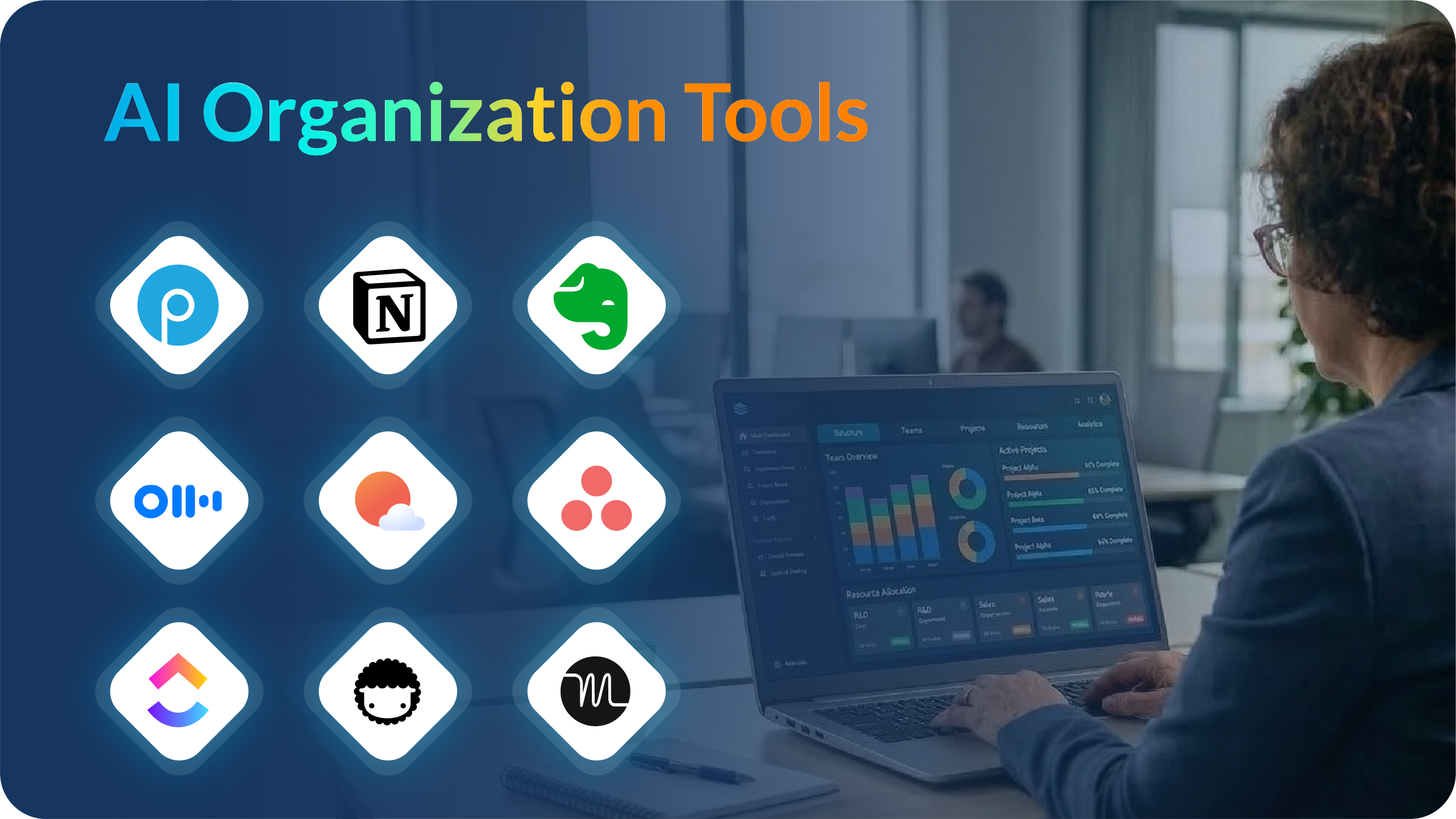
After testing a range of tools and reviewing feedback from platforms like G2, I narrowed the list down to the 9 best AI organization tools for 2026.
Each one solves a slightly different problem, whether it’s managing projects, organizing knowledge, or keeping your daily schedule under control.
Before diving into the detailed breakdown, here’s a quick overview of the tools I selected and what they’re best known for.
I started by looking at more than 20 productivity and organization tools that claim to use AI.
As I tested them, one thing became clear: “organization” means different things depending on how you work.
Some people need strong project management features. Others need better note-taking. And some simply want help managing their calendar and daily priorities.
To make this list practical, I focused on tools that consistently perform well in real workflows.
Here are the criteria I used while evaluating them:
While testing different productivity tools, I noticed something interesting: most “organization tools” focus on tasks, calendars, or notes.
But in real work environments, information rarely stays neatly inside one system. Notes live in documents, tasks sit in project managers, and important insights often get buried in meetings or email threads.
AI organization tools are trying to solve that problem by helping teams structure information, automate routine work, and make it easier to retrieve what matters.
After testing a range of platforms, these are the tools that stood out most to me.
Since I spend a lot of time working on presentations, I’m always interested in tools that make that process easier and more structured.
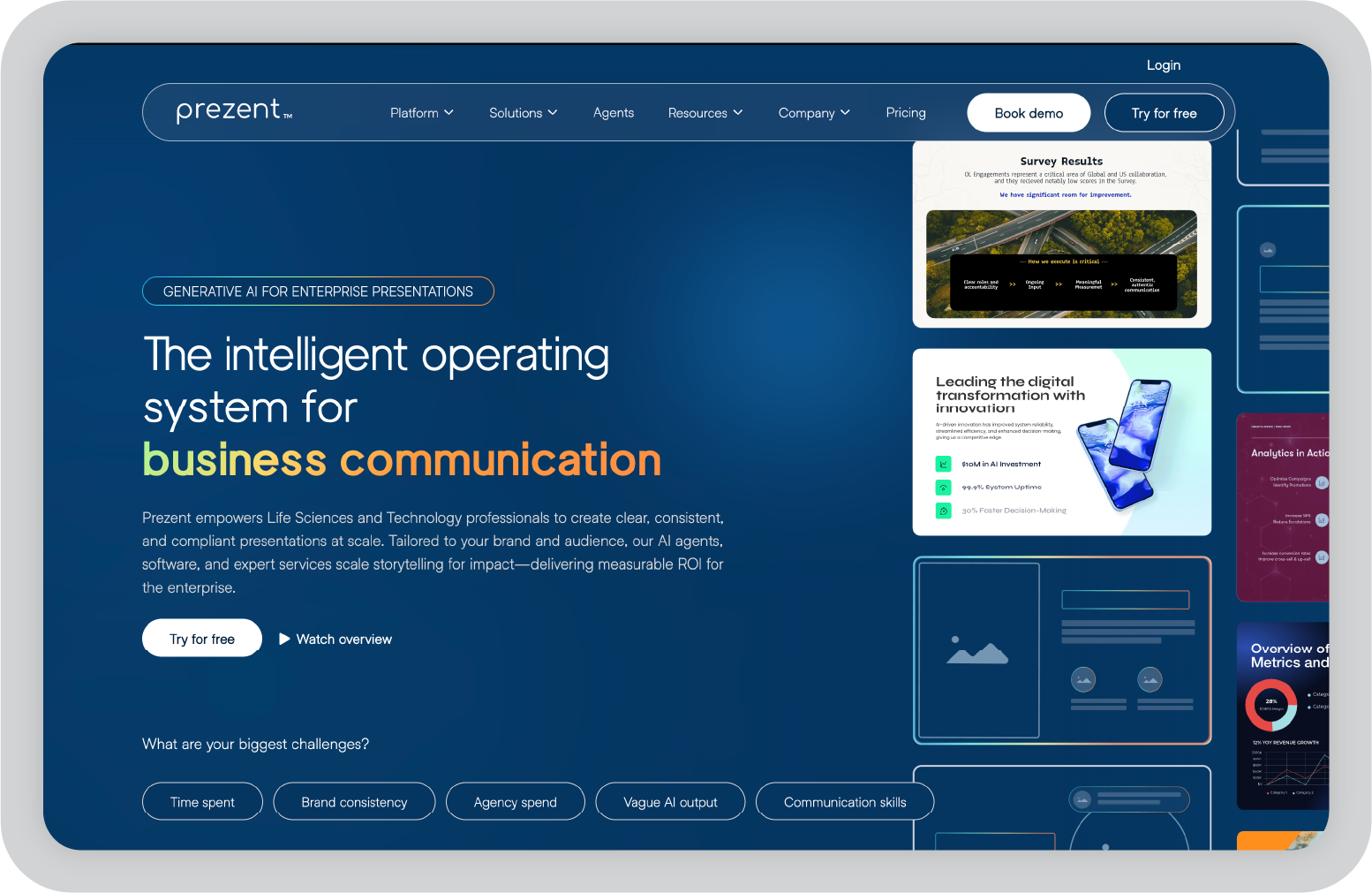
Prezent.ai stands out because it approaches organization from a different angle than most productivity tools. Instead of focusing on tasks or notes, it focuses on something many teams rely on every day: business communication through presentations.
In many organizations, presentations are where insights, analysis, and decisions ultimately come together. But creating those decks often means pulling information from documents, spreadsheets, emails, and internal knowledge bases, then spending hours formatting slides.
Prezent.ai simplifies that process by acting almost like an operating system for business communication. The platform combines AI-powered presentation software, intelligent agents, and expert services to help teams create clear, consistent presentations faster.
One of the most interesting parts of the platform is Astrid, Prezent.ai’s contextual AI presentation agent. Instead of generating generic slides, Astrid factors in your company’s brand guidelines, audience, and business context to build presentations that feel structured and relevant.
For enterprise teams that create presentations regularly, this kind of system brings a lot of consistency. Instead of every employee starting from scratch or searching through outdated templates, they can generate on-brand decks quickly while maintaining the company’s messaging standards.
G2 rating: 4.5 / 5
Many reviewers on G2 highlight how much time the platform saves when building presentations while maintaining consistent branding across teams.
“The platform is intuitive, time-saving, and packed with smart templates that make my slides look professional and engaging without spending hours on design.”
— Priyanka S., Social Investments Manager (Enterprise company)
Prezent.ai is primarily designed for enterprise teams that create presentations frequently. Smaller teams or individuals who only build occasional decks may find the platform more powerful than what they need.
That said, for organizations where presentations play a central role in communicating insights and strategy, the structured workflows and AI assistance can significantly reduce the time spent creating slides.
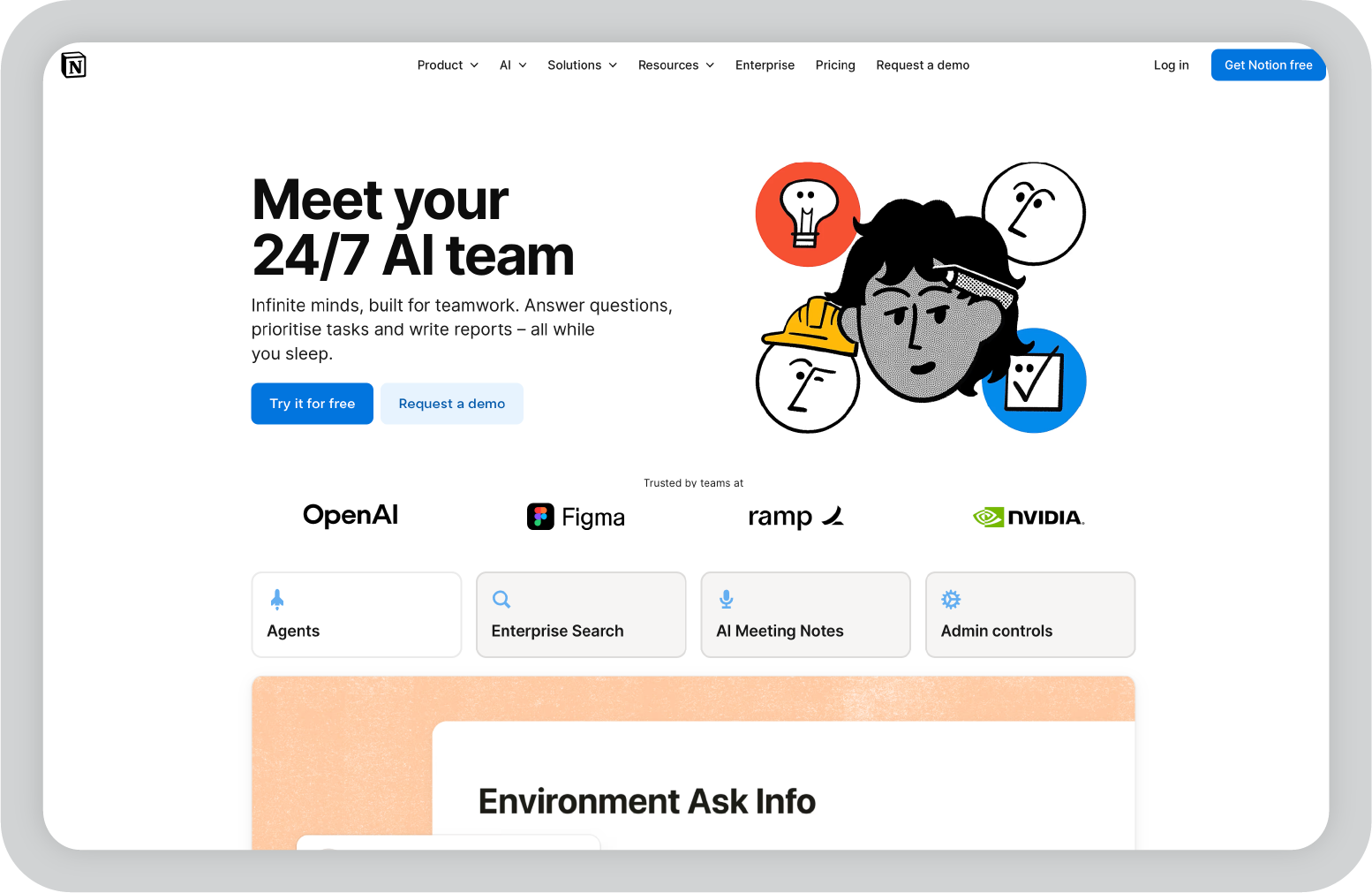
Notion has become one of the most popular productivity tools for organizing information, and the addition of AI has made it even more powerful.
What I’ve always liked about Notion is how flexible it is. Instead of forcing you into a rigid workflow, it lets you build your own system using pages, databases, notes, and task lists.
With Notion AI, that system becomes much easier to manage.
The AI can summarize long notes, generate content, organize information, and help structure documents. For teams that rely heavily on documentation or knowledge sharing, this can save a lot of time.
Another advantage is how well Notion works as a central workspace. Teams can keep meeting notes, project plans, knowledge bases, and tasks in one place instead of spreading them across multiple tools.
That flexibility is exactly why so many startups and remote teams rely on it for everyday organization.
G2 rating: 4.6 / 5
Many G2 reviewers appreciate Notion’s flexibility and how it allows teams to organize multiple workflows inside a single workspace.
“I like that it's flexible and everything lives in one place, so you’re not constantly bouncing between tools. It gives you great visibility… and makes collaboration feel much more organized and intentional.”
— Natasha B., Associate Director, Ad Operations (Mid-Market company)
Notion’s flexibility is one of its biggest strengths, but it can also be overwhelming for new users. Setting up an effective workspace sometimes requires experimentation, especially for teams that are just getting started.
The AI features are helpful for summarizing and drafting content, but they’re not always deeply integrated into workflow automation the way some newer AI productivity tools attempt to be.
ClickUp positions itself as the “everything app for work,” and from what I’ve seen, it comes pretty close to that goal.
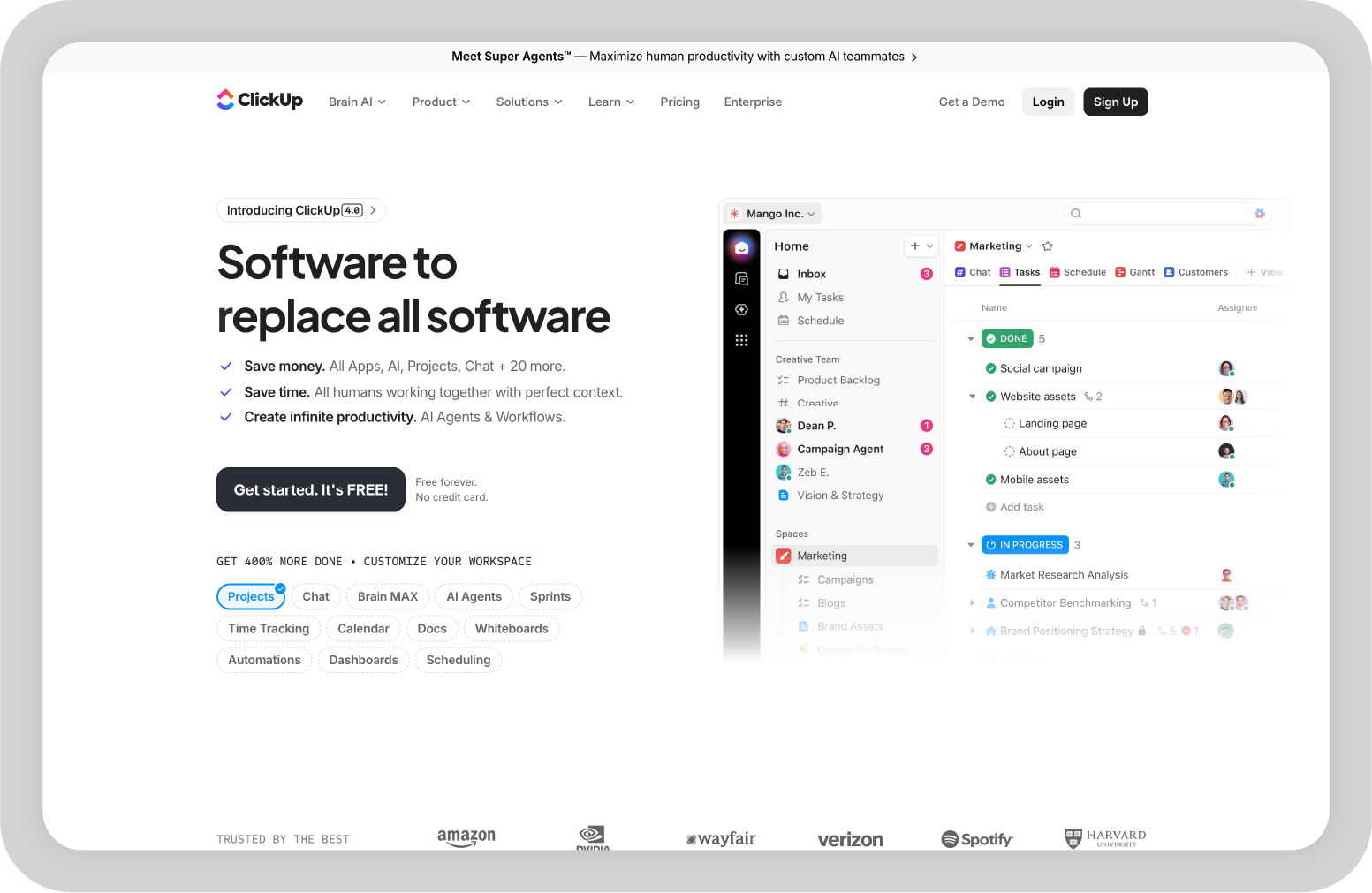
Instead of using separate tools for task management, documentation, planning, and collaboration, ClickUp tries to bring everything into a single workspace. Teams can manage projects, track tasks, create documents, automate workflows, and monitor progress without constantly switching between platforms.
What stands out to me about ClickUp is how customizable it is. Different teams prefer different ways of organizing work, and ClickUp supports that with multiple views like lists, boards, timelines, and dashboards.
The addition of ClickUp’s AI features adds another layer to the platform. AI can help summarize tasks, generate documentation, assist with writing, and automate repetitive work across projects.
For teams managing complex workflows across multiple departments, that combination of project management, collaboration, and automation makes ClickUp a powerful organization tool.
G2 rating: 4.7 / 5
Many G2 reviewers highlight ClickUp’s flexibility and how it can replace several different productivity tools within one platform.
“ClickUp allows me to do things that can't otherwise be done due to their complexity and breadth of team members involved. I use it to store, manage and plan every single area of my life and business.”
— Michael M., CEO (Small-Business company)
Because ClickUp offers such a wide range of features, it can feel overwhelming at first. Setting up workspaces, views, and automations sometimes takes time before everything feels structured.
Once it’s configured properly, though, the flexibility becomes one of its biggest strengths for managing complex workflows.
One of the biggest productivity challenges isn’t just managing tasks — it’s figuring out when those tasks actually get done.
That’s where Motion takes a slightly different approach compared to traditional productivity tools. Instead of just storing your to-do list, Motion actively schedules tasks into your calendar.
The platform uses AI to analyze deadlines, priorities, and available time slots, then automatically plans your day. If meetings change or new tasks come in, Motion adjusts the schedule dynamically.
What I find interesting about Motion is how it turns planning into a more automated process. Instead of constantly reorganizing tasks or blocking time manually, the tool continuously updates your calendar so you always have a clear plan for the day.
For professionals juggling multiple projects, meetings, and deadlines, that kind of automated scheduling can remove a lot of daily decision-making.
G2 rating: 4.1 / 5
Many G2 reviewers highlight Motion’s ability to automatically organize daily schedules and help users stay on top of tasks and deadlines.
“Motion has elevated my productivity to the max. I am able to enter tasks for different projects and have an organized and timely calendar to follow.”
— Sabrina A., Senior Director, Curriculum Development (Small-Business company)
While Motion’s scheduling automation is powerful, it can feel restrictive for users who prefer more manual control over their calendars.
Some users also mention occasional glitches or small usability issues, especially when updating tasks or adjusting schedules.
Still, for people who want their calendar to actively manage their workload rather than just display it, Motion offers a unique approach to productivity.
Whenever I talk to teams about project organization, Asana is one of the tools that comes up most often.
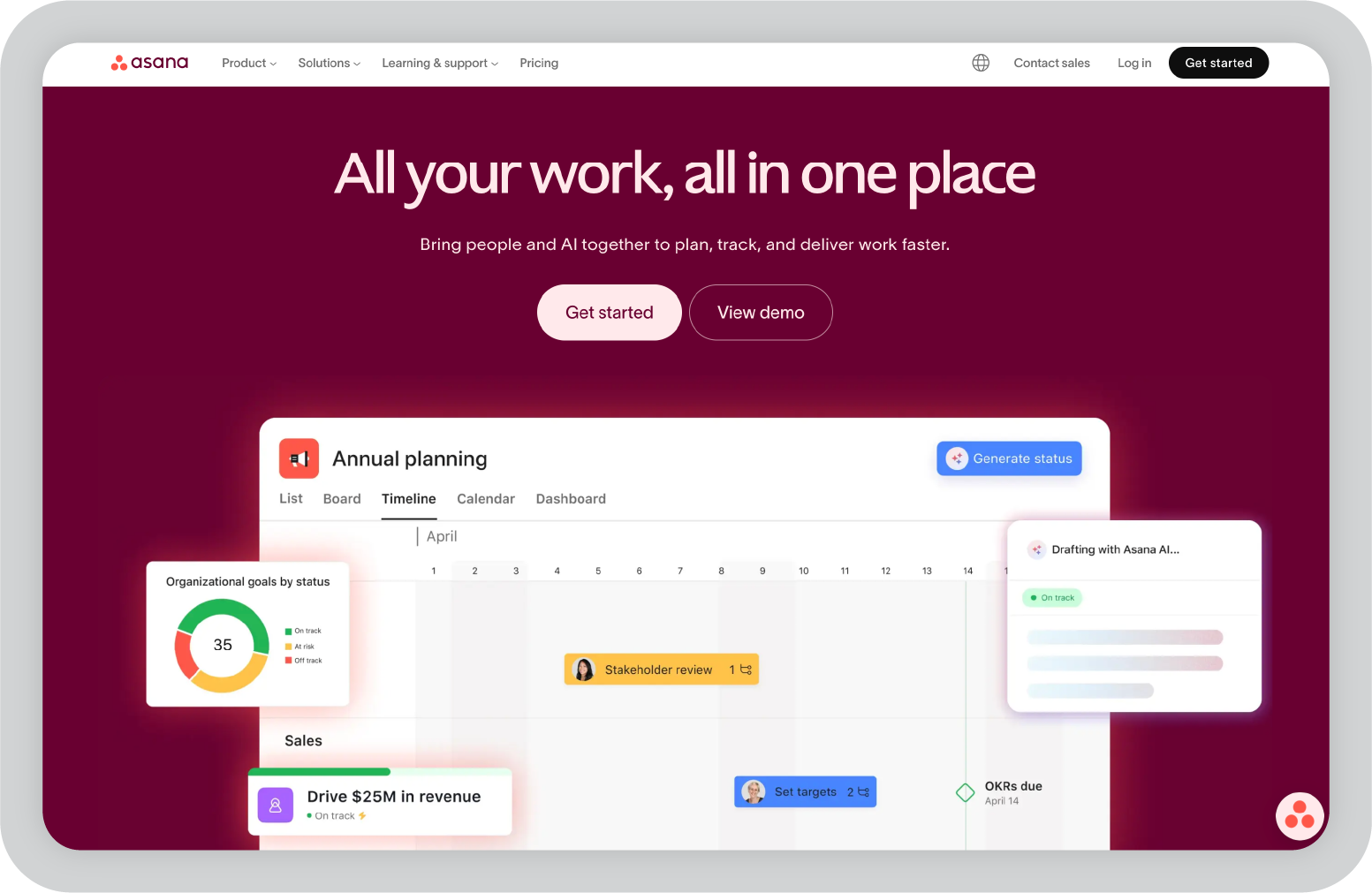
The reason is simple: it’s very good at bringing structure to collaborative work. Instead of scattered tasks and unclear ownership, projects live inside clear workflows where tasks, deadlines, and responsibilities are visible to everyone involved.
What’s interesting now is how Asana is layering AI into that workflow.
With Asana Intelligence, the platform can summarize project updates, flag potential risks, and generate insights from activity across projects. That helps managers quickly understand what’s moving forward and where things might be slowing down.
For larger teams or organizations managing many parallel initiatives, that kind of visibility can be extremely useful.
G2 rating: 4.4 / 5
Many reviewers mention that Asana helps teams stay organized while reducing the time spent tracking progress across projects.
“New AI integration offers better insights and saves time… I’ve been making the most of Asana’s upgraded AI Teammates… It’s a real time-saver.”
— Tapas C., WordPress Expert (Small-Business company)
One thing I’ve noticed is that while Asana excels at structured project management, it can feel a bit rigid for teams that want highly customizable workflows.
Some organizations also end up using additional tools for documentation or knowledge management alongside Asana.
Still, when the goal is clear project coordination across teams, Asana continues to be one of the most dependable platforms available.
One thing I’ve noticed across many teams is how quickly information from meetings disappears.
Important decisions get made on calls, useful insights come up in conversations, and then a week later no one remembers exactly what was said. Most teams try to solve this with manual notes, but those are often incomplete.
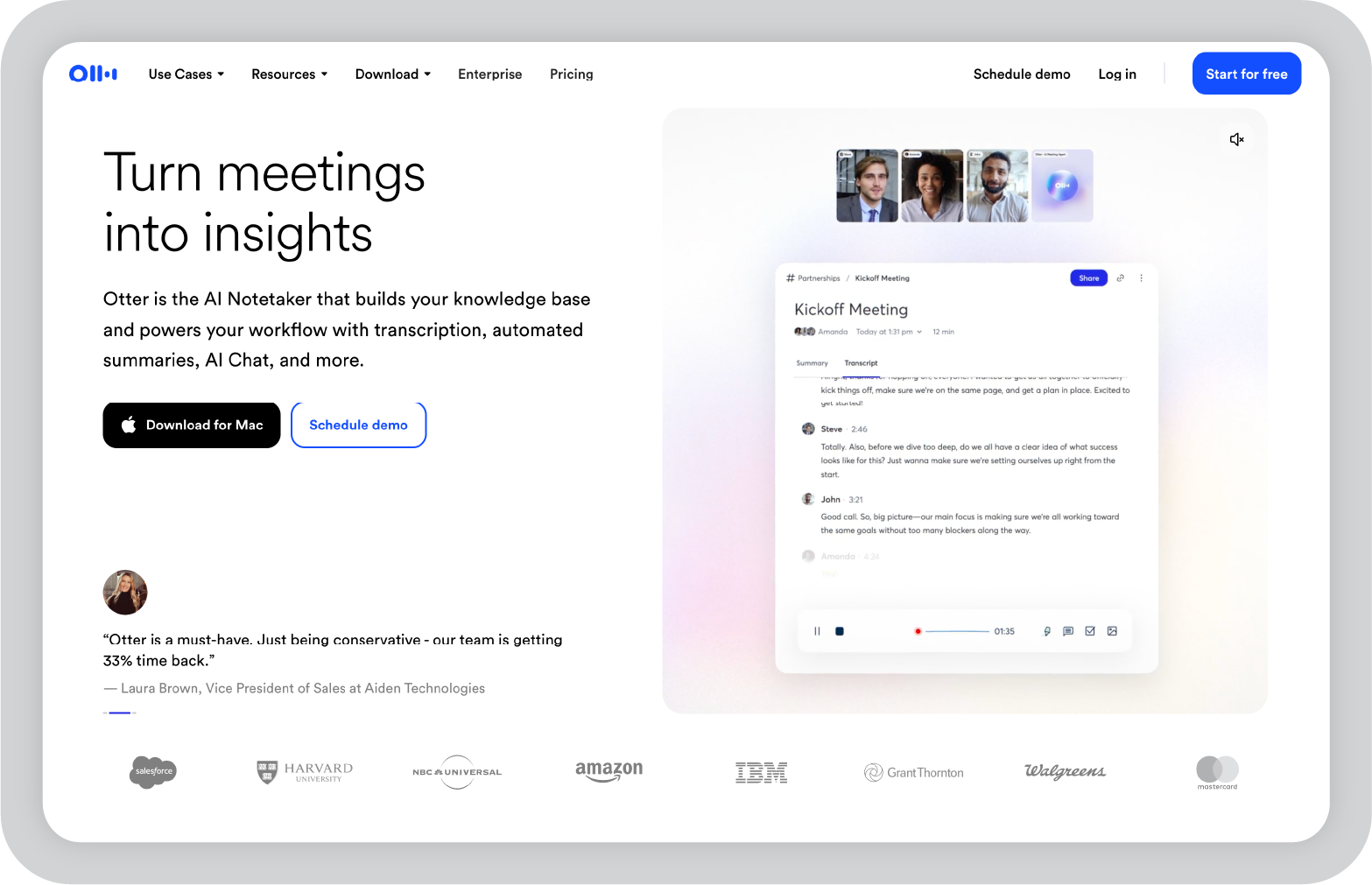
Otter.ai takes a different approach by capturing the entire conversation.
It joins meetings, records the discussion, and generates real-time transcripts that can later be searched, shared, or referenced. Instead of relying on someone to document everything, the platform automatically creates a written record of the discussion.
What makes this especially useful is the ability to revisit past conversations. Over time, those transcripts turn meetings into something closer to a knowledge archive rather than one-off conversations that disappear once the call ends.
G2 rating: 4.4 / 5
Many reviewers highlight how Otter helps capture conversations that would otherwise be lost after meetings.
“Otter allows me to not only be in two places at once, it allows me to share parts of discussions… Rarely has a platform fundamentally changed the way I work — Otter.ai has.”
— Mark W., Director of Professional Services (Small-Business company)
Transcription accuracy can occasionally vary depending on audio quality or when multiple people speak at the same time. Some users also mention wanting more control over when the assistant joins meetings automatically.
That said, having a searchable record of conversations often ends up being the feature people rely on the most once they start using the platform regularly.
I’ve tried quite a few productivity tools that promise to organize work better, but many of them end up becoming long lists of tasks that keep growing.
Sunsama takes a different approach.
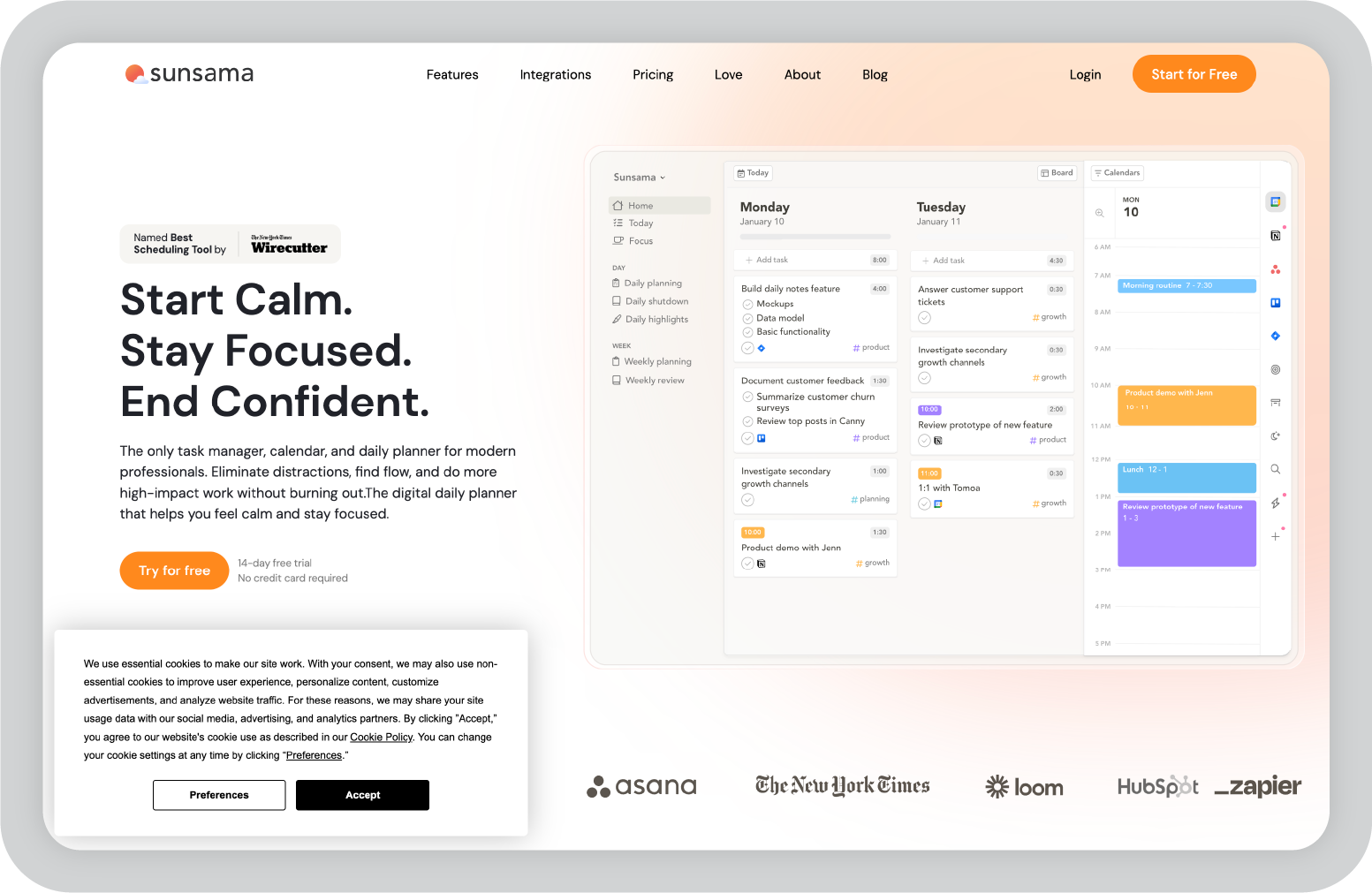
Instead of focusing on managing large backlogs, the platform is built around planning your day intentionally. It pulls tasks from tools like Trello, Asana, Gmail, and Slack and lets you organize them alongside your calendar so you can decide what realistically fits into your schedule.
The experience feels closer to a daily planning ritual than a traditional task manager. You review incoming work, allocate time blocks, and create a focused plan for the day ahead.
One detail I particularly like is the reflection step built into the workflow. At the end of the day, Sunsama prompts you to review what was completed and carry unfinished work forward. Over time, that simple habit can make workload planning much clearer.
Sunsama currently does not have a listing or rating on G2, so verified review scores from that platform are not available yet.
However, the tool has gained a strong following among professionals who prefer a structured daily planning workflow instead of traditional task management systems.
Because Sunsama focuses on daily planning rather than full project management, teams usually still rely on tools like Asana or ClickUp to manage larger workflows.
For individuals, though, the structured daily planning approach can make it much easier to stay focused without feeling overwhelmed by long task lists.
I tend to notice pretty quickly when a productivity tool feels different from the typical task manager. Taskade is one of those tools.
Instead of focusing only on lists or project boards, Taskade combines tasks, notes, mind maps, and collaboration in a single workspace. You can start with a simple outline and gradually turn it into structured tasks, project plans, or workflows.
That flexibility makes it particularly useful when you’re still figuring out how a project should be organized. Ideas can evolve into tasks without switching between different tools.
The platform also integrates AI features that help generate outlines, automate task creation, and assist with structuring projects. For teams that like to brainstorm visually before turning ideas into action items, that workflow feels quite natural.
G2 rating: 4.5 / 5
Many reviewers highlight Taskade’s intuitive interface and how easily teams can collaborate while organizing projects in a single workspace.
“Taskade's intuitive drag-and-drop interface makes task management incredibly streamlined… The seamless collaboration features and real-time synchronization have transformed how my team manages projects.”
— Verified User in Design (Small-Business company)
Because Taskade combines many different workspace styles, outlines, mind maps, tasks, and collaboration, it can sometimes feel less structured than traditional project management tools.
Teams managing highly detailed workflows may still prefer platforms like ClickUp or Asana for deeper reporting and project tracking.
But for brainstorming, organizing ideas, and collaborating in real time, Taskade offers a refreshingly flexible workspace.
I have seen Evernote used in many different ways over the years. Some people use it as a simple note taking app, while others turn it into a full system for organizing ideas, documents, and research.
That flexibility is one of the reasons the tool has remained popular for so long.
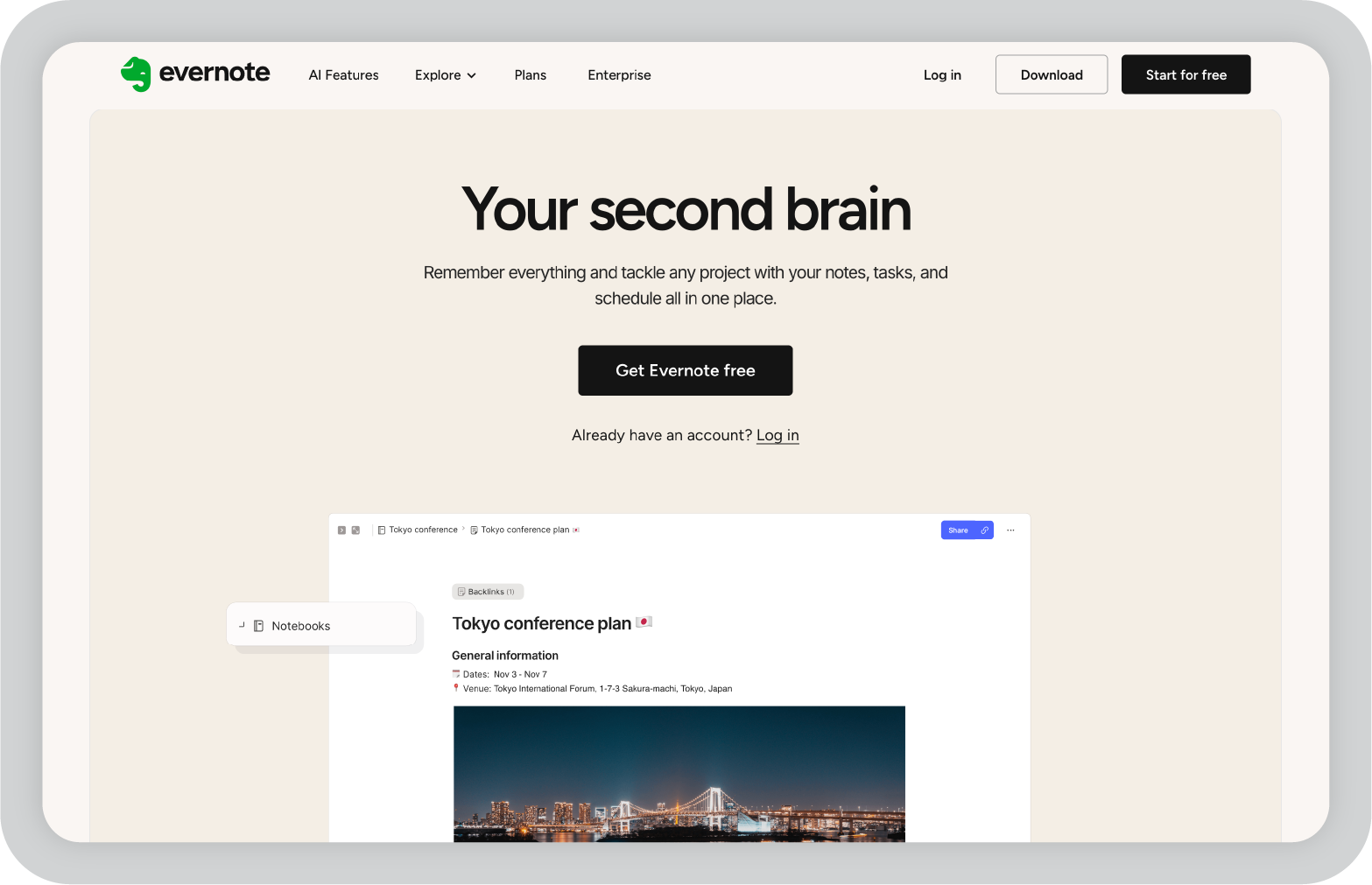
At its core, Evernote helps you capture information quickly and organize it using notebooks, tags, and searchable notes. Notes can include text, documents, images, web clippings, and even audio recordings. This makes it easy to collect information from different sources in one place.
More recently, the platform has introduced AI features that help summarize notes, restructure content, and surface useful insights from large note collections.
For anyone managing a lot of ideas, research material, or reference content, that combination of note capture and organization can turn Evernote into a personal knowledge base.
G2 rating: 4.4 / 5
Many reviewers highlight how easily Evernote adapts to different workflows, from simple note taking to organizing larger projects.
“Simple interface that's malleable and scalable for many different needs. Evernote can be used at its simplest as a note taking interface and can also be applied to full on project management systems.”
— Michael P., Owner (Small Business company)
Evernote has added many features over time, and that sometimes makes the platform feel heavier than simpler note taking apps.
Some users also mention limitations in the free plan and pricing changes compared with earlier versions of the tool.
After exploring these tools, one thing becomes clear: AI can help organize work in many different ways. The right tool really depends on what kind of problems you’re trying to solve.
Some platforms focus on structuring projects and tasks. Others are better suited for capturing and managing information.
In other words, AI organization tools are not one-size-fits-all. The best choice depends on whether you need help with project management, knowledge organization, meeting documentation, or day-to-day planning.
If your work involves communicating ideas through presentations, there are also tools designed specifically for that purpose. Platforms like Prezent.ai help teams turn raw content into structured, on-brand presentations while saving time on formatting and design.
If you’re curious how that works, you can explore Prezent.ai with a free interactive demo and see how AI can support your presentation workflow.
AI organization tools are software platforms that use artificial intelligence to help manage tasks, notes, schedules, and workflows. They can automate repetitive work, summarize information, prioritize tasks, and make it easier to organize large amounts of data or communication.
These tools reduce the time spent on manual organization. AI can summarize meeting notes, automatically schedule tasks, suggest priorities, and organize documents or knowledge bases. This allows individuals and teams to focus more on decision-making and execution rather than administrative work.
The most useful features usually include task automation, AI-powered summaries, collaboration tools, integrations with existing software, and flexible organization systems such as tags, databases, or project boards. The right features depend on whether you are organizing tasks, knowledge, meetings, or schedules.
Yes. Many AI organization tools offer both personal and team workflows. Individuals often use them for task management, note-taking, and daily planning, while teams use them to coordinate projects, track work, and share information across departments.
Not always. Some AI tools complement traditional project management platforms by adding automation and insights. Others combine project management with AI features in a single workspace. The best choice depends on how complex your workflows are and how much automation you need.
Yes. Some AI tools focus specifically on presentation workflows. Platforms like Prezent.ai can help teams turn documents, prompts, or data into structured, on-brand presentations, which can save significant time when preparing business communication or executive updates.

Niyati is a Content Marketing Specialist with over 5 years of experience creating product-led content that drives conversions. She focuses on building high-intent, search-driven content that aligns closely with product value and turns traffic into users. Having worked with several SaaS and AI-first companies, she specializes in bridging content strategy with measurable growth.
Connect with her on LinkedIn.