No items found.
No items found.
Working with research, notes, and documents should feel simple. But if you’ve spent time using NotebookLM, you’ve probably run into the same friction I did.
I remember uploading PDFs, asking questions, and getting decent summaries, but then hitting a wall when I wanted more control. I couldn’t organize things the way I wanted, couldn’t work offline, and honestly, I wasn’t always comfortable with everything living in the cloud.
That’s what pushed me to explore alternatives.
Over time, I realized something important: tools like NotebookLM are great for quick document Q&A, but they don’t fully solve how we actually work with knowledge. We don’t just read, we organize, connect, present, collaborate, and sometimes even turn ideas into something bigger.
So I tested a wide range of tools, from AI research assistants to privacy-first note apps and even platforms that turn documents into presentations or audio.
This guide is a breakdown of what actually works.
If you’re a student, researcher, professional, or just someone tired of losing track of your notes, this will help you find a better fit for your workflow.
When exploring NotebookLM alternatives, I focused on how these tools perform in real-world workflows, not just on paper.
Here’s what mattered most:
Prezent AI is one of the best AI-powered presentation software I have tried.
Most NotebookLM alternatives help you understand your documents. Prezent AI takes that a step further: it helps you turn that understanding into something you can actually present.
I’ve spent way too many hours turning messy notes, reports, and PDFs into clean slides. That’s where Prezent AI stood out. Instead of manually structuring everything, I could upload content or give a prompt, and it would build a clear narrative and convert it into a polished, professional presentation.
What I liked most is that it doesn’t just generate slides, it thinks about how the story should flow. The end result feels like something you’d confidently present to a client or leadership team.
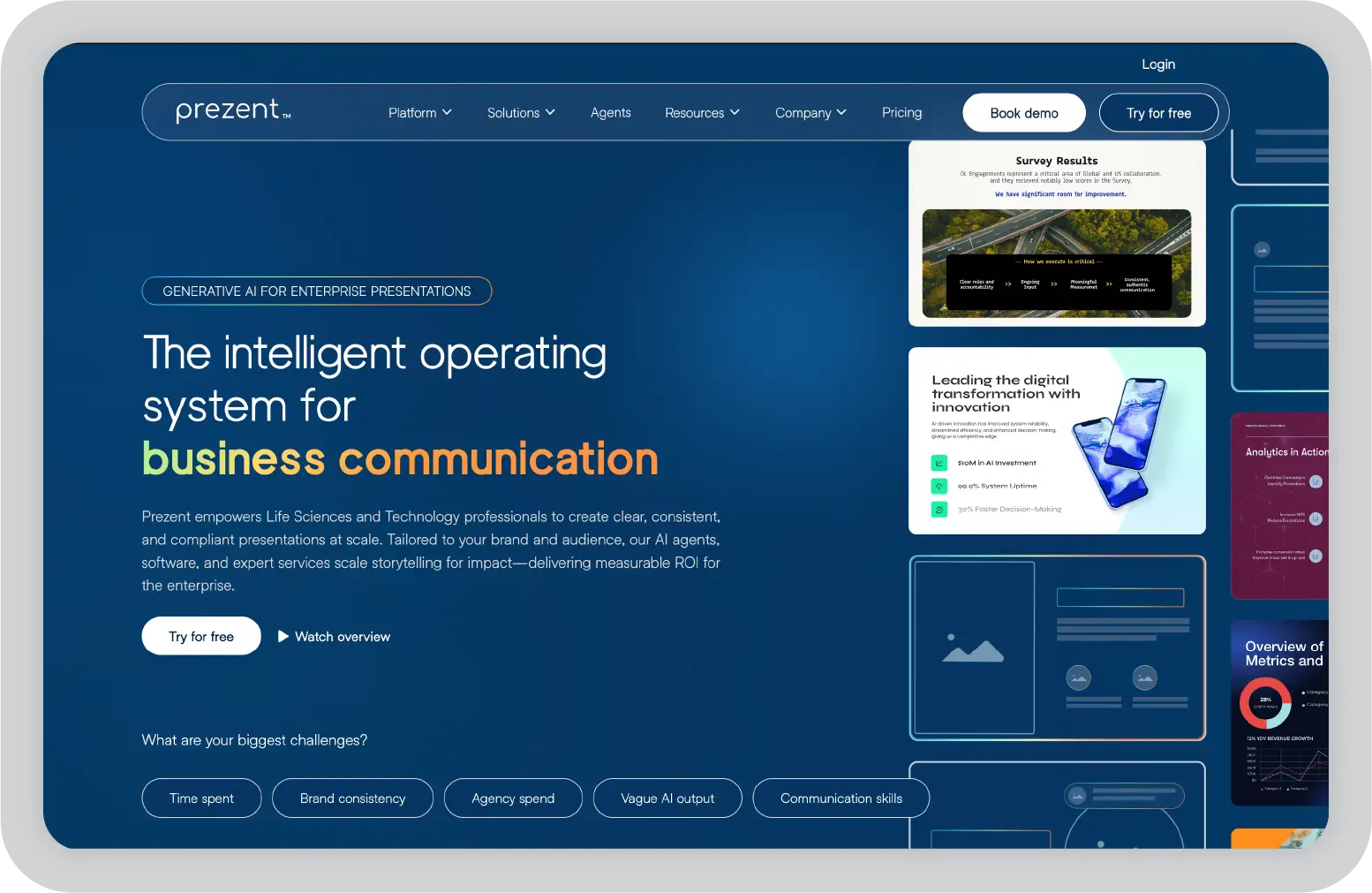
Prezent AI offers custom pricing based on your teams’ requirements.
Teams and professionals who need to turn research, notes, or data into polished, on-brand presentations.
In my experience, this is the only tool here that truly bridges the gap between research and communication. If presentations are part of your workflow, it’s a strong upgrade from NotebookLM.
Saner.AI felt like a completely different kind of tool, and honestly, that’s why I found it refreshing.
Instead of focusing on outputs like presentations or summaries, it focuses on helping you think clearly. When I used it, I didn’t feel like I had to organize anything manually. I could just capture ideas, notes, or tasks, and the AI would quietly structure everything in the background.
What stood out to me is how it reduces mental clutter. Most tools expect you to create folders or systems. Saner removes that friction and lets you focus on getting things out of your head and into one place.
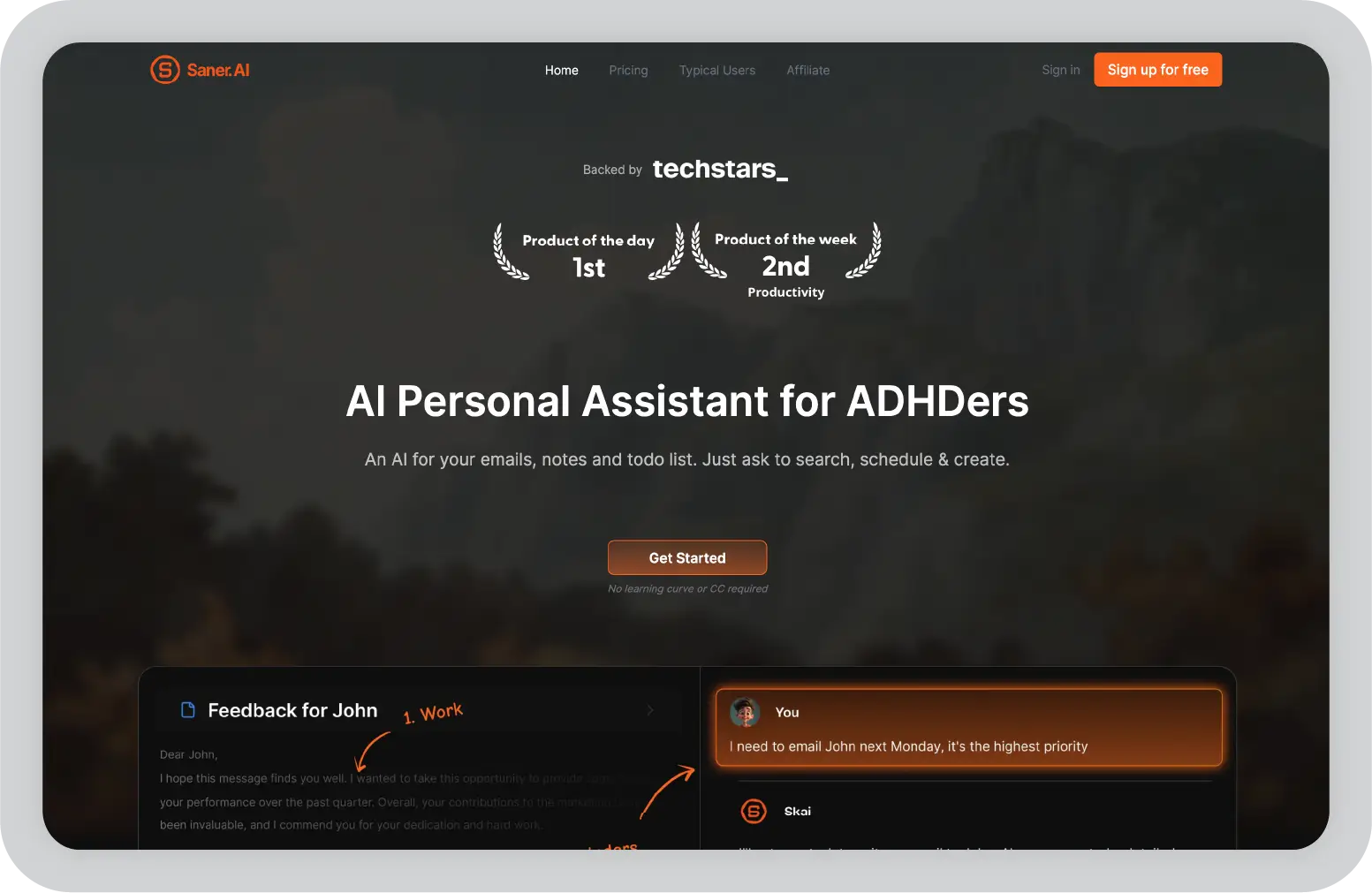
Free plan available, with paid plans starting around $16/month.
Individuals who want a simple, AI-organized second brain without building complex systems.
If your biggest struggle is staying organized and not losing track of ideas, this tool makes a noticeable difference. It feels less like a productivity app and more like a mental reset.
I’ve used Notion on and off for years, and every time I come back to it, I’m reminded why it’s so popular. It’s one of those tools that can be whatever you want it to be: notes, task manager, wiki, database, or all of them at once.
When I compared it to NotebookLM, the biggest difference was flexibility. NotebookLM answers questions about documents. Notion helps you build an entire system around your knowledge.
That said, it’s not as automatic. You don’t just upload files and get instant structure. Instead, you create the structure yourself. For some people, that’s powerful. For others, it can feel like extra work.
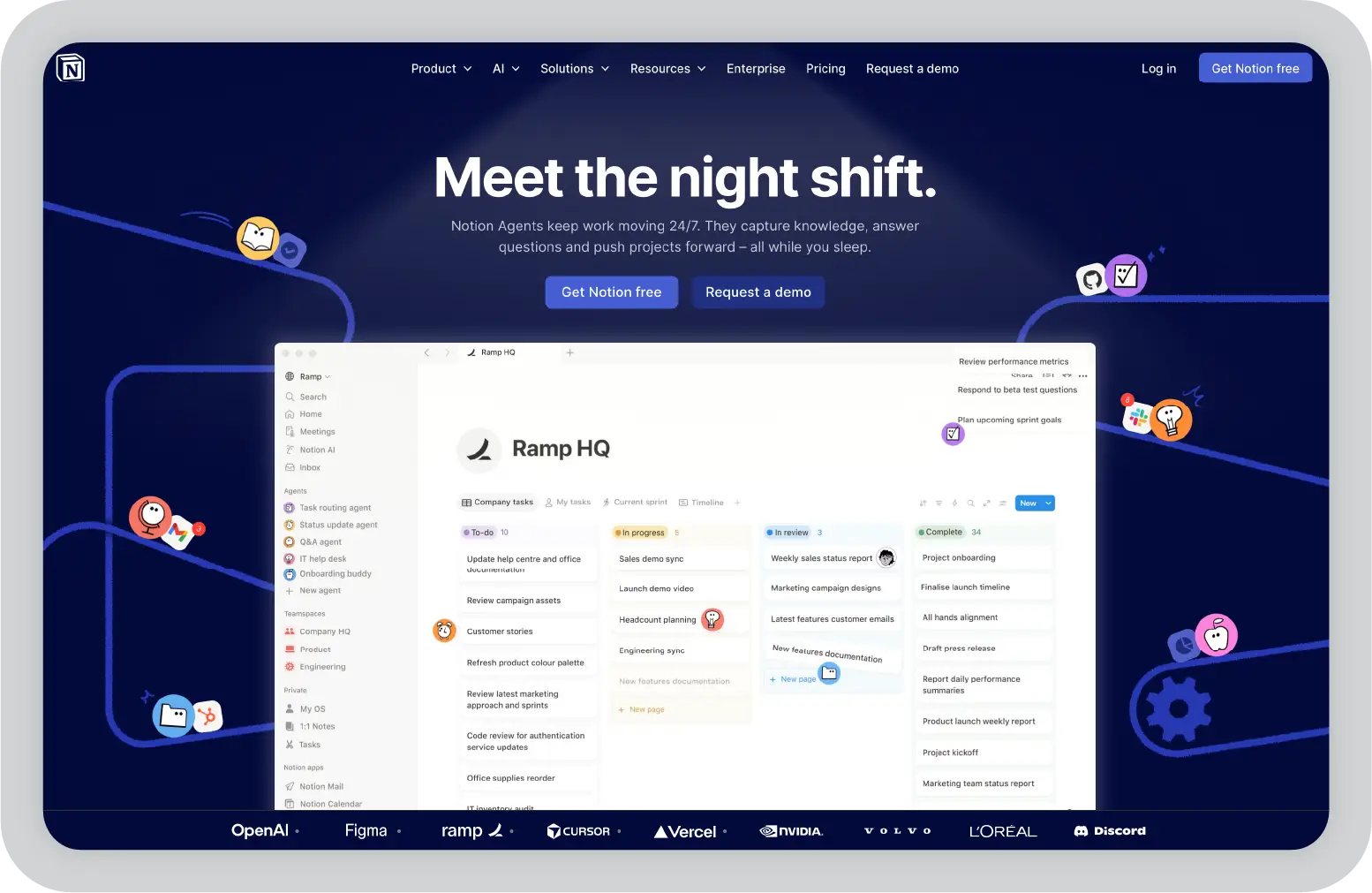
Free plan available, with paid plans starting at around $10/month, plus an additional cost for AI features.
Teams and individuals who want a customizable, all-in-one workspace for notes, projects, and collaboration.
In my experience, Notion is powerful but not effortless. If you’re willing to build your system, it can replace multiple tools. If not, it might feel heavier than something like NotebookLM.
Obsidian feels completely different from almost every other tool on this list.
The first thing I noticed is that nothing is stored in the cloud by default, everything lives on your device. That alone makes it stand out if you care about privacy.
But what really makes it interesting is how it connects ideas. Instead of organizing notes into folders, you link them together. Over time, your notes turn into a network of thoughts rather than isolated documents.
It’s not AI-first like NotebookLM, but it’s incredibly strong for long-term thinking and knowledge building.
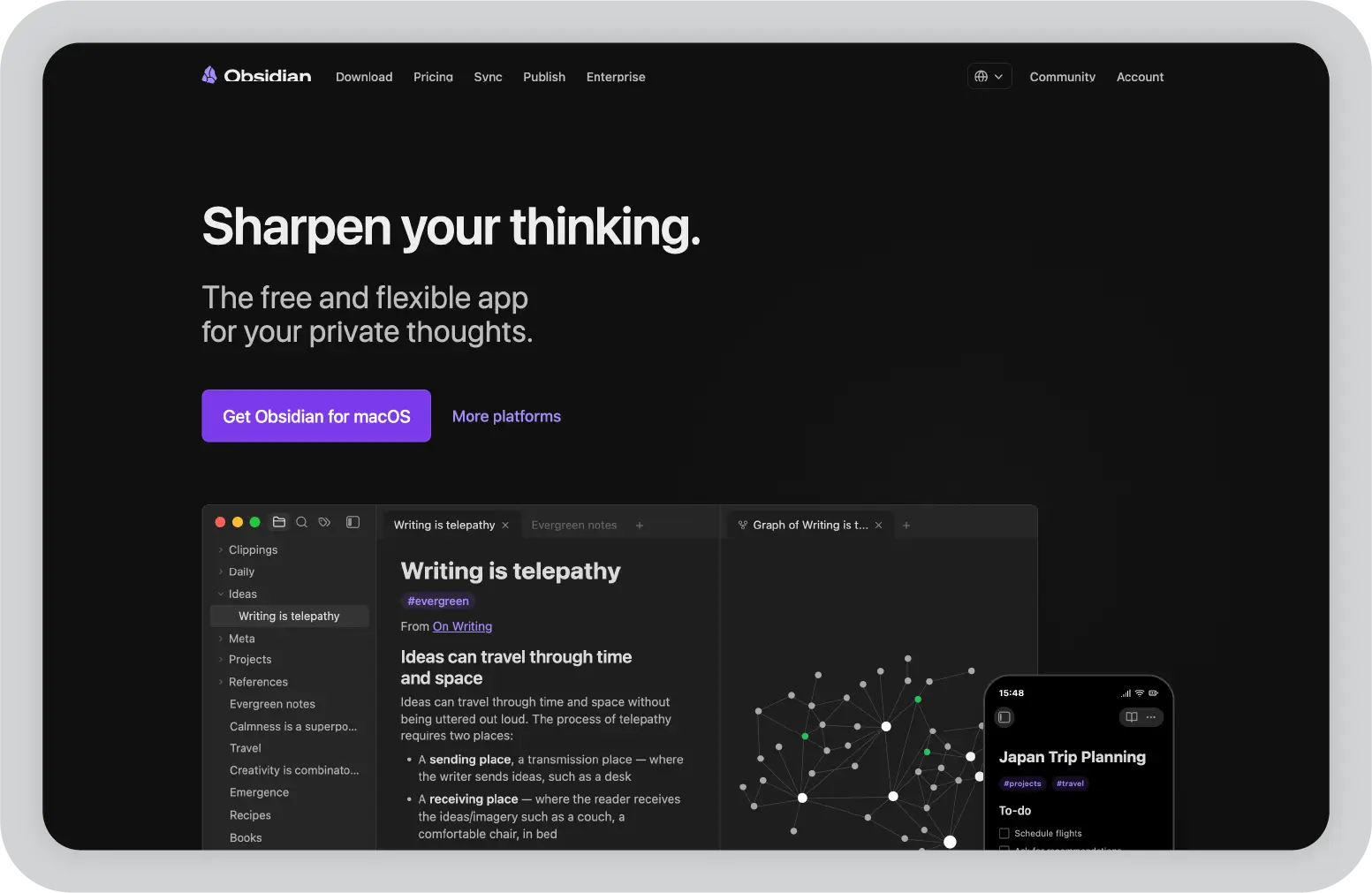
Free for personal use, with optional paid features like sync starting around $4/month.
Privacy-conscious users and individuals who want to build a long-term, interconnected knowledge system.
This is my go-to when I care about ownership and depth. It’s not the fastest tool to get started with, but over time, it becomes incredibly powerful.
If you’ve ever spent time digging through folders, emails, or random downloads trying to find a file, you’ll love TheDrive.AI.
Instead of acting like a normal storage system, TheDrive.AI actually understands your files and organizes them for you.
When I used it, the biggest difference was how little manual effort was required. Files weren’t just stored. They were renamed, categorized, and made searchable in a way that actually made sense.
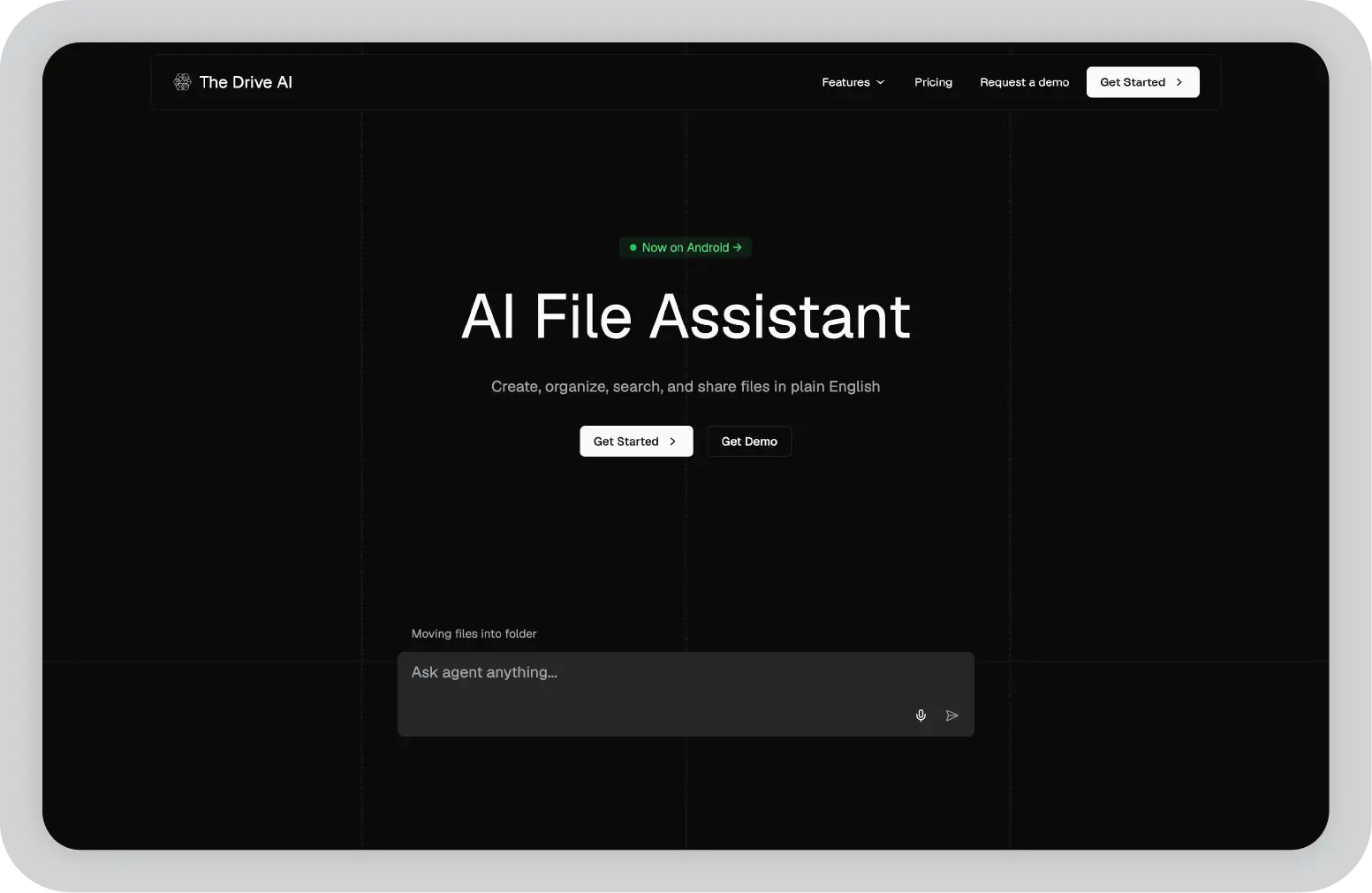
Free plan available. Paid plan starts at $19.99/month
Professionals and teams dealing with large volumes of files, attachments, and scattered documents.
If NotebookLM helps you understand documents, TheDrive.AI helps you find and manage them. For me, it solved a very real problem.
Paperguide is much more focused, and that’s exactly why it works so well.
When I tested it, it felt clearly built for one thing: academic research. Instead of trying to be a general productivity tool, it focuses on helping you read, understand, and organize research papers efficiently.
If you’ve ever worked on a thesis or literature review, you know how time-consuming it can be to go through multiple papers, extract insights, and manage citations. Paperguide simplifies that entire process.
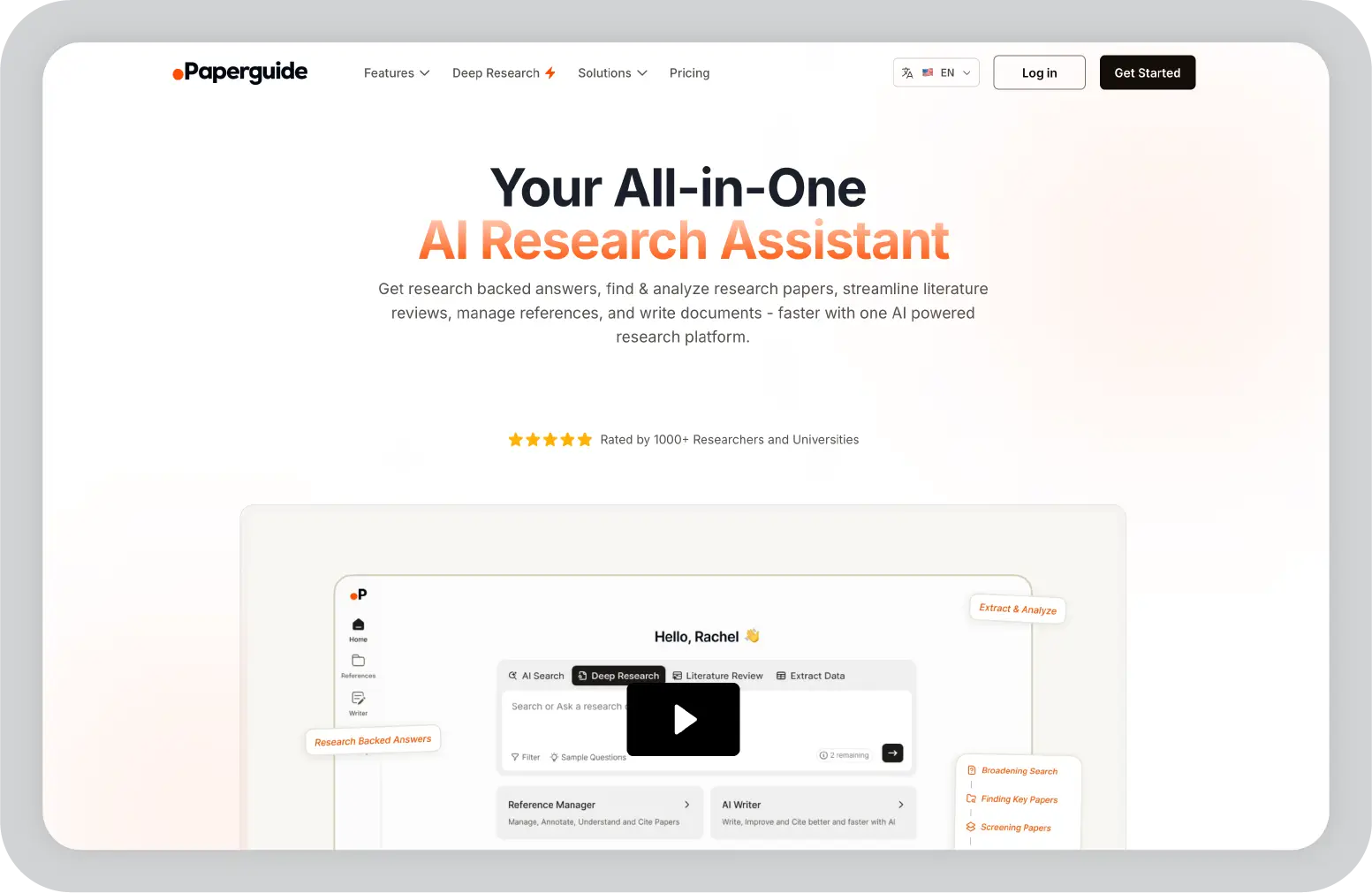
Free plan available. Paid plans start at $12/month
Students, researchers, and academics working on papers, theses, or literature reviews.
If your workflow involves research papers, this tool removes a lot of the friction. It’s not trying to do everything, and that’s exactly why it’s effective.
ElevenLabs GenFM was probably the most unexpected tool I tried on this list.
Instead of helping you read or organize content, it changes how you consume it. You upload a document, and it turns it into a podcast-style conversation with AI voices.
At first, I thought it would just be basic text-to-speech. But it’s actually much more engaging than that. It feels like two people discussing your document, which makes it easier to follow, especially for long or complex content.
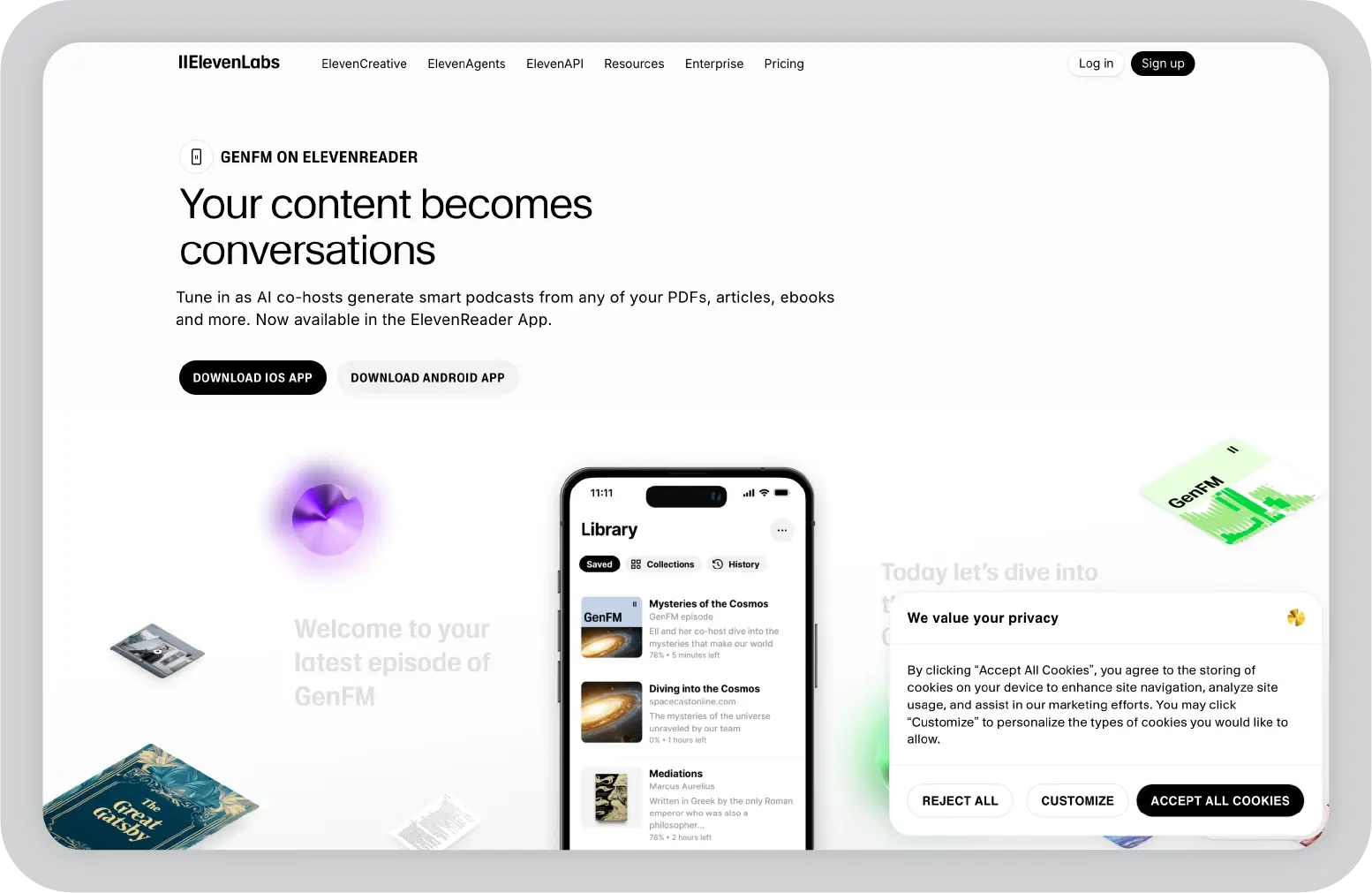
Credit based pricing system.
Audio learners and professionals who want to consume content on the go.
This is one of those tools that fits a very specific need, but if that need matches your workflow, it’s incredibly useful. I found it especially helpful for turning long reads into something I could listen to while doing other things.
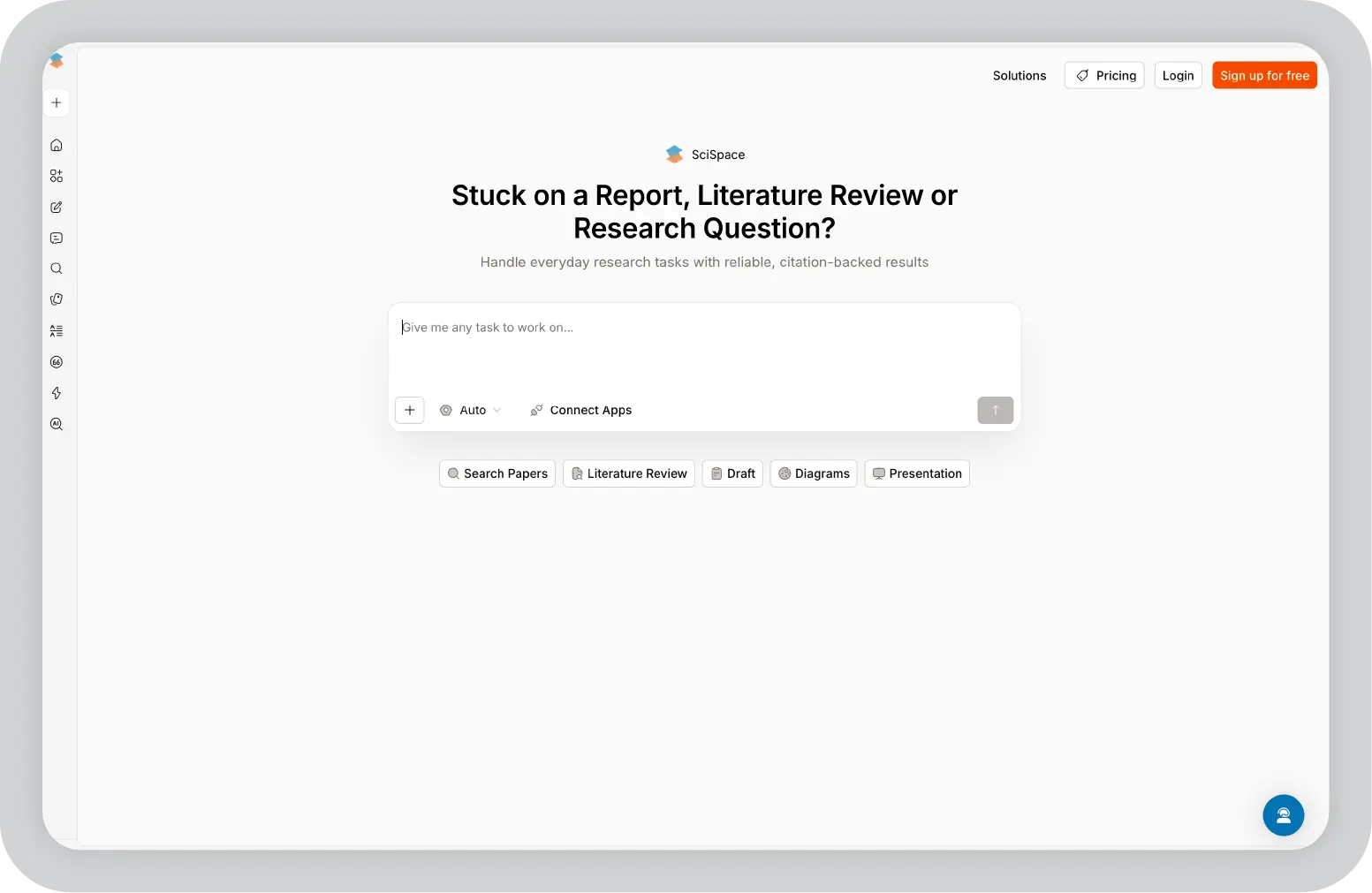
Scispace is one of the most useful tools I tried specifically for understanding research papers.
If you’ve ever opened an academic paper and felt overwhelmed by dense language, complex terminology, or long explanations, this tool makes a noticeable difference. Instead of just summarizing, it actually helps you understand what’s going on.
What I liked most is how interactive it feels. You can upload a paper and ask questions directly, almost like having a tutor walk you through it.
Free plan available, with paid plans starting around $20/month.
Students, researchers, and academics who need to read, understand, and analyze research papers quickly.
If you deal with research papers regularly, this is one of the biggest time-savers on the list. It turns something that usually takes hours into something much more manageable.
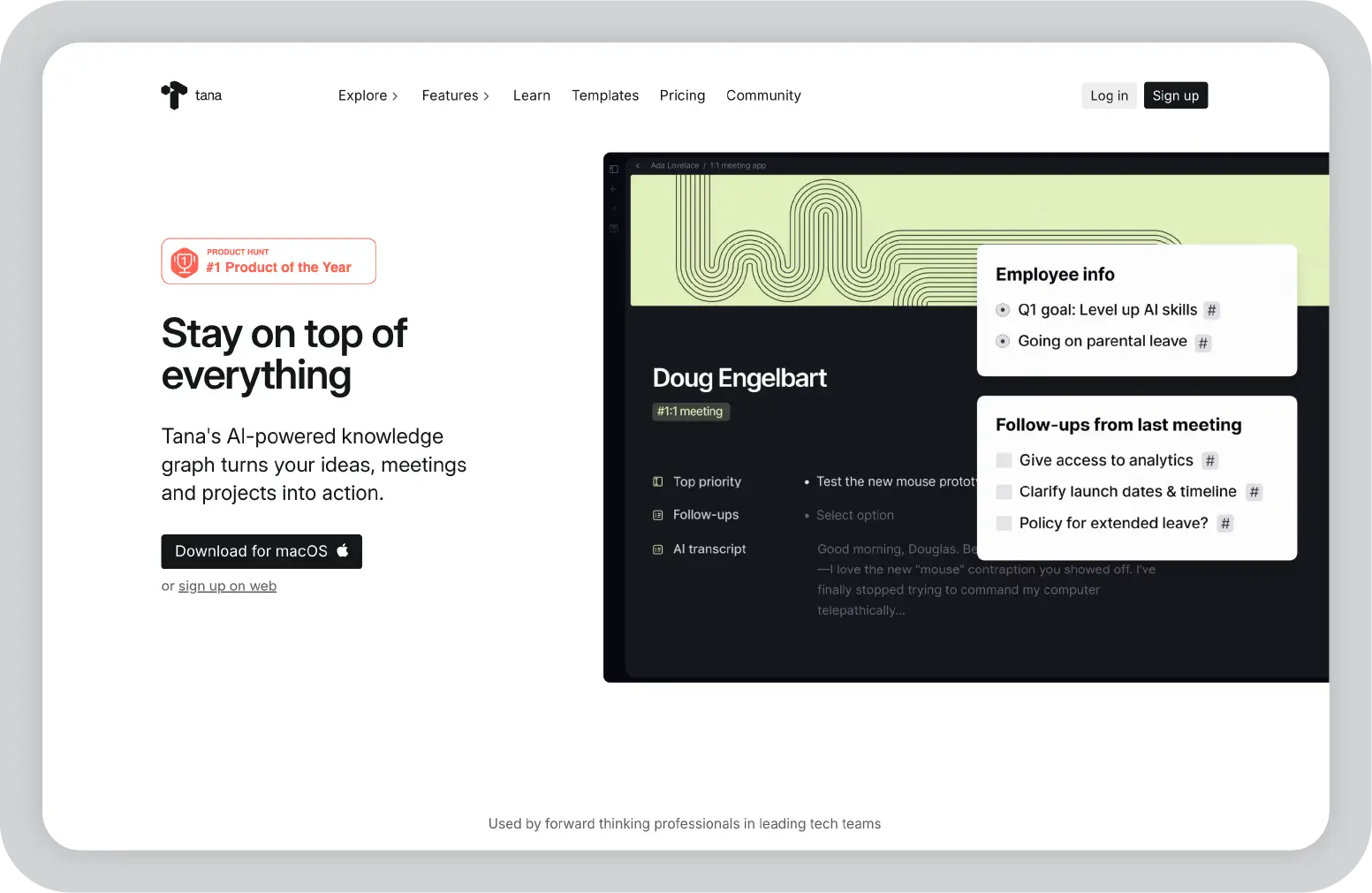
Tana is probably the most powerful tool on this list, but also the one that took me the longest to understand.
At first, it doesn’t feel like a typical note-taking app. Instead of pages or folders, everything is built around “nodes” and “tags.” Once it clicks, though, you realize how flexible it is.
What stood out to me is how structured everything becomes. You’re not just writing notes, you’re creating a system where information can be reused, filtered, and connected in different ways.
Free plan available, with paid plans starting around $8/month.
Power users, researchers, and creators who want a highly customizable knowledge and workflow system.
This isn’t the easiest tool to start with, but if you invest the time, it becomes one of the most powerful systems you can build for yourself.
After trying all these tools, my biggest takeaway is this: most NotebookLM alternatives help you work with information, but very few help you do something meaningful with it.
You can summarize documents, organize notes, or even analyze multiple sources, but at some point, you still have to turn all of that into something clear, structured, and ready to share.
That’s where I found Prezent AI to be different.
Instead of stopping at insights, it actually helps you move all the way to output. You can take raw inputs such as documents, notes, or even rough ideas, and turn them into structured, presentation-ready decks with a clear narrative, consistent design, and messaging tailored to your audience.
Features like Astrid AI, Story Builder, automatic brand compliance, and the ability to transform messy content into polished slides make a noticeable difference in real workflows. You’re not just saving time, you’re also improving how your ideas come across.
If your work involves presentations, stakeholder communication, or turning research into decisions, this shift matters more than you’d expect.
If that sounds relevant to your workflow, it’s worth exploring Prezent AI. You can book a demo or start your 14-day free trial and see how it helps you go from scattered information to something polished, structured, and ready to present.
In my experience, the best alternative depends on what you need. If you want simple document Q&A, tools like Notion work well. For research, Scispace and Paperguide are strong. But if your goal is to turn insights into presentations or business output, Prezent AI stands out.
Not many tools offer true offline access. From what I’ve seen, Obsidian, and Tana are the best options if you want full control over your data and the ability to work without an internet connection.
Yes. NotebookLM is good for basic document understanding, but tools like Scispace, Paperguide, and Notion go deeper. They offer better PDF analysis, citation support, and multi-document research capabilities.
Most tools don’t go that far, they stop at summaries or answers. In my experience, Prezent AI is one of the few tools that can take documents or notes and turn them into structured, presentation-ready slides.
It depends on your needs. For individual use and quick research, it works fine. But for teams, collaboration, structured workflows, or polished outputs, tools like Notion, TheDrive.AI, or Prezent AI are usually a better fit.

Niyati is a Content Marketing Specialist with over 5 years of experience creating product-led content that drives conversions. She focuses on building high-intent, search-driven content that aligns closely with product value and turns traffic into users. Having worked with several SaaS and AI-first companies, she specializes in bridging content strategy with measurable growth.
Connect with her on LinkedIn.