14 Best Visme alternatives: Free, AI-powered, and enterprise presentation tools compared
14 Best Visme alternatives: Compare 14 AI presentation platforms like Prezent, Canva, and Piktochart by pricing, templates, storytelling, and content creation features.
If you have been searching for Visme alternatives lately, you are not alone. In 2026, presentations and visual content sit at the center of how we sell, teach, and explain ideas. The wrong tool can slow you down, limit creativity, or disrupt brand consistency when it matters most.
I have used Visme for years. But as my work became more complex, with more stakeholders, stricter brand rules, and heavier data requirements, I began to notice its limits. I needed stronger AI for business storytelling, better collaboration, and, at times, a platform purpose-built for enterprise presentations rather than general visuals. That led me to explore serious competitors.
This guide brings together 14 leading alternatives, from free options like Canva and Google Slides to AI-powered platforms like Prezent, along with creative tools such as Prezi, Piktochart, and Animaker. Instead of simply listing features, I focus on what each tool does best, where it may fall short, and which real-world use cases it supports.
By the end, you will know which tools are worth testing first and what you gain or give up when moving beyond Visme.
Visme alternatives- Quick comparison table
Below is how the top 14 Visme alternatives compare across these key areas, helping you quickly see which platform aligns best with your presentation and content creation needs.
Visme alternatives: Features and pricing
Tool
Key features
AI strength
Starting price (per month)
Best for
Visme
Presentations, infographics, brand kit
Moderate (design AI)
Free/$29 (Starter)
Mixed visual content, small teams
Prezent
AI-driven narratives, brand governance, deck auto-generation, API integration, templates
Advanced (industry-trained AI)
14-day free trial / $33 per user
Enterprise business presentations
Canva
Templates, collaboration, AI design
Moderate (Magic Studio features)
Free / $12.99
Marketers and quick visual content
Prezi
Zoom canvas, video integration
Moderate (AI layout assistance)
Free / $15
Storytelling and education
Piktochart
Infographics, data visualization
Basic AI support
Free / $14
Data-focused reports
Venngage
Infographics, report templates
Basic AI support
Free / $19
Infographic and report creation
Adobe Express
Stock assets, AI editing tools
Integrated AI (Firefly)
Free / $10
Designers and creative teams
Google Slides
Real-time collaboration
Minimal AI capabilities
Free / $6
Teams and students
PowerPoint
Advanced animations, Microsoft tools
Integrated AI (Copilot)
No free plan / $6.99
Corporate teams and offline users
Genially
Interactive content
Basic AI features
Free / $15
E-learning and training
Decktopus
AI prompts, fast deck creation
AI-based deck generation
Free / $14.99
Busy professionals and startups
Powtoon
Animated presentations and videos
Basic AI enhancements
Free / $15
Explainer and training videos
Slidebean
AI-powered pitch decks
AI-assisted auto design
Free / $7
Founders and sales teams
Emaze
3D templates and visual effects
Basic AI features
Free / $9
Creative presenters
Animaker
Video and GIF animation
AI-assisted animation tools
Free / $15
Video creators
What is Visme? Quick overview
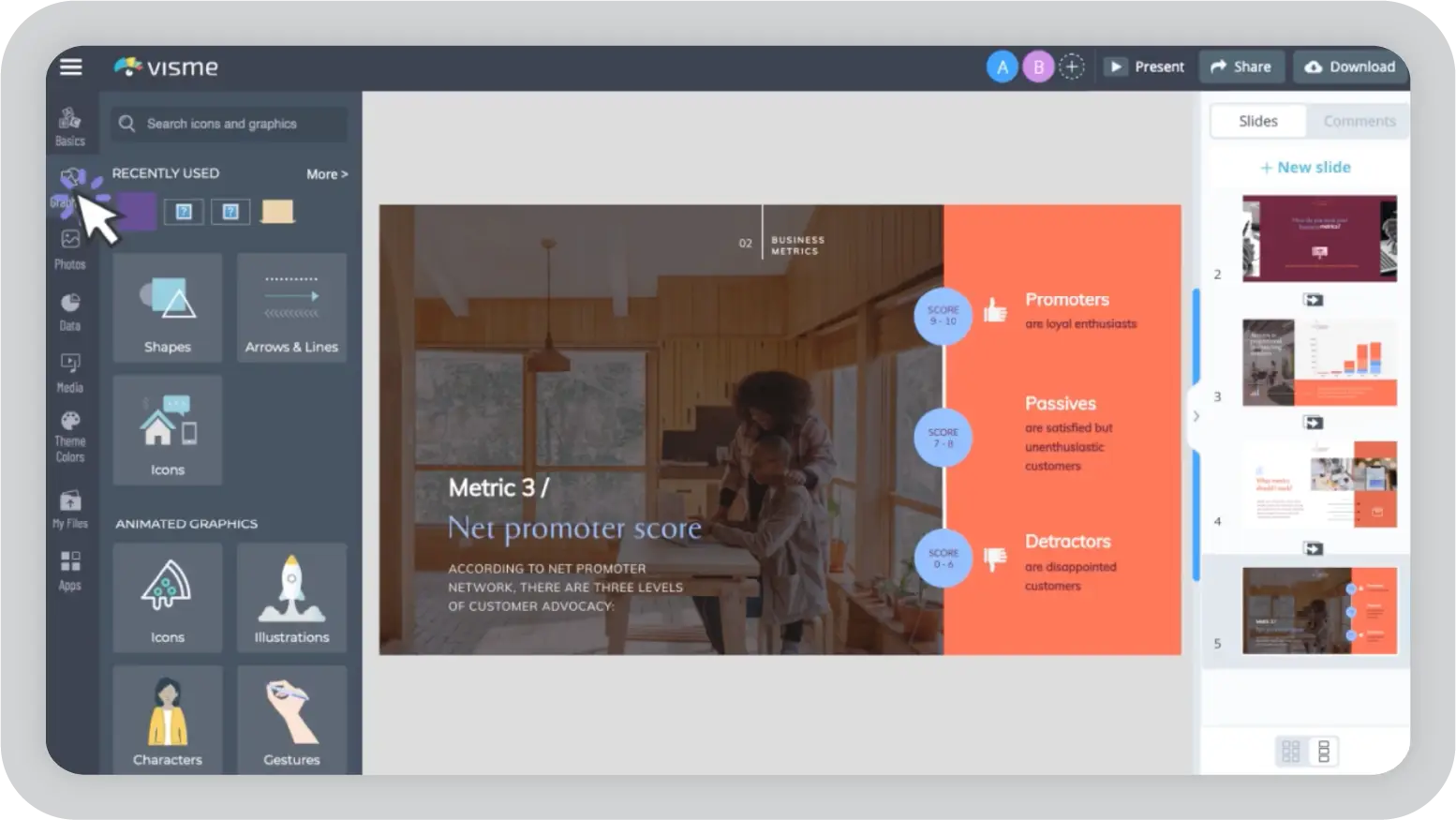
Visme is a visual content creation platform that enables users to build presentations, infographics, reports, social graphics, charts, and interactive visuals using drag-and-drop templates and a large asset library. Originally launched as a presentation tool, it has expanded into a broader creative suite designed to support multiple visual use cases.
Key Visme features
Extensive template and asset library: Offers 10,000+ templates across presentations, social posts, documents, and data visualization, along with stock photos, icons, charts, maps, and interactive design elements.
User-friendly editor: Drag-and-drop functionality with smart layout suggestions makes content creation accessible for both individuals and teams.
Brand kit: Allows users to store logos, colors, and fonts for more consistent designs across projects. Brand management features are more advanced on higher-tier plans.
AI-powered design support: Includes tools such as text-to-visual generator, background remover, and layout enhancements to speed up the design process.
Data visualization tools: Supports charts, maps, dashboards, and embeddable widgets for presenting structured data.
Team collaboration: Role-based permissions and real-time editing are available on Enterprise plans.
Pricing breakdown
Free plan: Access to basic templates and limited assets with a watermark on exports.
Pro: $59 per month.
Business: $169 per month (expanded brand and collaboration features)
Enterprise: Custom pricing
Why teams explore Visme alternatives?
The platform works well for individuals and small teams, creating a variety of visual assets. As presentation volume, compliance expectations, and enterprise complexity increase, some organizations choose to explore presentation-specific platforms that align more closely with those needs.
Brand consistency at scale: Brand kits are available, but consistent enforcement across large teams may require additional oversight depending on workflows.
AI capabilities for business storytelling: AI features focus primarily on visual and layout assistance. Teams that require industry-specific terminology or structured executive narratives may seek more specialized solutions.
Enterprise workflow requirements: Larger organizations may look for stronger governance workflows, broader integrations, or additional compliance controls depending on industry standards.
Presentation depth: The platform performs well across mixed visual formats. Teams focused heavily on advanced slide sequencing, structured data workflows, or executive-ready storytelling may evaluate other presentation-focused tools.
Collaboration complexity: While collaboration features exist, distributed teams with layered approval processes may require more structured presentation workflows.
Best Visme alternative tools: 14 presentation platforms and content creation tools compared
Before exploring individual tools, it helps to understand how different platforms balance storytelling, brand governance, AI assistance, and collaboration.
The comparison below breaks down leading presentation platforms across practical decision factors, including AI capabilities, template depth, brand controls, real-time teamwork, and pricing, so you can quickly see which one fits your workflow.
Prezent
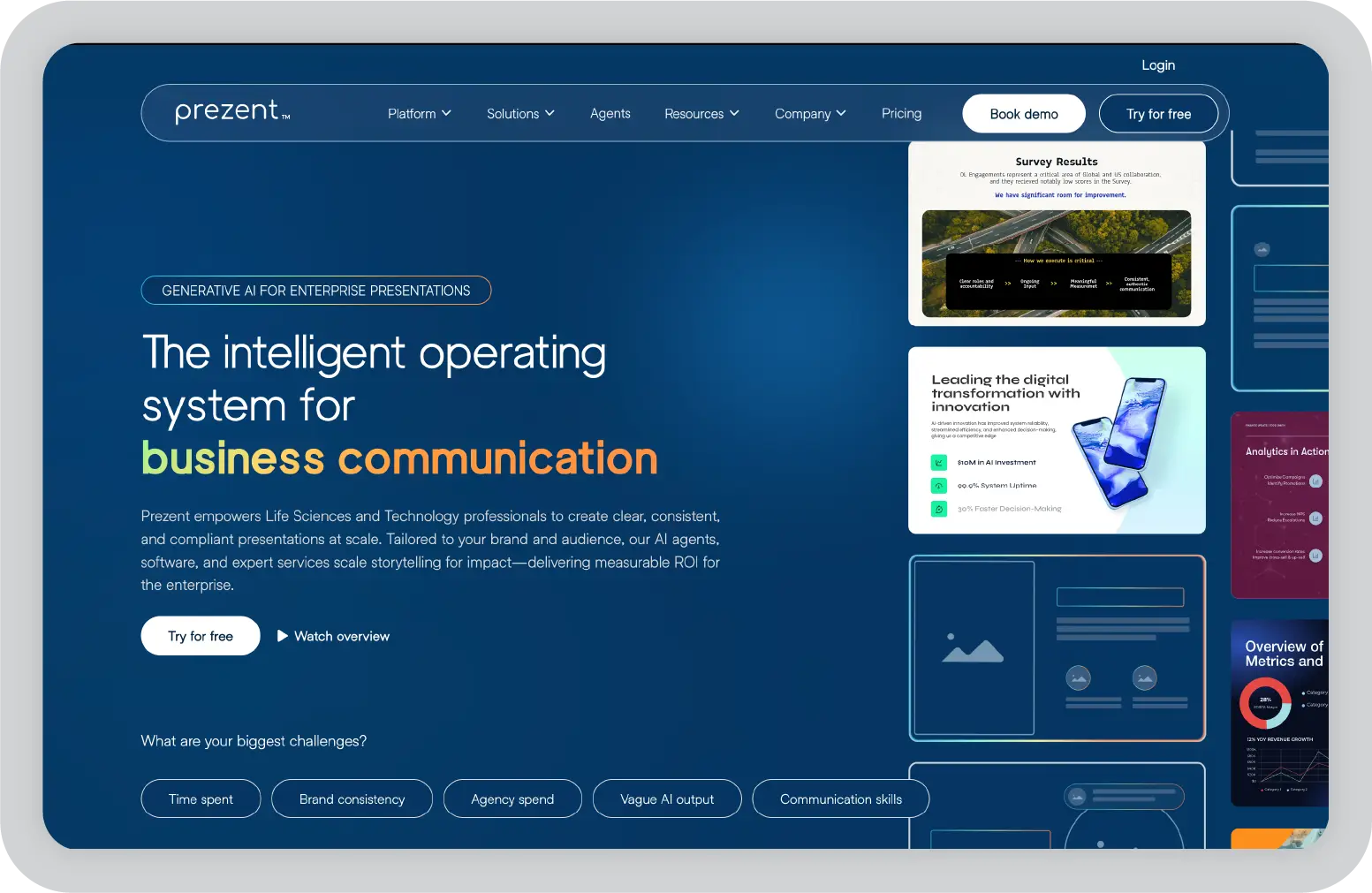
Prezent is an AI-powered presentation platform built for business professionals who need to create, collaborate, and deliver high-impact presentations at scale. What sets it apart is its focus on context-relevant content, strict brand compliance, audience personalization, and enterprise-grade security.
Unlike design-first tools, Prezent is purpose-built for large organizations that cannot afford to compromise on brand consistency or data protection.
Key features:
Industry-trained AI: Its AI engine, Astrid, is trained on industry-based Specialized Presentation Models that capture the knowledge, terminology, and layouts specific to each sector. When generating decks from prompts, it incorporates relevant industry insights and visualizations with accuracy.
Audience personalization: The platform analyzes audience personas and tailors content suggestions, layouts, and messaging to drive stronger engagement.
Brand governance: Teams can lock brand colors, fonts, and logos to ensure every presentation stays on-brand automatically, without manual adjustments.
Seamless integrations:API integrations connect with internal tools such as chatbots and data pipelines, enabling teams to auto-create on-brand presentations without disrupting existing workflows.
Pricing Breakdown
Free plan: A free demo and a 14-day free trial are available.
Lite: $33.25/user/month (for business professionals)
Auto-generates context-rich decks up to 90% faster
Best suited for mid-sized and large enterprises
Access to 35,000+ professionally designed slides
Personalizes presentations at scale
Smooth real-time collaboration
API integrations that improve efficiency and workflow
Ideal for
Medium and large organizations across industries
Teams that create multiple presentations every day
Companies where brand governance is non-negotiable
Enterprises with strict compliance and security standards
In my opinion
If brand consistency, AI capabilities, and well-structured storytelling are priorities, Prezent stands out as a strong option for enterprise teams. As an AI-powered presentation platform with built-in AI assistance, it enables organizations to create decks up to 90% faster while maintaining structured narratives, controlled brand governance, and hyper-personalized content.
Unlike broader content creation tools focused on infographics or social posts, Prezent is designed for high-stakes business presentations. This makes it particularly effective in regulated and compliance-driven industries where accuracy and control are essential.
Canva is a widely used visual content platform designed to help individuals and small teams create presentations, social media graphics, infographics, and marketing materials quickly. It is known for its intuitive drag-and-drop interface, large template library, and affordable pricing.
Canva focuses on ease of use and accessibility, making it simple for users with little to no design experience to produce polished visuals.
Key features:
Extensive template and asset library: Offers a broad range of templates for presentations, social media posts, print materials, and more, along with stock photos, icons, and design elements.
User-friendly editor: Drag-and-drop functionality with real-time collaboration makes content creation straightforward for teams.
Brand kit: Allows users to store logos, colors, and fonts for more consistent designs across projects.
AI-powered design support: Provides layout suggestions and content enhancements to speed up the design process.
Integrations: Connects with social media platforms and cloud storage tools to streamline publishing and sharing.
Pricing breakdown
Free plan: Access to basic templates and limited assets
Pro: $12.99 per month (premium assets, brand kit, advanced tools)
Teams: $14.99 per user per month (enhanced collaboration features)
Pros and cons of Canva
Pros
Cons
Very easy to use
Limited brand compliance controls
Wide range of templates and creative assets
Basic analytics
Affordable for individuals and small teams
Many premium features require paid plans
Strong social media integrations
Ideal for
Social media managers and content creators
Small business owners
Educators and students
Nonprofits and community teams
Individuals who need fast, visually appealing content
In my opinion
If ease of use and quick design turnaround are priorities, Canva is a practical design platform for you. It is most suitable for individuals and small teams. For organizations that require advanced AI capability, brand governance, deeper analytics, and enterprise-level controls, a more specialized platform like Prezent would be a better fit.
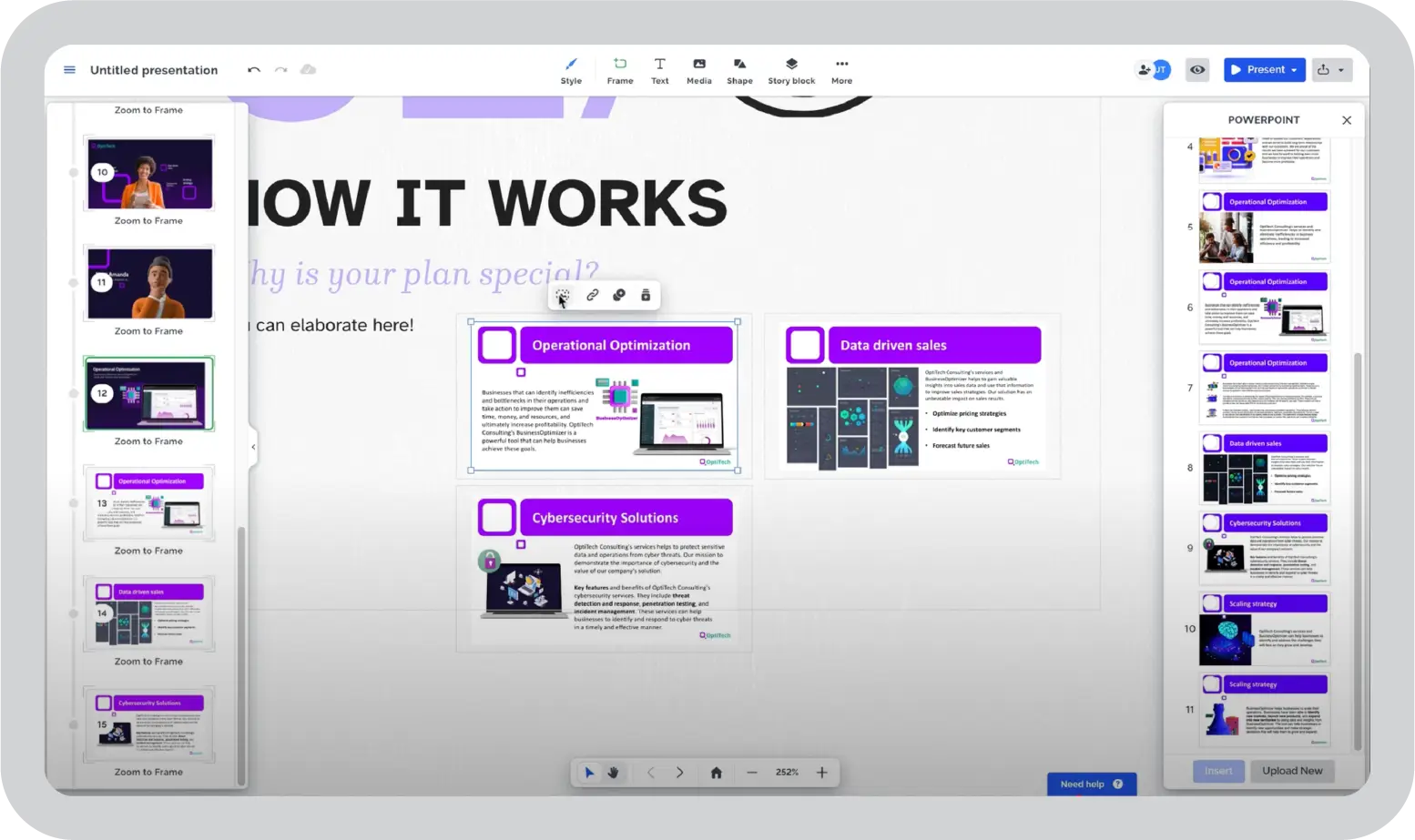
Prezi is a presentation platform known for its dynamic, non-linear format that moves beyond traditional slide-by-slide storytelling. Its zooming interface allows presenters to navigate across a visual canvas, creating a more cinematic and interactive experience. Prezi is designed for users who want to deliver engaging, story-driven presentations rather than structured corporate decks.
Key features:
Non-linear presentation style: Uses a zoomable canvas that helps presenters connect ideas visually and guide audiences through a narrative flow.
Video integration: Enables users to record themselves alongside their presentations, making it suitable for webinars, virtual teaching, and remote sessions.
Visually engaging templates: Offers modern, animated templates built for storytelling and impact.
Real-time collaboration: Supports team editing and sharing for collaborative presentation building.
Viewer analytics: Provides insights into audience engagement on higher-tier plans.
Pricing breakdown
Free plan: Basic features with watermark
Plus: $7 per month (advanced templates and offline access)
Premium: $19 per month (analytics and enhanced video features)
Pros and cons of Prezi
Pros
Cons
Distinct, engaging presentation style
Takes time to master the interface
Strong storytelling capabilities
Limited brand control features
Integrated video features
Restricted functionality on the free plan
Real-time collaboration
Ideal for
Educators and academic professionals
Public speakers and trainers
Webinar and workshop hosts
Creative storytellers
Presenters looking for a non-traditional format
In my opinion
Prezi is a good alternative for educators and presenters who prioritize visual impact and storytelling. However, large enterprises that prefer a traditional linear presentation style for clear, informed decision-making may find it harder to follow. Those teams typically benefit more from a business-focused platform with structured workflows, strict brand governance, and enterprise-level controls.
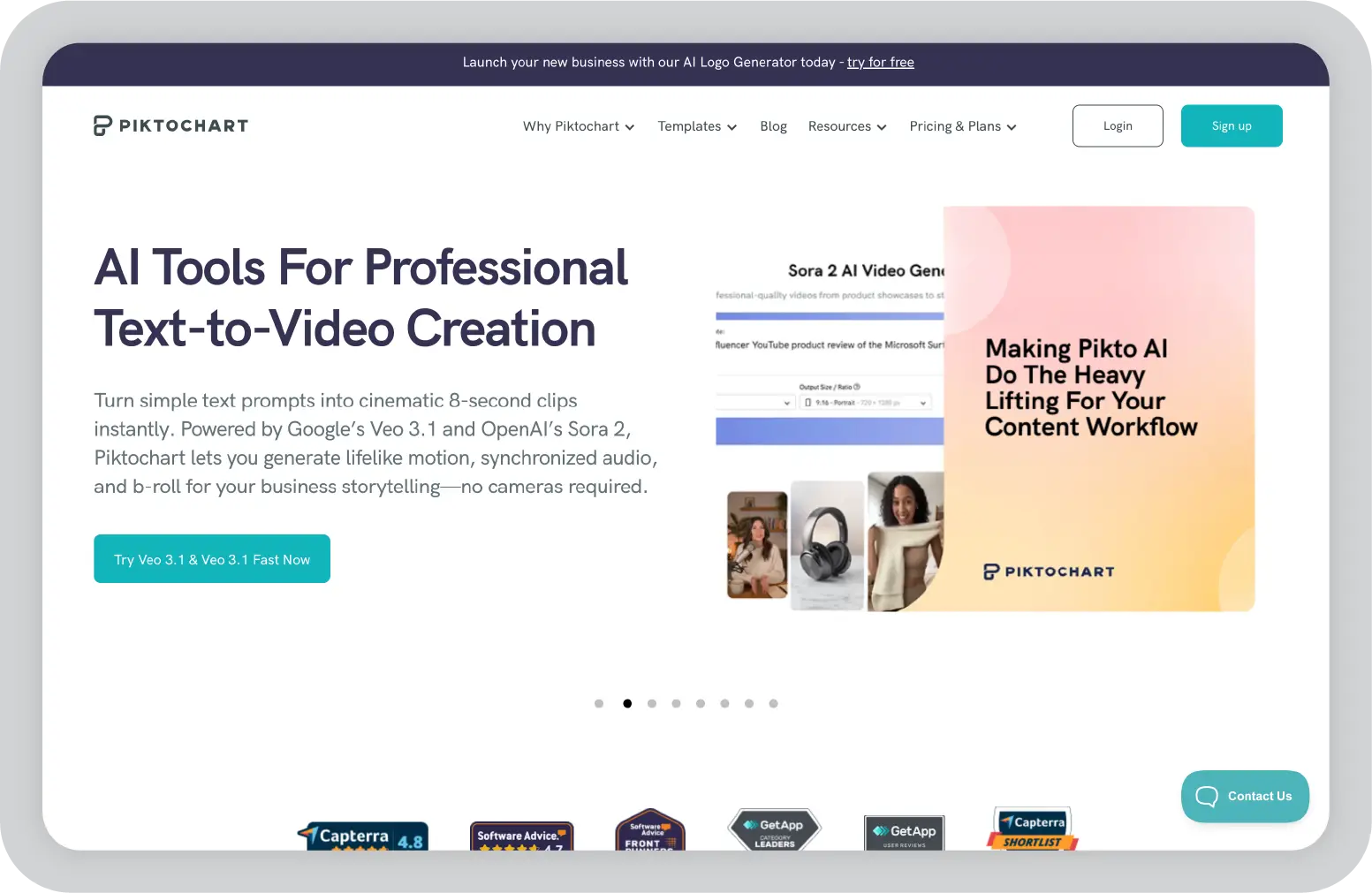
Piktochart is a visual content platform focused on infographics and data visualization. It is designed to help users turn complex information into clear, visually appealing graphics, reports, and presentations. The editor emphasizes simplicity and ease of use, making it accessible for users who want to communicate data effectively without advanced design skills.
Key features:
Infographic and report templates: Offers a wide range of templates tailored for infographics, reports, and presentations.
Data import and chart creation: Allows users to import data from spreadsheets and quickly generate charts and visuals.
Drag-and-drop editor: Intuitive interface that simplifies layout and design.
Collaboration tools: Support team collaboration for shared projects.
Multiple export options: Enables export to PDF, PNG, and PPT formats.
Pricing breakdown
Free plan: Limited downloads with watermark
Pro: $14 per month (unlimited downloads and team features)
Team: $43.99 per month (collaboration and brand assets)
Pros and cons of Piktochart
Pros
Cons
Strong infographic and data visualization capabilities
Limited brand compliance features
Simple data import and chart creation
Restrictive free plan
Flexible export options
Collaboration features are basic
Affordable pricing
Ideal for
Marketers and analysts
Educators
Nonprofits
Small businesses
Teams focused on data-driven content
In my opinion
Piktochart is a practical choice for teams that primarily create infographics and data-focused reports. It works well when the goal is to simplify complex information and present it in a clean, visual format. However, brand compliance controls are basic, which may be a limitation if strict brand management is a key requirement.
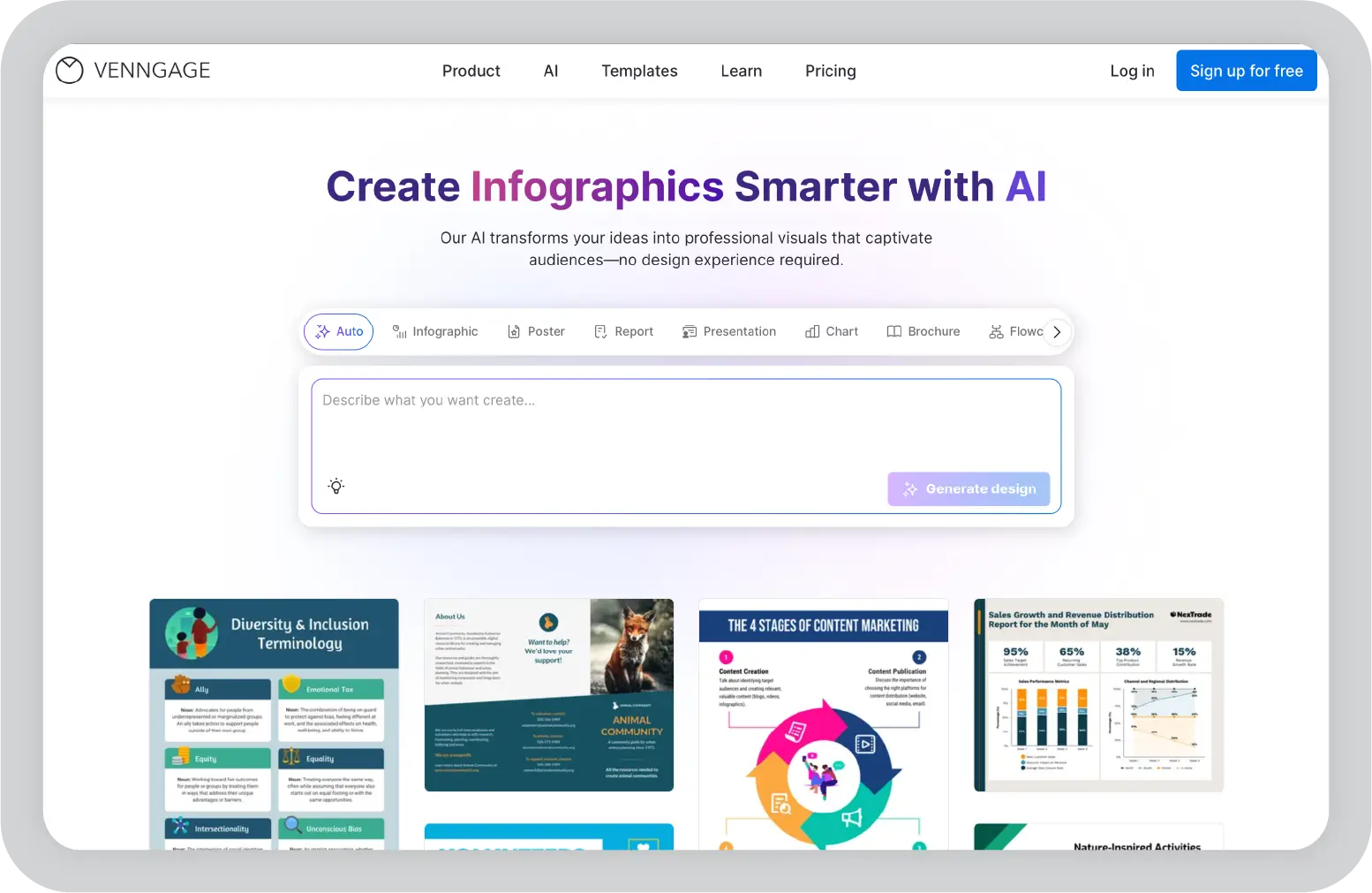
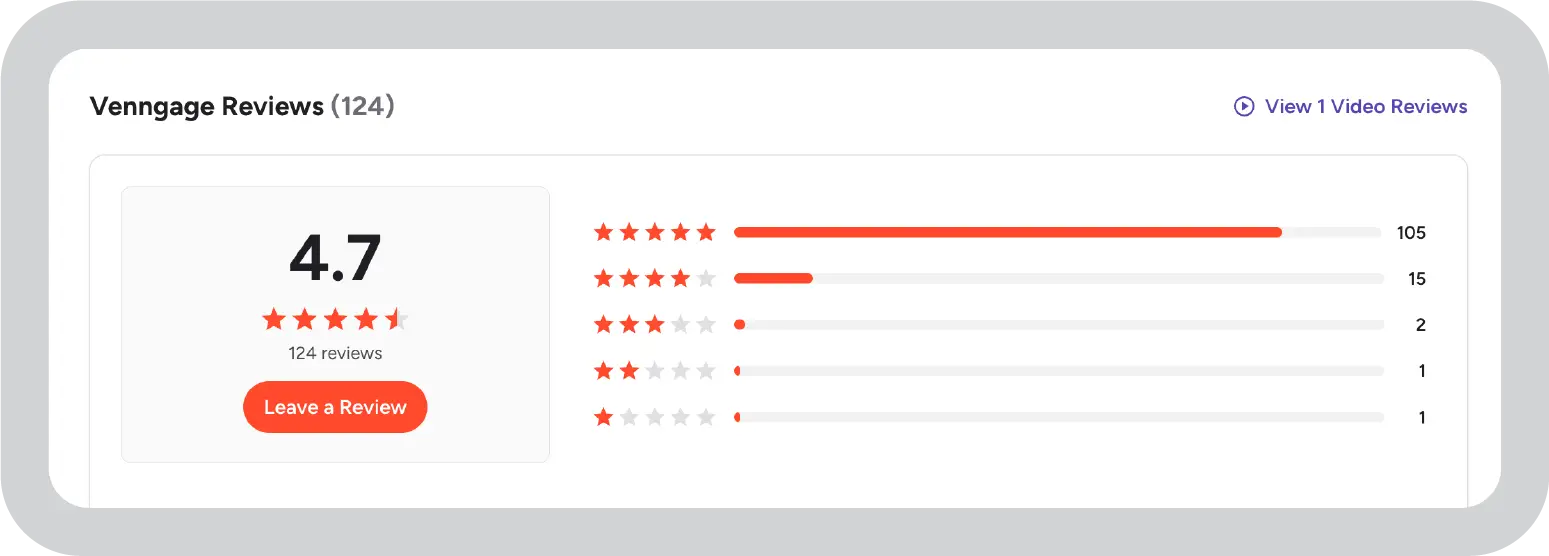
Venngage is a visual content platform focused on infographics and professional reports. It is designed for teams that want to create polished, data-driven visuals without a steep learning curve. The editor is user-friendly, and the platform provides a broad template library to support report and infographic creation.
Key features:
Infographic and report templates: Offers a wide range of templates tailored for reports, charts, and visual storytelling.
Brand kit and collaboration: Includes brand kit functionality and team collaboration tools on higher-tier plans.
Drag-and-drop editor: Simple interface that makes layout and design accessible for non-designers.
Data visualization tools: Built-in charts and visual elements to present information clearly.
Multiple export options: Supports export to PDF, PNG, and PPT formats.
Pricing breakdown
Free plan: Limited templates with a watermark
Premium: $19 per month (additional templates and export options)
Business: $49 per month (brand kit and team features)
Pros and cons of Venngage
Pros
Cons
Strong for infographics and reports
Restrictive free plan
Easy to use
Basic brand compliance controls
Flexible export options
Higher pricing for business-tier features
Brand kit available for small teams
Ideal for
Marketers
Educators
Small business teams
Nonprofits
Teams focused on infographic creation
In my opinion
Venngage is built for teams focused on infographics and professional reports. It works well for structured, data-driven visuals, but it may feel limiting if you need advanced slide sequencing or more dynamic presentation flows.
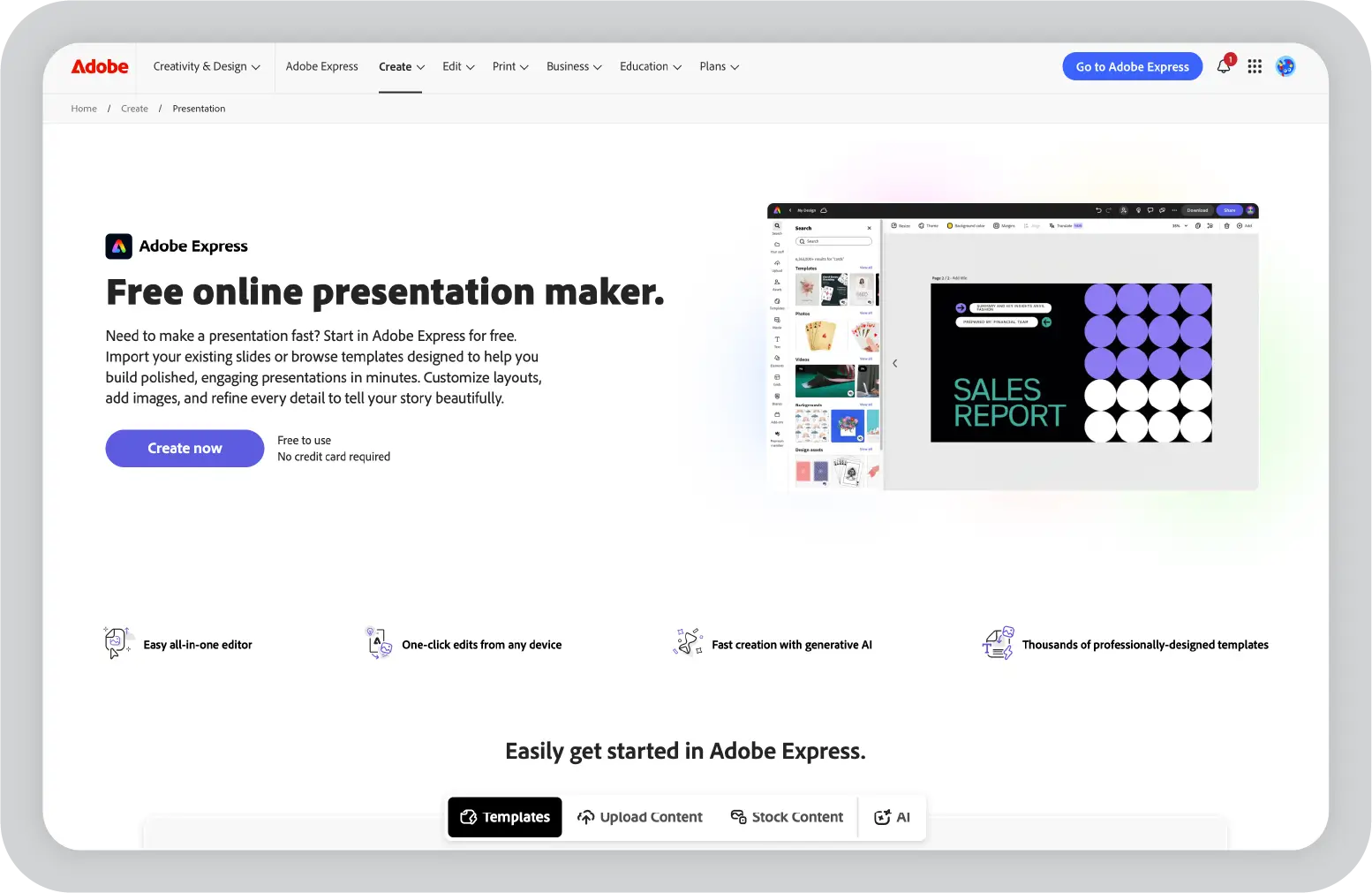
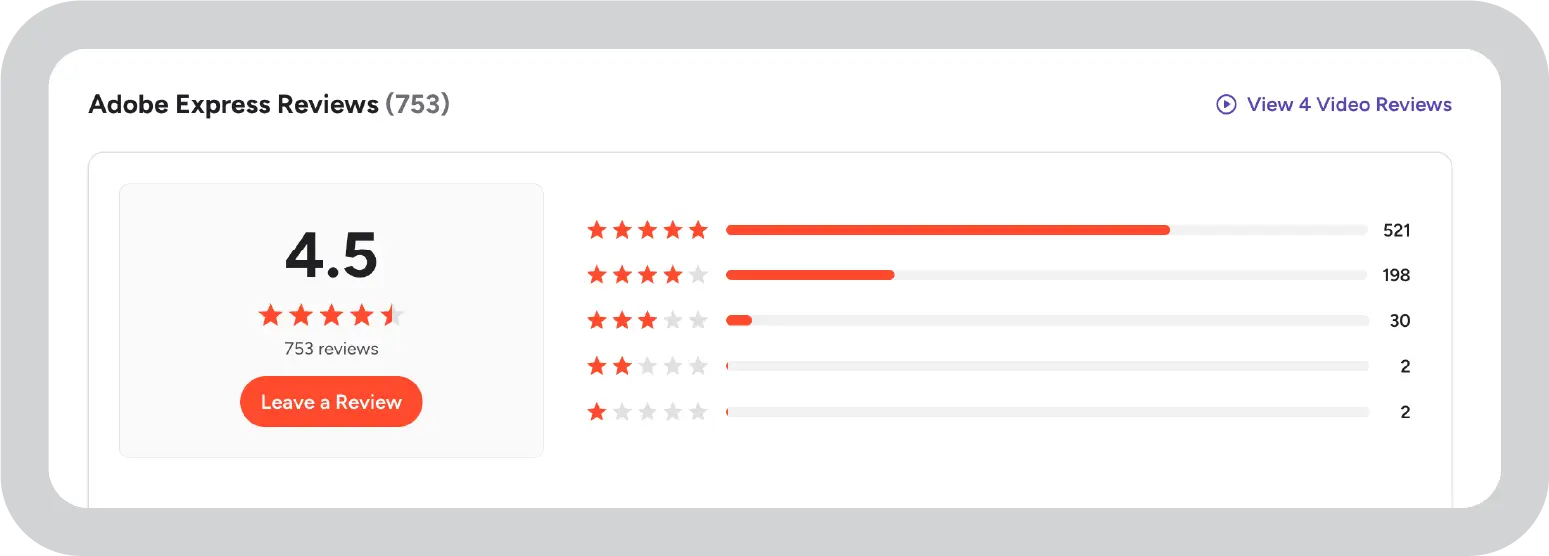
Adobe Express is a web-based design tool that helps users create graphics, presentations, and short videos quickly. It brings Adobe’s creative assets into a simplified platform that runs in the browser. The tool is designed for individuals and teams that want polished visuals without using advanced design software.
Key features:
Adobe Stock access: Includes stock photos, fonts, and design assets for professional-looking content.
Brand kit: Lets users store logos, colors, and fonts to keep designs consistent.
AI quick actions: Offers tools like background removal and image resizing to save time.
Video and animation tools: Supports basic video and animated content creation.
Creative Cloud integration: Connects with other Adobe apps for smoother workflows.
Pricing breakdown
Free plan: Basic templates with limited stock access
Adobe Express is a practical option for teams that want strong design quality and access to professional assets. It works well for visual content creation, especially for users already familiar with Adobe products. However, many premium templates and assets require a paid plan, and the interface can take some time for new users to get comfortable with.
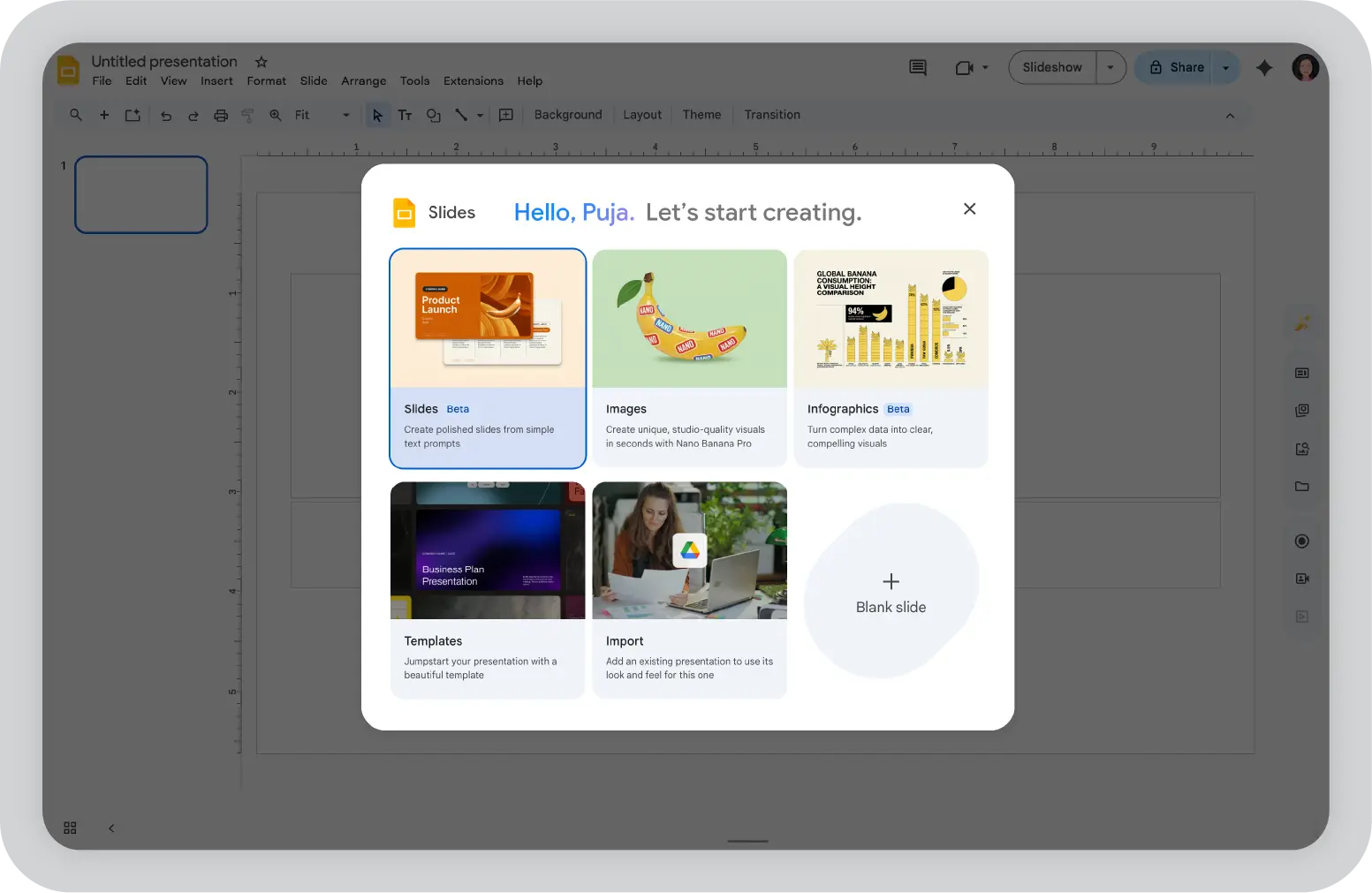
Google Slides is Google’s cloud-based presentation tool, built for simple creation and real-time collaboration. It is part of Google Workspace and works directly in the browser, which makes it easy to access and share without worrying about software compatibility. The platform focuses on reliability, speed, and teamwork rather than advanced design features.
Key features:
Real-time collaboration: Multiple users can edit, comment, and present simultaneously.
Google Workspace integration: Connects seamlessly with Drive, Docs, and Sheets for easy file sharing and data imports.
Simple interface: Clean and straightforward layout that is easy to navigate.
Add-ons marketplace: Offers extensions for added functionality.
Offline editing: Allows users to work without internet access when enabled.
Pricing breakdown
Free: Available for individual users
Google Workspace: Starts at $6 per user per month for business features
Pros and cons of Google Slides
Pros
Cons
Free for most users
Limited design and template options
Strong real-time collaboration
Basic analytics and branding controls
Seamless Google app integration
Reliable and easy to use
Ideal for
Educators and students
Remote teams
Nonprofits
Small businesses
Teams that value simplicity and collaboration
In my opinion
Google Slides works well for teams that prioritize collaboration and accessibility over advanced design features. What holds it back for larger organizations is the limited template variety and design flexibility, along with basic brand controls and minimal analytics capabilities.
Microsoft PowerPoint
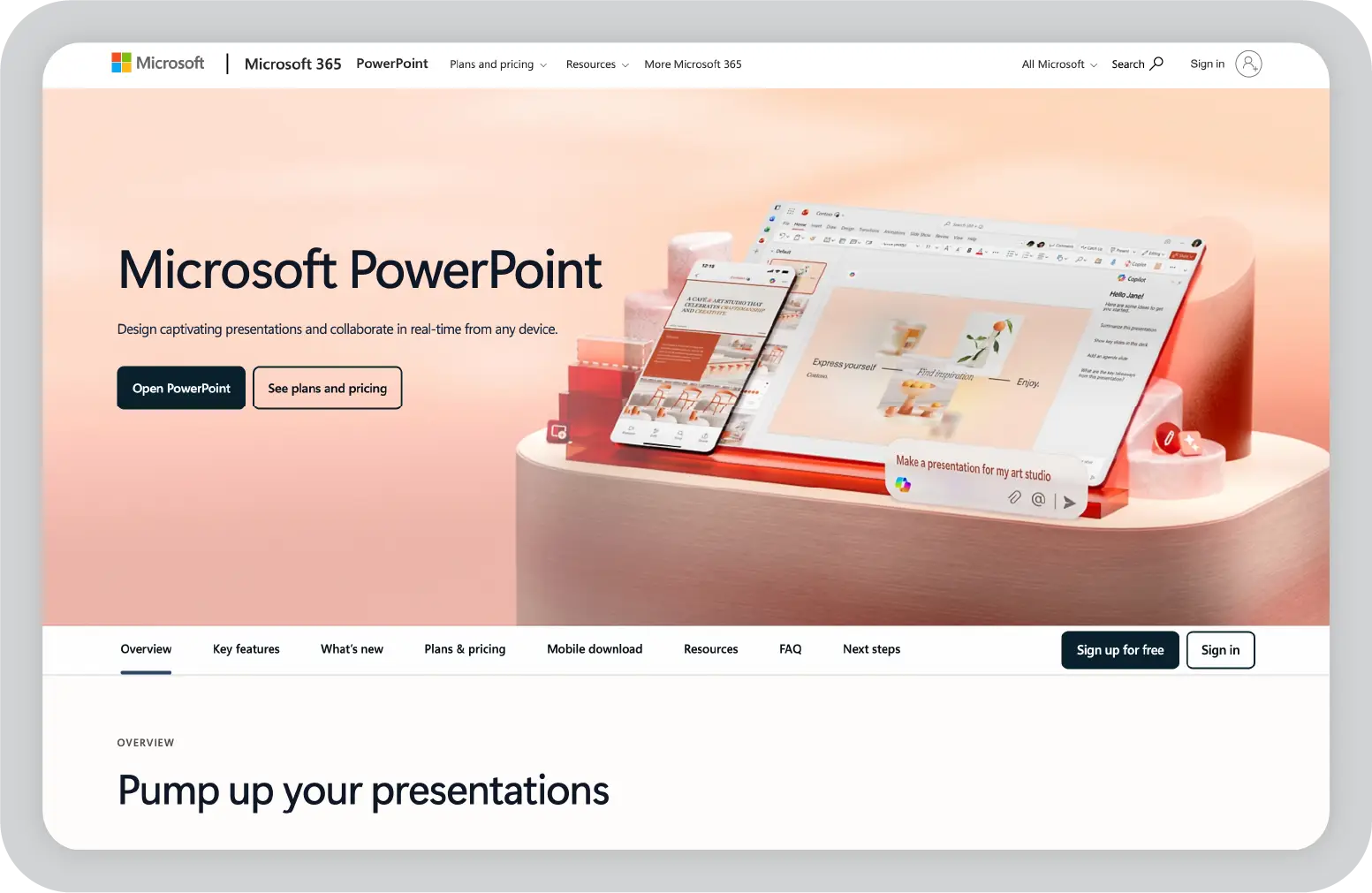
Microsoft PowerPoint is one of the most widely used presentation tools in business and education. It supports both desktop and web-based editing, giving users the flexibility to work online or offline. PowerPoint is known for its advanced design capabilities, animation features, and integration with the Microsoft 365 ecosystem.
Key features:
Extensive design tools: Offers a large template library along with advanced formatting, slide master controls, and customization options.
Advanced animations and transitions: Provides detailed control over motion effects and slide transitions.
Microsoft 365 integration: Connects with Excel and other Microsoft apps for data-driven presentations.
Offline and online editing: Desktop version allows full offline access, while the web version supports browser-based editing.
Slide master for consistency: Helps maintain consistent layouts and branding across presentations.
Pricing breakdown
Included with Microsoft 365 (starts at $6.99 per month)
Free online version with limited functionality
Pros and cons of Microsoft PowerPoint
Pros
Cons
Powerful design and animation tools
Collaboration tools are less intuitive than some cloud-native platforms
Strong integration with Microsoft 365
Full functionality requires a paid subscription
Works both offline and online
Well-suited for data-driven presentations
Ideal for
Corporate professionals
Educators
Analysts
Teams working within Microsoft 365
Users who need advanced customization and offline access
In my opinion
PowerPoint gives teams familiarity, along with strong customization and offline flexibility. Where it can fall short is collaboration, which is especially important for large, distributed teams. In addition, some advanced features require a Microsoft 365 subscription, adding to the overall cost.
Genially
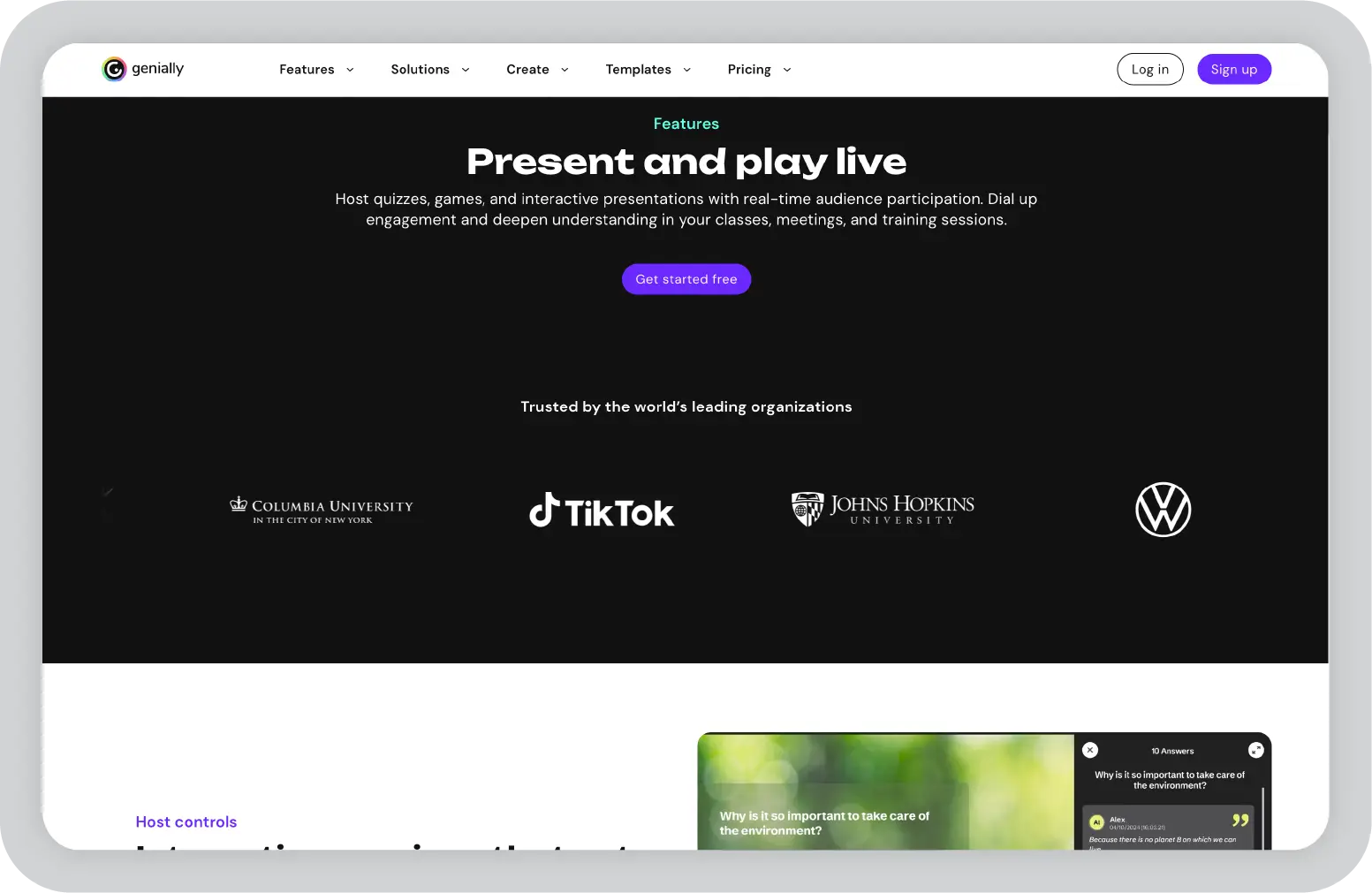
Genially is an interactive content creation platform that supports presentations, infographics, quizzes, and interactive visuals. It is designed for users who want to create engaging, dynamic content rather than traditional slide-based presentations. The platform focuses on interactivity and visual appeal, especially for educational and marketing use cases.
Key features:
Interactive content formats: Supports presentations, infographics, quizzes, and interactive images.
Animation and transitions: Includes built-in effects to make content more dynamic.
Real-time collaboration: Allows teams to work together on shared projects.
Embedding and sharing options: Make it easy to publish and share content online.
Viewer analytics: Provides engagement insights on higher-tier plans.
Pricing breakdown
Free plan: Limited exports with watermark
Pro: $7.49 per month (additional templates and export options)
Master: $20.82 per month (advanced analytics and brand kit)
Pros and cons of Genially
Pros
Cons
Strong interactive and visual capabilities
Limited export options on the free plan
Easy to use
Basic brand compliance controls
Engagement analytics available
Affordable pricing tiers
Ideal for
Educators
Marketers
E-learning professionals
Nonprofits
Teams focused on interactive visuals
In my opinion
Genially is a practical option for users who prioritize interactive and engaging content. However, for enterprise teams or businesses where brand compliance is a strict requirement, a platform like Prezent may be a better fit. Export options on Genially’s free plan are limited, which can also be a consideration for growing teams.
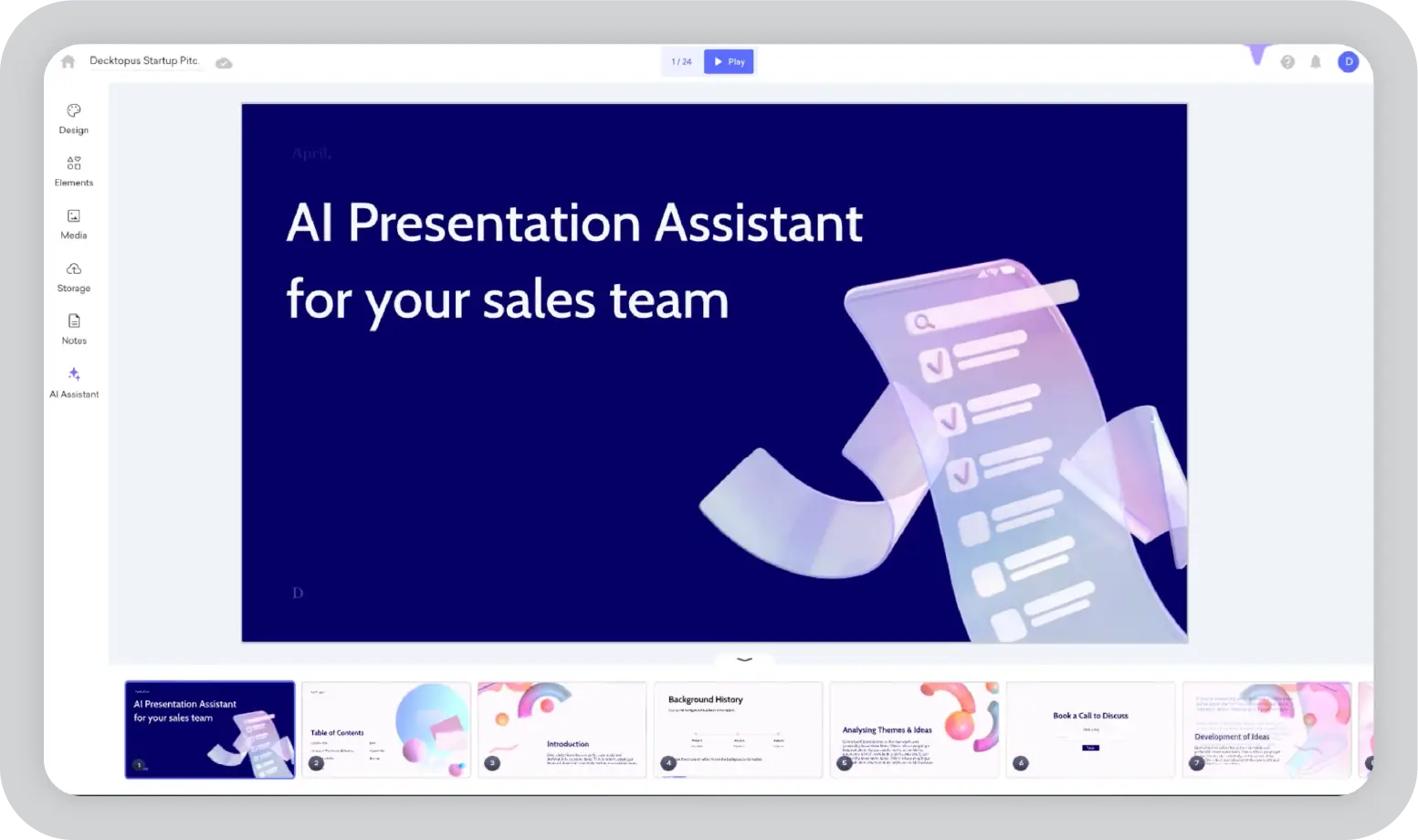
Decktopus is a web-based presentation tool designed to automate much of the design process so users can focus more on their message. The platform uses AI to suggest layouts, visuals, and content structure, helping users create presentations quickly without starting from scratch.
Key features:
AI-powered design suggestions: Recommends layouts, images, and structure based on the content you add.
Automated content structuring: Helps organize slides in a logical flow.
Real-time collaboration: Allows teams to edit and review presentations together.
Simple web interface: Browser-based platform with an easy-to-use layout.
Export options: Supports export to PDF and PPT formats.
Pricing breakdown
Free plan: Limited templates with a watermark
Pro: $9.99 per month (full template access, no watermark)
Business: Custom pricing (team features and analytics)
Pros and cons of Decktopus
Pros
Cons
Fast, automated presentation creation
Limited customization
AI suggestions save time
Restrictive free plan
Easy to use
Affordable pricing
Ideal for
Busy professionals
Students
Small business owners
Non-designers
Anyone who needs quick presentations
In my opinion
Decktopus is a good fit for users who value speed and simplicity in presentation creation. It helps streamline the design process so teams can focus on content. However, teams that need deeper customization or more structured brand controls may find it limiting as their requirements grow.
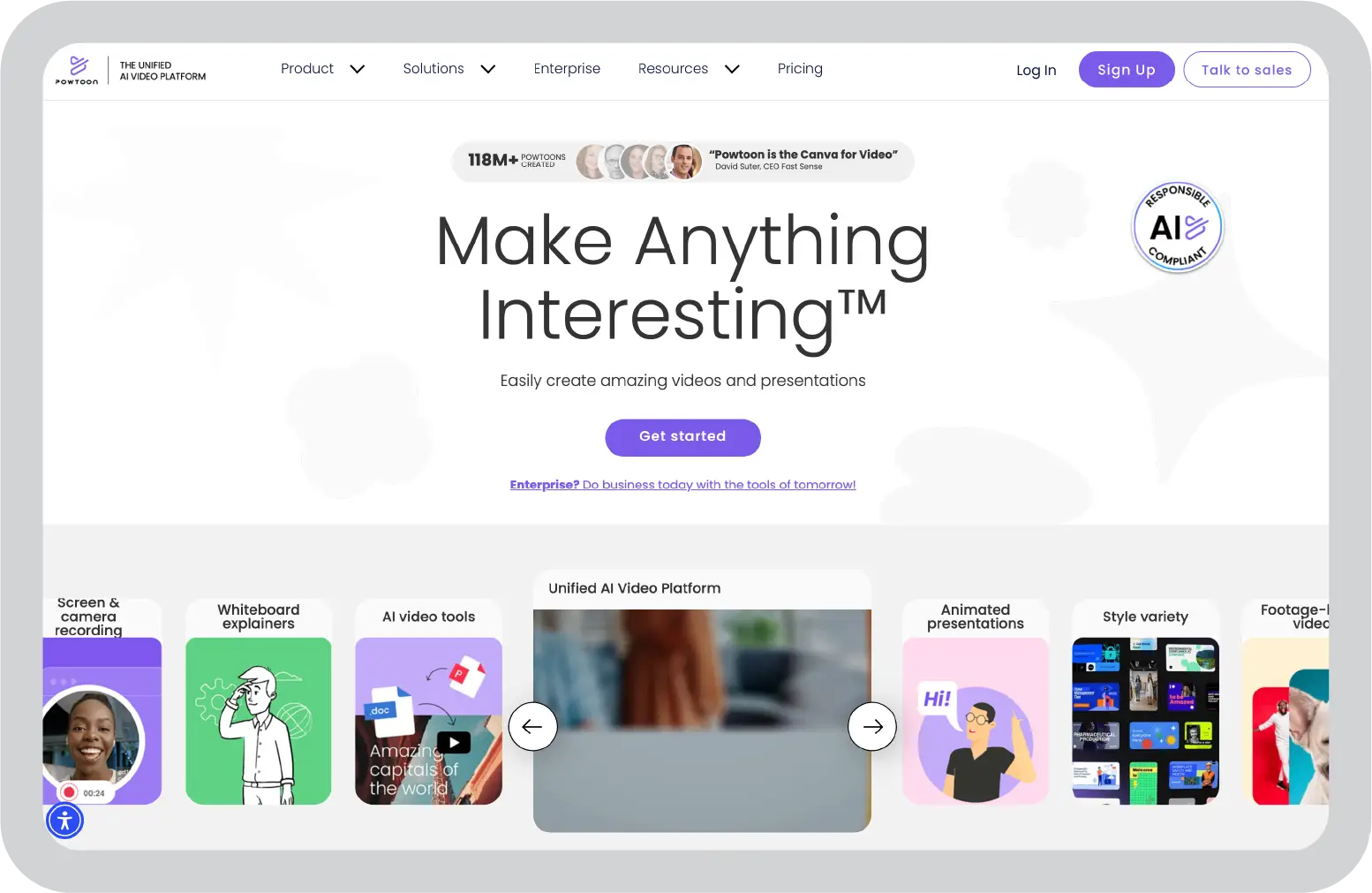
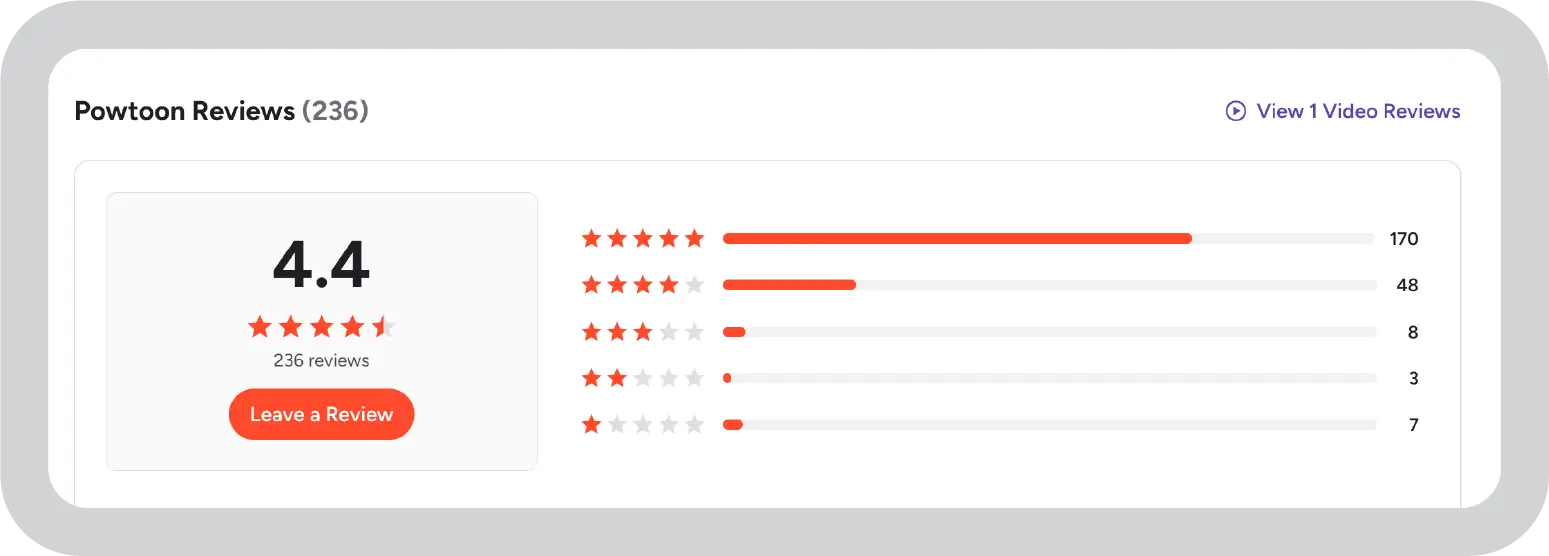
Powtoon is a presentation and video creation platform focused on animated content and explainer videos. It is designed for users who want to add motion, characters, and visual storytelling elements without using complex video editing software. The platform combines slide-based editing with animation tools to create engaging visual content.
Key features:
Animated presentations and videos: Supports creation of motion-based slides and explainer-style videos.
Drag-and-drop editor: Simple interface for building animated scenes and transitions.
Business and education templates: Template library tailored for professional and educational use cases.
Collaboration features: Allow teams to work together on shared projects.
Export options: Supports export to video and PPT formats.
Pricing breakdown
Free plan: Watermark and limited export options
Pro: $19 per month (no watermark, additional templates)
Business: Custom pricing (team features and analytics)
Pros and cons of Powtoon
Pros
Cons
Easy animation and explainer video creation
Restrictive free plan
Strong template selection
Advanced features are available only on paid plans
Exports to video and PPT
Basic brand compliance controls
Collaboration support
Ideal for
Marketers
Educators
HR and training teams
Small businesses
Teams creating animated content
In my opinion
Powtoon is a solid choice for animation and explainer videos, especially for storytelling-driven content creation. However, if your focus is on static business presentations with strong brand compliance and structured workflows, platforms like Prezent may be a better fit depending on your needs.
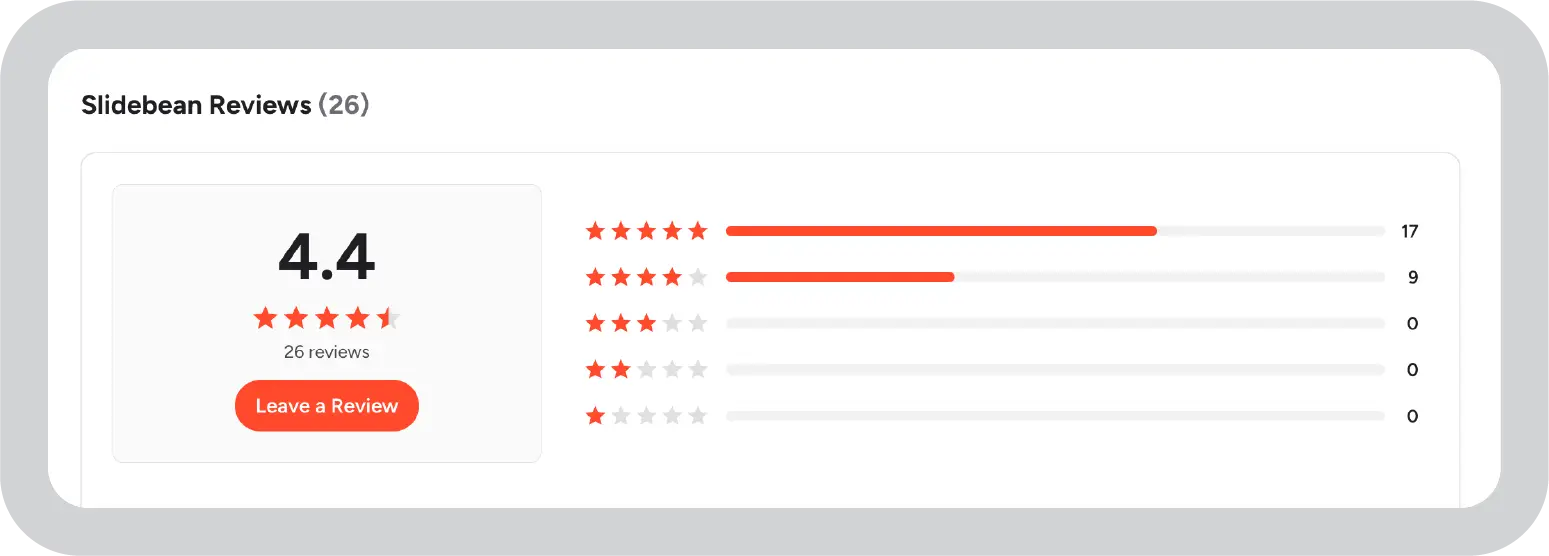
Slidebean is a web-based presentation tool designed to automate slide design and simplify deck creation. It is built for users who want to create polished presentations quickly without spending time adjusting layouts. The platform focuses on business use cases, especially pitch decks and investor presentations.
Key features:
AI-powered slide design: Automatically arranges content into structured slide layouts.
Business and pitch deck templates: Offers templates tailored for startups and professional presentations.
Viewer analytics: Tracks engagement to help users understand how audiences interact with their decks.
Simple web-based editor: Browser-based platform with a clean and easy interface.
Export options: Supports export to PDF and PPT formats.
Pricing breakdown
Free plan: Watermark and limited exports
Starter: $8 per month (no watermark, analytics)
Premium: $19 per month (advanced features and team collaboration)
Pros and cons of Slidebean
Pros
Cons
Automated, professional slide design
Limited customization flexibility
Strong focus on pitch decks
Restrictive free plan
Engagement analytics
Affordable pricing
Ideal for
Startups
Entrepreneurs
Sales teams
Small businesses
Users who need quick, professional pitch decks
In my opinion
Slidebean works well for startups and entrepreneurs who need fast, structured pitch decks and AI-assisted content creation without design skills. It simplifies slide building and helps teams create visual presentations quickly. However, customization options are limited, and brand management capabilities are not as advanced, which may matter as teams scale and look for the right platform to support long-term content creation needs.
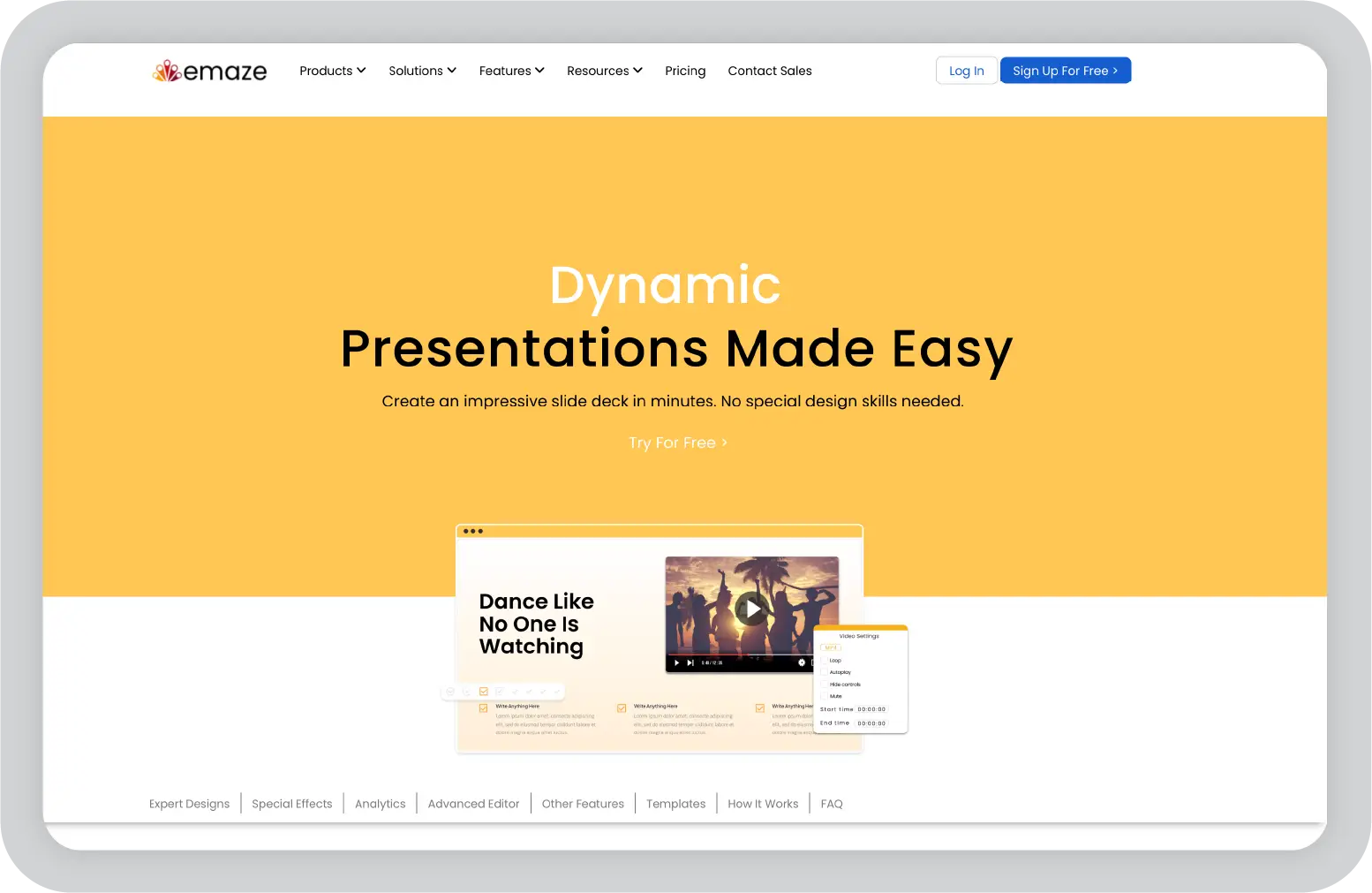
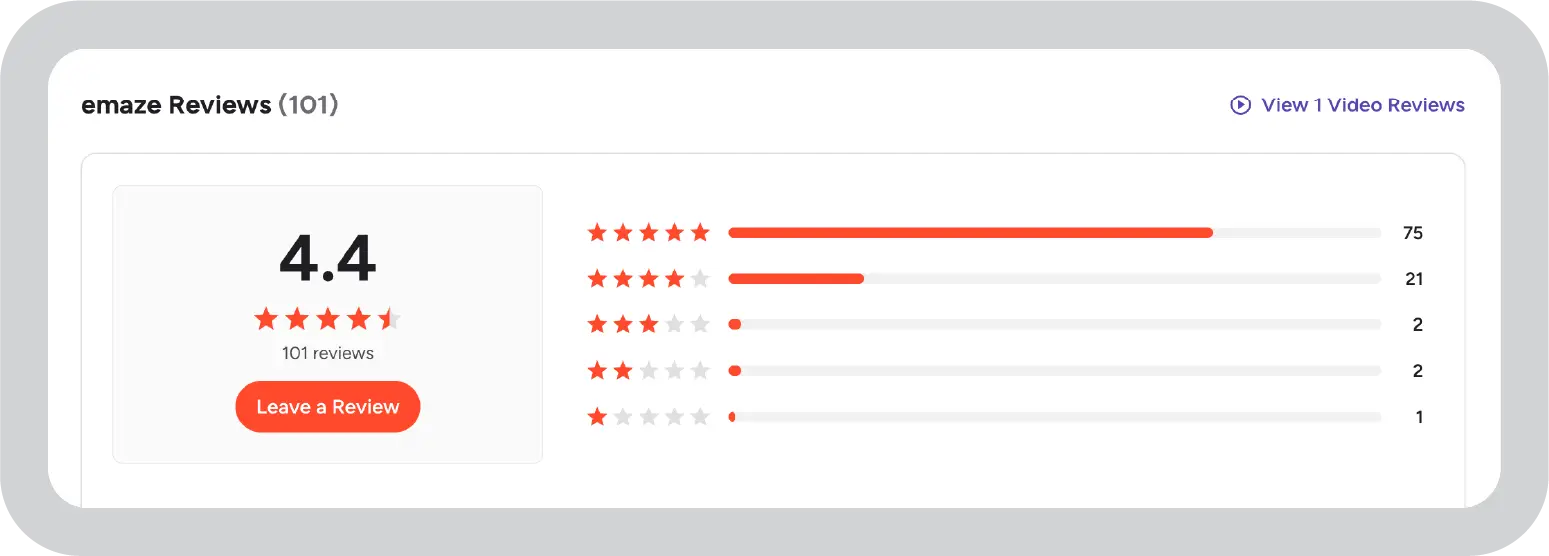
Emaze is a cloud-based presentation tool known for its creative templates and visual effects. It focuses on helping users build presentations that stand out through 3D layouts and video backgrounds. The platform is designed for users who want visually distinctive slides without complex setup.
Key features:
3D and video templates: Offers creative templates with 3D elements and video backgrounds.
Creative transitions and effects: Includes visual effects to enhance slide movement and flow.
Real-time collaboration: Supports shared editing and teamwork.
Cloud-based editing: Accessible from the browser without software installation.
Sharing and embedding options: This feature makes it easy to publish and share presentations online.
Pricing breakdown
Free plan: Watermark and limited templates
Pro: $13 per month (no watermark and additional templates)
Business: Custom pricing (team features and analytics)
Pros and cons of Emaze
Pros
Cons
Unique 3D and video templates
Limited customization flexibility
Creative visual transitions
Restrictive free plan
Real-time collaboration
Easy sharing and embedding
Ideal for
Creative professionals
Educators
Marketers
Event planners
Users who want visually distinctive presentations
In my opinion
Emaze focuses on creative and visually distinctive presentations, but customization options are limited. If structured presentation flow and stronger brand controls are more important to you than 3D visuals, it may be worth exploring other presentation platforms that better support those priorities.
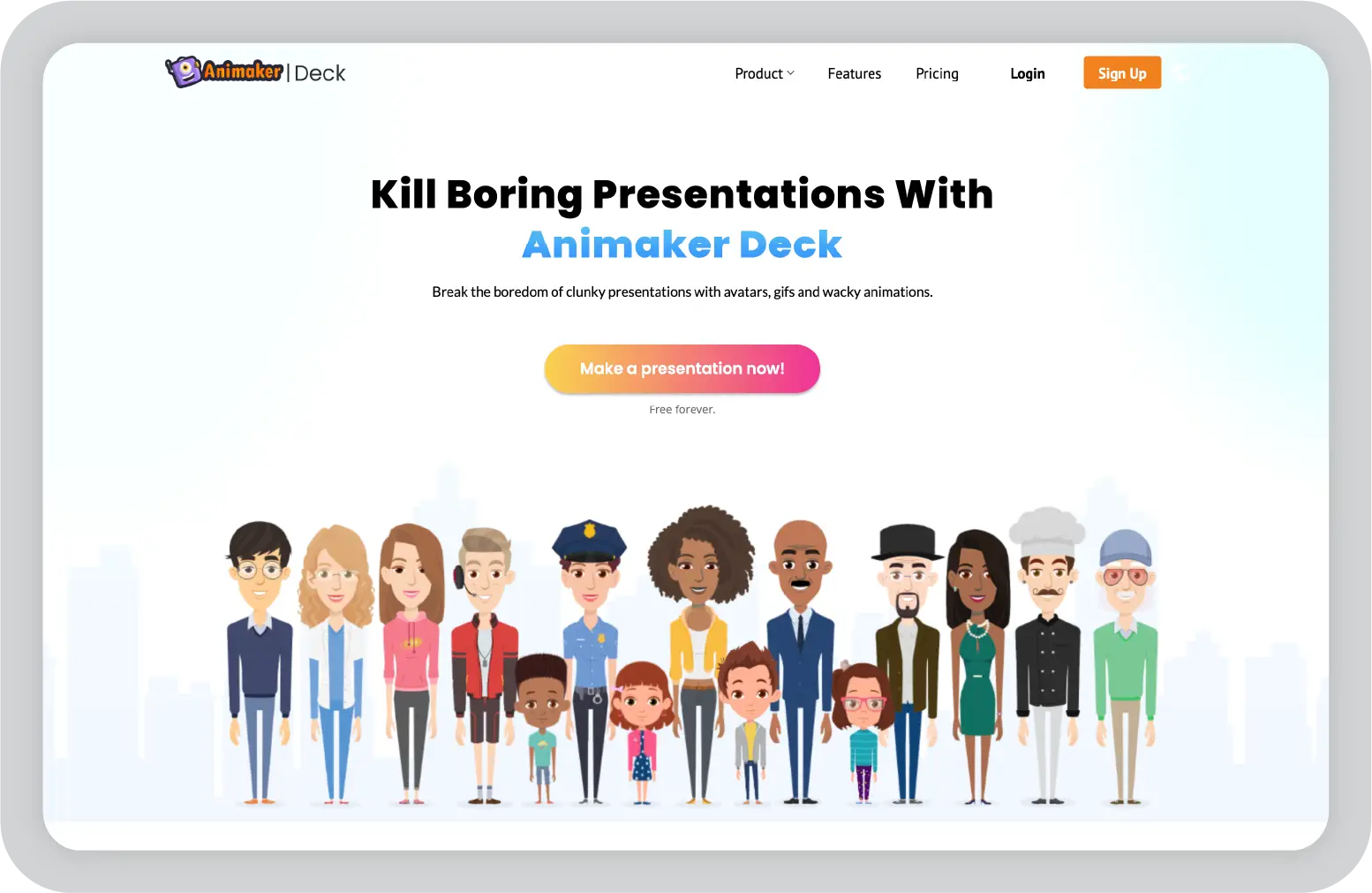
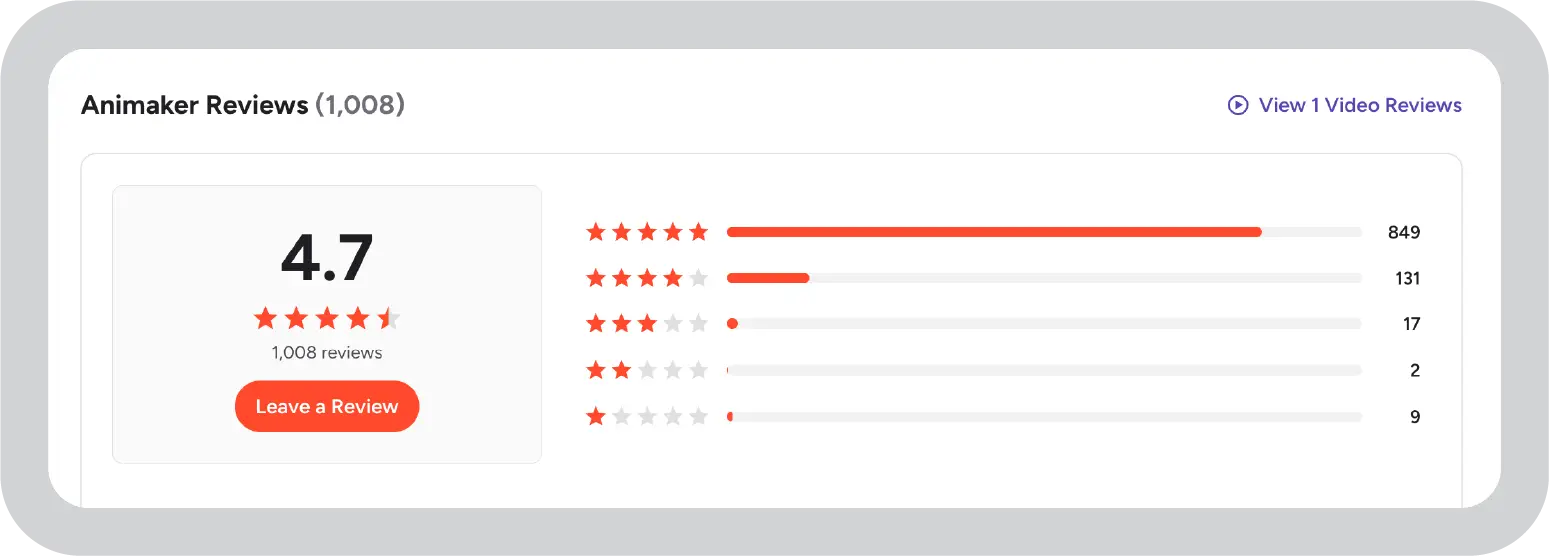
Animaker is a web-based animation and video creation platform designed for users who want to produce animated videos, explainer content, and GIFs without advanced editing skills. It focuses on making animation accessible through a drag-and-drop interface and ready-made templates.
Key features:
Animated video and GIF creation: Supports creating animated videos and GIF-based content.
Drag-and-drop editor: Simple interface for building scenes, characters, and transitions.
Business and education templates: Template library tailored for professional and educational use.
Real-time collaboration: Allows teams to work together on projects.
Export options: Supports export to video and GIF formats.
Pricing breakdown
Free plan: Watermark and limited exports
Basic: $10 per month (no watermark, additional exports)
Starter: $19 per month (advanced features and team collaboration)
Pros and cons of Animaker
Pros
Cons
Easy animation and video creation
Restrictive free plan
Strong template selection
Advanced features require paid plans
Exports to video and GIF
Basic brand compliance controls
Collaboration features
Ideal for
Marketers
Educators
HR and training teams
Small businesses
Teams creating animated content
In my opinion
Animaker can work for company presentations, but it is best positioned as a specialized tool for animated and video-style decks rather than an everyday slide platform. It works well as a complement to traditional presentation tools, not as a full replacement for standard business presentations.
Before comparing tools feature by feature, step back and understand what your team truly needs. The right tool depends on your primary use case, how you create content, and how you want to level up your workflow. Some platforms cover a broad range of visual use cases, while others are more specialized. The right alternative depends on what you prioritize most.
Define your core needs and goals
Begin with clarity on your objectives so you can evaluate tools with purpose. Ask the following questions:
What are you creating most often? Business presentations, executive updates, board decks, or sales pitches. If presentations are your primary need, choosing a platform purpose-built for presentation creation helps maintain consistency, speed, and narrative clarity at scale.
Who is your audience? Internal stakeholders, executives, clients, or partners. Audience type affects structure, tone, and depth. Platforms with built-in AI or generative AI features can help tailor storytelling and make it easier to create content aligned with business expectations.
How important is brand consistency? For growing companies and regulated industries, brand governance is critical. The ability to control fonts, logos, templates, and overall visual brand experiences reduces compliance risk and protects reputation.
Evaluate feature depth and flexibility
Look beyond surface features and assess whether the platform supports real business needs.
Does the template library support business use cases? A strong, professionally designed template library saves time and ensures consistent quality. Some tools are more design-focused, similar to Photoshop or Illustrator, while others are structured for business storytelling.
Can it handle complex data clearly? If you present dashboards, executive updates, or content analytics, structured layouts and reliable charting tools are essential.
Does it offer AI support? Many modern platforms now include tools and built-in AI features, such as a magic AI assistant or generative AI, to streamline layout design and content creation.
Are brand controls centralized? As teams scale, centralized brand controls become increasingly important to maintain consistency across departments and regions.
Consider collaboration and workflow
A presentation platform should fit naturally into how your team works.
Does it support real-time collaboration? Editing, comments, and version control are essential for distributed teams creating content together.
Does it integrate with your existing tools? Connections with Slack, Microsoft Teams, or Google Workspace reduce friction and improve efficiency.
Are approval workflows supported? Structured review and sign-off processes help maintain accuracy, compliance, and alignment.
Review pricing and scalability:
Cost should align with long-term value. The right presentation platform should justify the ROI you expect, both today and as your team grows.
Is pricing transparent? Clear and straightforward pricing structures help prevent unexpected costs as your team expands or requires additional features.
Can the platform scale with you? Choose a solution that grows with your organization without forcing a disruptive switch later. Some tools excel for small teams, while others are built for enterprise-level content creation at scale.
Presentation tools by use case
Not sure which tool matches your workflow? This table maps each platform to real-world scenarios, whether you're building enterprise QBRs, social graphics, or investor pitches. Find your fit quickly.
Tool
Primary use case
Secondary use case
Enterprise fit
Speed advantage
Prezent
QBRs, board decks, sales pitches
Compliance training decks and other enterprise decks
✅ Enterprise-ready
Up to 90% faster
Canva
Social graphics, marketing posts
Simple pitch decks
Limited for enterprise
3x faster
Prezi
Lectures, keynote-style talks
Webinar storytelling
Education-focused
Moderate
Piktochart
Data reports, annual summaries
Marketing infographics
Limited
2x faster
Venngage
Research reports, whitepapers
Executive dashboards
Limited
2x faster
Adobe Express
Product ads, email banners
Short demo videos
Design teams
Fast
Google Slides
Team brainstorms, workshops
Student projects
Team-friendly
Real-time
PowerPoint
Financial reports, data decks
Training modules
Corporate-ready
Offline access
Genially
Interactive demos, e-learning
Product tours
Training-focused
Interactive
Decktopus
Investor pitches, sales demos
Weekly updates
Startup-focused
5x faster
Powtoon
Explainer videos, onboarding
Animated ads
Video-focused
Animated output
Slidebean
VC pitches, startup decks
Sales proposals
Founder-focused
AI auto-build
Emaze
Conference agendas, event promos
Creative portfolios
Event-focused
3D visuals
Animaker
YouTube explainers, tutorials
Social video ads
Creator-focused
Video export
Why Prezent is the best Visme alternative for enterprise teams
When evaluating Visme alternatives, especially at the enterprise level, the real question is not “Can this tool create slides?” It is “Can this tool protect my brand, my data, and my team’s time at scale?”
That is where Prezent differentiates itself among Visme's top competitors.
Dimension
Prezent
Visme
Core purpose
AI-powered platform for business-ready, on-brand presentations at scale
All-in-one visual content suite for presentations, infographics, and more
AI approach
Industry-trained models, structured storylines, and auto-generated business decks
AI for content, images, and design automation across multiple content types
Brand kits and branded templates with governance features
Content library
35K+ slides, 10K+ decks, 1K+ storylines mapped to business scenarios
Thousands of templates across multiple formats
Best fit
Mid-to-large enterprises with strict brand and compliance standards
Organizations needing a flexible visual creation suite
Enterprise-grade AI for business context
Many AI tools, like Visme, generate visuals and layouts effectively for general content. Prezent trains its AI on industry-specific models and business communication patterns to build executive-ready narratives using precise terminology and structured storylines. Teams get decision-ready decks 90% faster, even for complex industries like life sciences, finance, and consulting.
Brand compliance by default
Visme offers brand kits that rely on user choices. Prezent embeds brand rules directly into templates, storylines, and AI outputs. Tools like Template Converter and Auto Generator transform legacy decks into fully on-brand presentations in minutes, reducing review cycles and compliance risks.
Business-ready content libraries
Many Visme competitors provide flexible templates across formats. Prezent delivers 35K+ slides, 10K+ best-practice decks, and 1K+ structured storylines tailored for QBRs, sales pitches, and board reviews. Global teams and new hires need not rebuild presentation structures from scratch.
Time and cost savings at scale
Visme alternatives support broad visual creation cost-effectively. Prezent focuses specifically on business presentations, automating formatting and design to reduce time spent. This lowers agency spend by 60%, giving executives a clear ROI on high-volume, high-stakes decks.
If generic AI tools are slowing you down, it’s time to upgrade. Schedule a demo with Prezent and experience an advanced AI presentation platform designed to deliver up to 90% greater efficiency in your workflow.
Frequently asked questions: Visme alternatives
1. What’s the best free Visme alternative?
Canva is one of the most popular free options, especially for educational content and quick visual creation. Google Slides is ideal for real-time collaboration across teams. Prezent’s free tier is worth exploring if you want to test AI-powered business presentations with built-in AI support.
2. Which Visme alternative is best for business presentations?
Prezent stands out for enterprise use cases with strong brand compliance, industry-trained AI, and structured storytelling for executive decks. It is designed for high-stakes meetings where precision and control matter most.
3. Is there a free version of Visme?
Yes, Visme also includes a free plan with basic templates and tools. However, exports contain watermarks and access to premium assets is limited, making it more suitable for testing than professional content creation.
4. Is Prezent good for non-designers in large teams?
Yes. With 35K+ ready slides, structured storylines, built-in AI assistance, and real-time collaboration, teams can create business decks quickly without relying on design tools. It works well for global teams that need consistency at scale.
5. What’s the best Visme alternative for enterprise teams?
For enterprise use cases, Prezent is often preferred due to business-specific AI, automated brand governance, and enterprise-grade security. It addresses scale and compliance requirements that larger organizations typically prioritize.
6. Is Prezent better than Visme for presentations?
If your priority is decision-ready narratives with locked branding and industry-aligned content, Prezent is built specifically for that purpose. Visme remains strong for mixed visual content such as infographics and interactive assets.
Supriya is a Content Strategist and Creator at Prezent AI with extensive experience in brand storytelling, digital strategy, and B2B content. She has worked across SaaS and technology-driven businesses, building content engines that drive awareness, engagement, and pipeline growth. Passionate about crafting clear, insight-led narratives, Supriya focuses on turning complex ideas into compelling stories that resonate with modern business audiences. You can connect with her on LinkedIn.
14 latest AI tools for business, productivity, and workflows (2026)
Explore the latest AI tools in 2026 for business, productivity, and workflows. Compare tools that help you create, automate, and deliver better outputs faster.
This Canva review covers features, pricing, pros, cons, and real-world usability. See how Canva performs across design workflows and where it falls short for business communication.
The best B2B AI tools for enterprise teams: Features, pros and cons, pricing, and use cases
Find the best B2B AI tools for enterprise teams. Evaluate features, pricing, pros and cons, and use cases to choose tools that fit your workflows and deliver measurable impact.
11 best Genspark AI alternatives I tested for 2026
This guide covers the best Genspark AI alternatives for content, SEO, and presentations. Compare features, pricing, and real-world usability to find the right tool.
10 Best PopAI alternatives: Compare features, AI capabilities, pricing, and free plans
Find the best PopAI alternatives and AI presentation makers. Compare AI features, pricing, and free plans to create smarter, more professional presentations.
Best Plus AI Alternatives in 2026: Top 8 AI Presentation Tools
I tested the best Plus AI alternatives to see which tools actually create presentation-ready decks. Here are the top AI presentation tools worth using in 2026.
Nano Banana review: Evaluating strengths, workflow gaps, and AI solutions for enterprise presentations
Nano Banana review for enterprise presentations. Explore visual strengths, identify workflow gaps, and see how teams use AI to build faster, executive-ready presentations.





.webp)













