No items found.
No items found.

As a business leader or team manager, you have likely relied on Google Slides for its easy collaboration and zero cost. It works well for everyday updates and internal meetings.
But when the stakes are higher, such as executive pitches, client wins, or cross-team rollouts, the gaps become obvious. Limited design controls. Basic templates. No true brand enforcement. What should be a simple presentation can quickly turn into repeated edits, compliance concerns, and wasted time.
That is where the smartest Google Slides alternatives of 2026 come in.
Platforms like Prezent, Microsoft PowerPoint, Canva, Beautiful.ai, and others are built for teams that need more than basic slides. They use AI to speed up content creation, help lock brand elements such as colors, fonts, and logos, personalize messaging for specific audiences, and scale workflows with fewer errors.
In this guide, I compare features, pricing, and real business outcomes so you can choose the best alternative and find the right presentation tool for your team. Prezent stands out for business professionals, and I explain why.
Here is a side-by-side view of how the top Google Slides alternatives stack up on key features, pricing, and best use cases.
Google Slides is a cloud-based presentation tool included in Google Workspace. It is widely used because it is free, simple, and built for fast collaboration. This tool focuses on accessibility and teamwork. It works well for quick updates, internal reviews, and education use cases.
The key features of Google Slides include:
• Real-time collaboration with comments and live pointers
• Templates, themes, animations, and support for embedding videos and charts
• Access from any device from anywhere with easy sharing or export
• Domain templates for basic branding on paid plans
• Integration with Google Drive, Docs, Sheets, and third-party add-ons.
As teams scale and presentation standards rise, expectations change. What works for quick collaboration may not be enough for executive communication, client-facing decks, or brand-sensitive rollouts.
Common gaps include:
• No strict brand locks. Colors and fonts can drift across large teams, creating compliance risks.
• Templates are basic and may not meet enterprise design standards.
• No deep AI for audience personalization or structured storylines.
• Limited offline functionality and fewer advanced design controls for complex decks.
In high-stakes scenarios such as client presentations or executive reviews, these gaps can create extra review cycles and last-minute fixes.
That is why many professionals and enterprise teams begin exploring alternatives that offer stronger brand control, deeper AI capabilities, and more structured presentation workflows.
Not every team needs the same presentation setup. Some prioritize visual creativity. Others focus on structured business storytelling, governance, or workflow integration. The tools below represent different approaches to modern presentation software, each designed to support specific use cases across growing teams and enterprises.
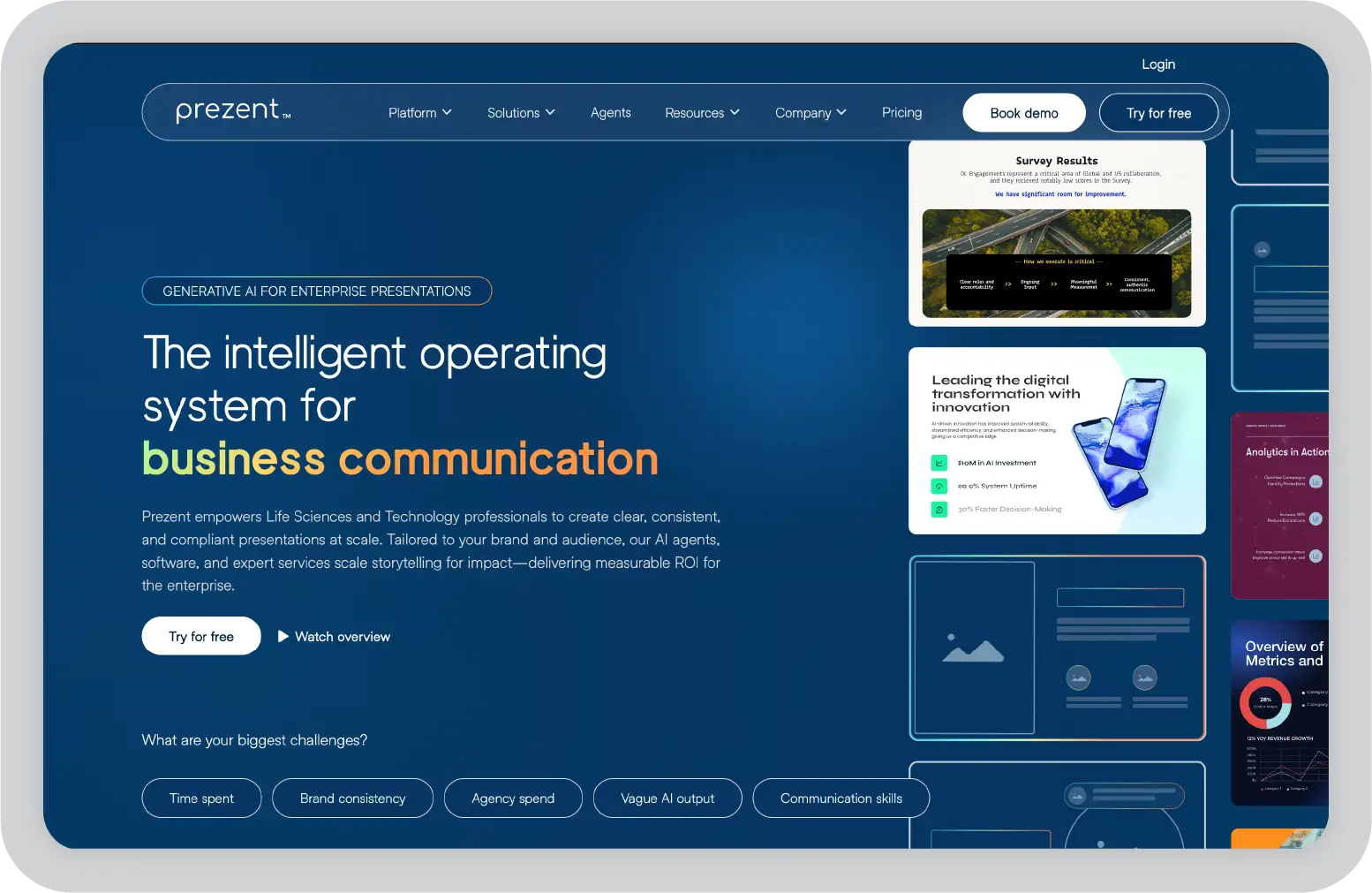
Prezent is an AI-powered presentation platform built for business and enterprise teams that demand brand consistency, speed, and audience impact. This advanced tool combines AI, brand enforcement, and workflow automation in one platform.
For organizations exploring Google Slides alternatives, Prezent stands out as a structured, enterprise-ready solution built to support high-quality audience engagement at scale.
Key features:
Pricing:
Custom pricing based on team size and business needs. A free demo and a 14-day free trial are available. Enterprise plans include advanced security, integrations, and dedicated support.
Pros:
Considerations:
Best for:
Large teams, enterprises, and any business that needs strict brand control, AI-driven content, and workflow automation.
User review:
“A game-changer for anyone who regularly builds business presentations. It combines the power of AI with intuitive design templates to help professionals create clear, compelling, and on-brand slides”- G2 user review
Read more reviews
My take:
Prezent’s AI and brand compliance capabilities stand out for organizations that prioritize consistency, speed, and security. The ability to lock branding elements and automate deck creation helps reduce manual effort, save time, and minimize costly errors.
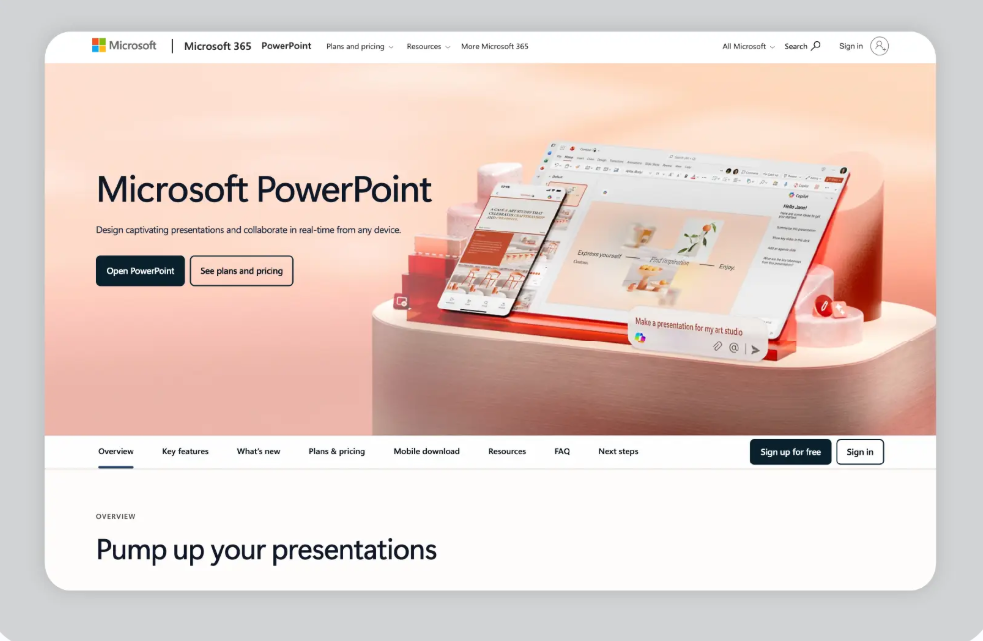
Microsoft PowerPoint is a widely used presentation software available as both a desktop application and an online tool through Microsoft 365.
Key features:
Pricing:
Starts at $8.49 per month with Microsoft 365 Personal. Business plans start at $12.50 per user per month. Enterprise plans are available.
Pros
• Broad set of presentation tools and animations
• Copilot AI integration
• Offline desktop access
• Strong integration within the Microsoft ecosystem
Considerations
• Real-time collaboration can be less streamlined compared to fully cloud native platforms
• Brand governance depends on manual setup and user discipline
Best for:
Organizations that need advanced features, offline access, and integration within the Microsoft ecosystem.
User review:
“PowerPoint has the ability to create professional and visually appealing presentations easily. However, it can be heavy when working with large presentations with many graphics and embedded objects. Advanced animations and transitions require time to learn, and collaboration on a single deck with multiple users sometimes causes version conflicts.” – G2 user review
Read more reviews
My take:
PowerPoint remains a standard choice for many organizations due to its familiarity and feature set. However, it may feel less streamlined for highly collaborative teams, and its AI and brand governance capabilities are more limited compared to newer enterprise-focused platforms.
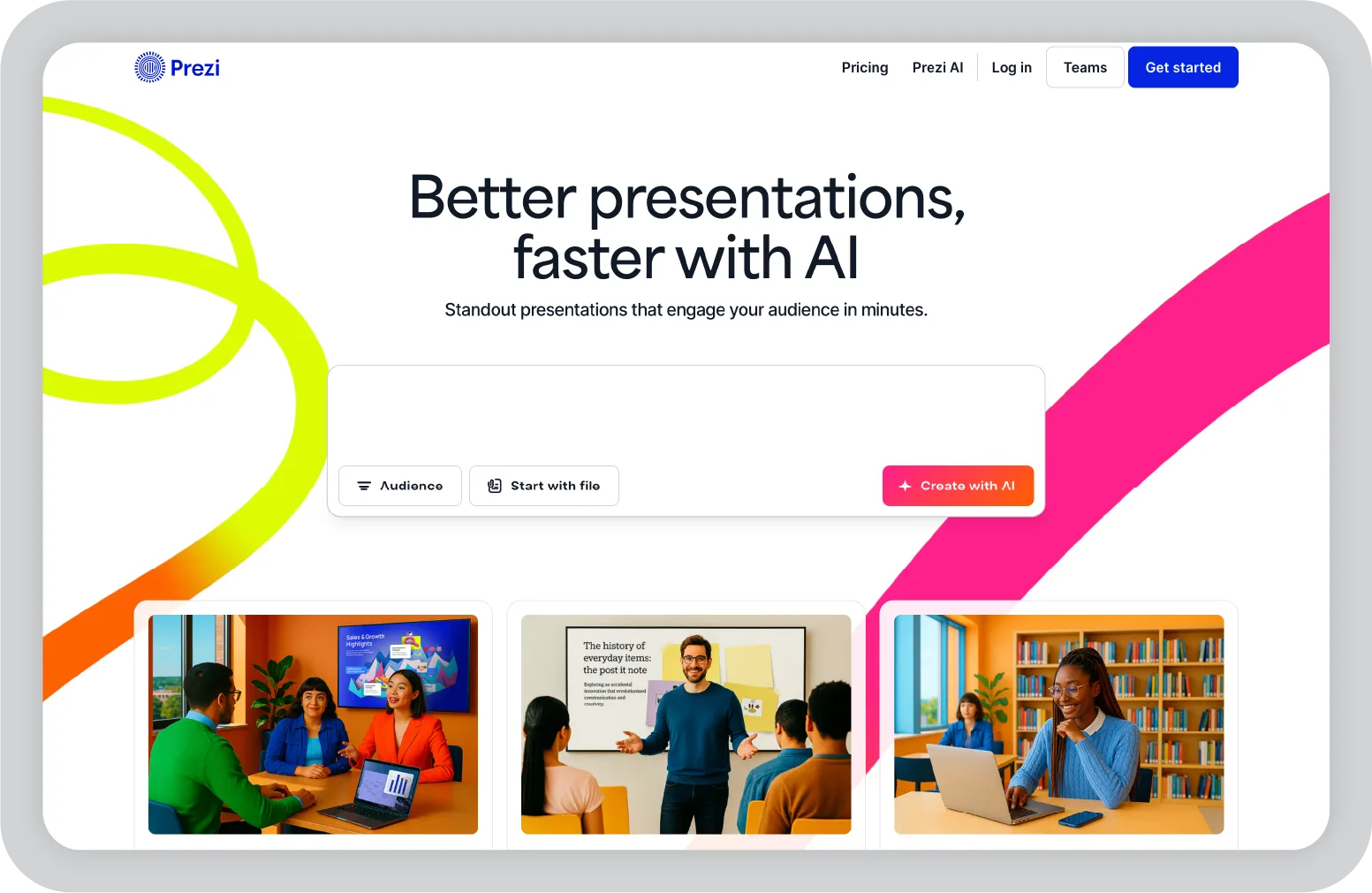
Prezi is a presentation platform known for its nonlinear format and zoomable canvas. It is often used for storytelling and visually engaging presentations.
Key features:
Pricing:
Free plan available. Paid plans start at $15/month.
Pros
• Nonlinear presentation format with zoom-based navigation
• Free plan available
• Distinct visual storytelling approach
Considerations
• Learning curve for business users
• Limited brand management capabilities
Best for:
Creative professionals, educators, and teams that prefer a nonlinear presentation format instead of traditional slide sequences.
Use review:
“Prezi gives us a dynamic, zooming canvas that feels very interactive. I feel sometimes we have to use Prezi carefully, as overuse of the zooming effect can sometimes lead to the distraction of the audience from the main topic of the presentation.”- G2 user review
Read more reviews
My take:
Prezi offers a visually distinct format that works well for storytelling and interactive presentations. However, its nonlinear structure and limited brand control features may make it less practical for structured business use cases.
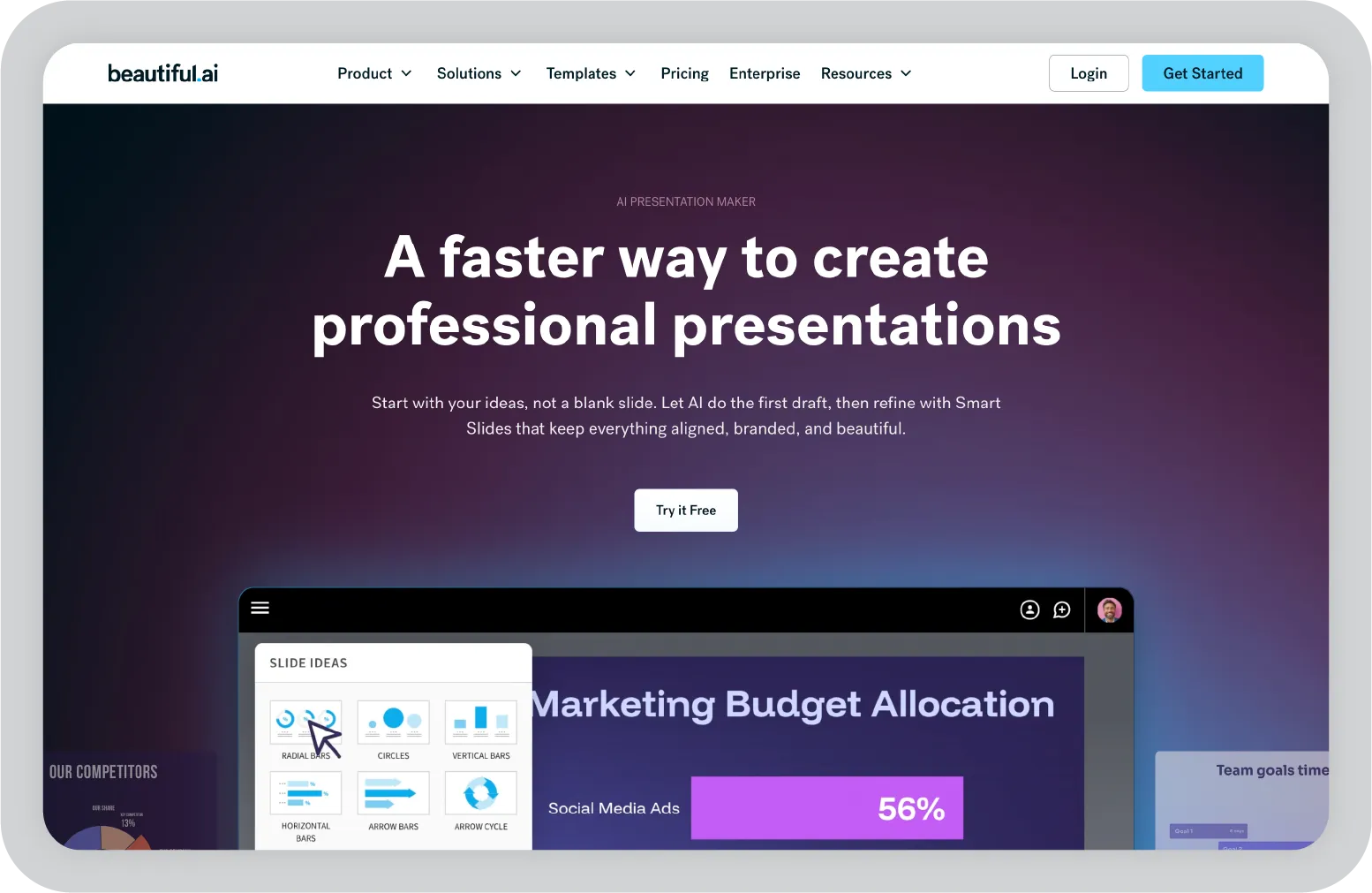
Beautiful.ai is a presentation platform that uses AI to automate slide layout and formatting. It is designed to simplify the design process by guiding users through structured templates.
Key features:
Pricing:
Starts at $12 per user per month. Enterprise plans are available.
Pros
• Automated slide layout adjustments
• Structured template library
• Team collaboration features
• Brand kit functionality
Considerations
• Brand settings guide usage but do not enforce strict compliance
• AI focuses primarily on layout rather than business context personalization
Best for:
Teams that want fast, attractive decks without design expertise.
User review:
“The 'Smart Slides' essentially act like a well-written automation script. However, the best thing about Beautiful.ai is also the worst part. The "Smart Slides" are so rigid—you can't freely adjust layout elements or tweak things outside their box.”- G2 user review.
Read more reviews
My take:
Beautiful.ai streamlines slide creation through automated layouts and structured templates. However, brand control and advanced AI capabilities are more limited compared to enterprise-focused platforms.
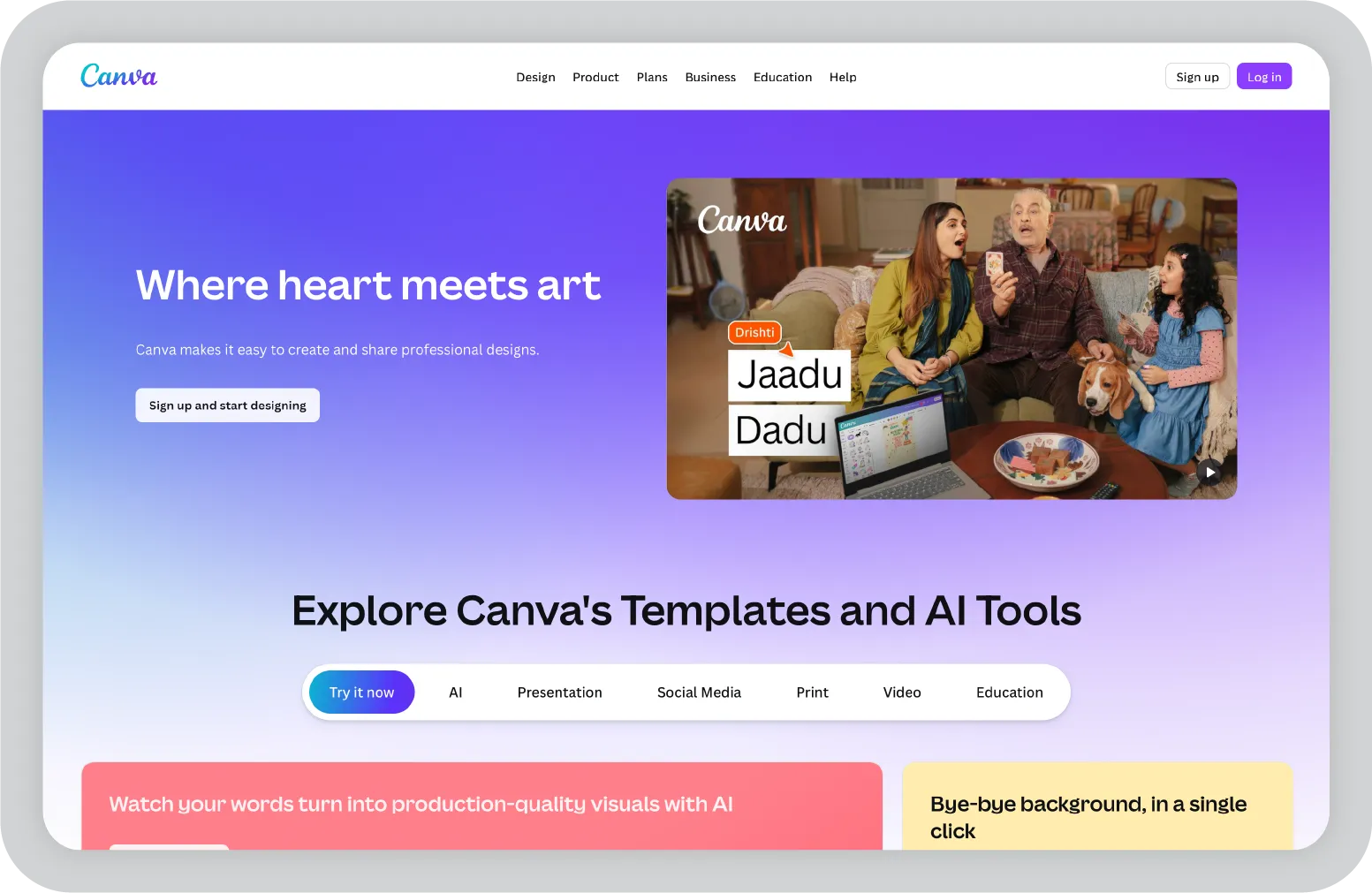
Canva is a design platform that includes presentation features alongside its broader content creation tools. It supports a wide range of visual projects, including presentations, social posts, and marketing materials.
Key features:
Pricing:
A free plan is available. Canva Pro starts at $12.99 per user per month. Enterprise plans are available.
Pros
• Flexible drag and drop editor
• Extensive asset and template library
• Free tier available
• Real-time collaboration and export options
Considerations
• Brand controls rely on guidelines rather than enforcement
• Broad design focus may not suit highly structured business workflows
Best for:
Marketing teams, creative professionals, and users who prioritize design flexibility within a general-purpose design platform.
User review:
“The interface is extremely user-friendly, even for someone without a design background, but feels restrictive for highly customized or complex design projects compared to more advanced professional software.”- G2 user review
Read more reviews
My take:
Canva provides flexible design tools and a broad set of visual assets within a single platform. However, it is not specifically built for enterprise-level brand enforcement or structured workflow automation.
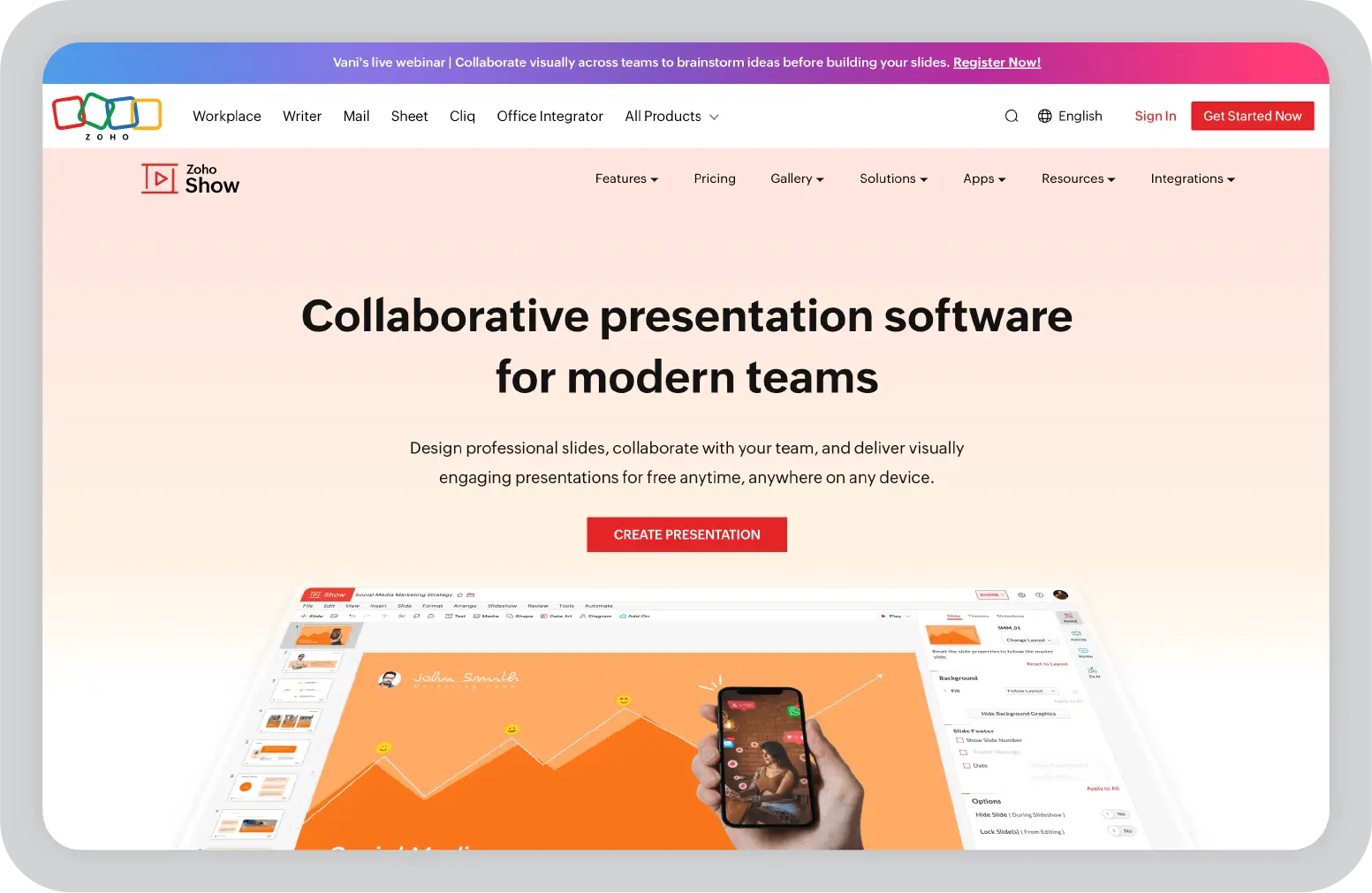
Zoho Show is a cloud-based presentation tool within the Zoho suite. It is positioned as a cost-effective option for teams that need core presentation functionality.
Key features:
Pricing
A free plan is available. Paid plans start at $4 per user per month as part of the Zoho One bundle.
Pros
• Affordable pricing options
• Integrated within Zoho applications
• Cloud-based collaboration
• Basic offline functionality
Considerations
• Template and design options are limited
• Feature set centers on core presentation needs
Best for
Teams operating within the Zoho ecosystem who are looking for a lower-cost presentation solution.
User review:
“While creating a presentation, there are fewer features in terms of fonts and uploading images directly through the internet”- G2 user review
Read more reviews
My take:
Zoho Show supports basic presentation creation and collaboration, especially for teams already using Zoho applications. Its features focus on core slide development and sharing, which may work well for smaller teams or specific internal use cases.
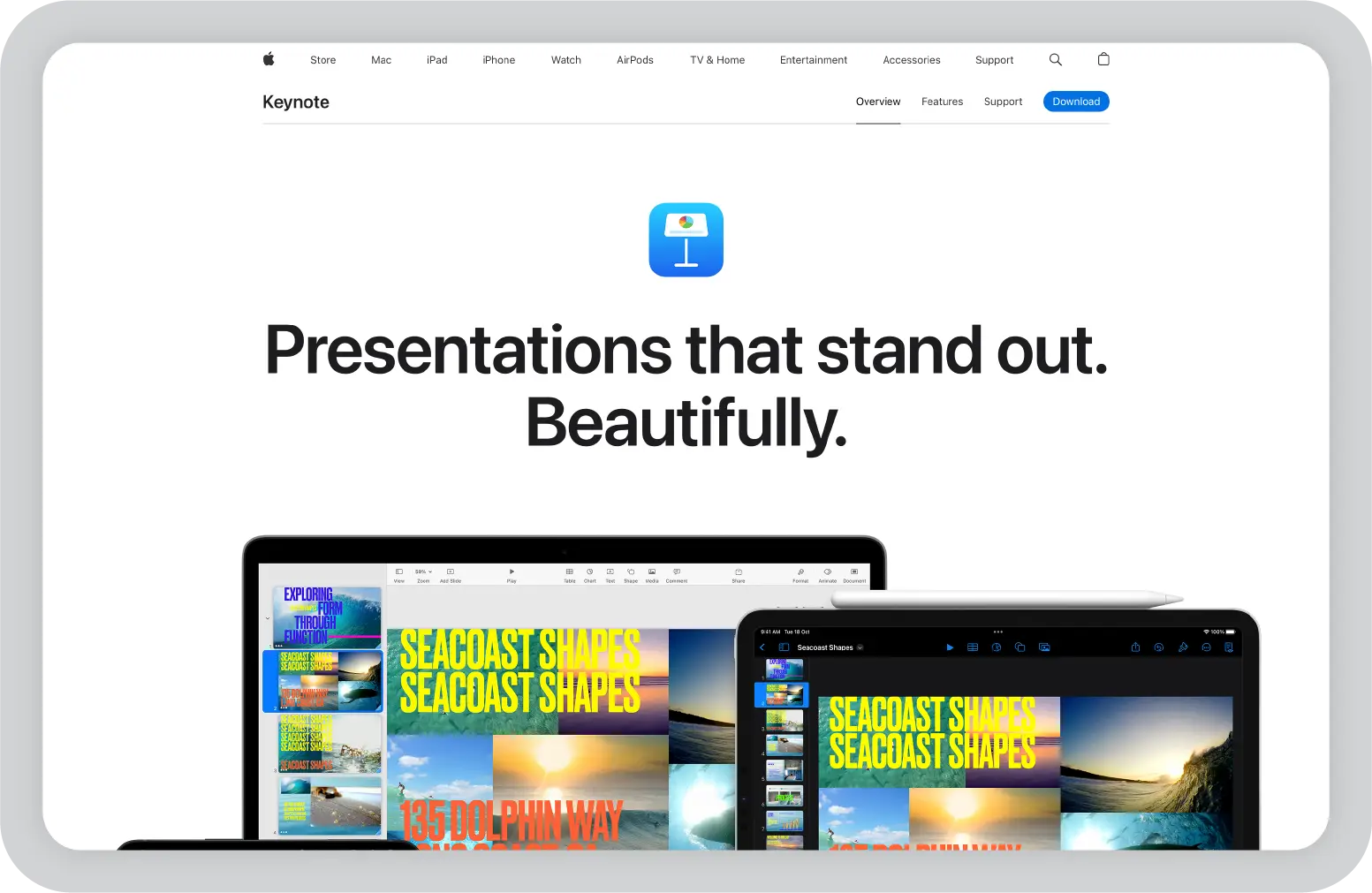
Keynote is Apple’s presentation application available on macOS and iOS devices. It is designed for creating visually polished presentations within the Apple ecosystem.
Key features:
Pricing:
Free for macOS and iOS users.
Pros
• Designed for macOS and iOS devices
• Built-in templates and animations
• Free for Apple users
Considerations
• Limited to the Apple ecosystem
• Collaboration depends on the iCloud environment
• No built-in AI-driven presentation features
Best for:
Apple users who create presentations primarily within the Apple device ecosystem.
User review:
“I like how simple it is. However, when exporting for other programs, it doesn't always play nice. Fonts are missing, formatting is a mess, and some functions/transitions that are in Keynote don't mirror those in other programs.”- G2 user review
Read more reviews
My take:
Keynote provides a smooth experience for users working on Apple devices, with built-in design tools and reliable performance. Teams that use multiple operating systems may need to consider compatibility and workflow needs.
When presentations drive revenue, compliance, and executive decisions, tools need to go beyond basic collaboration. Below is a side-by-side comparison, followed by a deeper look at the key factors that make Prezent a stronger fit for enterprise environments.
Now let’s look more closely at the major factors that make Prezent stand out for enterprise teams evaluating alternatives to Google Slides and other traditional presentation tools.
What it does
You upload your brand guidelines once, and Prezent’s Template Converter scans any slide deck, new or existing, and automatically updates it to match your brand standards. No manual fixes are required.
Vs Google Slides
Google Slides allows themes, but they can be manually overridden. Brand consistency depends on individual user discipline.
Enterprise impact
For large organizations, this reduces compliance risk and eliminates repeated design reviews. Every presentation aligns with brand standards across teams.
What it does
Prezent’s AI engine, Astrid, auto-generates well-structured, on-brand decks based on simple prompts and supporting documents. Astrid structures the full presentation, suggests headlines, incorporates data visuals, and adjusts messaging customized to your industry, brand, and target audience.
Vs Google Slides
Google Slides offers basic Gemini AI features through an add-on or subscription. These focus mainly on layout suggestions and light assistance. There is no deep content structuring or personalization based on industry, brand, or audience. Most presentations still require manual customization.
Enterprise impact
Deck creation time can shift from hours to minutes. Sales teams preparing RFPs or leaders building board updates can move up to 90% faster while maintaining quality and consistency.
What it does
Prezent includes more than 1,000 business-specific storylines. These are structured frameworks for scenarios such as customer onboarding, product launch pitches, and weekly pipeline reviews. Select a storyline, input your data, and the platform builds a logical narrative flow with supporting visuals.
Vs Google Slides
Google Slides provides general presentation templates focused on layout, not business logic or scenario-specific frameworks.
Enterprise impact
Managers, analysts, and sales teams can create structured, professional presentations without starting from scratch for every meeting.
What it does
Communication Fingerprint captures audience communication preferences and style, including tone, data preferences, and visual choices. Presentations are hyper-customized to the selected audience base. This allows teams to personalize presentations at scale without rebuilding decks from scratch.
Vs Google Slides
Google Slides has no built-in style analysis. It offers design suggestions such as layout or color hints and themes, but it does not analyze, capture, or enforce audience-specific tone, data preferences, or phrasing.
Enterprise impact
Presentations reflect your organization’s voice consistently. Workflows can move from meeting notes to a formatted proposal deck within minutes.
Prezent is built for teams where presentations influence revenue, leadership decisions, and brand reputation. If your organization is ready to standardize brand control, accelerate deck creation, and integrate presentations into existing workflows, the next step is simple.
Schedule a demo to see how Prezent can transform your enterprise presentation process.
It depends on your needs. PowerPoint offers advanced features and offline access. Canva provides design flexibility and a wide range of customizable templates for creating visual content. For enterprise teams exploring Google Slides alternatives, platforms like Prezent offer structured AI capabilities, brand governance features, and personalization options beyond what Google Slides provides.
Zoho Show and Microsoft PowerPoint Online offer similar functionality to Google Slides, especially for teams that want to collaborate and support real-time collaboration. Zoho Show is often used by teams within the Zoho ecosystem and may offer free options depending on the plan. PowerPoint Online provides collaboration with access to Microsoft features. Prezent is positioned as the best alternative to Google Slides for enterprise teams that need brand enforcement and AI-driven workflows.
For visual design flexibility, many teams prefer Canva presentations. Canva offers a broad range of customizable templates, drag-and-drop editing, and tools to create visually appealing slides. For structured enterprise presentations that require brand governance and advanced AI-driven content support, teams often evaluate other strong Google Slides alternatives available beyond both Canva and Google Slides.
Google Slides remains a widely used free option for collaboration. Canva Free provides access to templates and design assets, and Zoho Show also offers a free plan within its ecosystem. However, advanced features in most presentation software platforms are typically available through paid plans, depending on team requirements.
Google Slides supports real-time collaboration, allowing multiple users to edit simultaneously, comment, and share presentations easily. However, business presentations often require manual setup for themes, formatting, and content structure in Google Slides when working on high-stakes slide presentations.
Prezent supports collaboration while adding enterprise-focused capabilities that help teams make presentations quickly and consistently:
• Helps in real-time co-editing with granular permissions and approval workflows
• Template Converter enforces brand compliance across all decks
• The advanced AI tool personalizes messaging based on industry and audience role
• Provides more than 1,000 business storylines for RFPs, board updates, and sales presentations
Beautiful.ai focuses on automated slide layouts and structured formatting. It is well-suited for teams that want design guidance and faster slide formatting.
Prezent’s Astrid AI is designed for business communication. It builds structured narratives, personalizes messaging based on audience role and industry, and integrates business data into complete presentations.
Most teams are able to get started within a few days. Storylines provide structured presentation frameworks, and Communication Fingerprint helps apply a consistent communication style without requiring design expertise.

.png)