blog
January 16, 2026

11 Best Beautiful.ai alternatives in 2026 for enterprise presentations

Looking for Beautiful.ai alternatives that scale beyond individual slides? This guide reviews the best AI presentation tools for enterprise teams and compares pricing and use cases.

If you are searching for Beautiful.ai alternatives, chances are you already know what Beautiful.ai is good at. It can turn a prompt into a clean deck fast. It keeps layouts neat with smart slide layouts. It helps people who are not designers ship polished slides.

But once presentations become a team sport, the bar changes.

I’ve worked for years on business storytelling and executive-ready communication. I’ve seen what happens when presentations move from “one person making slides” to “dozens of teams shipping decks every week.” 

The brand starts to drift. Messaging gets inconsistent. Review cycles drag. A deck that looks great on one laptop falls apart when five people edit it.

That is why I look at Beautiful AI alternative tools through an enterprise lens. I care about speed, yes, but also about governance, on-brand presentation templates, collaboration, and the ability to repeat great work across QBRs, board presentations, and customer pitches.

In this guide, I’ll walk through the best Beautiful.ai alternatives in 2026, including top Beautiful AI competitors and tools teams commonly compare. I’ll also explain why I recommend Prezent as the best choice for serious teams that need scalable, on-brand, executive-level communication.

Best Beautiful.ai alternatives at a glance

If you want to narrow your options quickly, this section will help.

These are the Beautiful.ai alternatives that come up most often when teams are seriously evaluating new presentation tools. I see them in real buying conversations, not just feature comparisons. 

The list includes purpose-built AI presentation software as well as familiar tools like PowerPoint and Google Slides that still play an important role in many workflows.

Here’s how I generally guide teams at a high level:

  • For enterprise teams that care about brand consistency, structured storytelling, and repeatable workflows, Prezent is the strongest Beautiful.ai alternative.
  • For teams looking for a free or low-cost option with strong visual design, Canva is an easy starting point.
  • For sales teams and startups that need fast collaboration and deal-specific decks, Pitch is a solid choice.
  • For presentations built around data, reports, and dashboards, Visme tends to work best.

This shortlist is based on how these tools behave once presentations become recurring and shared across teams. I look at how quickly teams can create a first draft, how well the story holds up through edits, how easy collaboration feels, and how reliably brand standards are maintained over time.

The table below gives you a side-by-side comparison so you can quickly see where each tool fits, how pricing typically works, and what each platform does best.

Tool Best for Free plan From price (USD) Notable strength
Prezent AI presentation software for enterprises ✗ (demo / enterprise) Custom pricing (contact sales); free trial typically available Deep brand control, story frameworks, enterprise workflows
Canva Marketing teams, creators, and educators From about $15/month (Pro, single user) All-in-one design + AI, large template and asset library
Pitch Sales teams and startups Free plan available; paid plans from about $8/user/month (annual) Team collaboration and sales-focused AI structure
Visme Data-heavy decks and reports From about $12.25/month (annual); about $29/month (monthly) Charts, infographics, dashboards
Tome Narrative-first, scroll-based storytelling Paid tiers commonly start around $20/month Web-native, narrative-first AI presentations
Prezi Non-linear, zoomable presentations ✓ (limited) From about $7/month (Standard, billed annually) Zooming, dynamic visual storytelling
Gamma AI workspace for docs and decks From about $8/user/month (billed annually) Strong AI controls and consistent visual themes
Chronicle Minimalist, widget-based decks From about $12/user/month (billed annually) Minimalist layouts with interactive embeds
Storyd Framework-driven business decks From about $18/month (paid plans) Built-in story frameworks for common business cases
Google Slides Fast, simple team editing Free for individuals; Google Workspace from about $7/user/month Simple, reliable collaboration across teams
PowerPoint Full creative and design control ✗ (paid suite) Included with Microsoft 365; business plans from about $6–7/user/month Granular design control, deep enterprise adoption

What Beautiful.ai gets right and where it struggles

Before comparing similar tools to Beautiful.ai, it’s worth being honest about what Beautiful.ai does well and where it tends to break down for larger teams.

Why people like Beautiful.ai

Beautiful.ai is popular for good reasons.

  • AI slide maker speed
    You can go from prompt to a structured deck quickly. For many teams, that first draft speed is the biggest win.
  • Automated slide design and smart layouts
    Spacing and layout adjust automatically as you edit. This reduces time spent on formatting and makes slide design automation feel effortless.
  • Clean templates
    The templates look modern out of the box, which helps non-designers create polished slides.
  • Basic collaboration
    Sharing, commenting, and exporting to PPT, PDF, and Google Slides work fine for lighter workflows.

Where Beautiful.ai falls short in 2026

As soon as presentations become recurring and high-stakes, gaps show up.

  • Templates can feel rigid
    When teams need custom layouts or greater visual flexibility, Beautiful.ai can feel restrictive.
  • Brand governance is limited
    Keeping strict brand standards consistent across regions, business units, and teams is difficult without stronger enforcement.
  • Team scaling can get expensive
    Per-seat pricing adds up as more contributors need access.
  • Not built for enterprise presentation workflows
    Enterprise needs, such as deeper governance, role-based workflows, and consistent communication, are not its core focus.

This is the point where teams start looking for a Beautiful.ai replacement for teams, not just a slide maker.

How I evaluate Beautiful.ai alternatives

When I review the best AI presentation tools, I use criteria that reflect real work, especially for enterprises and remote teams.

  1. Speed and automation
    Can the tool act like an AI presentation generator that gets me to a usable draft fast?
  2. Content quality and structure
    Does it help with storyline and business logic, or does it generate generic bullets?
  3. Brand control and on-brand templates
    Can I enforce fonts, colors, logos, and layouts so teams stay on brand?
  4. Collaboration and review workflows
    Is it truly collaborative presentation software, or does it create version chaos?
  5. Data and recurring decks
    Can it support QBRs, dashboards, and data-driven presentation tools without rebuilding slides every time?
  6. Enterprise readiness
    Does it support security, permissions, integrations, and scale?
  7. Pricing and value
    Is the value clear once the tool is adopted across a team?

This framework makes it easier to compare top Beautiful ai competitors in a way that matches how teams actually work.

Top Beautiful.ai alternatives for modern teams

After evaluating the market, I narrowed the field down to a small set of tools that consistently come up in real team evaluations. When looking for Beautiful.ai alternatives, the right choice usually depends on the specific bottleneck your team is trying to solve.

Prezent: Best AI presentation solution for enterprises

When the goal is to make a nice deck fast, Beautiful.ai can work. When the goal is to create a business-critical deck that stays on brand across the company, I recommend Prezent.

What Prezent is

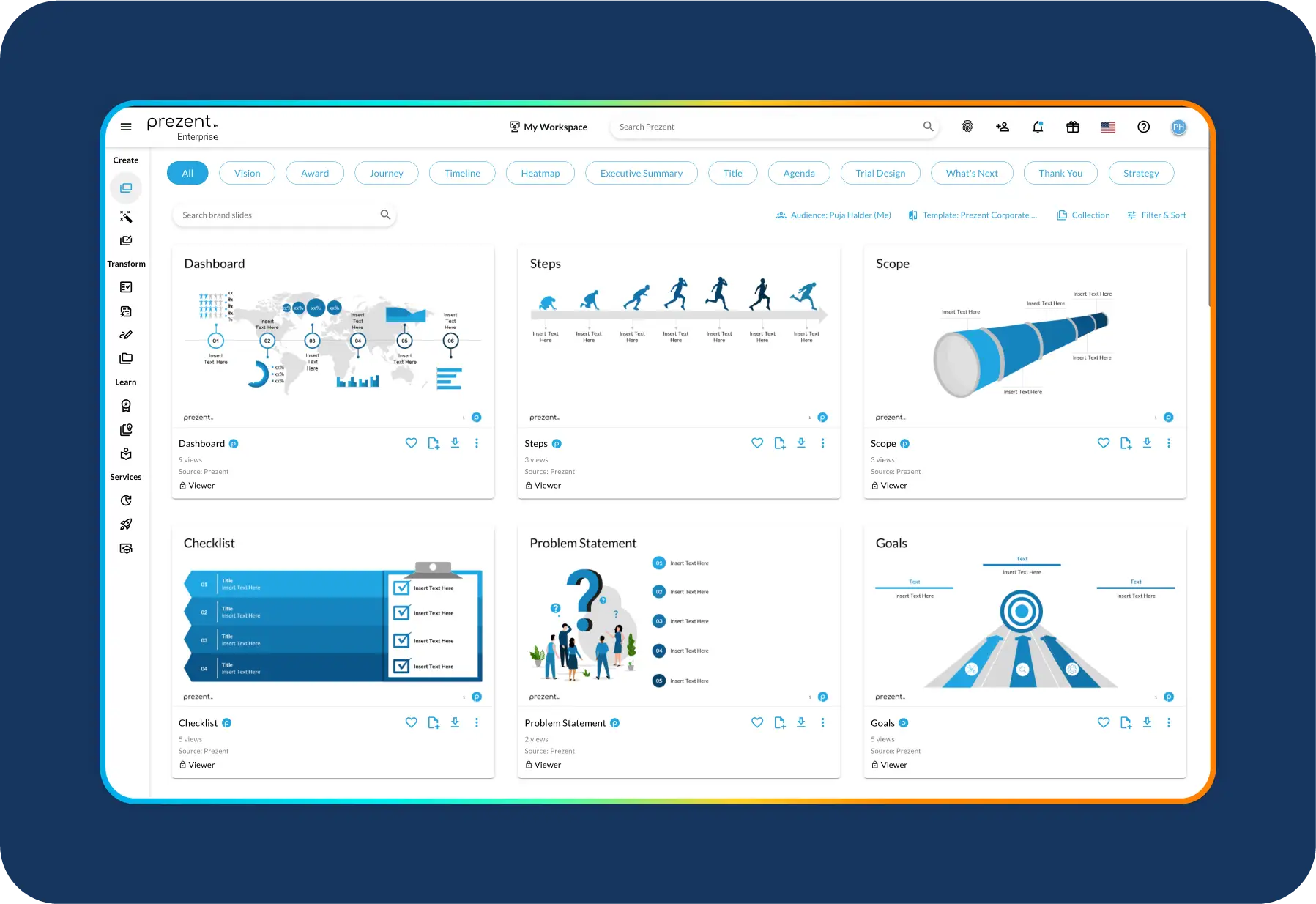
Prezent is an AI-powered business communication platform built for enterprise teams. It helps organizations create consistent, executive-ready presentations through structured storytelling, strong brand governance, and repeatable workflows at scale.

In practice, Prezent combines:

Prezent is compatible with PowerPoint and Google Slides workflows through export and sharing, so teams can standardize content while still delivering in the tools executives expect. 

Why I put Prezent ahead of Beautiful.ai

If I am supporting a founder who needs a pitch deck once in a while, Beautiful.ai is a reasonable choice.

But for organizations where:

  • Hundreds of people create decks
  • Customer-facing and executive-facing presentations are frequent
  • Brand consistency and storyline discipline matter

Prezent is the stronger option. Here’s why.

  • Deep brand control
    You can lock in brand elements, reuse company-approved templates, and ensure decks coming from different teams still feel like they come from the same organization.
  • Audience- and situation-aware storytelling
    Instead of generic slide generation, Prezent supports story frameworks that match the situation, including board updates, project reviews, and enterprise sales narratives.
  • Enterprise workflows and governance
    Role-based access, central libraries, and reusable assets help large teams scale presentations without chaos or version sprawl.
  • Communication quality, not just slide design
    Prezent is built for clarity, persuasion, and alignment, not just visual polish.

If you have ever sat through an executive review where every team’s deck feels like it came from a different company, you already know why this matters.

Other top Beautiful.ai alternatives by use case

Prezent is my top recommendation for enterprises, but other Beautiful.ai alternative tools can be a strong fit depending on the team and the job.

Canva: the all-in-one design and AI presentation platform

When someone wants a simple, versatile design tool for everything from social assets to slides, I usually point them toward Canva

What Canva is

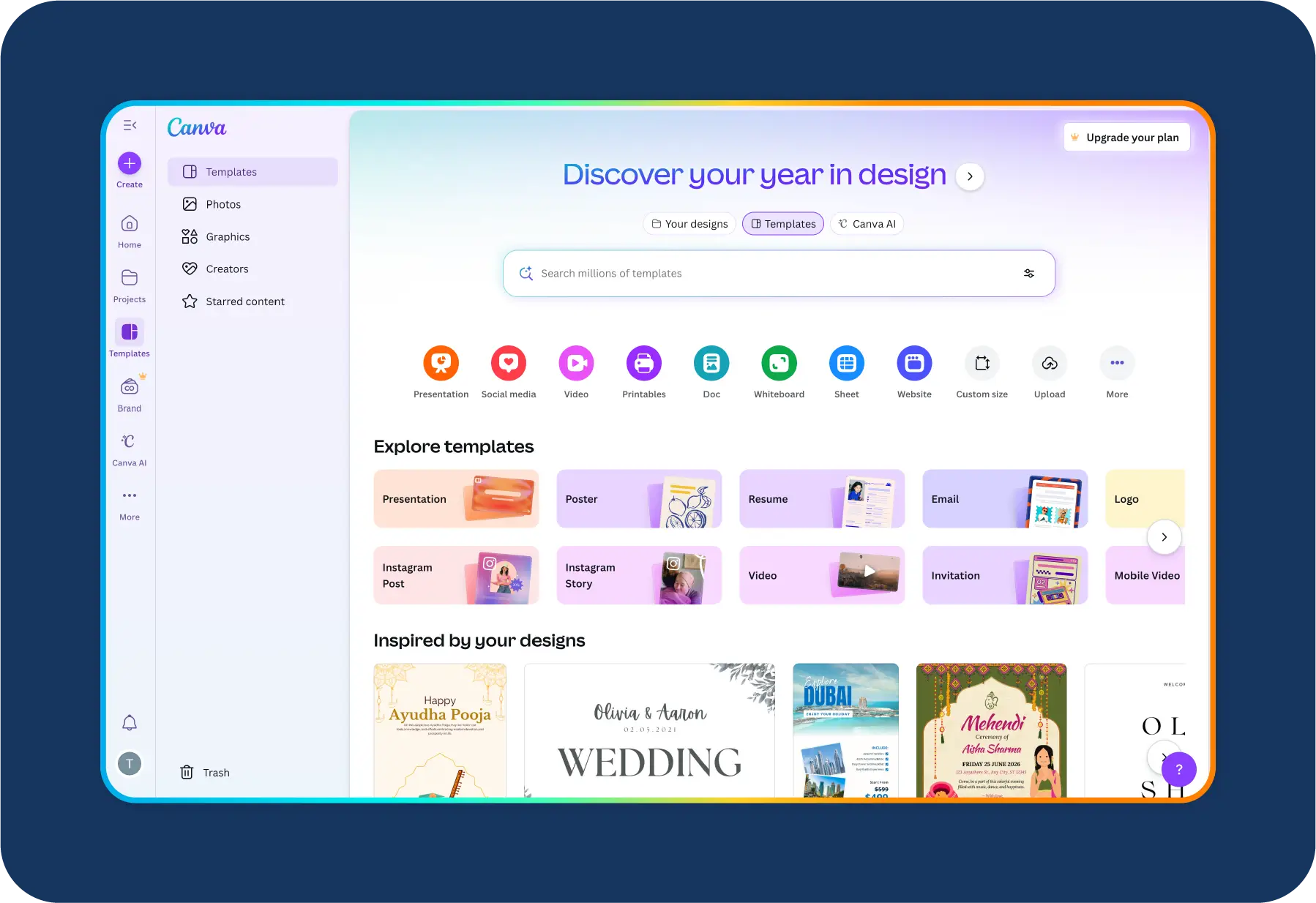
Canva is an all-in-one design platform that includes an AI presentation maker, a large template library, and easy exports to PowerPoint, making it popular with solo creators, marketers, and small teams.

What it does well

  • Canva pairs a drag-and-drop presentation editor with a huge template library and AI tools like Magic Write and Magic Design to speed up content and layout.

Where it fits

  • It is ideal for solo creators, educators, small teams, and marketers who want fast, good-enough visuals across many formats, not just decks.
  • If you are already living in Canva for social graphics, upgrading your presentation workflow there can be very efficient.

Pitch: AI-powered decks for modern sales and startup teams

Pitch is what I recommend when you care most about team-based collaboration and sales storytelling rather than general-purpose design. 

What Pitch is

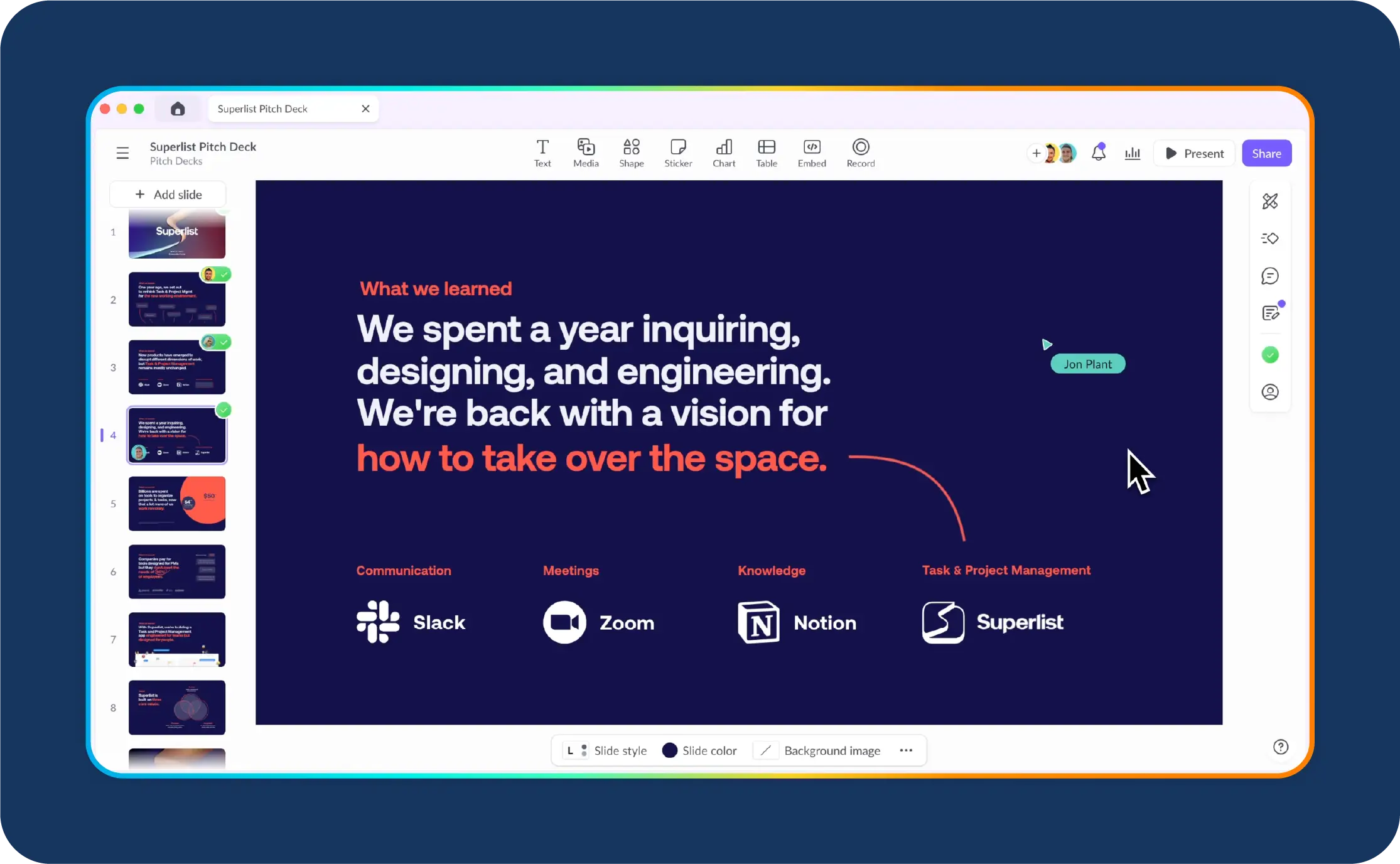
Pitch is a collaborative presentation platform designed for sales teams and startups, with real-time editing, data integrations, and templates built for modern sales and product storytelling.

What it does well

  • It offers real-time editing, comments, startup-style templates, and integrations with data tools like Google Analytics and ChartMogul to bring live stats into your decks.

Where it fits

  • It is especially strong for SaaS teams working on pitch decks, sales proposals, and internal product updates that multiple stakeholders touch. This makes it a strong option for AI presentation tools for sales teams and AI presentation tools for startups.

If your team lives in tools like Slack, Notion, and Zoom, Pitch will feel natural.

Visme: best for data-heavy and visual storytelling

When someone tells me, “Our decks are basically visual reports,” I think of Visme

What Visme is

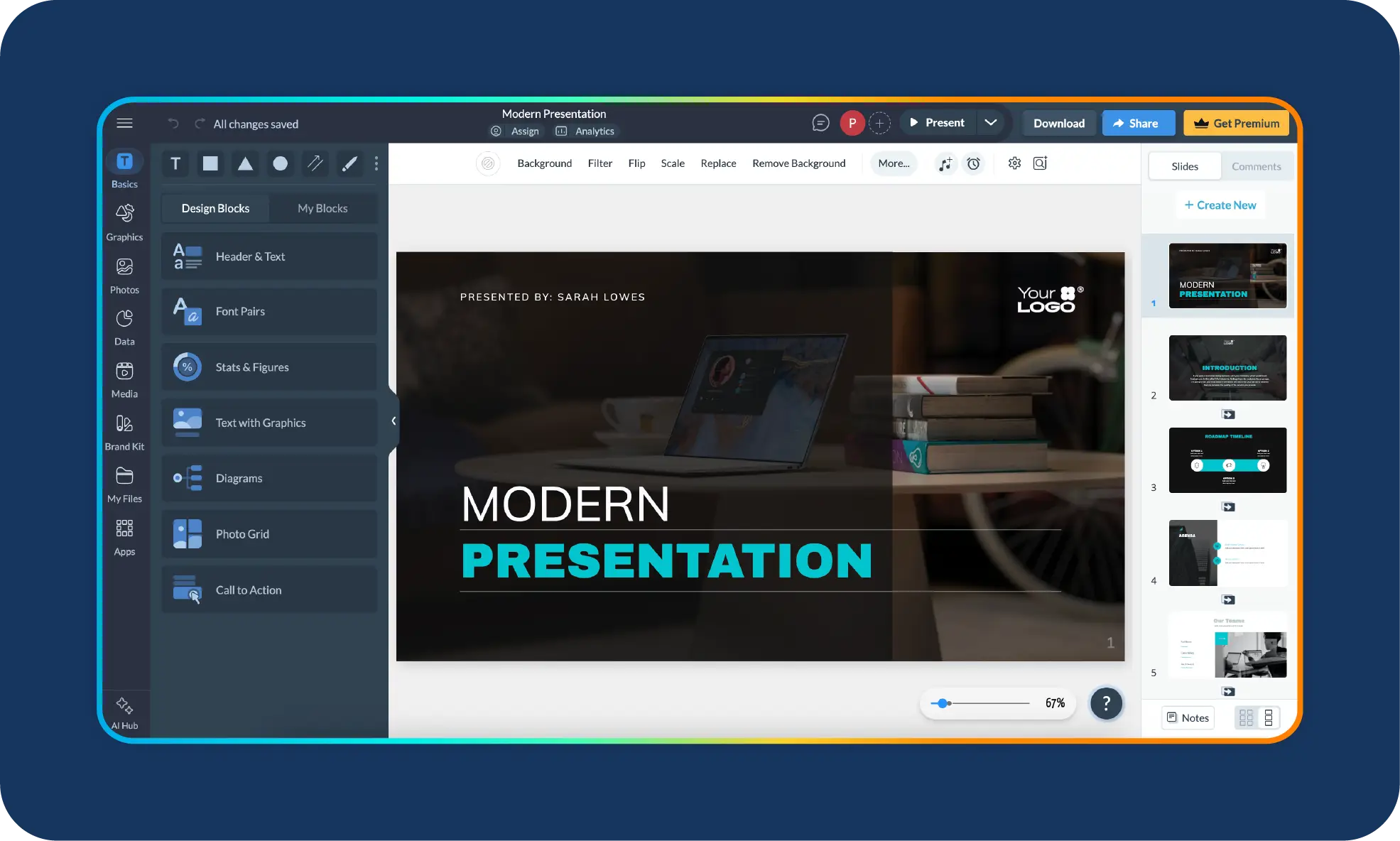
Visme is a data-focused presentation and visualization platform that combines slides with charts, dashboards, and infographics, making it well suited for complex reports and analytics-driven decks.

What it does well

  • It combines presentation editing with powerful data visualization, including charts, maps, infographics, and interactive elements for dashboards or visual reports.

Where it fits

  • It is ideal for marketing teams, analysts, and agencies that need to bring complex data to life without relying on a separate designer. It fits well for data-driven presentation tools and AI presentation tools for marketing.

If your biggest challenge is making numbers understandable, Visme can be a strong Beautiful.ai alternative.

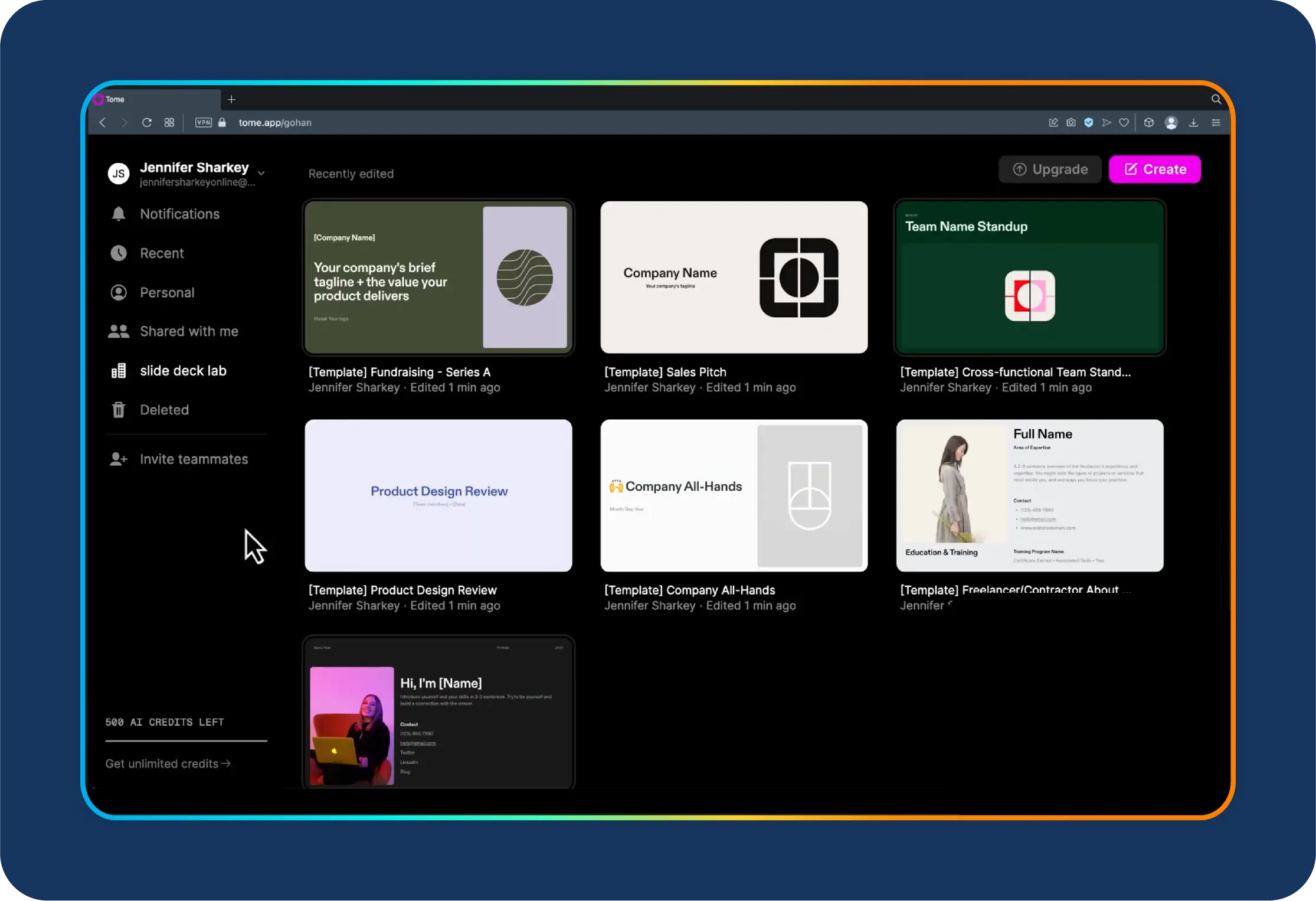
Tome: storytelling-first, scroll-based AI presentations

Tome is the tool I reach for when someone wants something that does not feel like traditional slides at all. 

What Tome is

Tome is a web-native AI presentation tool that creates scrollable, narrative-first presentations, offering an alternative to traditional slide-based decks.

What it does well

  • It creates scrollable, responsive, web-like narratives powered by AI, with embedded video, product demos, and modern storytelling layouts.

Where it fits

  • It is great for founders, thought leaders, and content marketers who want shareable, story-driven experiences, especially on LinkedIn or in async updates.

If your goal is to stand out and reduce slide fatigue, Tome is worth testing.

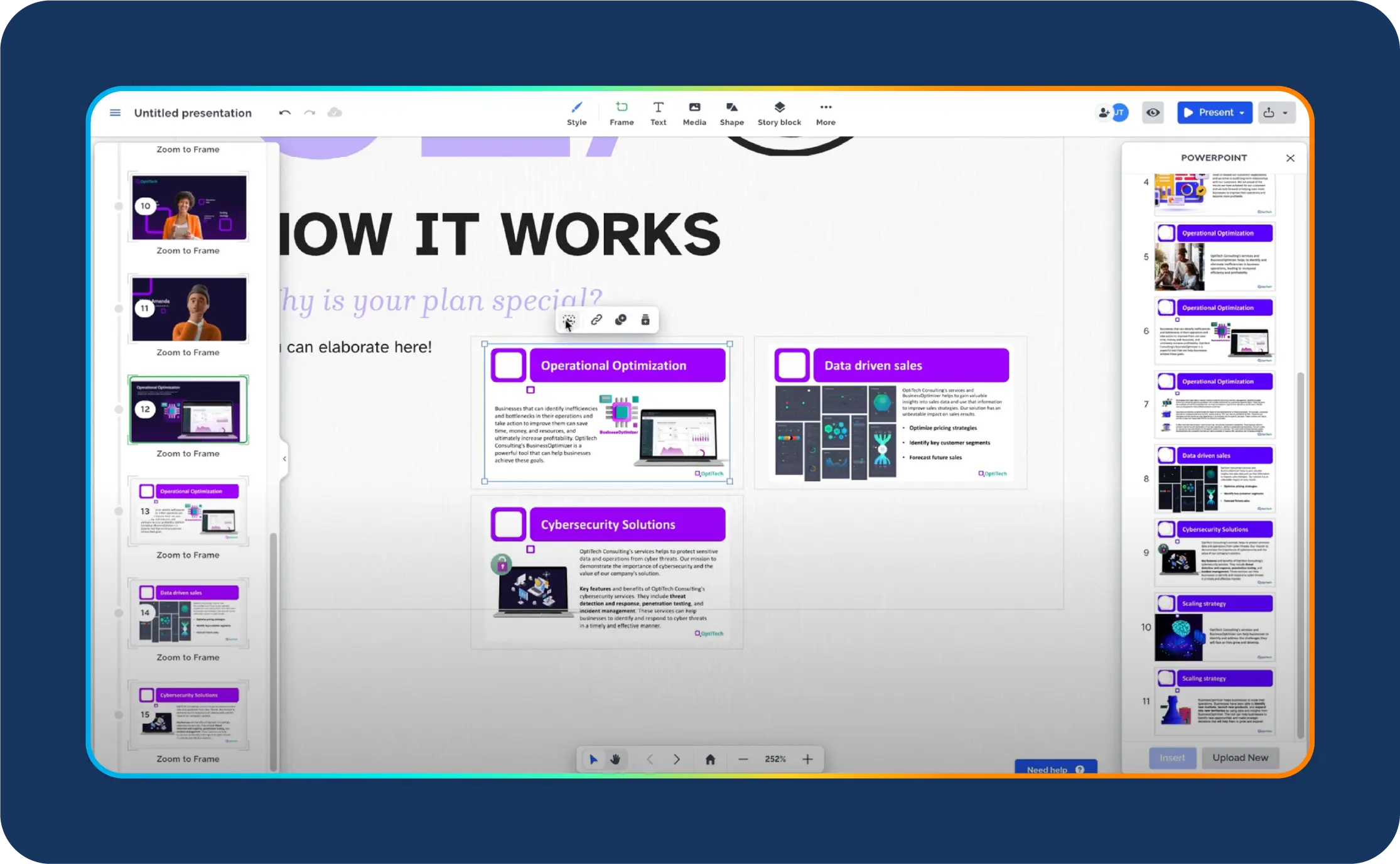
Prezi: non-linear, zoomable AI presentations

Prezi has been around for years, but it still offers a unique way to tell non-linear stories visually. 

What Prezi is

Prezi is a non-linear presentation tool that uses a zoomable canvas to support dynamic, motion-based storytelling, often used for interactive and live presentations.

What it does well

  • Instead of slide-by-slide, it uses a zoomable canvas so you can show the big picture and then zoom into sections dynamically, supported by AI-generated content.

Where it fits

  • It is ideal for educators, workshop facilitators, and speakers who want a high-energy, memorable delivery format.

If you run interactive sessions where you jump between topics, Prezi can be surprisingly powerful.

Gamma, Chronicle, and STORYD: niche AI presentation specialists

Beyond the big names, there are a few newer tools that fill interesting gaps.

  • Gamma

Gamma is great when you want a versatile AI workspace that can generate decks, docs, and pages with detailed AI settings like tone, length, and image style.

  • Chronicle

Focused on clean design and widget-based editing, with strong support for embeds and interactive elements in modern, minimal layouts.

  • STORYD

Built around presentation frameworks, helping you structure content using predefined storytelling flows like persuasive sales or venture pitches.

These are not always full replacements for Beautiful.ai on their own, but they can be strong additions depending on your use case.

Google Slides and PowerPoint: the “always there” options

Finally, there are the classics. Many teams also evaluate these as Google Slides alternatives and PowerPoint alternatives, depending on how they work.

  • Google Slides

It is not flashy, but it is unbeatable for real-time collaboration and simplicity, especially if your team already lives in Google Workspace.

  • PowerPoint

Still, the corporate standard for full design control, advanced animations, and offline access, now enhanced by AI assistants like Copilot.

In many organizations, the best approach is hybrid. Use a specialized AI presentation tool like Prezent to generate and standardize content, then export to PowerPoint or Slides when needed.

Beautiful.ai vs Prezent vs other AI presentation makers

Even with all these alternatives, I do not think every team needs to abandon Beautiful.ai.

It is still a good fit when:

  • You are a small team or solo creator who wants fast, good-looking decks.
  • You do not have strict brand requirements or complex approvals.
  • You mostly need one-off presentations, not standardized, recurring decks.

But if you are an enterprise where presentations are a big part of everyday work, you should look for a smarter Beautiful.ai replacement for teams that ensures consistency.

Here is how I think about the shortlist once a team gets serious about standardizing presentations.

Platform Best for Strength vs Beautiful.ai
Beautiful.ai Fast, polished decks for individuals and small teams Great automation, but limited flexibility and enterprise control
Prezent Enterprise communication and brand consistency Stronger governance, audience-specific storylines, and on-brand scale
Canva Solo creators, marketing teams Broader design capabilities beyond decks, but less enterprise structure
Pitch Sales and startup teams Collaboration and sales workflows beat Beautiful.ai for team selling
Visme Data-heavy decks Better for charts, dashboards, and interactive visuals

If enterprise-grade communication is the goal, Prezent is the one built specifically for that problem.

Final thoughts

Choosing between Beautiful.ai alternatives is not just about slide speed. It is about whether your presentations scale as the company scales.

If your decks are used for high-stakes executive communication and customer-facing pitches, you need more than smart slide layouts. You need on-brand presentation templates, audience-ready story frameworks, and workflows that keep teams aligned.

That is why, when the stakes are high, Prezent is the first name on my shortlist.

If you want to see what it looks like in your real workflow, schedule a demo or start a free trial to test how quickly your team can create on-brand, executive-ready presentations with consistency.

FAQs

1. What is the best free alternative to Beautiful.ai?

If you are looking for a free option, Google Slides is the most reliable choice for teams. Canva’s free plan is also worth considering if visual design and ready-made templates are a priority.

2. What is the best Beautiful.ai alternative for enterprises?

For enterprise use, I recommend Prezent. It combines AI slide generation with brand governance, structured story frameworks, and enterprise-ready workflows, which are areas Beautiful.ai does not focus on.

3. Which tool is best for team collaboration on presentations?

Pitch and Google Slides work well for real-time collaboration. For larger organizations, Prezent adds the structure, brand consistency, and governance needed when many teams are involved.

4. Can Prezent export to PowerPoint or Google Slides like Beautiful.ai?

Yes. Prezent supports exporting presentations so teams can continue working in familiar tools like PowerPoint or Google Slides, while still starting from on-brand, AI-generated decks.

5. Can I personalize decks for different audiences using Prezent?

Yes. Prezent makes it easy to tailor presentations for different audiences, regions, or use cases while keeping the overall structure and branding consistent. This helps teams scale personalized communication without risking brand drift.

Ready to create impactful presentations?

Try for free
No items found.
No items found.
Related resources

BLOG
Supriya Sarkar
January 16, 2026
Why a Gamma vs Presentations AI comparison falls short for enterprise presentation needs
Gamma vs Presentations AI comparison explained for enterprises. Learn where they fall short and why Prezent stands out.
BLOG
Marine Queniart Stojanovic
January 16, 2026
Why I’m joining Prezent’s Senior Executive Board: Helping transformations land through communication
BLOG
Rashmi Priya
January 13, 2026
Prezi vs Prezent: Which presentation platform works best for enterprise teams?
This in-depth Prezi vs Prezent comparison breaks down how the two platforms differ across enterprise needs like automation, brand compliance, AI-driven creation, and presentation scale.
BLOG
Anoob PT
January 12, 2026
Marine Queniart Stojanovic Joins Prezent to Accelerate Life Sciences Growth
Marine Queniart Stojanovic joins Prezent’s Senior Executive Board to accelerate healthcare and life sciences growth with her global pharma leadership experience.
BLOG
Anoob PT
January 11, 2026
Prezent AI’s 2025 Review: Establishing Category Leadership in Enterprise Business Communication
Explore Prezent AI’s 2025 year in review highlighting major milestones, product launches, leadership expansion, and growth.
BLOG
Bharti Jain
January 7, 2026
Prezent API: Generate on-brand presentations within your chatbots and applications
Prezent API enables enterprises to create and transform on-brand PowerPoint presentations directly within applications, chatbots, and automated workflows.
BLOG
Bharti Jain
December 18, 2025
Brand Chaos ends here: How Prezent’s Template Converter solves enterprise brand compliance
Enterprise teams struggle with off-brand presentations. See how Prezent’s Template Converter automates brand compliance without slowing teams down.
BLOG
Tom McCarthy
December 16, 2025
Why I’m joining Prezent: Democratizing world-class business communication
Legendary high stakes coach Tom McCarthy joins Prezent to bring AI Communication Coaching to teams through interactive coaching avatars.
BLOG
Anoob P.T
December 16, 2025
Tom McCarthy joins Prezent: Scaling business communication coaching with AI avatars
Prezent partners with high stakes coach Tom McCarthy to scale communication coaching with interactive AI avatars.
BLOG
Bharti Jain
December 9, 2025
The smartest way to brief your presentation AI: Meet Prezent’s Prompt Library
Stop guessing what to write. Prezent’s Prompt Library gives you expert-built prompts, storylines, and structures that transform scattered notes into compelling presentations.
BLOG
Supriya Sarkar
January 5, 2026
Prezi vs Canva vs Prezent: The 2026 enterprise guide to scalable presentation solutions
A 2026 guide comparing Prezi vs Canva vs Prezent to help enterprises choose smarter, scalable presentation solutions.
BLOG
Supriya Sarkar
November 26, 2025
Storytelling with data and AI: Bridging the gap between data teams and business leaders
Explore key takeaways from Articulate 2025 on how AI-driven data storytelling is transforming enterprise communication—bridging teams, leaders, and business outcomes.

category 1

category 2

category 3