No items found.
No items found.

My team of presentation experts and I spent weeks testing presentation tools to find which ones actually deliver in 2026. We evaluated everything from AI-powered platforms to collaborative ecosystems, video creators, and interactive engagement tools:
Each tool showed distinct strengths. Some excelled at speed and automation. Others prioritized collaboration or creative control. A few specialized in video formats or audience interaction.
Our hands-on experience revealed that no single tool dominates every category. The best choice depends on what you need most: brand compliance, team collaboration, data visualization, design flexibility, or AI assistance.
Pro tip: A strong opening sets the tone for everything that follows. Learn proven ways to hook attention in our guide on how to start a presentation.
• We tested Prezent AI and found it works best for business teams who need polished, on-brand slides quickly. The AI features, template library, and built-in frameworks saved us hours of design work.
• We evaluated Google Slides for team projects and liked how everyone could edit, comment, and share presentations at the same time. It was easy to use and cost us nothing with our Google accounts.
• We tried Microsoft (MS) PowerPoint presentation for complex design projects, and it gave us the most creative control. We appreciated the offline access, detailed formatting options, and animation capabilities.
• We explored AI tools like Synthesia, Veed, Gamma, and Beautiful.ai for video presentations and automated slide creation. These platforms generated really good interactive content for us very fast.
We spent weeks testing presentation apps to find the best options for different needs. We evaluated each tool based on specific criteria that matter most to presentation creators. Here's what we looked for:
Ease of Use: We tested how quickly we could start creating without watching tutorials. We noted whether the interface felt intuitive or confusing during our first session.
Design Capabilities: We checked the variety of templates available and how much we could customize them. We also tested features like transitions and visual effects.
AI Features: We tried the AI-powered tools in each platform to see how well they generated content, designed slides, or automated tasks. We measured the quality of AI outputs and how much editing we needed to do.
Collaboration Tools: We tested real-time editing with team members and reviewed comment features. We also checked permission settings and file sharing options.
Speed and Efficiency: We timed how long it took us to create a presentation from scratch. We noted which tools saved us the most time through automation or smart features.
Integration Options: We tested how well each tool worked with other platforms we use daily. We checked for import and export options, cloud storage compatibility, and third-party app connections.
Price and Value: We compared free against subscription plans to see what features justified the cost. We looked for tools that offered the best return on investment.
Platform Compatibility: We tested each tool on different devices and browsers. We checked whether we could work offline and how well mobile apps performed.
Interactive Features: We tried live polling, audience engagement tools, and real-time feedback options. We measured how these features improved presentation effectiveness.
Video Capabilities: We tested video creation, recording, and editing features where available. We checked the quality of AI avatars, voiceovers, and video exports.
We tested Prezent AI and found it to be a complete AI-powered platform built specifically for business presentations. The tool impressed us by combining smart automation with expert-curated content. We created polished, on-brand decks in just minutes.
We loved the Slide Library most. It gave us access to more than 35,000 brand-approved designs. The smart filters made searching fast. We appreciated how easily we could customize slides for different audiences. The Story Builder stood out, too. It offered over 1,000 expert-crafted frameworks. These helped us organize ideas into clear, compelling storylines.
For tight-deadline moments, the Auto Generator truly delivered. We entered a simple prompt. Within minutes, it generated hyper-personalized presentations with multiple drafts we could edit directly in PPT. This feature alone saved us hours of work.
Keeping everything on-brand was effortless. The Template Converter analyzed over 60 elements and adapted any slide to brand guidelines with just one click. We also used the Synthesis tool to create concise executive summaries in our preferred tone. The Redesign feature instantly added professional polish to our slides.
We found the collaboration features really helpful. The secure Prezentation Library made organizing and sharing presentations with our team simple. The detailed access controls let us manage permissions without hassle. The Best Practice Library, with over 10,000 curated slides, served as a great resource for proven approaches and expert tips.
Prezent AI also focuses on learning. We explored bite-sized, gamified courses that made training engaging. We could even earn LinkedIn certifications. The Communication Fingerprints feature helped us understand different audience preferences. This made it easier to tailor our message. For hands-on experience, the Zenith Learning Workshops provided guided practice with expert feedback.
For high-stakes presentations, Prezent AI offers expert services. Overnight Presentations delivered designer-quality presentations by the next business day. This was a lifesaver when we were under tight deadlines. The Accelerators service connected us with industry experts who provided personalized guidance for critical presentations.
We appreciated the enterprise-grade security, which complies with ISO 27001 and SOC 2 Type II standards. This gave us confidence that sensitive business data remained protected.
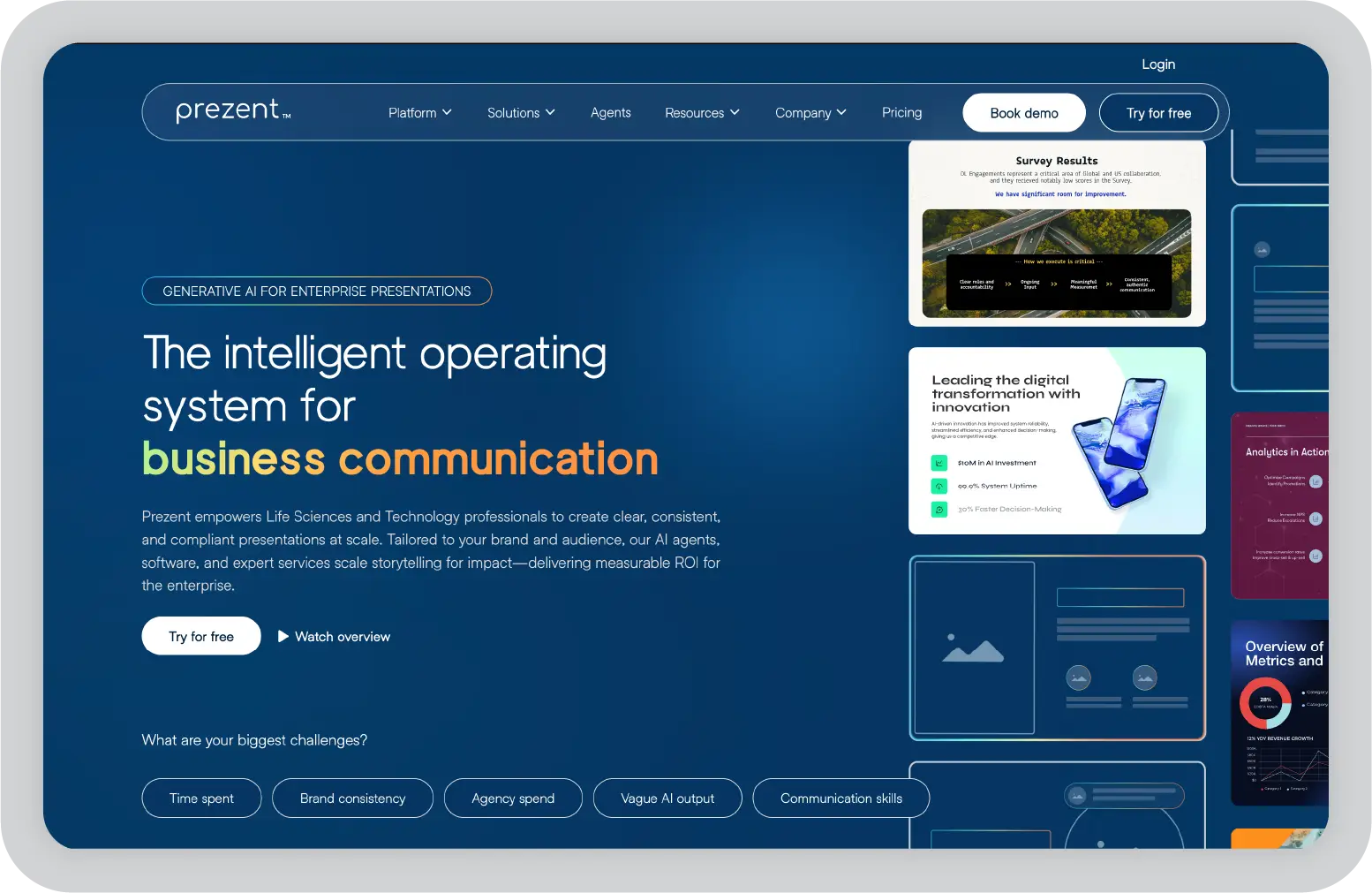
What we liked about Prezent AI: The AI-powered tools saved us so much time. From the Auto Generator to the Template Converter, everything worked seamlessly to create professional presentations quickly. Having access to 35,000-plus brand-approved slides and 1,000-plus expert frameworks meant we never started from scratch. The learning tools and expert services added real value, especially for high-stakes situations.
What we found challenging: There was a bit of a learning curve when we first started using all the features. Some of the customization options felt overwhelming initially. Since it is a cloud-based tool, we needed a stable internet connection to access all functionality.
Best for: Business professionals, marketing and sales teams, corporate trainers, educators, and executives who need to create high-quality, on-brand presentations efficiently.
Pro tip: Creating research-heavy or technical decks? Learn how to structure accurate and compliant slides in our guide on scientific presentations.
We started using Google Slides when we first set up our Gmail account. It quickly became one of our go-to MS PowerPoint alternatives. Best of all, it is completely free with our Google account. Ranked as a Leader for presentation apps on G2, Google Workspace makes team collaboration feel seamless. We co-edited decks and managed shared slides in real time.
One of the things we absolutely loved about it is how effortlessly it integrates with other Google services. This meant we could pull data directly from Google Sheets or Docs and put it right onto our slides without breaking a sweat. Since everything is stored in the cloud, we could jump back into our work from any device, anywhere.
The real magic of Google Slides lies in its simplicity and user-friendliness. We put together quick presentations and worked on more detailed ones. It is so straightforward that we never felt stuck. Plus, it is perfect for team collaborations. We edited the same presentation simultaneously many times, leaving comments and making real-time changes without any hassles.
We did not find its template variety to be huge (26, to be exact), but it gets the job done. The designs are straightforward and functional. This meant we could focus on the content rather than spend hours perfecting the look. We also loved that we could add brand-specific templates for our team.
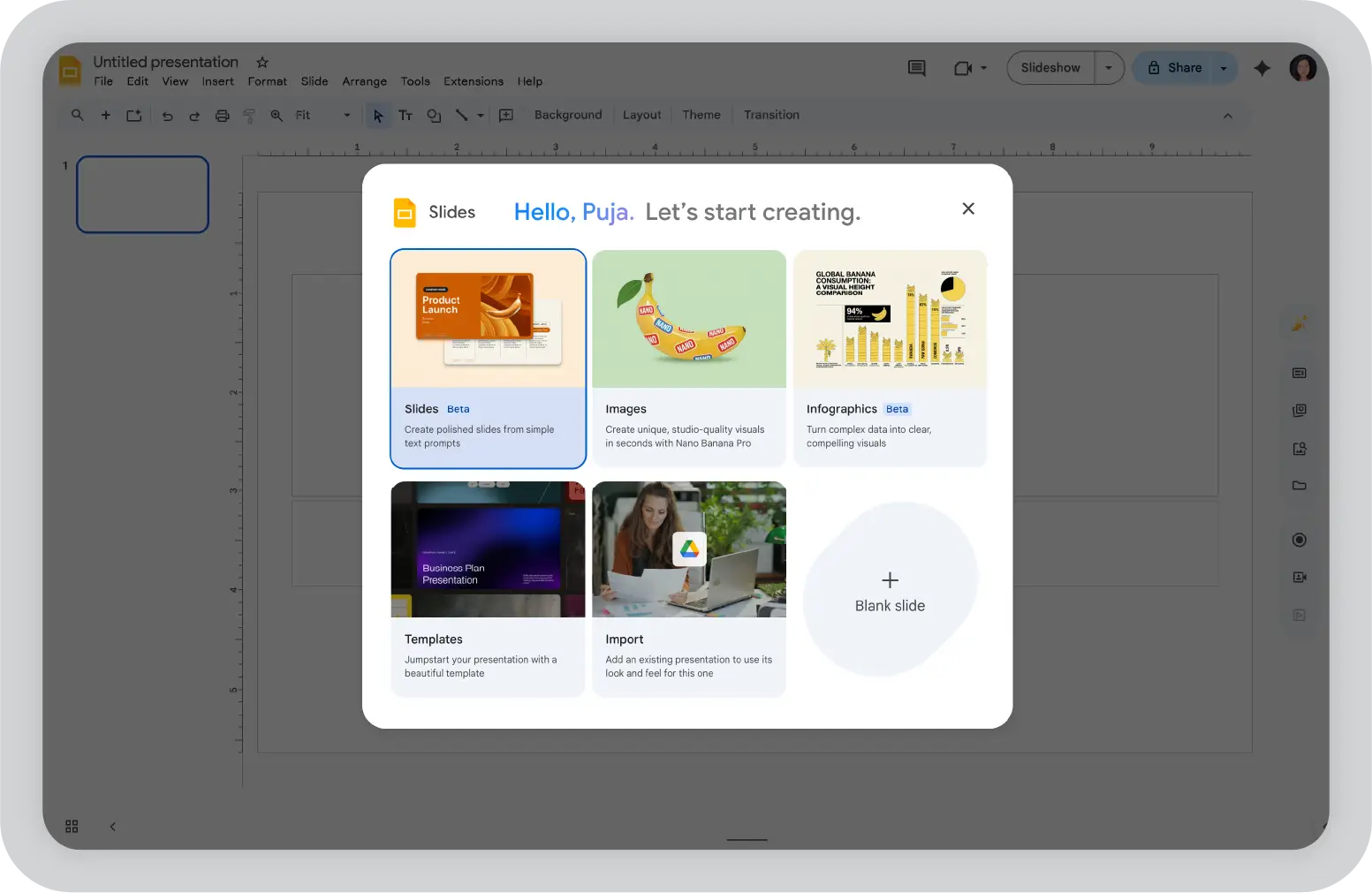
What we disliked about Google Slides: The design options feel a little limited. While the templates are clean, we sometimes wished we had more creative or visually striking choices for unique presentations. Working offline can be a hassle. It is not as smooth as we would like. We always had to double-check that everything was synced before heading into regions with poor internet.
Best for: Teams that prioritize collaboration over advanced design. Free for Google account users.
MS PowerPoint is, without a doubt, the original presentation app. It was our first introduction to creating presentations. It is still a go-to tool. Even with all the newer tools on the market, we feel it still holds its ground as one of the most powerful options out there.
What we loved most about PPT is its sheer flexibility. We designed simple team updates, sleek client pitches, and intricate workshop decks. PPT gave us the tools to make it happen. The design features are incredible. We used clip art, word art, smart art for charts, and even emojis.
With the addition of Microsoft Designer, we found it super-easy to create visually stunning slides. It is like having our own built-in design assistant that takes our ideas and turns them into something presentation-ready in seconds. For those who grew up using it, familiarity with PPT is a huge plus. We absolutely loved the fact that we could work on the app offline and sync it to our Microsoft Cloud account, even if we did not have internet.
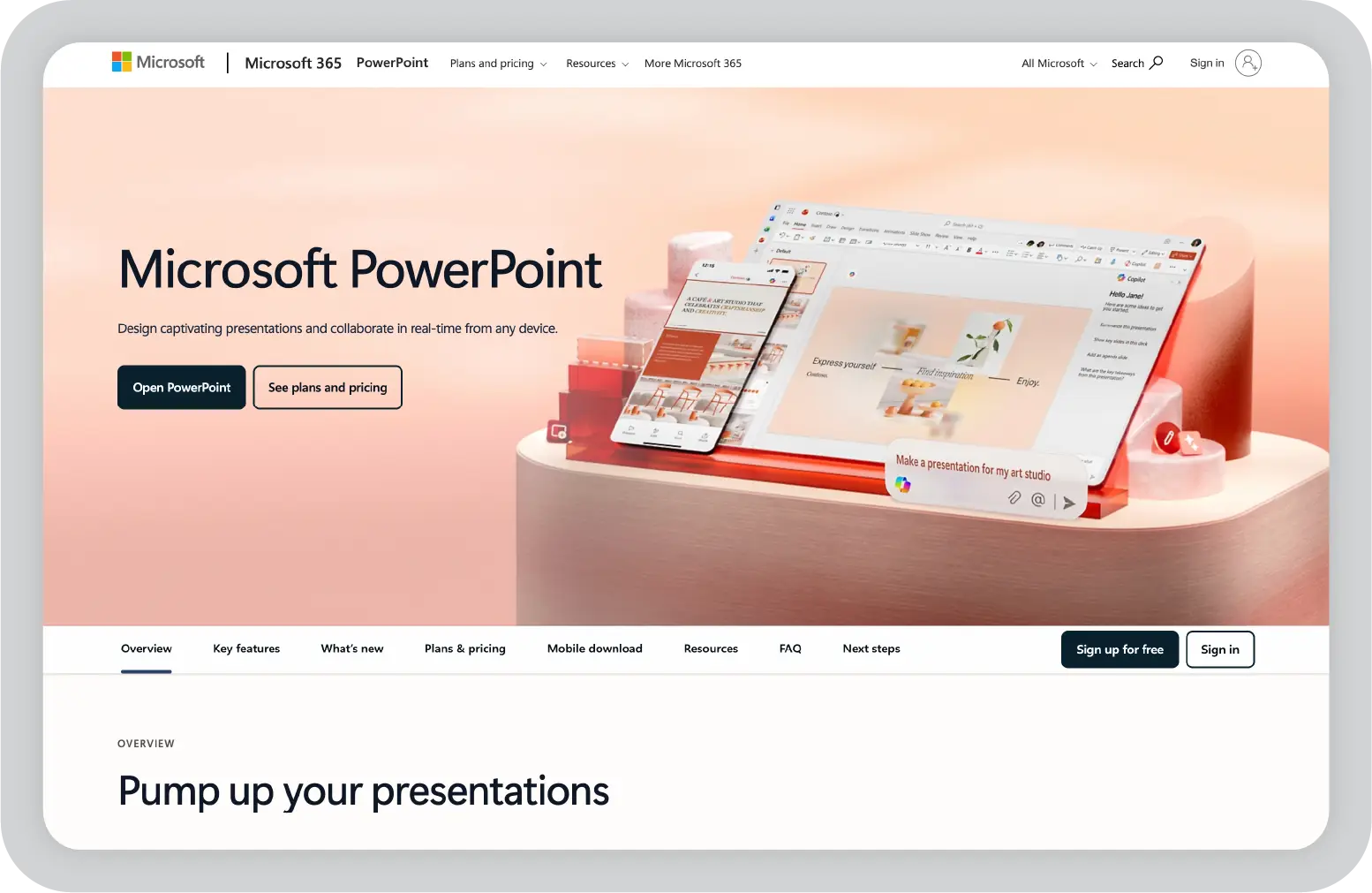
What we liked about MS PowerPoint: We loved how flexible it is. We created simple team updates and polished client pitches. It gave us all the tools we needed to make presentations look exactly the way we wanted. The design capabilities are incredible. From customizable templates to advanced animations, we got as creative as we wanted with our PPT presentations.
What we disliked about MS PowerPoint: It can feel overwhelming at times. With so many features and design options, we sometimes found ourselves spending way too much time tweaking slides. Collaboration is a bit clunky compared to tools like Google Slides. If our team was not fully synced on OneDrive, sharing and editing files together became a hassle.
Best for: Users who prioritize creative control, advanced design tools, and offline access. Part of the Microsoft 365 suite.
We know Synthesia is not a presentation app in the traditional sense. It is mainly an AI video generator. But with its 4.7 out of 5 rating on G2, Synthesia helped us transform plain scripts into compelling AI video presentations with no filming or editing experience required.
We turned to Synthesia a few times when we needed to create engaging video presentations without the hassle of an actual video shoot. For instance, last year, we had to liaise with our HR team and quickly produce training videos for new team members across multiple locations. Instead of coordinating schedules and filming, we simply wrote out the scripts, chose an AI avatar, and had Synthesia produce a clear, concise instructional video.
The interface feels like a slide presentation, but instead of slides, we created videos. With a few clicks and a script, we generated high-quality videos featuring AI avatars and voiceovers. The highlight for us was using the AI avatar builder and voice cloning feature to make our own AI avatar. It was surreal seeing ourselves present. The customization made the videos feel personal and polished.
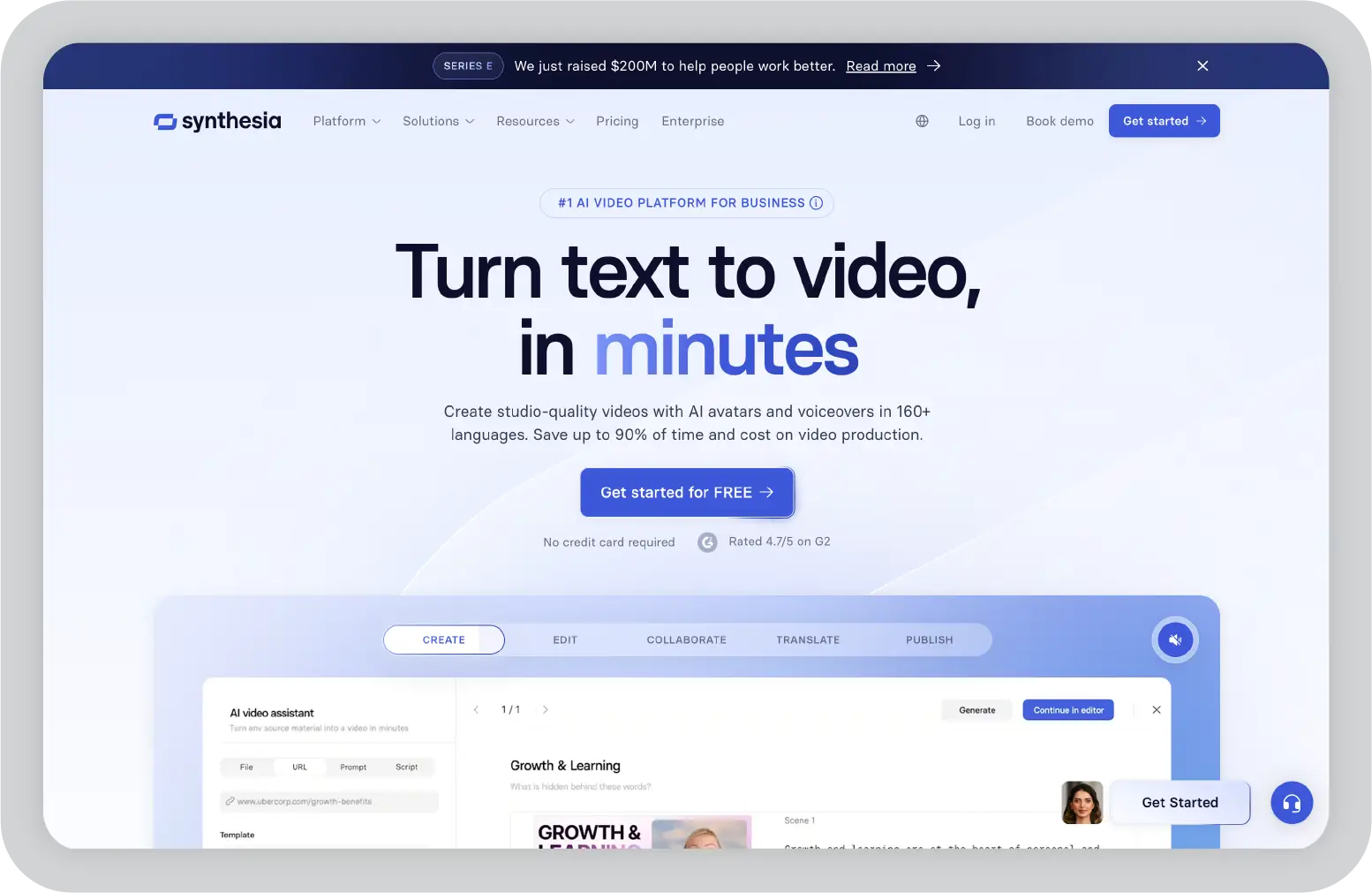
What we liked about Synthesia: We really appreciated how easy it is to transform a basic script into a sleek, professional video. The interface feels intuitive, almost like building a presentation, but the end result is far more engaging. Creating our own AI avatar using the avatar builder and voice cloning feature was such a unique experience.
What we disliked about Synthesia: We found the AI avatars a bit too mechanical at times. This took away from how natural and engaging our video presentations could be. The preview feature can be misleading since it does not always reflect the final export. This meant regenerating videos to double-check, which quickly burned through our video generation minutes.
Best for: Corporate training, explainer videos, product demos, and educational content.
We started using Mentimeter not too long ago. Honestly, it has been pretty eye-opening. Mentimeter is not your average presentation app. It is an interactive platform that allows real-time audience participation as we present. This totally changes the game. With a 4.7 out of 5-star rating on G2, we turned to Mentimeter whenever we needed to drive real-time audience participation during our presentations.
Unlike traditional tools that focus on static decks, Mentimeter lets us add live polls, quizzes, and even ranking questions right into our presentation. All we had to do was share the unique link or QR code with our audience. They could respond instantly by using just their smartphone. Their responses were instantly displayed on the screen, creating a live, interactive experience.
Using Mentimeter was incredibly intuitive and easy for us. For instance, during a recent brainstorming session, we used a ranking slide to prioritize tasks and a word cloud slide to gather ideas. The live responses made the session more productive and enjoyable for everyone involved.
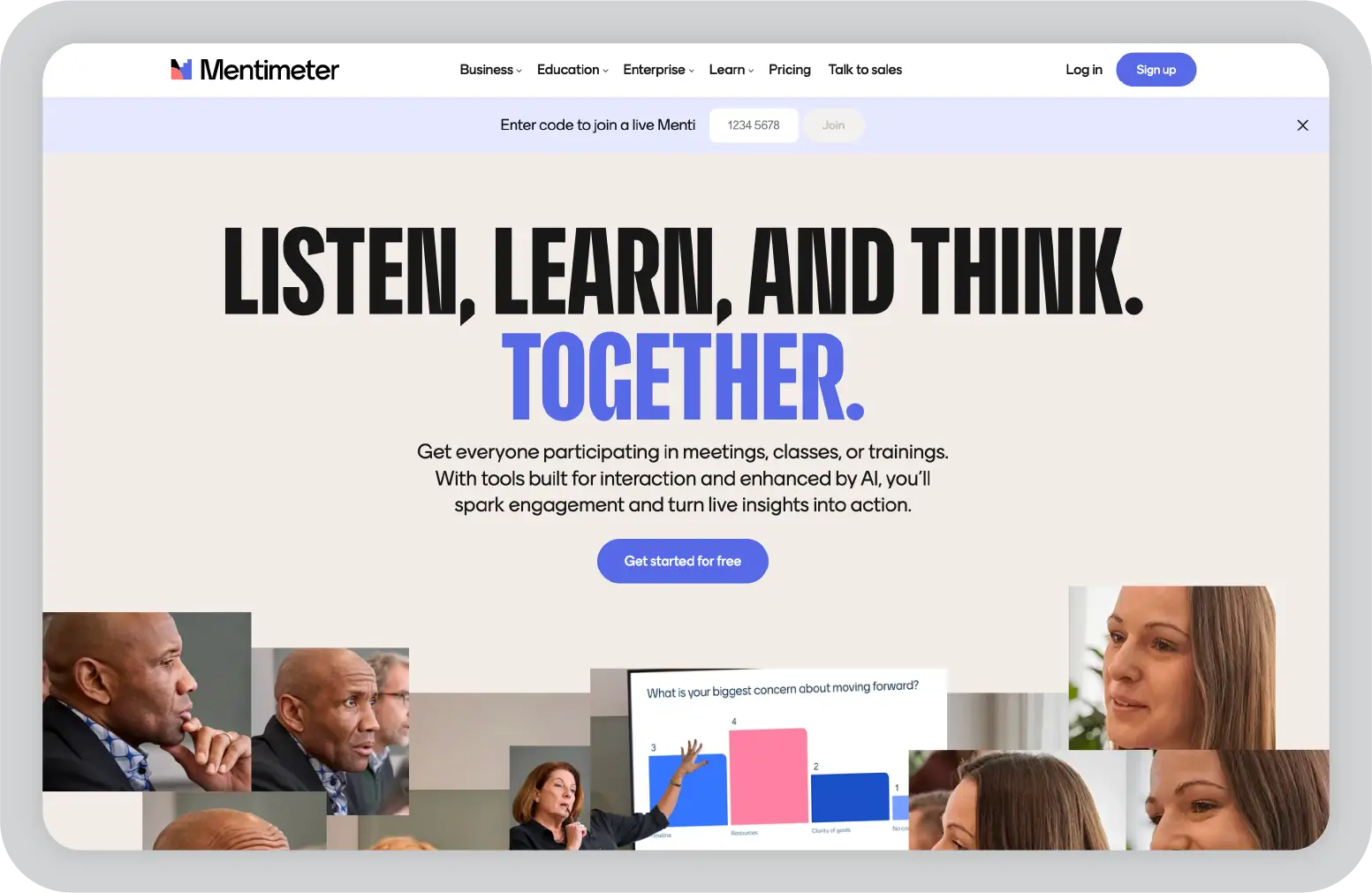
What we liked about Mentimeter: We loved how it took the pressure off the tech side. Setting up interactive elements like word clouds is so simple that it feels effortless. Instant audience participation is a game-changer. Watching their real-time responses come to life on the screen added energy to our presentations that static slides could never achieve.
What we disliked about Mentimeter: While we appreciated being able to import slides from Google Slides or PPT, the limited ability to edit those slides within Mentimeter felt restrictive and added extra work to our process. As much as we loved the sleek charts Mentimeter generates, not being able to edit them for our reports was frustrating.
Best for: Webinars, workshops, classroom sessions, and any presentation where engagement matters more than visual design. Free option available; subscription plans start at $13 per presenter per month.
We had known about Simplified for quite some time as an AI image generator. We discovered it's a free AI-powered presentation app while researching for this blog, and decided to give it a shot. Honestly, Simplified lived up to its name. All we had to do was enter our topic, adjust some settings, and let the AI write a draft for us.
It took us just a few minutes to generate a smart presentation draft, complete with templates and design elements that we could easily customize to fit our needs. What really stood out to us was how the AI not only designed the slides but also added text and content by itself.
Another standout feature for us is that Simplified is not just an AI-powered presentation maker. It is part of a complete suite of AI tools for content creation. We needed to generate text, design images, create videos, and manage social media content. It was all there in one platform. As marketers, having everything in one place made it incredibly convenient and versatile.
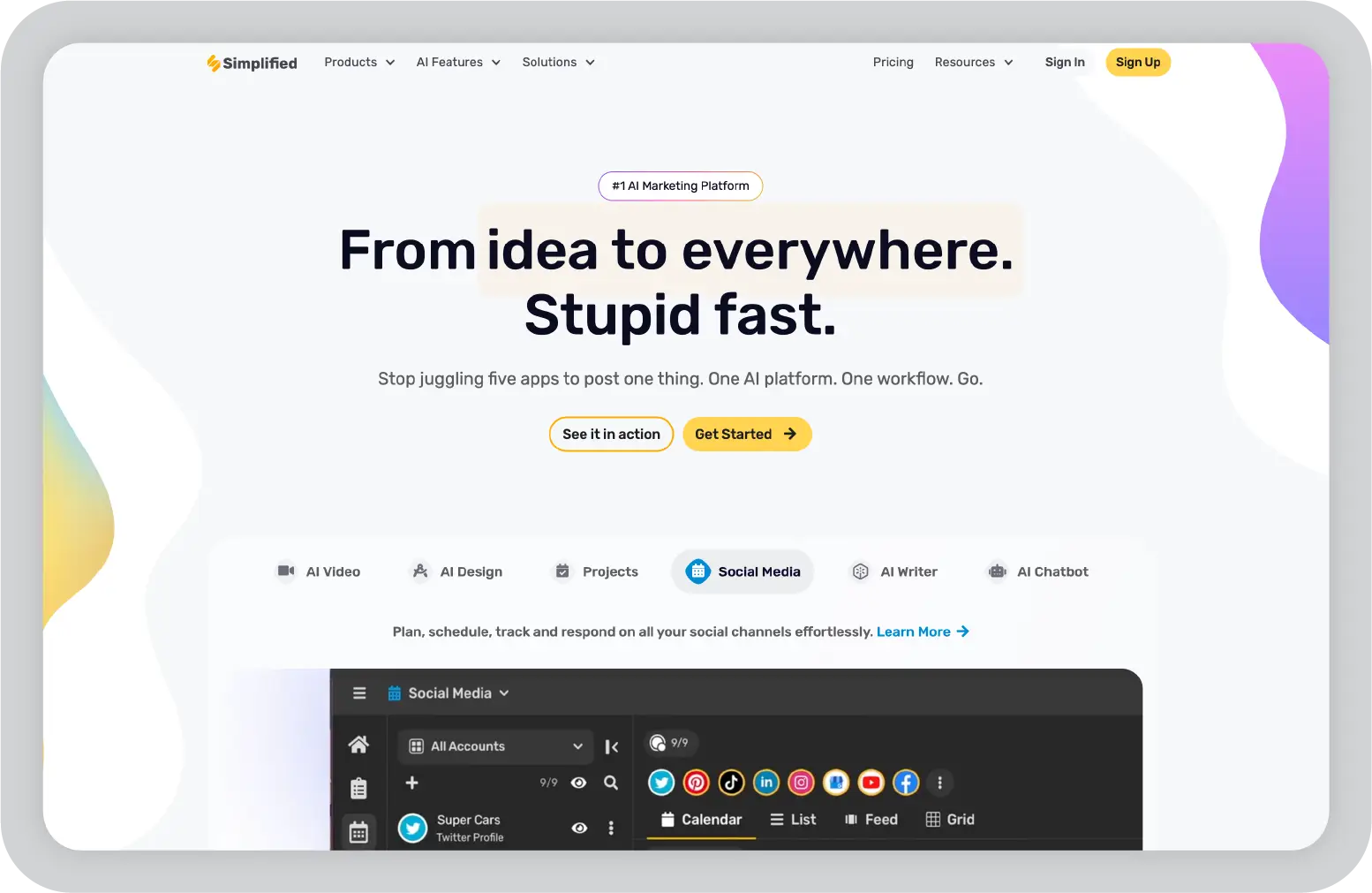
What we liked about Simplified: We loved how it combines so many tools in one place. We created slides, generated images, and drafted content. Everything we needed was right there, which saved us so much time. The AI-augmented presentation maker is a time saver. We input a topic, and it gave us a solid draft to build on. This made the whole process feel effortless.
What we disliked about Simplified: The AI-generated slides were hit-and-miss. We had to edit them again to suit our needs. While the templates are good, we found the customization options a bit limiting. We could not download the presentation in PPT format, either.
Best for: Marketers, educators, and creators who need an all-in-one AI-powered content creation platform. Free option available with credits; subscription plans required for consistent use.
We knew Veed as a video editor. Over time, we found ourselves using it quite a bit for creating video presentations. What really made Veed stand out for us is how user-friendly it is. From the moment we started using it, we found the layout easy to navigate.
One thing we loved about Veed is its versatility. We did everything from recording a simple voiceover for a presentation to creating videos with features like audio cleanup and support for multiple languages. We absolutely loved the variety of video presentation templates Veed offers. The captioning tool is another highlight for us.
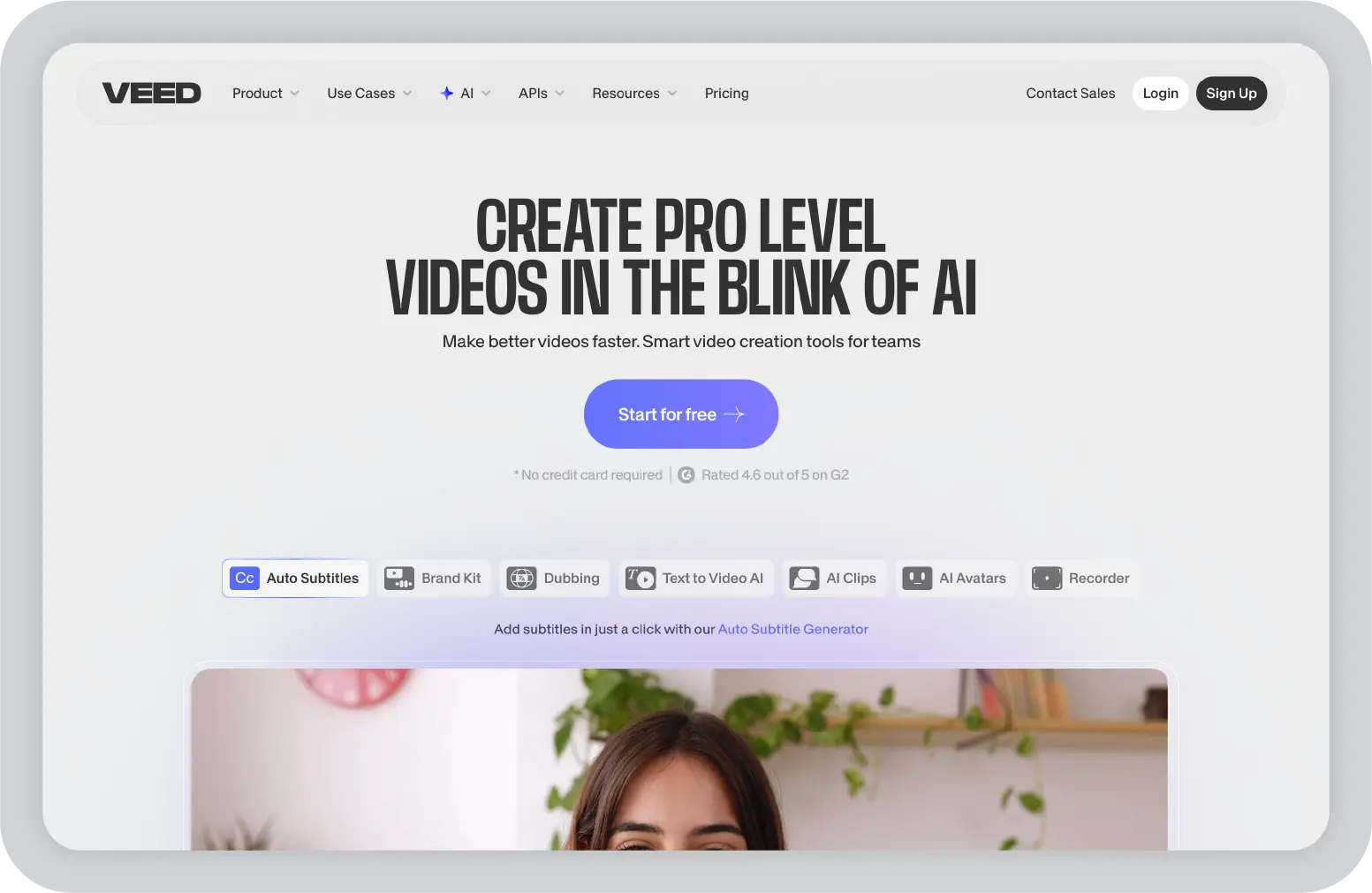
What we liked about Veed: Veed's intuitive interface makes creating video presentations easy. We loved how we could drag, drop, and personalize elements without feeling overwhelmed by complex options. The variety of templates available is fantastic. We worked on pitches, onboarding sessions, and training modules. There was always a design that felt like a perfect fit.
What we disliked about Veed: Veed can be frustrating when working with larger files. It tends to lag, which interrupted our workflow, especially when we were up against a deadline. Some of Veed's most potent features, like bespoke AI avatars and translation tools, are only available in the higher-priced plans, which we could not afford.
Best for: Marketers, educators, and content creators looking to create video presentations without needing video editing expertise.
We will be honest and admit that RELAYTO was a new find for us. We decided to try it after seeing it rank high on the G2 grid reports. Boy, were we surprised. To us, RELAYTO is like a breath of fresh air for presentations. We uploaded a PDF, a PPT, or any other content. RELAYTO helped us enhance it with interactive elements and share it as a microsite.
We added clickable links, embedded videos, added graphics and animations, created a navigation structure, and even added a custom AI chatbot related to the presentation for the microsite. This allowed our audience to explore the content at their own pace. This transformed our approach to how we share slideshows, reports, and templates as PDFs on our website.
The tool is simple and easy to use. As soon as we uploaded our file, RELAYTO's AI created a first draft of how the document could be structured and presented. From there, we could customize it however we wanted. We absolutely loved how their easy-to-use multi-view generator allowed us to change slides to appear as a flipbook, a scrollable webpage, and more.
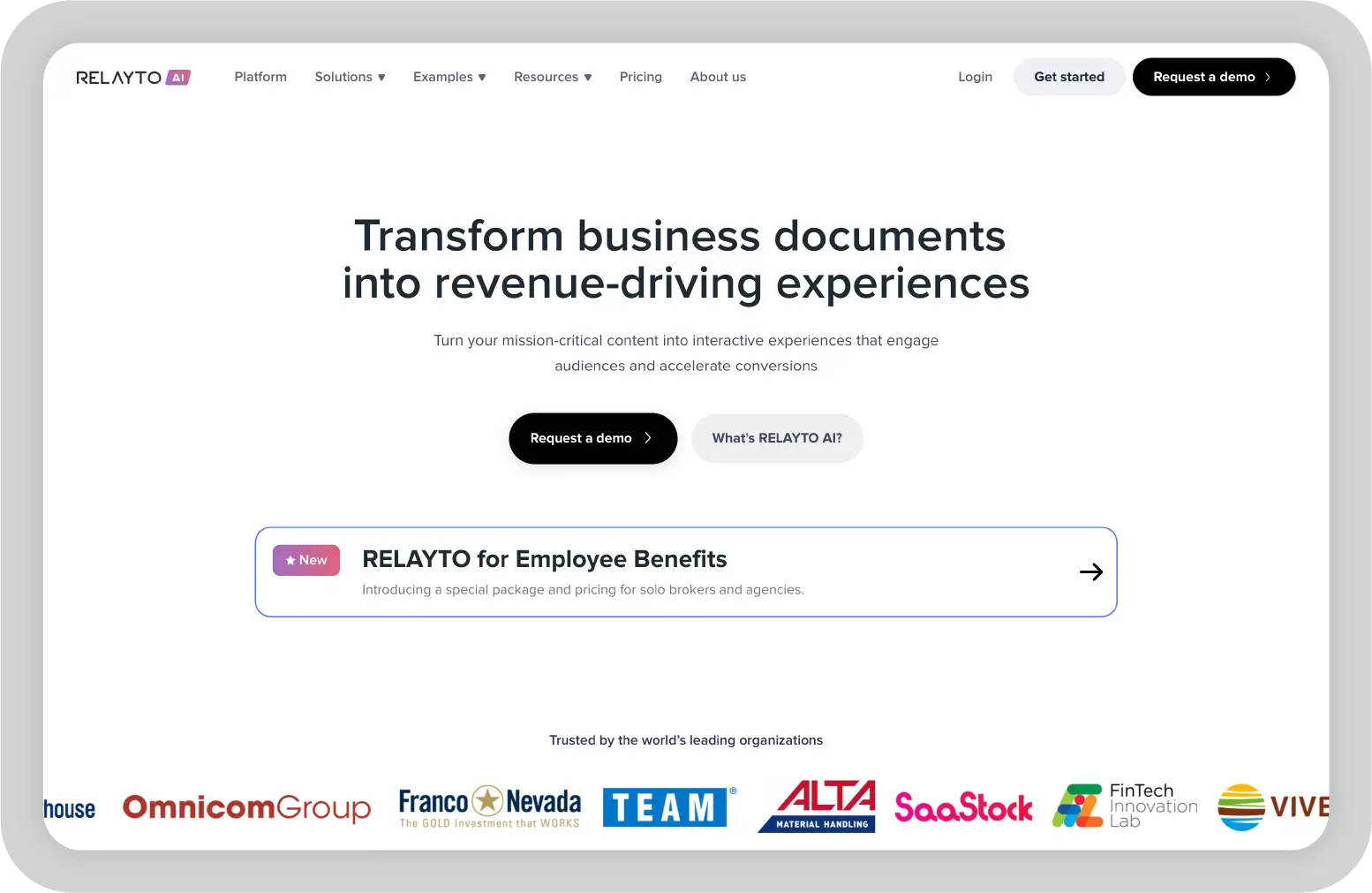
What we liked about RELAYTO: We absolutely loved how RELAYTO transforms static documents into engaging experiences. Being able to add videos, animations, and even a custom AI chat to our presentations felt like we were unlocking a completely new way to share content. The AI-powered first draft feature is a game-changer for us.
What we disliked about RELAYTO: Our biggest gripe has to be the pricing. While the application offers some incredible features, the plans, especially the Pro and Team options, are on the pricey side and can feel out of reach for individuals or small teams. While the tool is powerful, it took us a while to navigate all the customization options and features.
Best for: Larger teams or organizations looking to create premium-level interactive content. Free option limited to five experiences and one user; Pro plan at $65 per month.
We have been using Canva as our primary graphic design tool for years now. We often turned to it for presentations, too. Honestly, if you ask us for an MS PowerPoint and Google Slides alternative, Canva tops our list. We must admit that we loved it a bit more because it makes creating and presenting more fun.
Canva's ease of use is unmatched. It is the kind of tool where we could just start working without needing a tutorial. We simply clicked on presentations, selected a template that suited our needs, and went about it. Another highlight for us is having all our company's branding and templates in one place with the brand kit and templates.
One of the unique features we found is its Canva Live feature. It is a fantastic way to interact with our audience after the presentation is over. We asked questions, got reactions, and even received real-time feedback. One feature in Canva that we absolutely adored is the ability to add virtual drumrolls and confetti during a presentation with a click.
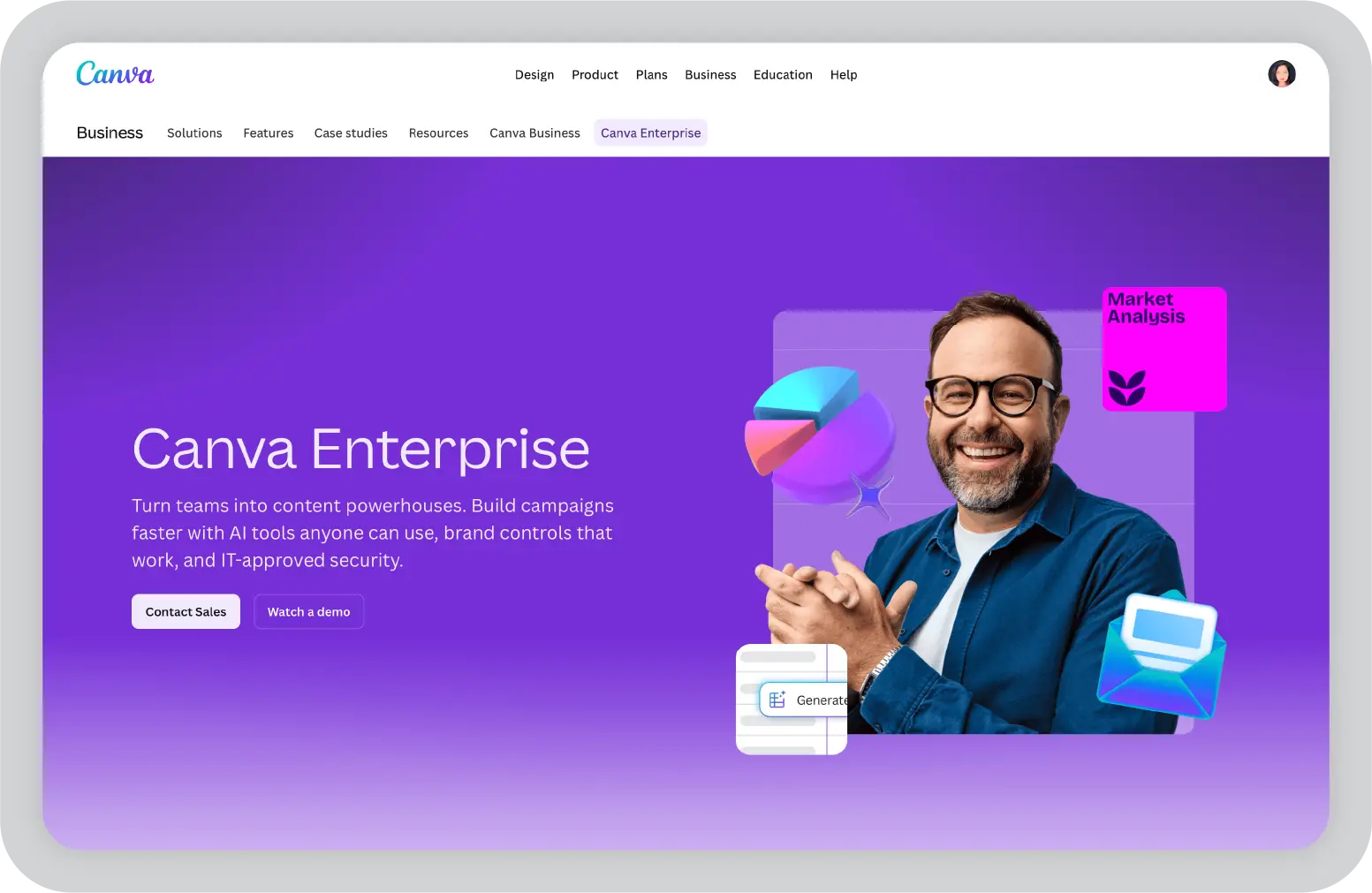
What we liked about Canva Enterprise: We absolutely loved how easy it is to use. We created quick presentations and designed something more elaborate. We could dive in without wasting time figuring out complex features. The brand kit is a game-changer for us. Having all our company's colors, fonts, and logos in one place made keeping presentations consistent and on-brand effortless.
What we disliked about Canva Enterprise: While the animation features are decent, they do not offer the level of control we would like for more advanced presentations. It feels a bit limited compared to apps like PPT. In our experience, the interactive features, like polls and quizzes, do not quite match what tools like Mentimeter offer.
Best for: Visual-first communicators and teams that value consistency and speed. Free option available; subscription plans start at $120 per year.
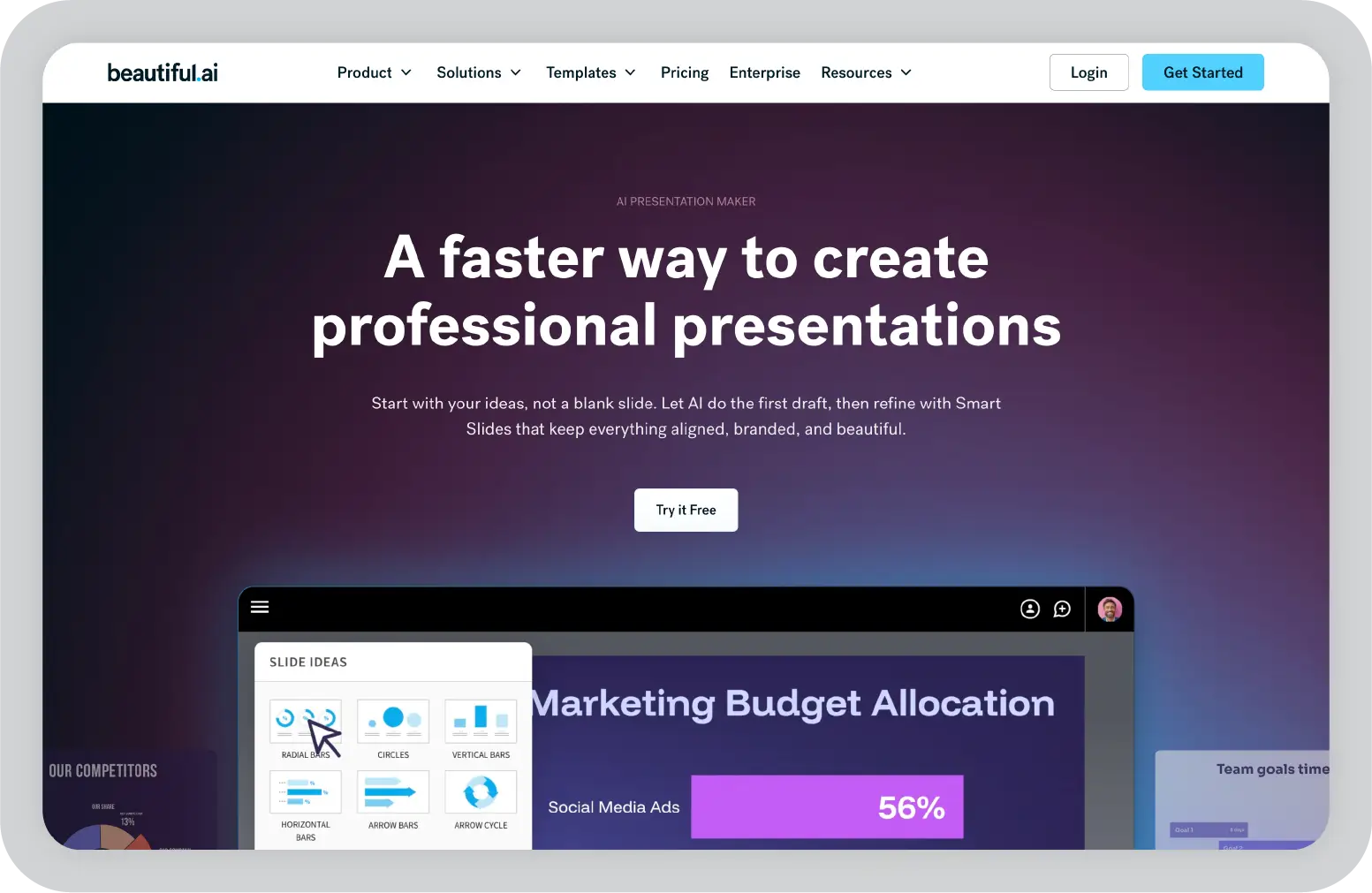
If you are like us, editing granular spacing issues is the worst part of building a presentation. Beautiful.ai uses AI to take a lot of the granular design requirements out of the presentation process. We focused on the content without sacrificing professional design. If we needed to make presentations on a regular basis, this is the app we would use.
Many apps have recently added AI design features. Beautiful.ai has been doing it for years. They have perfected the experience of AI design, ensuring the tool's reign as the most streamlined and user-friendly option for AI design.
The editor is a little different from most presentation apps, but it is still intuitive. We started off with a quick two-minute tutorial. When creating a new slide, we scrolled through inspiration slides to find a design we liked. Once we chose, the app pulled the layout and automatically adapted it to match the design of the rest of our presentation.
With 16 themes, several templated slides, over 100 fully designed templates, and more than 20 different color palettes to pick from, Beautiful.ai strikes a balance between automation and customization. While Beautiful.ai does not offer a free option, subscription plans are priced reasonably and offer sharing options that rival collab-focused apps like Google Slides.
Best for: Users who want AI-powered design automation without sacrificing professional quality. Plans start at $12 per month.
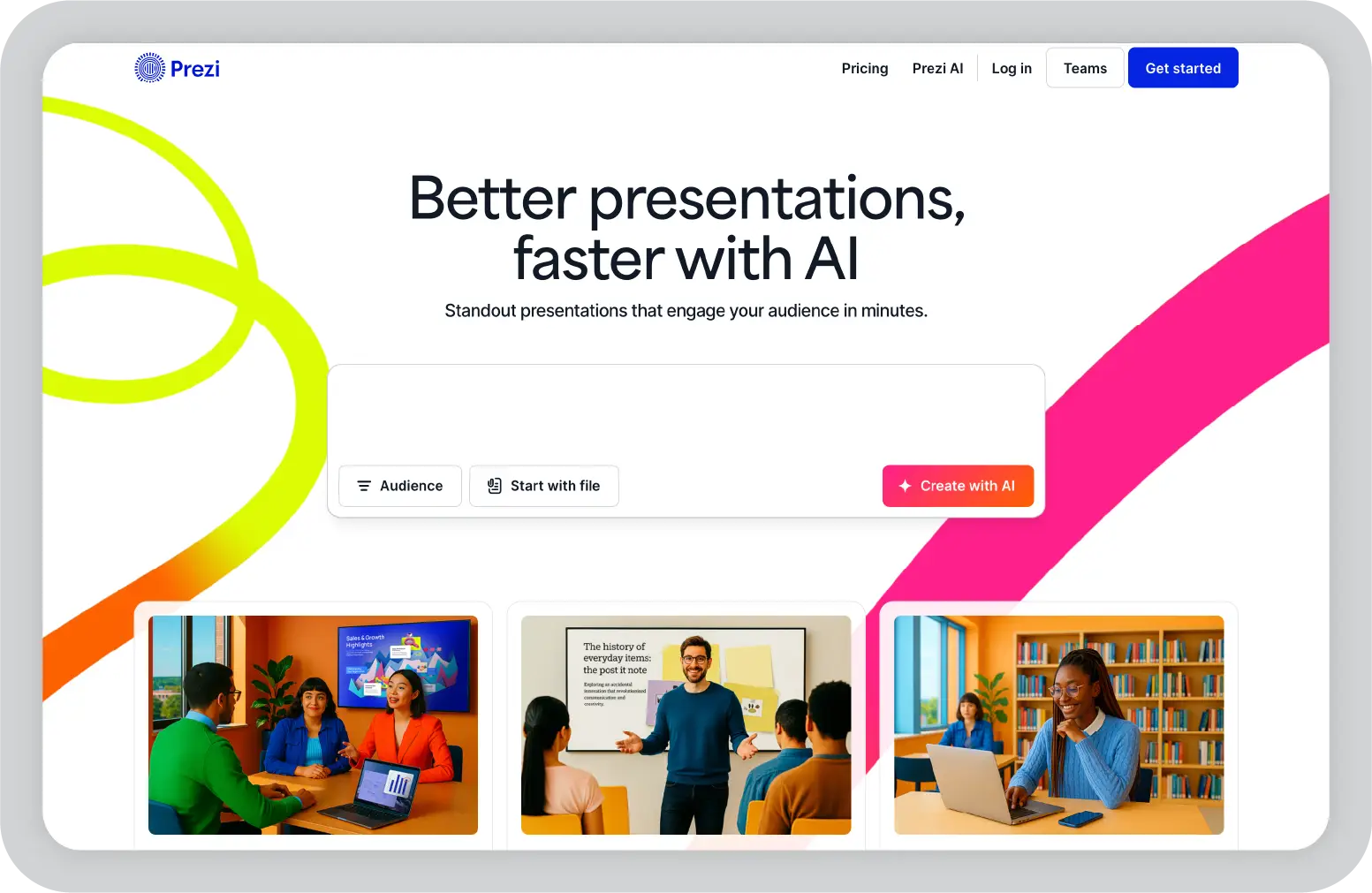
Struggling to squeeze data into a basic, linear presentation? Give Prezi a try. Unlike almost all other presentation apps on the market, Prezi does not restrict the structure of your presentation to a straight line. The editor enables you to arrange topics and subtopics any way you want. We created a more conversational flow of information.
With the structural flexibility, we still got all the same customization features we expected from top presentation apps, including fully editable templates. There is a learning curve if you are unfamiliar with non-linear presentations, but the templates offered a great jumping-off point.
Plus, Prezi comes with video features that helped us take remote presentations to a new level. We recorded a video where the presentation elements were displayed right over our webcam feed. We recorded and saved the video to share later. We also connected with our video conferencing tool of choice to present live.
Best for: Educators and presenters who want to break away from linear slide structures and create engaging, story-driven presentations. Free option available; subscription plans start at $5 per month.
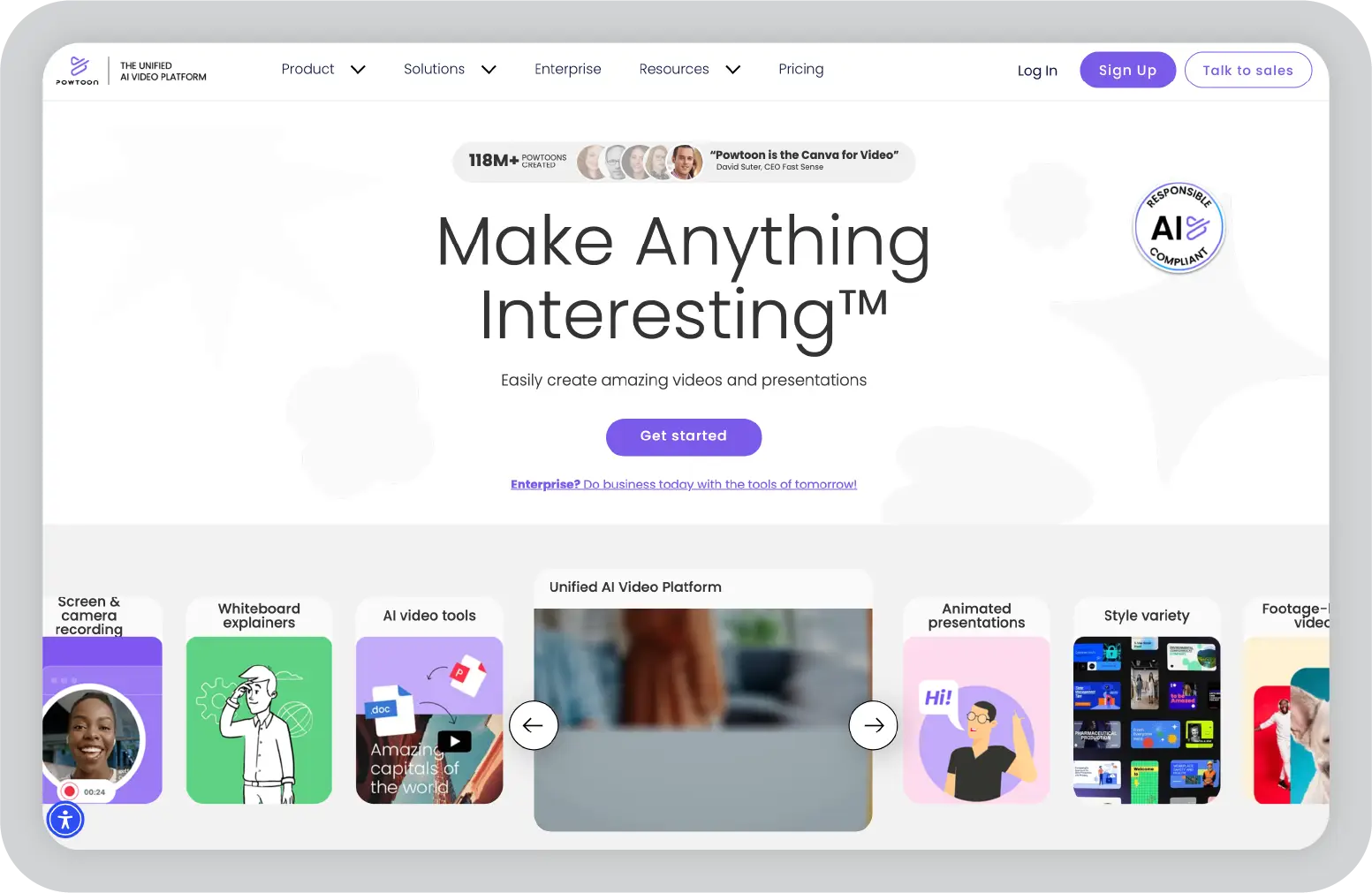
Powtoon makes it easy to make engaging videos by orienting the editor around a presentation deck. Editing a Powtoon felt just like editing a presentation. By the time we finished, we had a professional video.
We edited our slides at any time. When we hit play, a video played through our presentation. The feel is almost like an animated explainer video. Each slide includes the animations we chose and takes up as much time as is needed based on the slide content. Powtoon figured the timing automatically. We could see how much time was used on our current slide versus the total presentation. If we ever wanted to present as a slide deck, we just toggled between Slideshow and Video.
One of our favorite Powtoon features is the option to orient your video. We chose horizontal orientation (like a normal presentation) or opted for vertical (for mobile) or square (for social media). When our presentation was ready, we published directly to YouTube, Facebook Ads, and any number of other locations.
Best for: Creating animated explainer videos and video presentations for social media or mobile. Limited free option; subscription plans start at $15 per month.
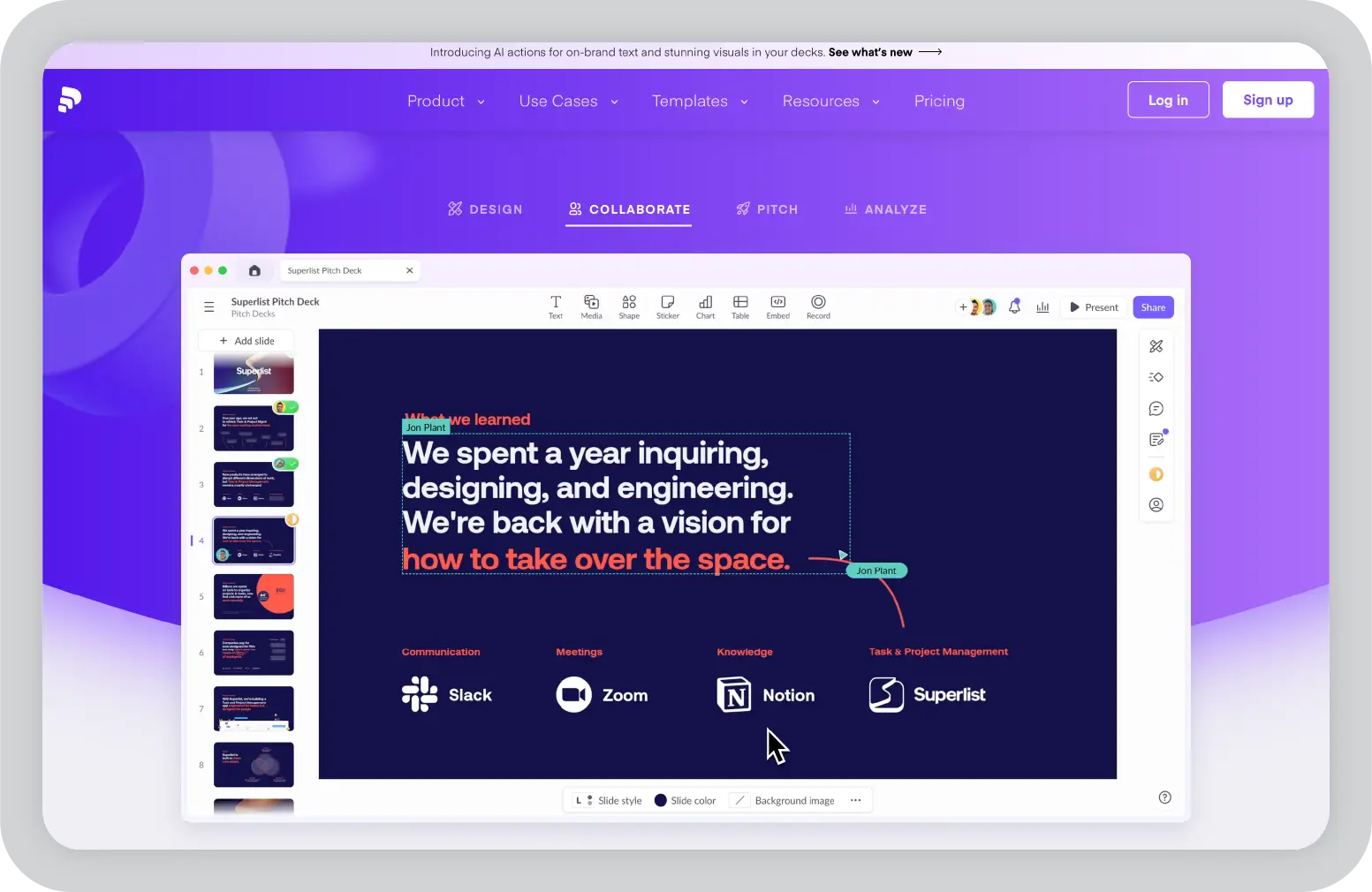
Need to liaise on presentations with your team? Pitch is a Google Slides alternative that gets the job done. As far as presentations go, Pitch included all the beautifully designed templates, customizability, and ease of use we expected from a top-notch presentation app. But the app really shone when we added our team.
The right-hand menu is all about project management and collaboration. We set and updated the status of our deck and assigned entire presentations or individual slides to team members. We also commented or added notes. We saved custom templates to make future presentations even easier and faster.
We also invited collaborators from outside our company to work with us on individual presentations. If we opted for a paid plan, Pitch introduced workspace roles, shared private folders, and version history. Pitch also offers one of the more impressive generative AI features. It still struggled to pull in relevant images. We found the AI-generated written content and design to be top-notch.
Best for: Teams that need project management integration with presentations. Free option for up to 5 members; subscription plans start at $25 per month for 2 editors.
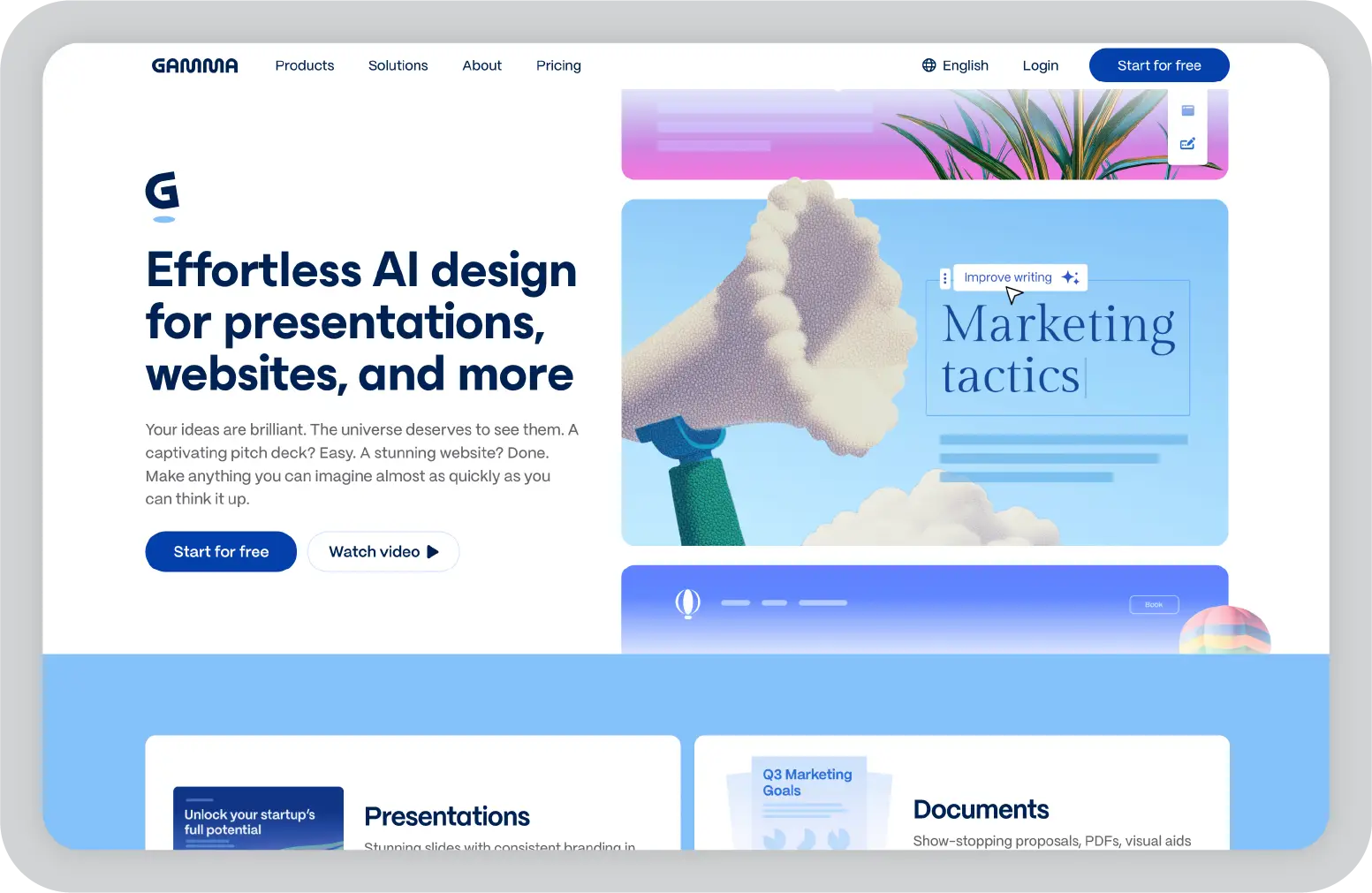
We tested a lot of apps claiming to use AI to up your presentation game. Gamma's AI features were head and shoulders above the crowd. We simply gave the app a topic or uploaded an outline, notes, or any other document or article. We approved the outline and picked a theme. The app took it from there and created a fully fleshed-out presentation.
Gamma is much more geared toward the iterative, chatbot experience familiar to ChatGPT users. We clicked on the AI icon on the right-hand side of the top menu bar to open the chat. We saw suggested prompts. We could also type in our own requests for how Gamma should alter the presentation.
Once we had done all we could with prompts, we simply closed the chat box to manually add the finishing touches. While we sacrificed some granular customizability in exchange for the AI features, we could still choose our visual theme, change slide designs, format text, and add any images, videos, or even app and web content.
Best for: Users who want a conversational AI experience for building presentations from scratch. Free plan includes 400 AI deck credits; Plus plan at $8 per user per month for unlimited AI creation.
We tested several other presentation tools that did not make the main list but still delivered solid results. Here is what stood out:
We tested 14 presentation apps. Each one served a different purpose. Prezent AI impressed us most for business work. It generated really good slides for us very fast with its AI features and massive template library. We relied on Google Slides when our team needed to liaise in real time. We turned to PPT when we wanted complete design control. For video presentations, we found Synthesia and Veed extremely useful, especially for training content. Mentimeter changed how we engaged audiences during live sessions. The AI tools in Gamma and Beautiful.ai saved us hours of formatting work. We learned that no single tool does everything perfectly. Your best choice depends on what matters most to you: speed, collaboration, design flexibility, audience interaction, or AI automation. We evaluated these based on real projects. Each one excelled in its specific category.
We found no single best tool for everyone. Prezent AI worked best for fast, on-brand business decks. PPT stood out for deep design control. Google Slides excelled at teamwork.
We relied on Google Slides for real-time editing, comments, and easy sharing. Pitch also helped when projects needed clear roles and slide ownership.
Yes. We saved hours using tools like Prezent AI, Gamma, and Beautiful.ai. They helped with structure, design, and first drafts, though we still needed to make edits.
We used Synthesia, Veed, and Powtoon for video presentations. For live sessions, Mentimeter delivered strong audience interaction through polls and quizzes.
Prezent AI makes building professional presentations fast and simple. With over 35,000 brand-approved slides and 1,000 expert-curated storylines, it gives users a strong starting point for any presentation. The Auto Generator produces hyper-personalized slides in minutes, ready to edit in PPT.
Maintaining brand consistency is effortless. The Template Converter adapts decks in one click, while the Synthesis tool creates concise, executive-ready summaries. Redesign adds a polished finish instantly. Teams can collaborate securely through the Prezentation Library and access 10,000+ best-practice slides for proven guidance.
Experience AI-powered slideshow creation with Prezent. Book a free demo with our experts or start your free trial to see the impact firsthand.
.jpg)
Anoob is the Head of Content at Prezent with over 16 years of experience in marketing and content. He has worked with leading startups such as SocialPilot, Writesonic, BigBasket, FreshMenu, GupShup, and SimplyHired. Passionate about social media and digital tools, Anoob enjoys testing new platforms to help businesses make better marketing decisions. You can connect with him on LinkedIn.













