
You can have the strategy.
You can have the new logo.
You can have the data.
But if you cannot sell it in the room, it does not matter.
That is why a branding presentation is not just another deck. It is the moment where your brand either earns belief or loses momentum.
With more than 10 years in enterprise brand and marketing roles, I have built and evaluated branding presentations that needed to scale across teams, regions, and leadership levels.
I have seen strong brand work stall because it was poorly presented, and average work gets approved because the story was clear and the value was obvious.
If you are working on a branding presentation, you likely need results fast. You might be pitching to investors, presenting to a client, or aligning internal teams on a new direction.
The difference between a deck that lands and one that fails is not design polish. It is clarity, story, and relevance.
In this guide, I will show you how I build branding presentations that do more than look good. They get approved.
Access branding presentation templates
Explore ready-to-use brand presentation templates designed for real business decisions.
These include investor-ready brand pitch decks, internal brand strategy presentations, and client-facing brand identity presentations in PowerPoint and Google Slides.





What are branding presentations, and why are they non-negotiable?
If you think a branding presentation is just a PowerPoint with a logo reveal, you are missing the point.
A branding presentation is the bridge between creative work and business outcomes. It is where you explain why a color palette influences trust. Why a new brand positioning supports growth. Why design decisions are not subjective, but strategic.
This is the true role of a brand identity presentation. It brings together your logo, typography, messaging, and tone into one cohesive story that business leaders can understand and support.
I have sat through hundreds of brand strategy deck reviews. The ones that fail usually do the same thing. They present assets instead of value.
A branding presentation is not a reveal. It is a business proposal wrapped in design.
When done right, a branding presentation does three things quickly:
- It explains brand positioning in plain language
- It builds confidence with executives, investors, or clients
- It makes the brand feel real and actionable
Why most branding decks fail before the second slide
The biggest mistake I see is misplaced focus.
Designers and marketers get absorbed in the what. Logos. Fonts. Hex codes.
Executives care about the why.
Your branding presentation must answer three questions early:
- Why are we doing this now?
- What business problem does this solve?
- What happens if we do nothing?
If your first slide is just a large logo with no context, the room checks out. You have not earned attention yet.
Strong branding presentations start with clarity, not visuals.
The five pro tips I rely on to make branding presentations work
A branding presentation does not succeed by accident. The decks that get approved follow a few consistent principles.
Over the years, these five tips have helped me turn brand strategy into clear, persuasive presentations that decision makers understand and support.
They are practical, proven, and easy to apply, whether you are pitching to investors, clients, or internal teams.
Start with a story people recognize
People do not connect with design systems. They connect with experiences.
I always open a branding presentation with a relatable story. It might be a customer frustration, a founder insight, or a clear before-and-after moment. This frames the problem before introducing the brand solution.
Nike never starts with shoes. Dropbox did not start with features. They started with a shared pain.
If you want approval, make the audience see themselves in the story.
Practical tip: Open with one strong visual or a short customer quote. Avoid mission statements on slide one
Keep it visual and grounded in real use cases
A branding presentation should feel like the brand itself, not a generic slide deck.
I rely heavily on visual identity slides that show real layouts, not abstract rules. I include brand presentation examples so stakeholders can see how the brand shows up in the real world.
Instead of explaining typography, I show it on a homepage or sales slide. Instead of listing colors, I show them in action.
Airbnb’s early decks worked because they showed the brand in use, not because they explained it.
Practical tip: Include one slide that shows the brand applied across three touchpoints. Website, sales deck, and product.
Speak the language of the room
A branding presentation should never be one size fits all.
When I present a brand pitch deck to investors, I focus on differentiation, growth, and market relevance. When I present to clients, I focus on alignment and clarity. When I present internally, I focus on adoption and consistency.
Dropbox’s early pitch succeeded because it spoke directly to a common problem without technical noise.
If you want your branding presentation to land, tailor the message to what the audience values most.
Practical tip: Ask what success looks like for the audience before you build the deck.
Make the presentation actionable
A strong branding presentation does not end with inspiration alone. It ends with direction.
Every section should answer, “So what?”
What does this mean for the business? For teams? For customers?
Slack’s early branding presentations worked because they clearly stated value and next steps. They did not leave the audience guessing.
I always include a clear call to action, whether that is approval, feedback, or investment.
Practical tip: End each major section with one takeaway that ties back to the brand strategy.
Practice the delivery as much as the slides
Even the best branding presentation can fail if the delivery feels uncertain.
I rehearse every important deck. I refine transitions. I remove filler. I practice explaining design decisions in simple language.
The best presenters make it look effortless because they have prepared.
Practical tip: Record yourself once. You will catch issues immediately.
The 12-slide branding presentation structure I trust (with templates and examples)
When people ask me how to make a branding presentation that gets approved, this is the structure I rely on. I have used it for investor brand pitch decks, internal brand strategy decks, and client-facing brand identity presentations.
It works because it mirrors how people process information. Context first, then clarity, followed by proof and direction.
This slide structure maps directly to our branding presentation templates, so you never have to start from scratch.
Below is how I think about each slide and what it needs to accomplish.
Slide 1: The opener
Purpose: Earn attention immediately
Your first slide sets the tone. It should answer one question fast. Why should I care right now?
I usually lead with a strong visual and a clear statement about why the brand matters in this moment. This is not the place for a logo alone. Context always comes first.
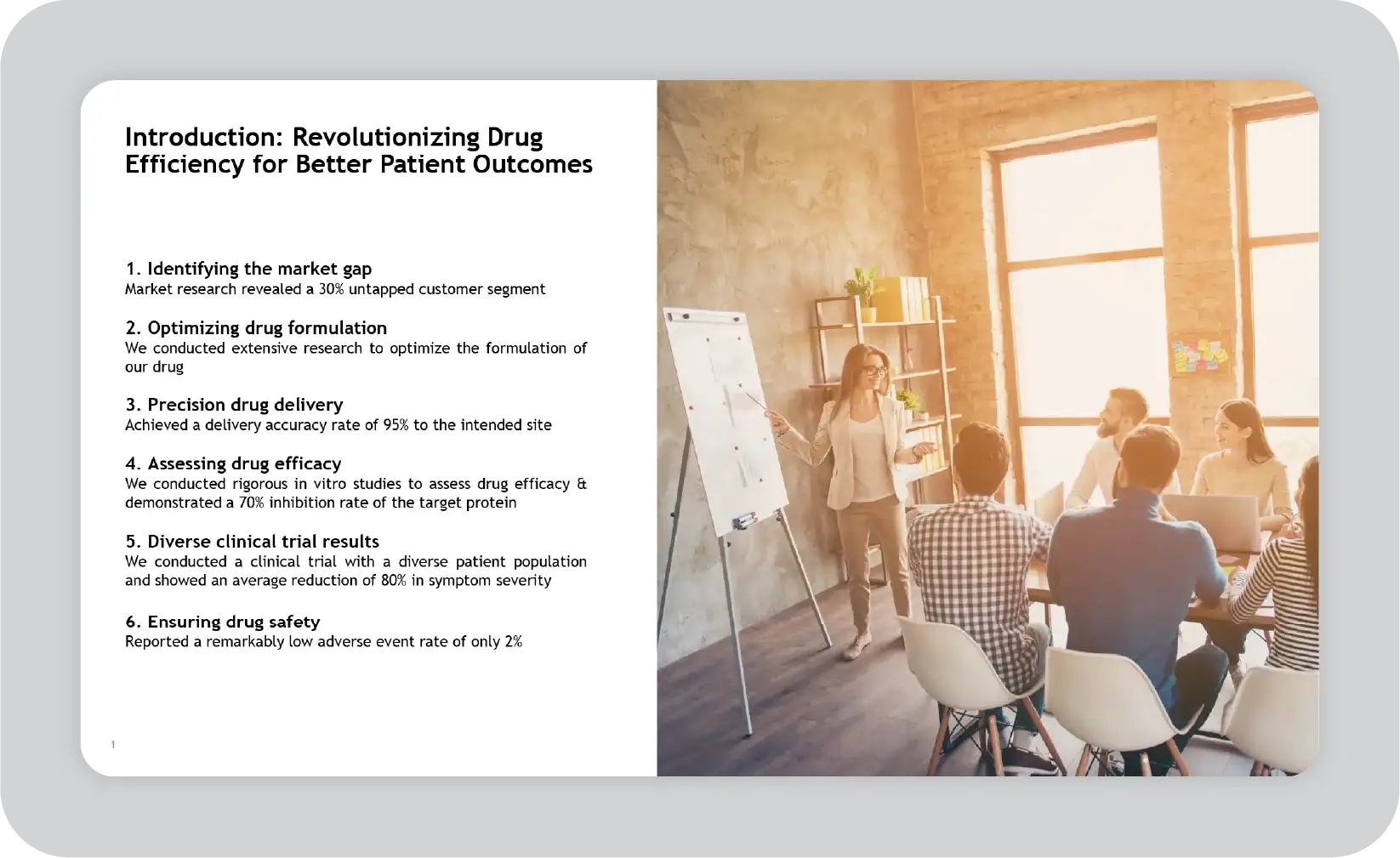
Get editable introduction slide templates
Slides 2–3: The problem
Purpose: Create shared understanding
Before you talk about the brand, you need to show the tension it is solving. This could be a market shift, customer frustration, competitive pressure, or internal misalignment.
I often use a mix of data and real examples here. Metrics help, but only if they support a clear point. One strong insight is better than five weak ones.
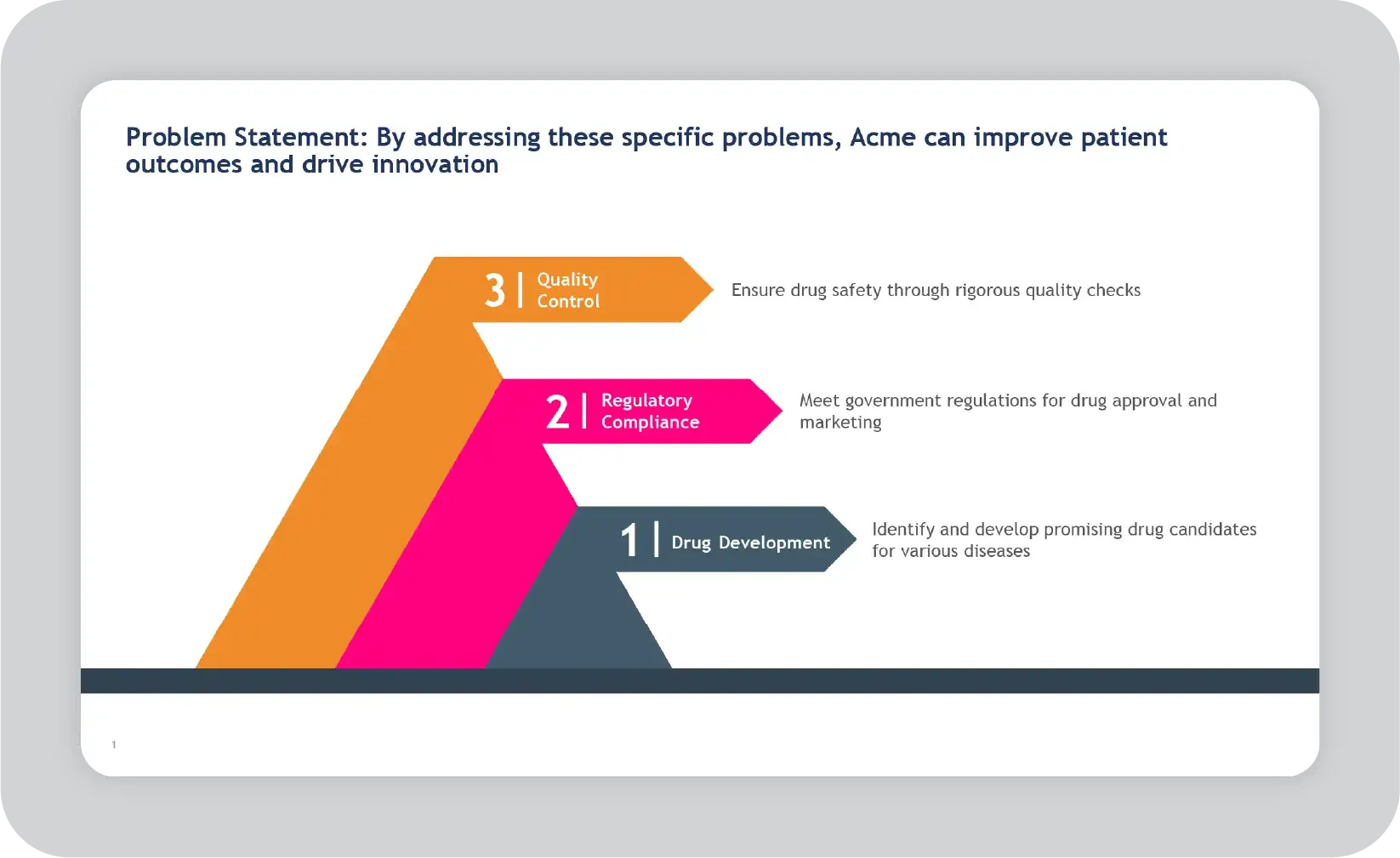
Get editable problem statement slide templates
Slides 4–6: The brand solution
Purpose: Introduce the brand positioning
This is where your brand positioning presentation comes to life. I clearly explain what the brand stands for, who it is for, and why it is different.
I avoid jargon and long explanations. I focus on clarity. If the audience cannot repeat the brand idea in their own words, this section needs work.
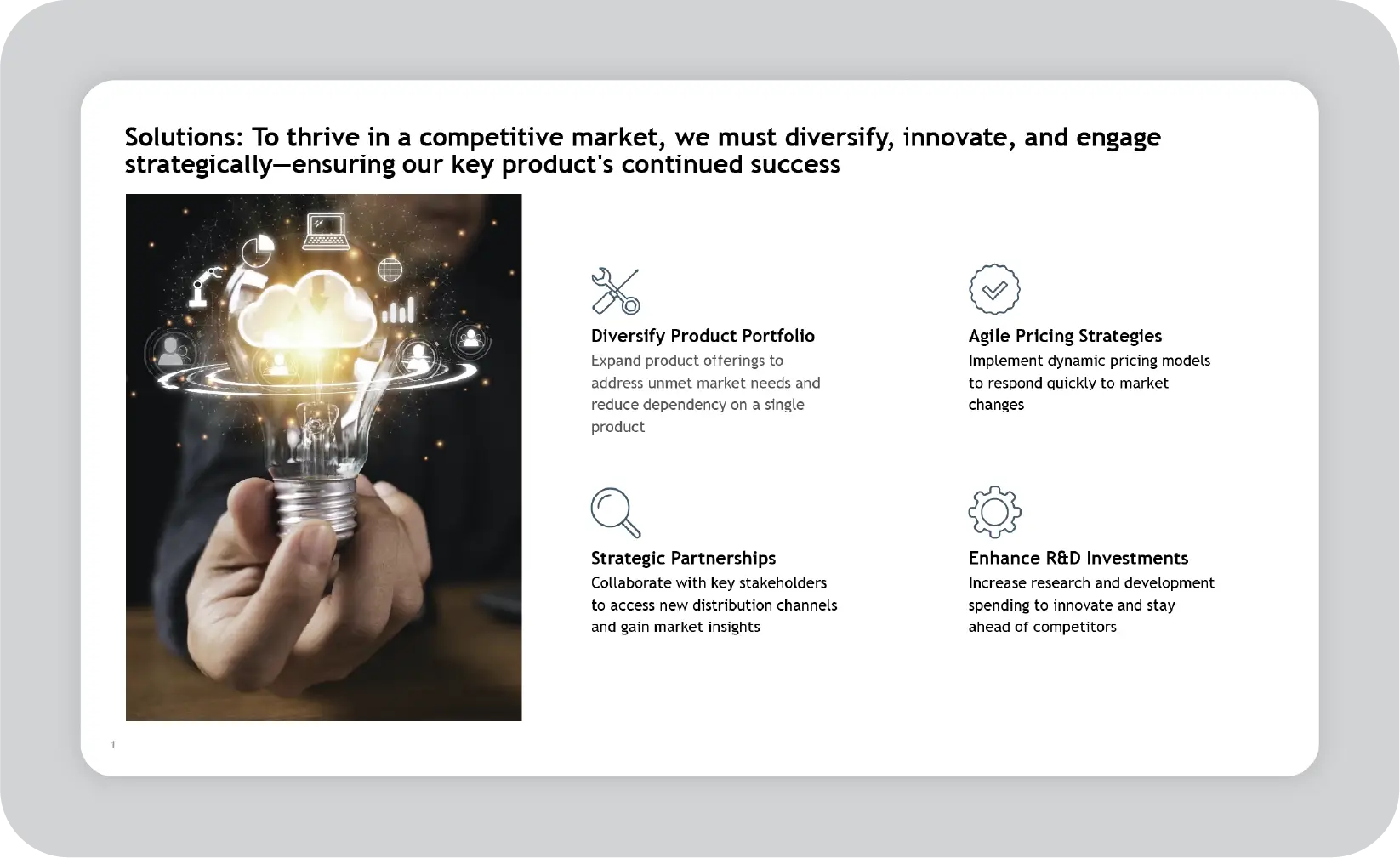
Get editable solution slide templates
Slides 7–8: Visual identity
Purpose: Show, not tell
This is where visual identity slides belong. I walk through the logo, colors, and typography, but always in context. I show how these choices express the brand idea and how they appear in real use.
A branding presentation should never feel like a design manual. It should feel like a preview of the brand in the real world.
Template example: Side-by-side slides showing the brand applied across the website, sales, and product.
Slides 9–10: Proof and validation
Purpose: Build confidence
These slides answer the unspoken question. Why should we believe this will work?
Depending on the situation, I include early results, customer feedback, competitive comparisons, or internal alignment signals. Proof does not have to be perfect. It just needs to be credible.
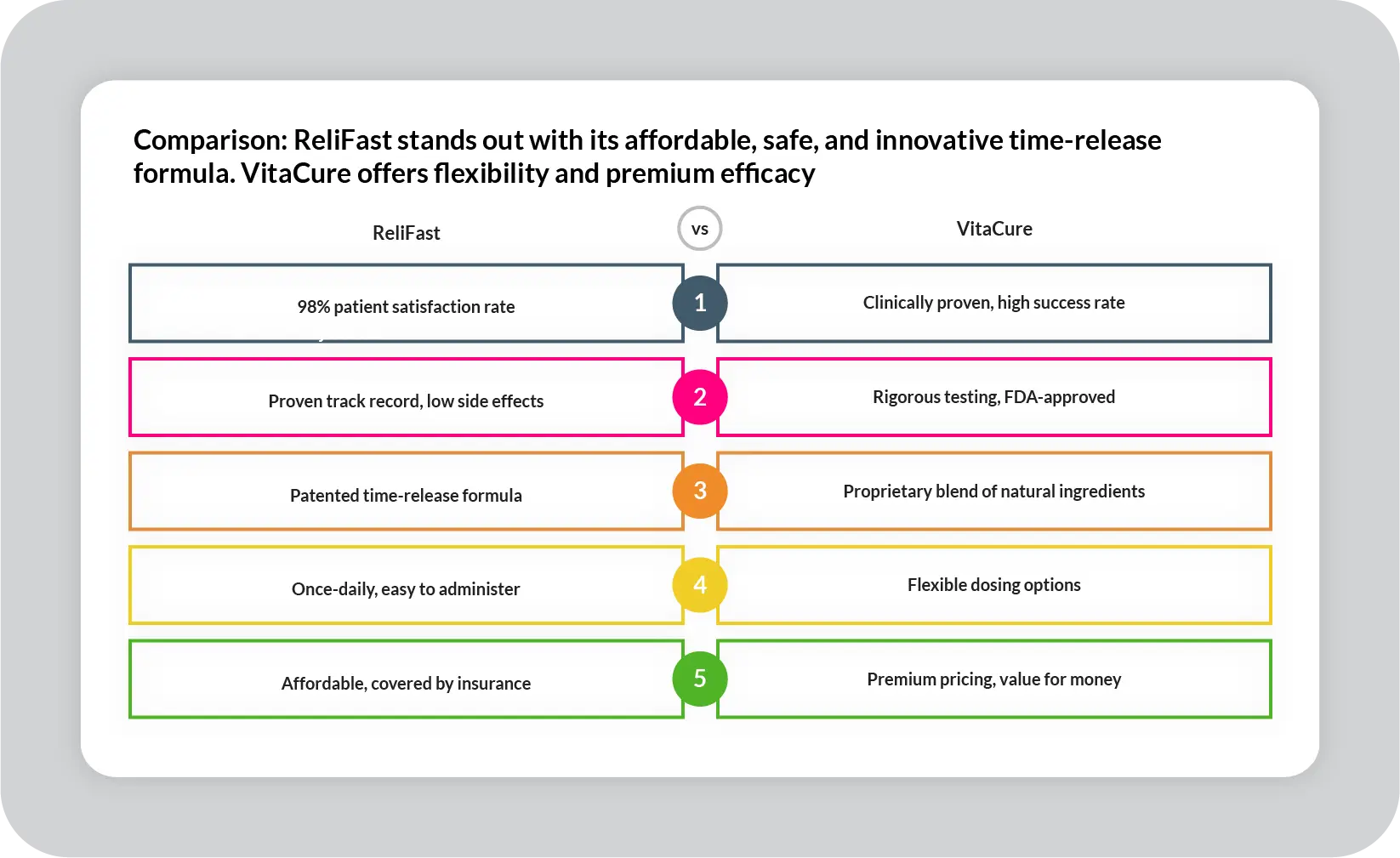
Get editable comparison slide templates
Slide 11: Vision
Purpose: Show where the brand is going
This slide connects today’s decisions to tomorrow’s outcomes. I talk about how the brand will scale, evolve, and stay relevant.
This is especially important in brand strategy decks and leadership presentations. People want to know this is not a short-term fix.
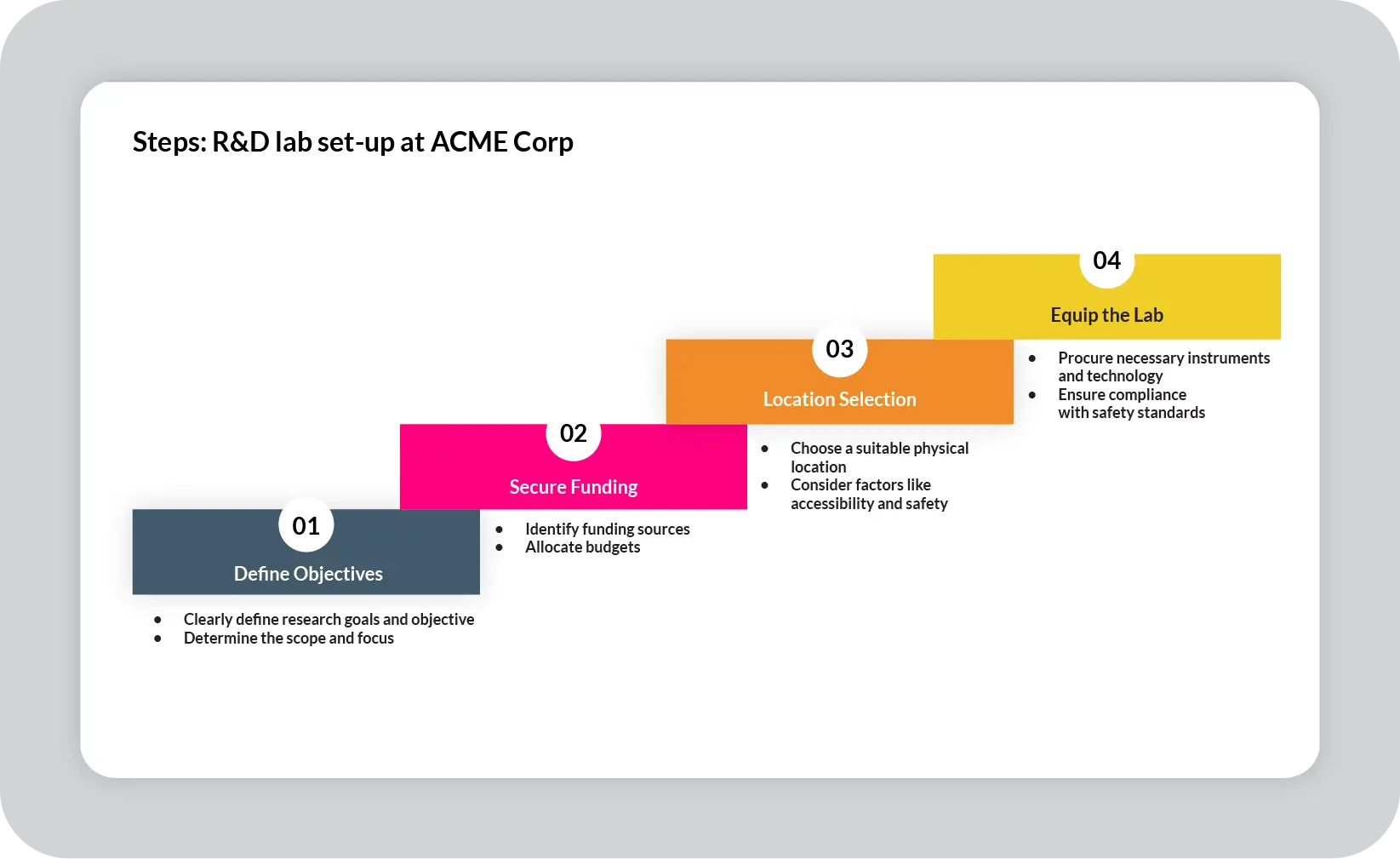
Get editable next steps slide templates
Slide 12: Call to action
Purpose: Drive the decision
Every branding presentation needs a clear next step. Approval. Feedback. Investment. Alignment.
I am explicit here. Ambiguity slows everything down.
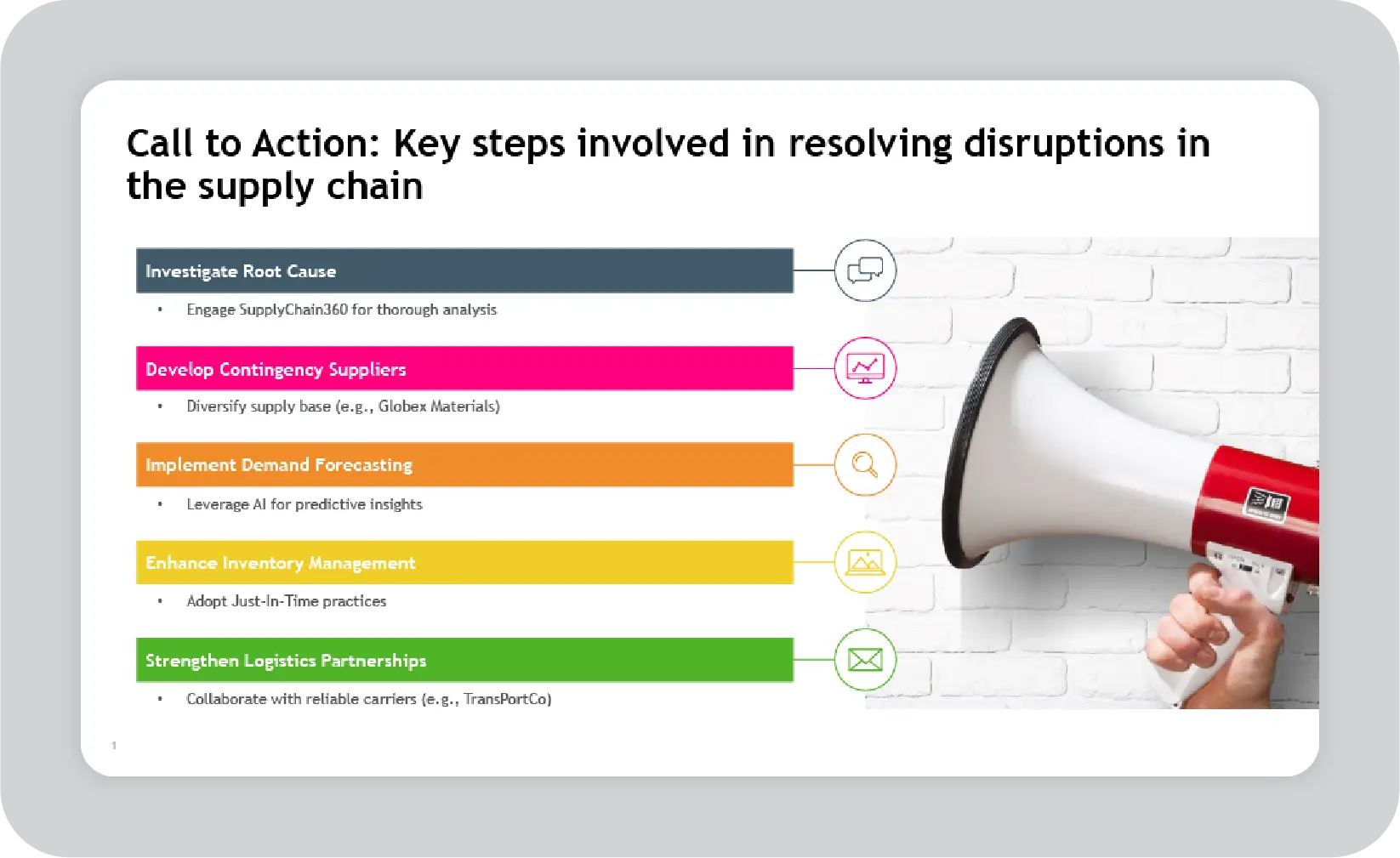
Get editable CTA slide templates
The five types of branding presentations and how templates help
Not every branding presentation serves the same purpose. Most decks fall into one of five categories, each requiring a different structure and template.
Whether you need a brand identity presentation template, a brand guidelines presentation, or a brand launch presentation, the right template helps teams move from discussion to decision.
1. Brand performance review
This presentation focuses on how the brand is performing today. It uses metrics like sales, customer engagement, market share, and awareness to tell the story.
I use this format with leadership teams who want to understand impact, not aesthetics.
Template example: A metrics-driven deck with clear charts and performance summaries.
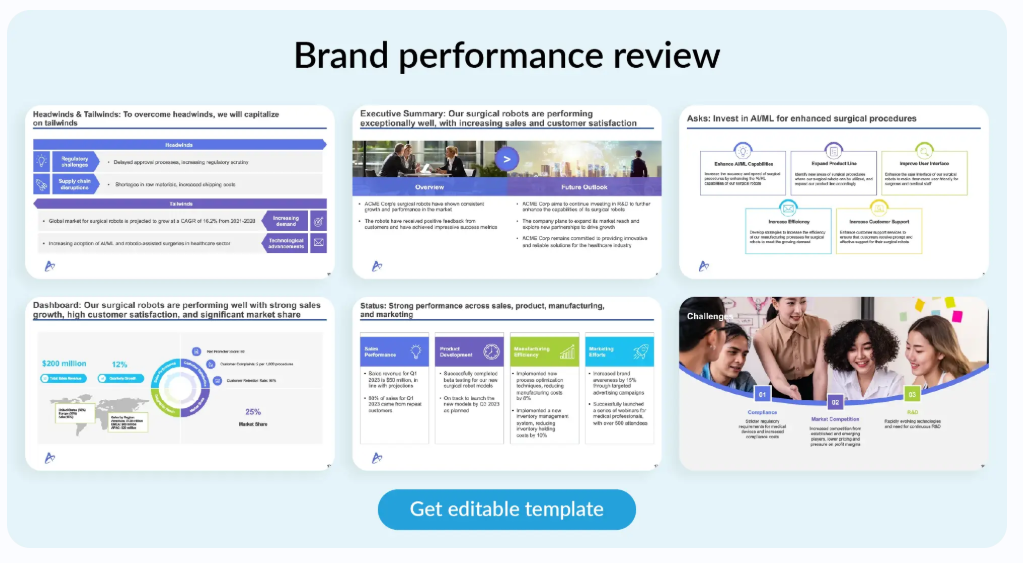
Get editable brand performance presentation templates
2. Brand plan
A brand plan presentation outlines what is coming next: campaigns, priorities, and investments.
This is where marketing goals and brand execution come together. Clarity and sequencing matter here.
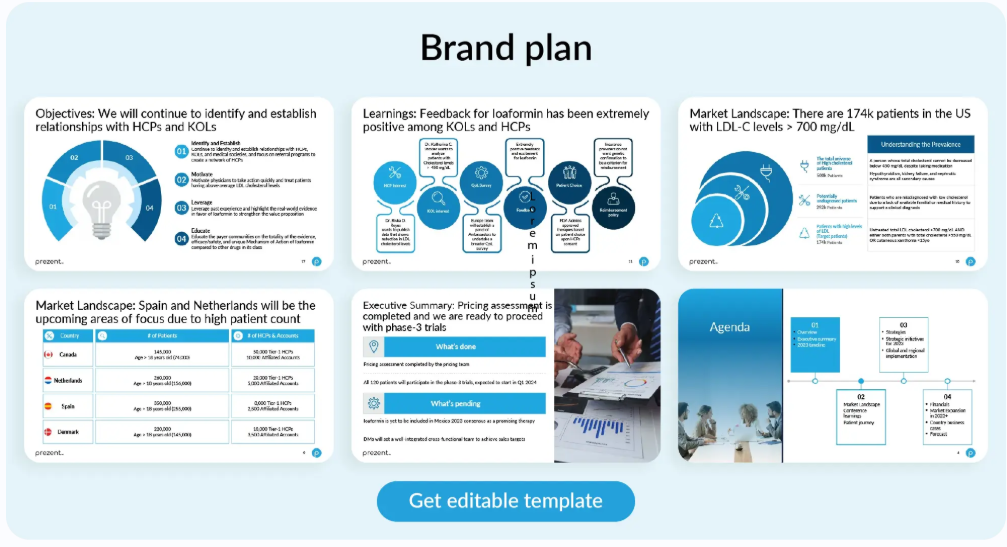
Get editable brand plan presentation templates
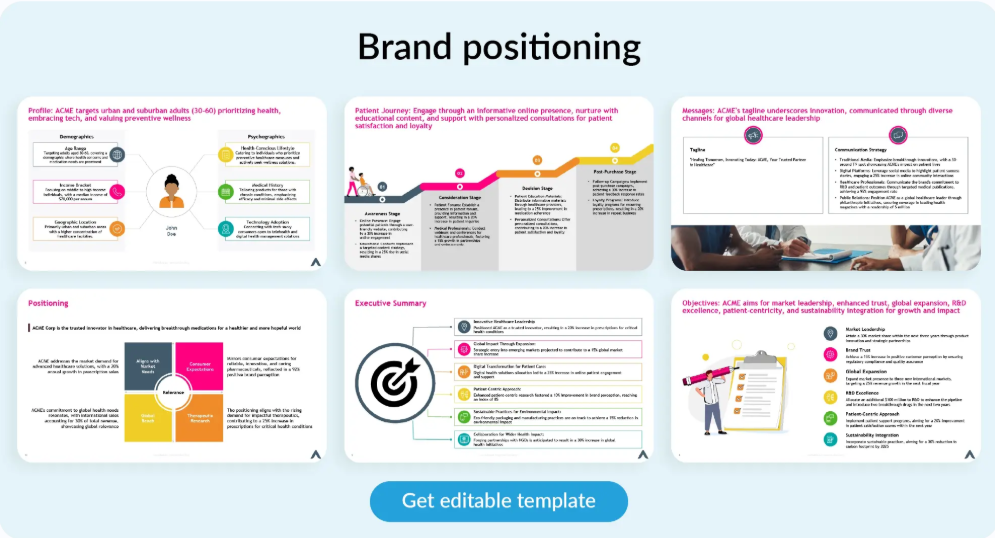
3. Brand positioning presentation
This deck explains how the brand fits into the market compared to competitors. It highlights the unique value proposition and audience focus.
I often use this in investor meetings and competitive pitches.
Get editable brand positioning presentation templates
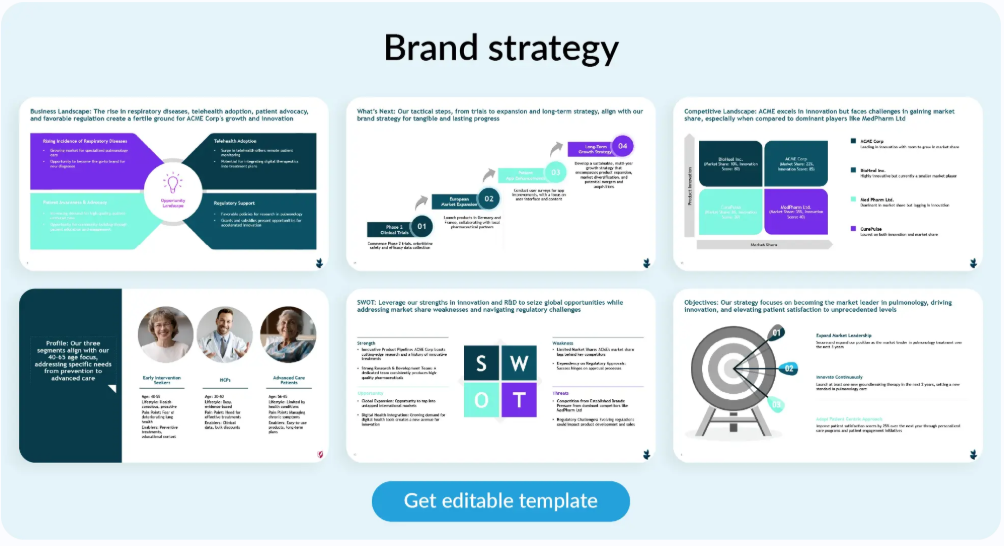
4. Brand strategy deck
This is the most comprehensive format. It covers vision, mission, brand idea, and long-term direction.
I use this when teams need alignment, not just approval.
Get editable brand strategy presentation templates
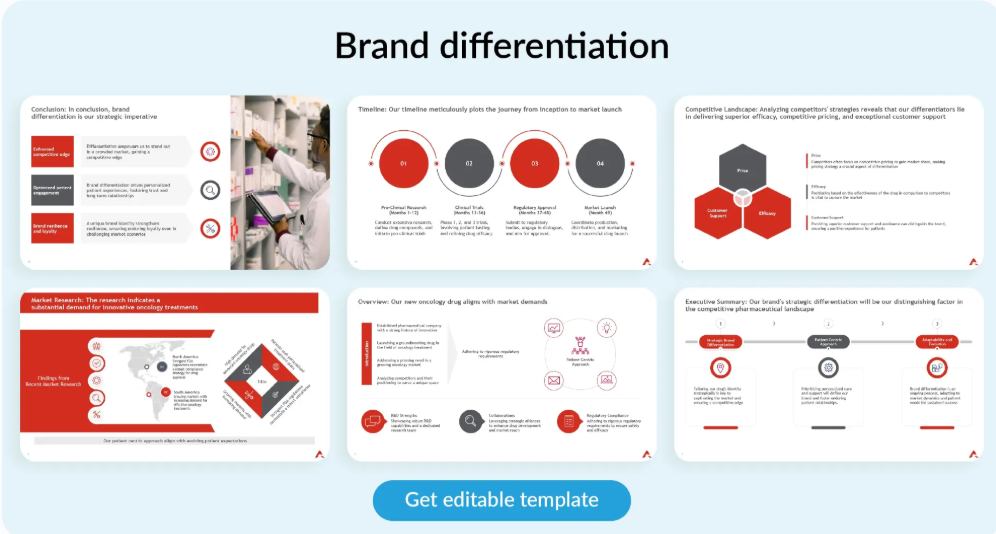
5. Brand differentiation presentation
This presentation is all about what sets the brand apart. It relies on real examples, proof points, and comparisons to make the case.
This format works well in crowded markets where clarity is critical.
Get editable brand differentiation presentation templates
How I create brand-aligned branding presentations faster with Prezent
When I build a branding presentation, the challenge is not creativity. It is speed without compromise. I need to move quickly while keeping every slide aligned to the brand and the story.
Prezent helps me do that consistently.
- Auto-generator helps me create a strong first draft of a brand strategy deck or brand positioning presentation in minutes. With a few prompts, I get a clear, structured foundation that already follows brand guidelines, which removes hours of upfront work.
- Slide library gives me access to more than 35,000 on-brand slides when I am building brand identity presentations or brand performance reviews. I can assemble decks faster without worrying about visual inconsistency or off-brand layouts.
- Story builder helps me shape brand pitch decks and brand differentiation presentations using proven pre-built narrative flows. It keeps the message focused and makes complex ideas easier to understand.
- Template converter is my must-have tool when I have to work on older decks or collate decks created by different teams. I can quickly bring everything into approved brand templates without manual redesign.
- Best-practice library gives me access to proven slide patterns that help explain brand value, positioning, and strategy in a clear, business-ready way.
These tools do more than speed up execution. They give me back time to focus on what actually drives approval. The story, the message, and the decision in the room.
If you want to see how Prezent supports high-stakes brand presentations, you can schedule a quick demo or explore the tools with a free trial.




.png)








