No items found.
No items found.
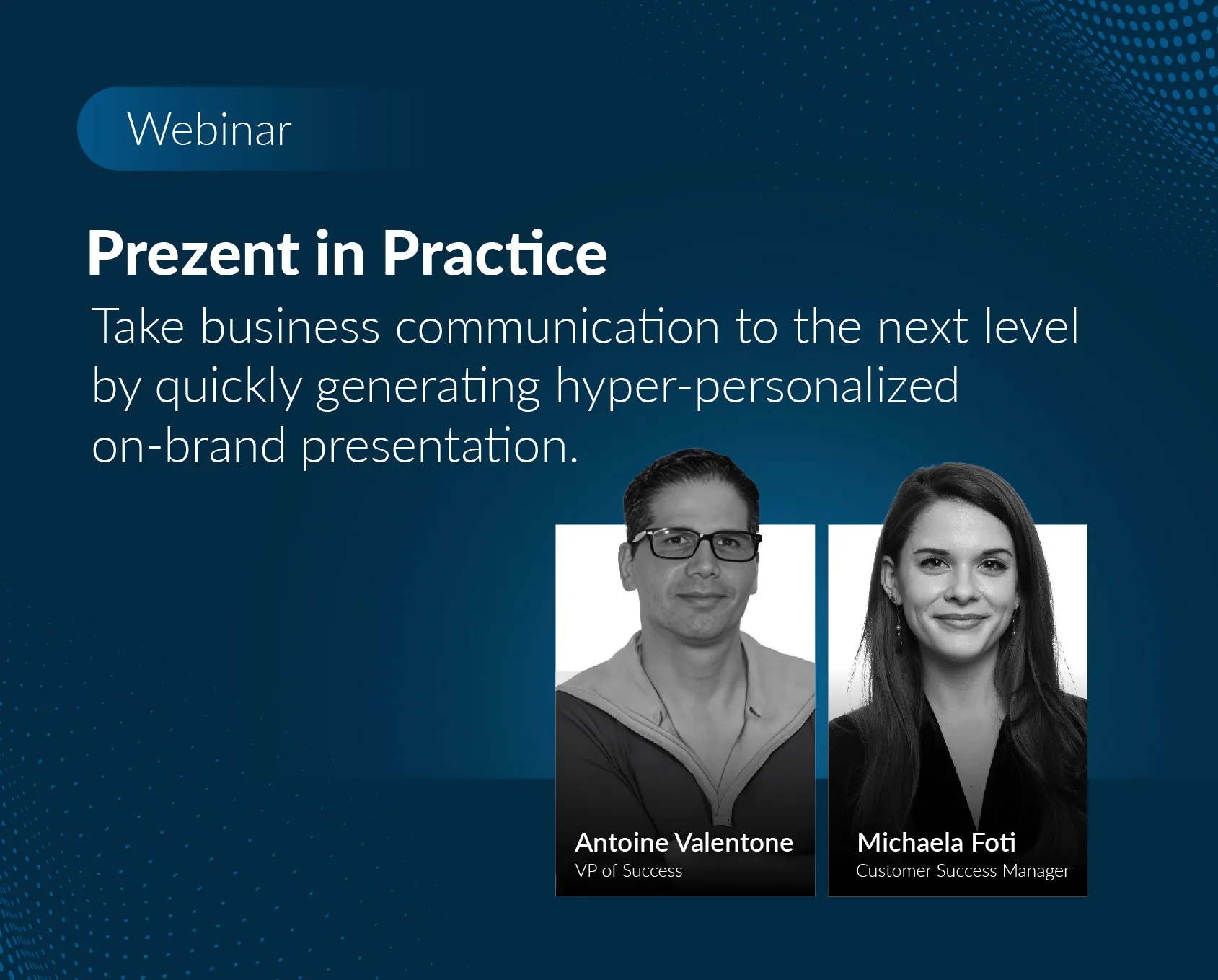
Prezent relaunched the webinar series called "Prezent in Practice," aimed at helping businesses enhance their communication efficiency, effectiveness, and brand alignment using the Prezent platform. On March 13th, we conducted our first webinar of the year, focusing on the impact of hyper-personalization in presentations. Led by Antoine Valentone, the session explored three essential tools designed to transform the creation of presentations.
The webinar emphasized the significance of hyper-personalization, stressing the need to understand the audience's unique preferences and needs. It highlighted the importance of crafting tailored presentations to engage viewers and establish meaningful connections.
During the session, we explored three tools designed to accelerate presentation creation and personalize presentations for individual audiences. Attendees gained a thorough understanding of these tools and their potential to transform the presentation-making process. Throughout the session, Antoine demonstrated the functionalities of each tool, highlighting their unique features and benefits. Let's take a look at the highlights of this informative event.
Attendees were introduced to three powerful tools namely Slide Library, Story Builder, and Auto Generator. These tools not only empower users to craft compelling presentations with ease but also help save time in presentation creation.
Slide Library is a vast repository of pre-designed slides that users can access and customize for their presentations. With over 35,000 slides available, Slide Library offers a wide variety of options for users to choose from. Antoine demonstrated how users can search for specific slides using keywords, customize slide layouts, and even tailor content based on the audience's preferences.
Story Builder, a tool designed to streamline the process of creating entire presentation decks from scratch. By inputting key details such as the presentation's purpose, audience, and desired storyline, users can generate a structured outline of a presentation in minutes. Antoine showcased how Story Builder allows easy customization, enabling users to rearrange slides, add or delete sections, and fine-tune content to align with their objectives.
The final tool explored in the webinar was Auto Generator, a cutting-edge feature that leverages AI to automatically generate presentation decks based on user inputs. Antoine explained how users can describe their desired presentation in written form, and Auto Generator will produce a fully formatted deck complete with relevant visuals and content. He emphasized the tool's ability to save time and effort while delivering professional-quality presentations.
One of the key insights shared during the webinar was the distinction between Prezent and PowerPoint. While Prezent enhances the presentation creation process, it does not seek to replace PowerPoint. Instead, it complements existing platforms by providing users with efficient tools to create visually stunning presentations with compelling storylines. This complementary approach allows presenters to leverage the strengths of both platforms, maximizing their impact in delivering memorable presentations and saving considerable time.
Our webinar aimed to empower presenters with the knowledge and tools needed to elevate their presentation skills. By embracing hyper-personalization and harnessing the capabilities of innovative presentation tools, professionals can captivate their audience, drive engagement, and achieve their communication goals effectively.