Beautiful.ai vs Canva vs Prezent: The battle for business storytelling
Compare Beautiful.ai vs Canva to see which presentation platform best supports enterprise storytelling, brand control, and scalable team communication.
The rise of Beautiful.ai and Canva has changed how people design. Beautiful.ai promises clean slides with minimal effort. Canva gives teams a wide range of templates and simple design tools. When companies compare Beautiful.ai vs Canva, the goal is the same. They want to improve quality, save time, and make visual communication easier across teams.
Both tools help create polished content, but they work very differently. And for enterprises that care about brand consistency, scale, and governance, there is a third category of tool that solves problems these platforms do not. That is where Prezent enters the conversation.
In this article, I compare Beautiful.ai and Canva based on real enterprise needs. I also explain where Prezent fits as an AI-powered business presentation platform.
How I evaluated these tools
Before I compared the tools, I defined the criteria that matter most for enterprises. I use these same criteria whenever I advise teams on selecting presentation and design platforms.
My evaluation criteria
ease of use for non-designers
time needed to create and update content
strength of templates
control of branding
collaboration across teams
content reuse
AI support that improves clarity and speed
pricing
workflow fit for enterprises
governance and admin controls
I tested Beautiful.ai and Canva against real examples. Internal updates. Slides for executive reviews. Social style content. Product updates. Training material. Client presentations. I wanted to see how each tool performs when deadlines are tight and brand consistency matters.
Quick comparison table
Enterprise factor
Beautiful.ai
Canva
Prezent
Creation style
Automated slide generation
Manual design with drag-and-drop tools
AI-guided business storytelling
Templates
Business focused
Very wide variety
35,000+ slides and 1,000+ storylines
Collaboration
Simple real-time sharing
Strong real-time design collaboration
Structured workflows for enterprise teams
Brand control
Limited brand settings
Brand kits and locked templates
Automated brand governance
AI support
Automated layouts
AI tools for images and content
Astrid AI for business content and structure
Personalization
None
None
Audience-based personalization
Use cases
Business slides
Social graphics, presentations, mixed media
Business presentations only
Scale
Good for small teams
Good for large mixed teams
Best for enterprise consistency
Beautiful.ai: beautiful presentations with fewer clicks
Beautiful.ai focuses on speed and automation. When I tested it, I could see why teams enjoy it. It creates slides quickly. It applies layouts for you. It removes a lot of manual design work. This helps people who want clean slides without learning design principles.
Common use cases
I see Beautiful.ai used most often in:
internal presentations
early drafts for project updates
simple pitch outlines
decks for small teams
quick client summaries
It works well when you want clean layouts and only need basic customization.
Features explained and my view
Automated slide design: Beautiful.ai formats slides automatically. I like this for simple decks. It keeps slides aligned and visually consistent. When I pushed it with more complex layouts, I found the system less flexible.
AI-powered templates: The platform chooses layouts based on content. This speeds up the early stages of deck building. In my tests, it reduced formatting time but did not guide the story.
Brand settings: There are basic brand controls. You can set colors and fonts. At scale, though, these controls are not strong enough to enforce brand rules across large teams.
Collaboration: Collaboration is simple. You can share and edit in real time. But for enterprise workflows, I missed structured review cycles and version management.
Best suited for
Beautiful.ai is best for:
small to mid-sized teams
teams that want quick, clean decks
people who want automated layouts
startups that do not need deep brand governance
Pricing in 2026
Public sources list Beautiful.ai pricing starting around 12 dollars per user per month for basic plans, with team plans around 40 dollars per user per month. Enterprise plans cost more depending on collaboration and admin features. Pricing varies by region, so it is best to check their pricing page directly.
Pros
fast automated layouts
easy for non-designers
clean templates
good for quick drafts
Cons
limited brand governance
less flexible for advanced layouts
not built for enterprise workflows
no audience personalization
What users say
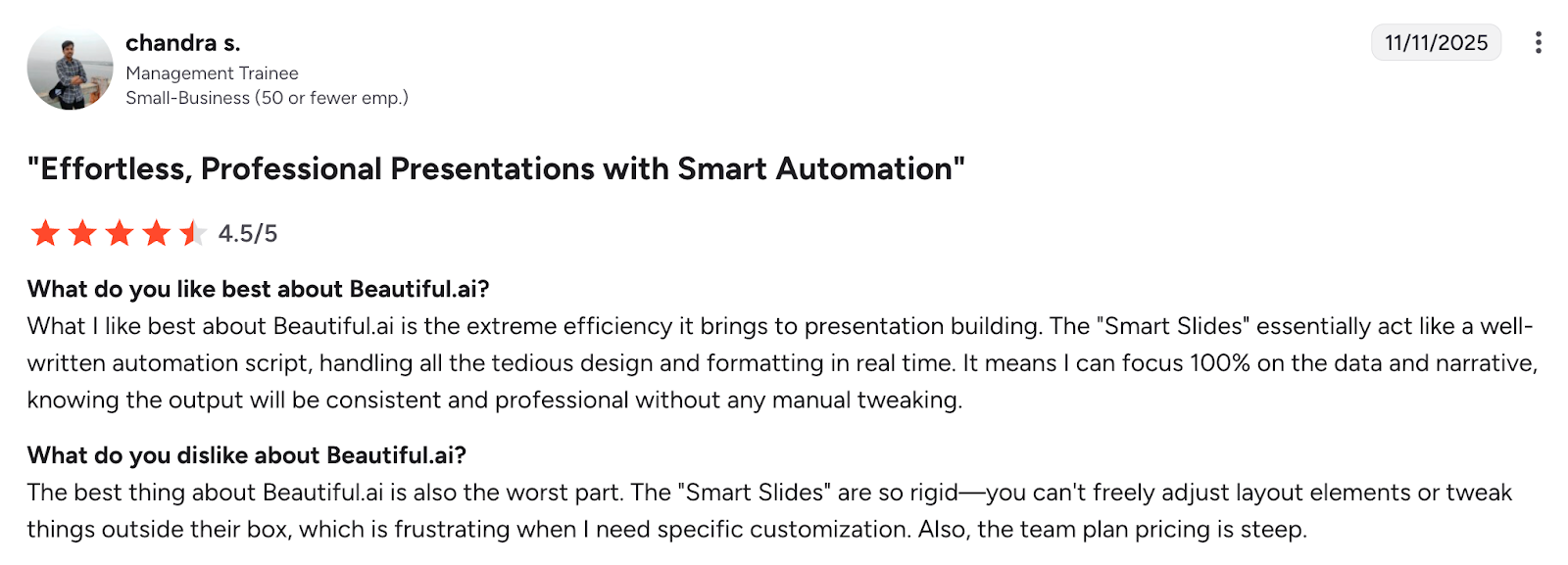
Beautiful.ai holds a rating above 4.6 out of 5 on G2 with users praising ease of use and clean designs. They also mention limited flexibility when building complex decks.
Canva: design flexibility at scale
Canva is a design platform used globally. It covers presentations, social posts, videos, documents and more. When I tested it for business presentations, I focused on how well it supports brand teams and everyday creators.
Common use cases
I see Canva used most in:
marketing and social content
simple presentations
training visuals
brochures and one-pagers
event graphics
Features explained and my view
Template variety: Canva offers thousands of templates. This is great for creativity. But it also makes consistency harder for enterprise teams.
Brand kits and locked templates: You can upload colors, logos and fonts. You can lock templates to control design. In my tests, this worked well for small design teams but needed strong governance to work at enterprise scale.
Design flexibility: Canva supports images, shapes, icons, charts, video and more. This helps teams build mixed media content quickly.
Collaboration:Real-time collaboration is strong. It works well for marketing teams. It is not designed for structured presentation reviews or enterprise approvals.
Best suited for
Canva is best for:
marketing and creative teams
companies that need mixed media content
teams that want flexibility in design
organizations with dedicated brand managers
Pricing in 2026
Canva offers a free tier. Pro plans start around 10 to 15 dollars per user per month. Canva for Teams usually ranges from 15 to 30 dollars per user per month depending on features. Enterprise pricing involves brand controls and admin features.
Pros
wide range of templates
strong brand kit features
great for social and marketing content
easy for beginners
Cons
hard to enforce consistency across many creators
too flexible for strict brand requirements
presentation features are not business-focused
workflows lack enterprise structure
What users say
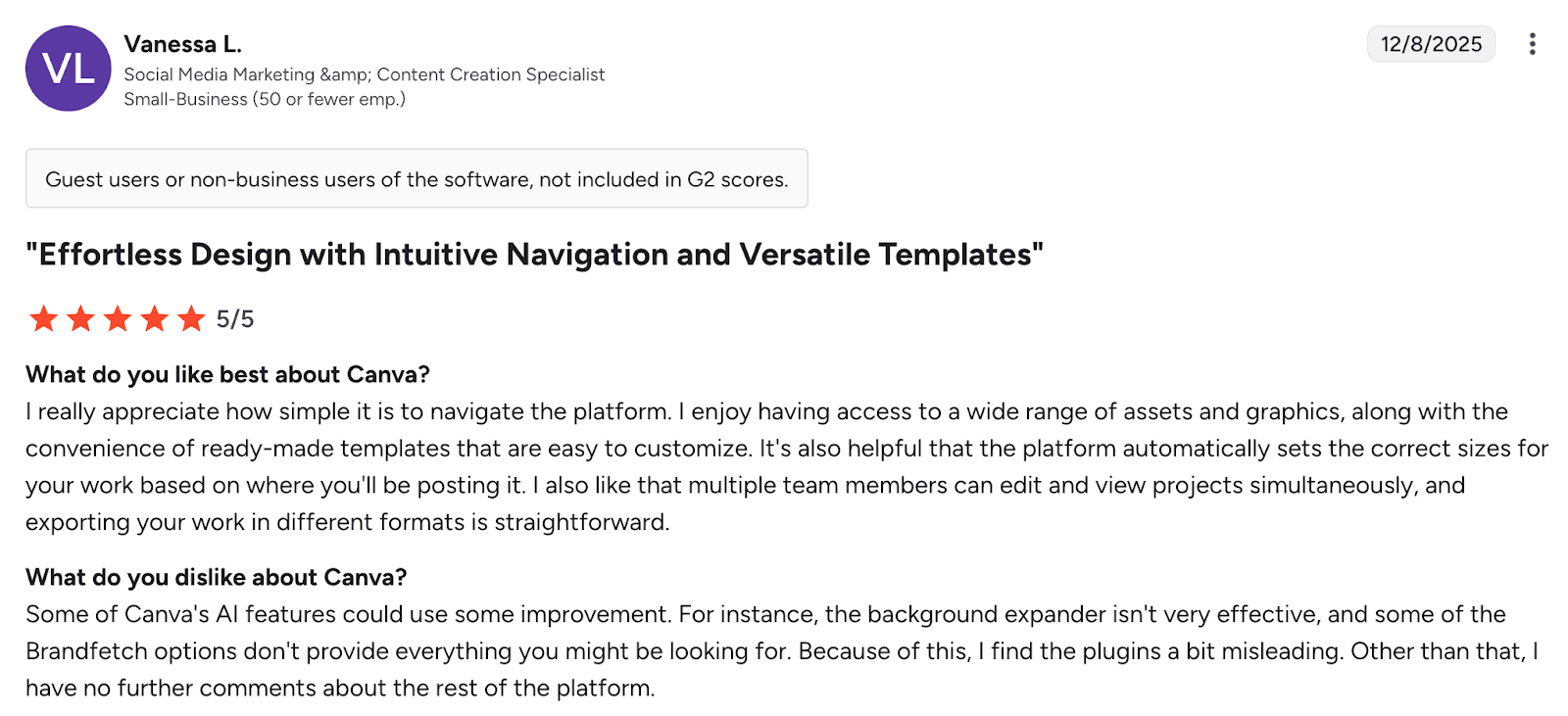
Canva has a rating around 4.7 out of 5 on G2. Users praise flexibility and template variety. They also note challenges with consistency and control in large teams.
Beautiful.ai vs Canva: How Prezent is the better alternative for enterprises
Beautiful.ai and Canva work well for creativity and for making simple presentations. Prezent takes a different approach for enterprises. It focuses on business storytelling, brand consistency and enterprise scale. When I tested it, I looked at how well it supports teams that create presentations daily and need to move fast without losing quality.
Common use cases
I see Prezent used most often in:
executive and board presentations
sales and customer meetings
strategy and operations reviews
financial updates and data stories
cross-functional communication
These are the places where clarity and structure matter most, and where inconsistent slides create real business risk.
Features explained and my view
Auto Generator with Astrid AI: Prezent creates structured, on brand presentations from prompts, outlines or uploaded content. When I used it, I noticed fewer rewrites. It understood context and business framing better than general design tools.
Brand compliance: Prezent locks brand rules into the platform. Colors, fonts, logos and layouts stay consistent automatically. This solves a major challenge that Beautiful.ai and Canva cannot address at scale.
The Communication Fingerprints™: Prezent adapts presentations to audience needs. When I tested it for different styles of communication, the tone and story changed in helpful ways.
Enterprise workflows: Prezent supports structured collaboration and admin controls. This fits real enterprise review cycles.
Best suited for
Prezent is a strong fit for:
mid to large enterprises
teams that want brand control
companies that want faster creation
organizations that need consistent communication
Pricing in 2026
Prezent uses customized enterprise pricing. Costs depend on team size, onboarding and governance requirements. Public sources describe it as a premium tool focused on enterprise value. For accurate numbers, companies should contact the Prezent team.
Pros
strong brand protection
AI tuned for business content
reusable slide and story library
fast and consistent creation
built for enterprise scale
Cons
best value at mid to large scale
onboarding needed to set up brand and audience profiles
habit shift required for teams used to manual tools
What users say
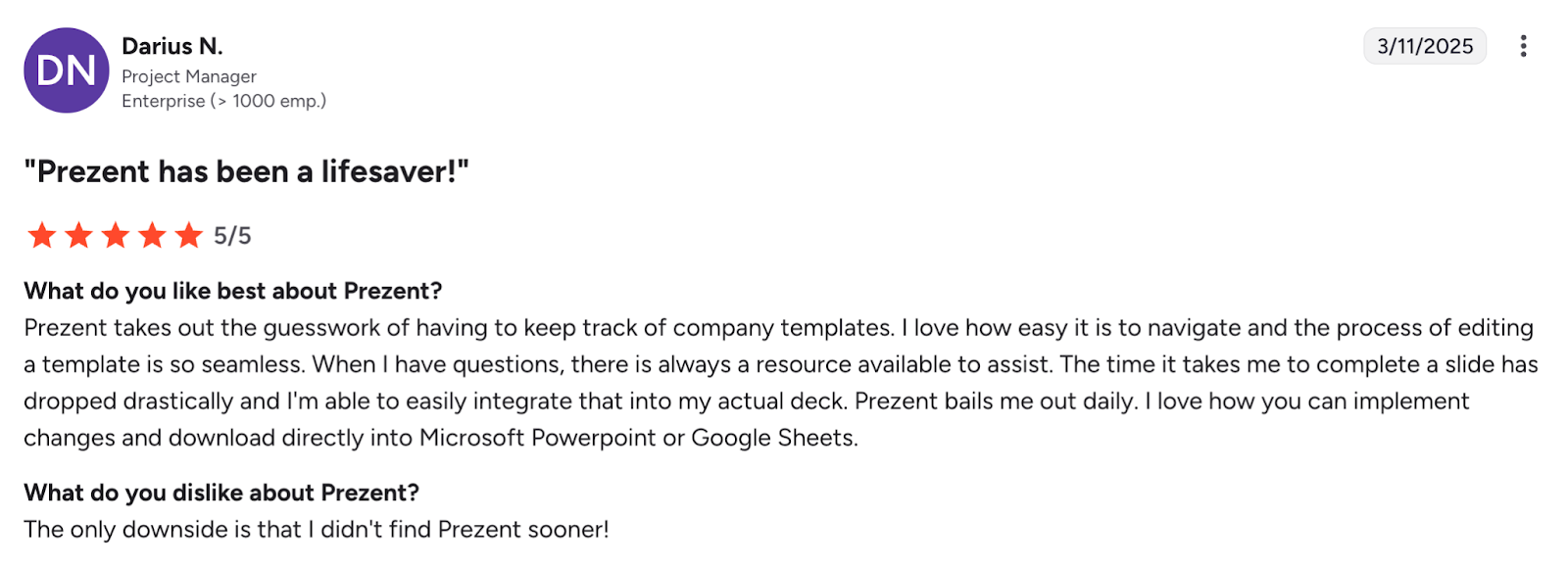
Prezent has a rating of about 4.5 out of 5 on G2. Users highlight strong brand consistency, faster delivery and clear storytelling.
Enterprise decision guide
Here is the optimized text version of your decision flow diagram.
If your enterprise needs:
fast automated slides for small teams → Beautiful.ai fits
mixed media design and marketing content → Canva fits
consistent business storytelling at scale → Prezent fits
Locked templates, fonts, and colors ensure 100% brand consistency
Real-time collaboration
Works for small teams in the cloud
Excellent co-editing and commenting
Secure collaboration with permissions, approvals, and analytics
AI-powered slide creation
Basic design automation
Minimal AI support
Advanced AI builds full on-brand decks from text or documents
Audience insights & analytics
Basic viewer data
No built-in analytics
In-depth audience insights and Communication Fingerprints™
Template & asset governance
Manual oversight needed
Partial governance with brand kits
Automated governance with centralized template libraries
Scalability for large teams
Works best for small groups
Scales in simplicity, not enterprise complexity
Built for enterprise scale with admin controls and onboarding
Integrations & ecosystem
Limited
Integrates with Google Workspace
Connects to Microsoft 365, Google, internal systems, AI chatbots, and more
Accessibility & device support
Cloud-based
Multi-device access
Cloud + desktop ready; compliant with accessibility standards
Learning curve & onboarding
Easy for individuals
Intuitive for all users
Guided onboarding and structured enterprise training
Security & compliance
Basic SaaS
Standard SaaS
Enterprise-grade encryption, SSO, responsible AI
Tools not considered
These tools were not included in the full comparison but can be useful in specific situations.
Google Slides: strong in Google Workspace but limited brand governance.
Apple Keynote: polished design but not common in enterprises with mixed devices.
Pitch: modern interface but not mature for enterprise scale.
Beautiful.ai DesignerBot, Canva Magic Studio: interesting AI add-ons but still early in enterprise value.
Frequently asked questions about Beautiful.ai vs Canva
1. Which tool is easier to use: Beautiful.ai or Canva?
Beautiful.ai is easier for quick business slides. Canva is easier for mixed media content.
2. Which tool offers better brand control?
Canva offers brand kits. Beautiful.ai offers basic brand settings. Neither matches enterprise level governance. Prezent covers that gap.
3. Which tool is better for presentations?
Beautiful.ai is better for automated slides. Canva is better for creative flexibility. Prezent is better for structured business communication.
4. Does Beautiful.ai support complex layouts?
It supports automated layouts but becomes less flexible for complex slides.
5. Can Canva replace presentation software?
Canva can replace simple presentation tools but not enterprise storytelling platforms.
6. Which tool works best at enterprise scale?
Prezent works best for enterprises because it protects brand standards and speeds up creation.
Why enterprises choose Prezent
Beautiful.ai and Canva serve important roles. They help teams move faster and design without friction. But enterprises need more than templates and quick layouts. They need structure, clarity, brand consistency and scalable workflows.
Prezent focuses on solving these specific challenges. It improves clarity. It reduces formatting time. It ensures every deck stays on brand. And it helps teams create presentations that support real business outcomes.
When I compare all three tools, the pattern is clear.
Beautiful.ai is great for quick business slides.
Canva is great for varied design content.
Prezent is the enterprise layer that ensures quality, speed and consistency.
If your organization wants stronger communication and faster delivery, Prezent is worth evaluating. Book a demo to see how your teams can transform how they communicate.
Anoob is the Head of Content at Prezent with over 16 years of experience in marketing and content. He has worked with leading startups such as SocialPilot, Writesonic, BigBasket, FreshMenu, GupShup, and SimplyHired. Passionate about social media and digital tools, Anoob enjoys testing new platforms to help businesses make better marketing decisions. You can connect with him on LinkedIn.
Benefits of an AI presentation maker: Capabilities, automation, and real-world use cases
Discover the benefits of an AI presentation maker. Learn how AI helps teams automate presentation workflows, create brand-consistent decks, and improve business results.
15 AI Reporting Tools I Tested for Faster, Clearer Reporting
Explore AI reporting tools that automate data analysis, dashboards, and reporting. Compare platforms that help teams turn data into clear insights faster.
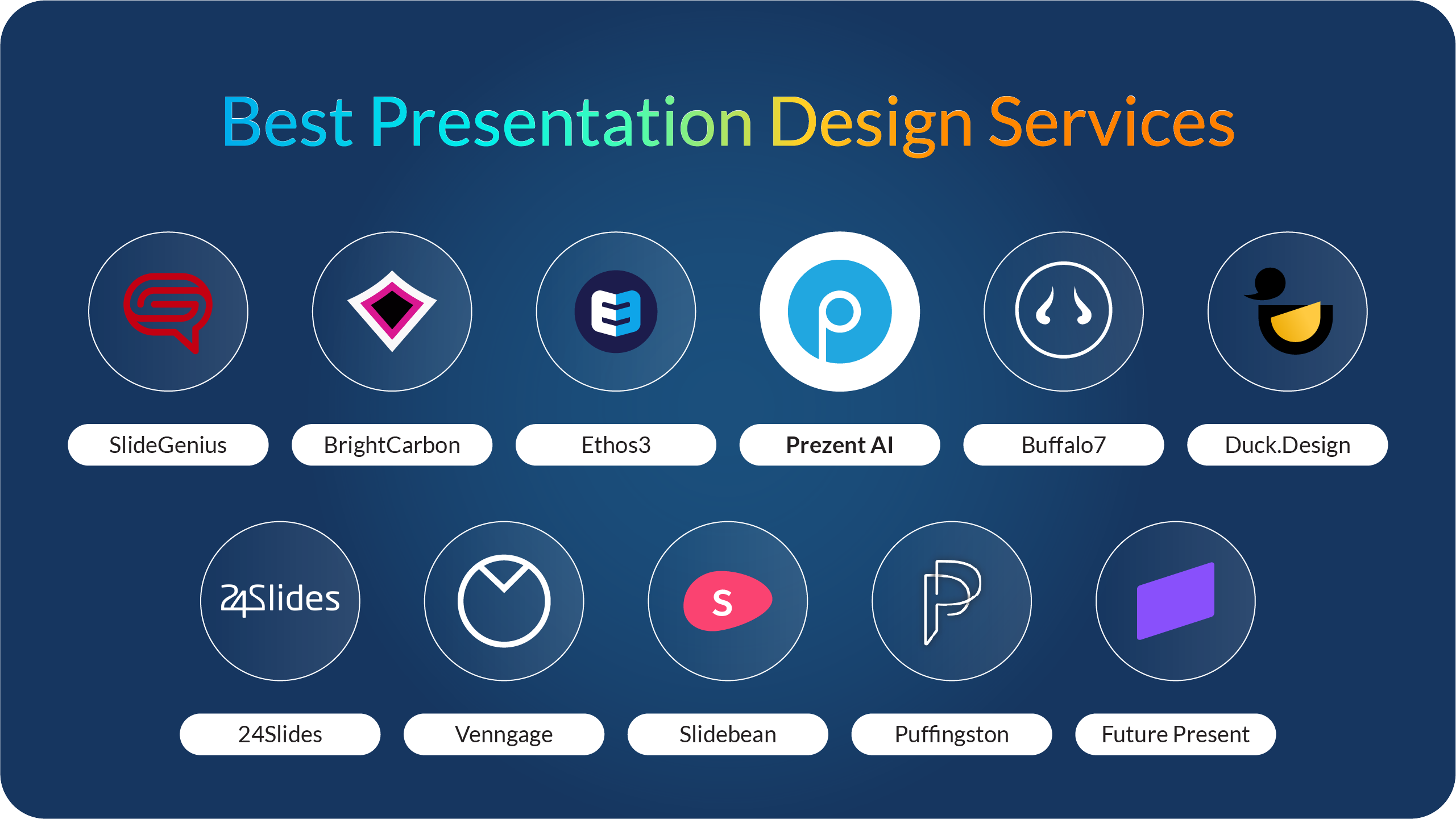
Explore the best presentation design services. Compare agencies that help teams create polished slides, improve storytelling, and design clearer presentations.
Claude for PowerPoint: How it works, setup, limitations, and enterprise solutions
Claude for PowerPoint guide: learn step-by-step setup, AI presentation creation, workflow best practices, and the limitations enterprise teams should consider.
How to choose the best AI presentation maker: A practical buyer’s guide for modern teams
Find the best AI presentation maker for your team. Learn how to compare AI presentation generators, templates, brand control, and integrations before choosing the right tool.
What is an AI presentation maker? Capabilities, limitations & use cases
Cut deck time by 80% with AI presentation makers. This enterprise guide covers must-have features, proven ROI, and a PowerPoint comparison, plus real-world use cases for proposals, QBRs, and RFPs.
Best Canva alternatives: AI presentation tools from free to enterprise
Looking for a Canva alternative for presentations? Compare AI tools, free and paid plans, workflows, and features across small business and enterprise platforms.
7 Best Google Slides alternatives: Best presentation software for business teams
Google Slides alternatives ranked for business. Compare AI presentation tools, enterprise features, pricing, and collaboration options to find the right fit for your team.
14 Best Visme alternatives: Free, AI-powered, and enterprise presentation tools compared
14 Best Visme alternatives: Compare 14 AI presentation platforms like Prezent, Canva, and Piktochart by pricing, templates, storytelling, and content creation features.
.jpg)





.png)

