No items found.
No items found.

If you’re leading an enterprise team, you’re probably dealing with a constant stream of AI pitches and still trying to figure out which tools actually make a difference. Every demo looks promising, but once it hits a real workflow, a legacy CRM, or a team that’s already stretched thin, the gap becomes clear.
The challenge today is not whether AI matters. It does. The real challenge is knowing which tools are worth testing and which ones will actually deliver value in your environment.
That’s why I treat AI tools like any other strategic investment. I test them in real conditions, measure what actually changes, and keep only the ones that save meaningful time or improve outcomes in ways teams can see and trust.
In this guide, I’m breaking down 15 B2B AI tools that have shown consistent value across sales, marketing, revenue operations, customer engagement, HR, and business communication. You’ll see where each tool fits in your stack, who should own it, and how to evaluate it before committing budget.
The goal is simple. Help you move from endless evaluation to a short list of tools that are worth piloting for your team.
Pricing is only a rough guide and can change. It’s best to check directly with each vendor based on your team size and setup.
Most enterprise teams I speak with are no longer asking, “Should we use AI?” The real question has shifted to, “Why isn’t our AI investment delivering results?”
In most cases, the gap comes down to three things: the tool does not match how work actually gets done, it does not connect well with existing systems, or adoption falls short because the rollout did not have enough support.
Across high-performing organizations, a clear pattern shows up. They stay focused by choosing one or two tools per function, taking the time to connect them properly, and putting real effort into helping teams use them in their daily work.
They also understand early on that AI tools serve different roles. Some are focused on surfacing insights and automating workflows, while others improve customer engagement and help teams prioritize accounts. A separate set of tools supports faster, more informed decision-making.
Over time, many organizations also recognize the need for tools that help teams clearly share insights, align stakeholders, and move work forward, because insights that are not communicated well rarely lead to action.
This is often underestimated. In enterprise settings, work is not finished when the analysis is done. It is finished when the right people understand it and take action. That depends on clear communication across teams and levels.
With that context, here is how I evaluate any AI tool before recommending it:
The tools below cover a range of use cases across marketing and sales, operations, and communication.
As you go through the list, focus on how each tool fits into your existing tech stack and where it can improve your day-to-day workflows. The goal is not to evaluate every AI tool on the market, but to identify a focused set of tools that align with your priorities and deliver measurable impact.
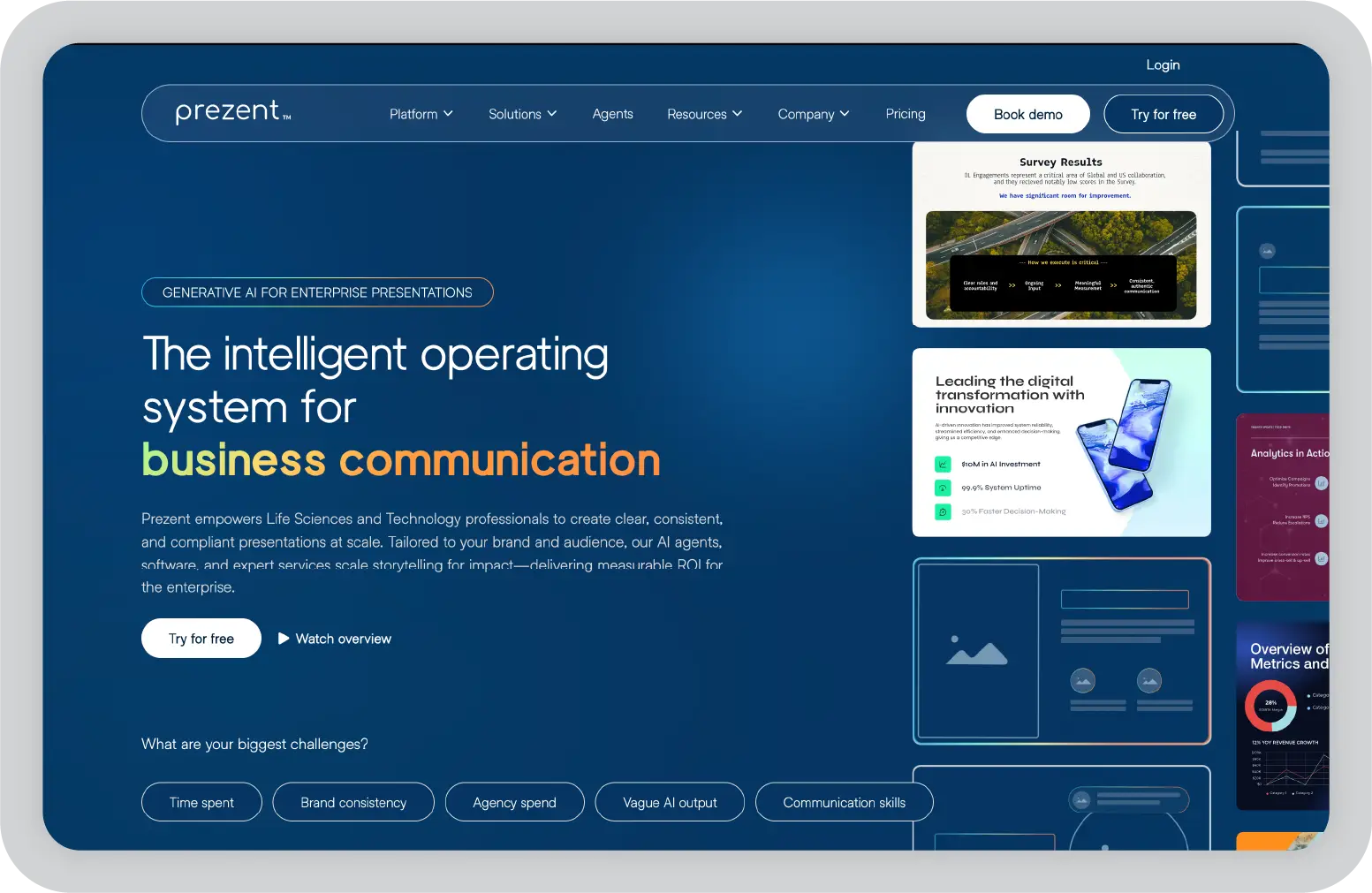
In most enterprises, presentations are where strategy either lands or falls apart. The data may be strong and the analysis well thought out, but if the message does not connect with the audience, the work does not drive action. Prezent AI is designed to solve that problem.
Prezent AI is an AI-powered business communication platform built for enterprises where presentations play a key role in decision-making. This includes leadership reviews, board updates, customer proposals, and QBRs.
Unlike generic AI slide tools that focus mainly on design, Prezent AI emphasizes structured business storytelling. Prezent's AI, Astrid, adapts each presentation to the audience, industry context, and communication goal, not just brand guidelines.
The platform is trusted by 40 of the top 50 pharma companies and is widely used across life sciences teams such as Medical Affairs, Commercial, and R&D. It supports use cases across the product lifecycle, from launch readiness reviews to internal strategy presentations. Beyond life sciences, Prezent AI is also used by enterprises in technology, telecom, and financial services.
Prezent AI helps teams build audience understanding, develop clear storylines, and use high-quality templates. The platform also provides expert guidance and contextual learning modules, going beyond standard GenAI outputs to support stronger business communication.
On the security side, Prezent AI meets enterprise requirements with SSO and role-based permissions. It also ensures that customer data is not used to train models or shared externally. For teams working with sensitive or regulated information, this level of control is essential.
Pros
Up to 90% faster deck creation for high-volume teams
Strong brand consistency across distributed teams
Audience-aware, structured storytelling
Enterprise-grade security, no data used for model training
Cons
Requires brand templates to be set up upfront
Needs structured onboarding for full value
Better suited for enterprise than small teams
Pricing: A 14-day free trial is available. Custom enterprise pricing is offered based on your team’s needs.
Best for: Mid-size and large enterprise teams where multiple decks are created frequently across sales, strategy, medical affairs, marketing, and leadership functions.
Pro tip: Connect Prezent AI with your revenue and CRM systems, chatbots, and other internal tools. Pull pipeline data from platforms like Clari or Salesforce, then use Prezent AI to convert that data into an executive-ready QBR or board presentation in significantly less time than building it manually.
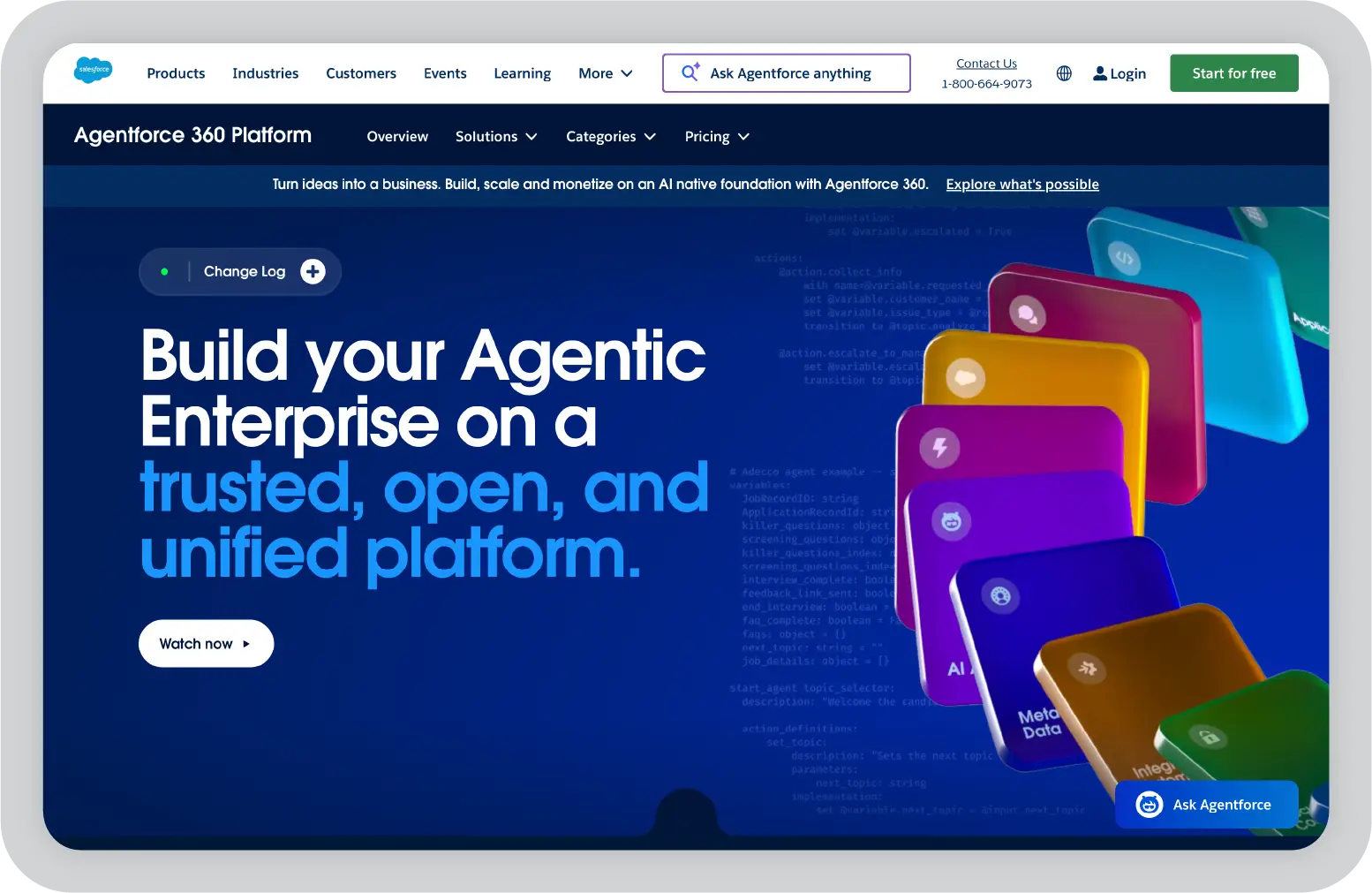
Salesforce Einstein adds an AI layer directly into the Salesforce CRM that many enterprise sales teams already use. Instead of relying on manual review or gut instinct, teams can see which leads are more likely to convert, which deals may be at risk, and what actions to take next.
The value increases over time because Einstein uses your organization’s own data. Its predictions are based on historical deal patterns, not generic benchmarks. As more data flows through the system, the scoring becomes more accurate and relevant to your sales process.
Pros
Native integration with Salesforce workflows and data
Improves accuracy as more deal data is collected
Scales well for large enterprise sales teams
Cons
Requires Salesforce as the base platform
Can be complex for new Salesforce users
Total cost increases with Salesforce licensing
Pricing: Einstein AI is available as an add-on starting at $50 per user per month for the Enterprise Edition and is included in the Unlimited and Unlimited+ Editions. Base Salesforce licenses are additional. You have to contact Salesforce for a full quote.
Best for: Enterprise sales teams already using Salesforce that want to move from instinct-based pipeline management to data-driven prioritization without changing platforms.
Pro tip: Set up weekly Einstein forecast reviews with sales leadership so predictive insights actively guide pipeline discussions, rather than remaining unused in dashboards.
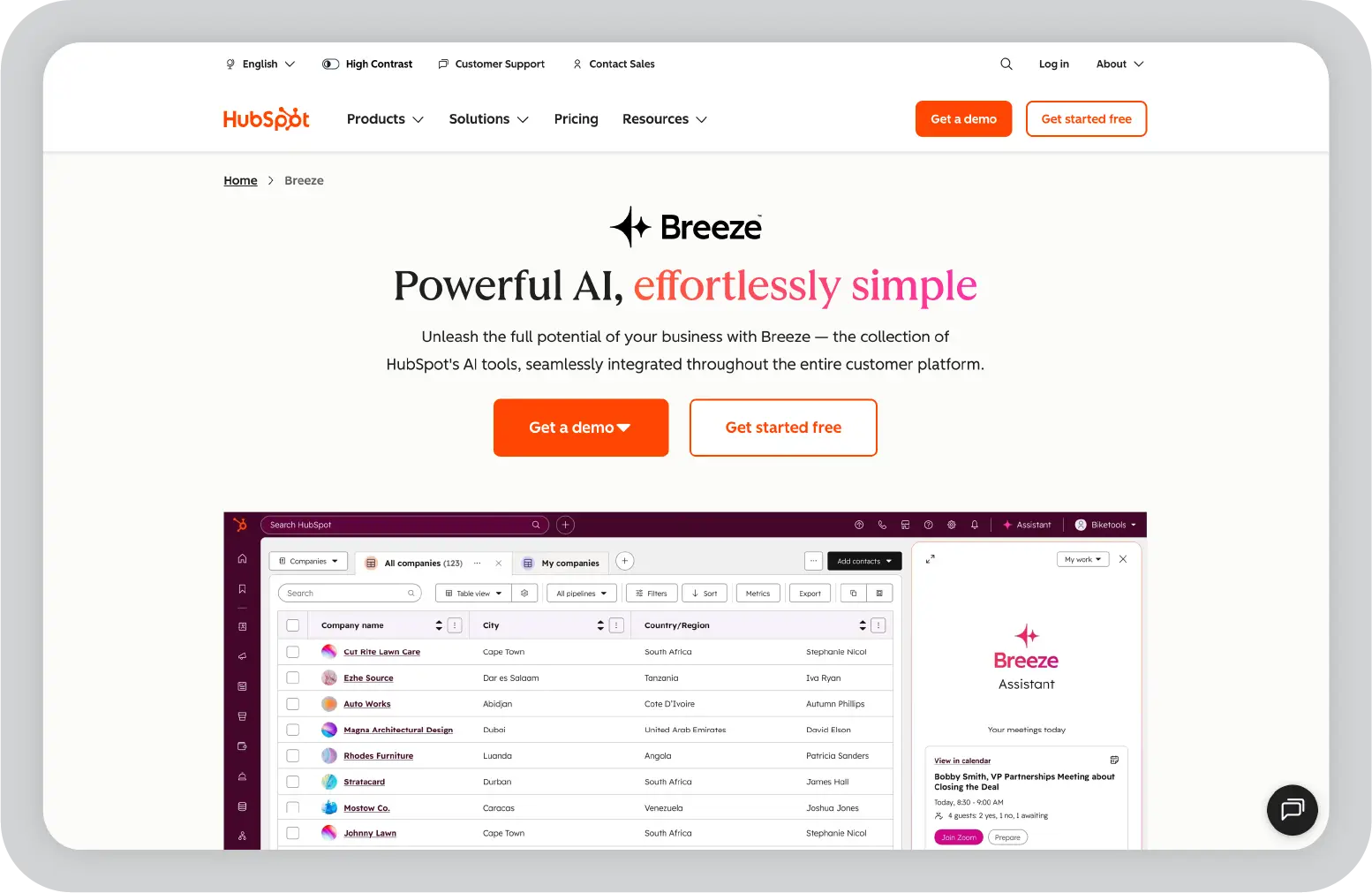
HubSpot’s AI suite, called Breeze, is built directly into the HubSpot platform. It supports lead scoring, email personalization, content creation, prospecting, and customer support. Because everything runs on the same CRM data, marketing, sales, and service teams work from a single view of each contact and account.
This shared data layer is what makes HubSpot stand out. Teams do not need to manage separate tools or sync data across systems. For growth-stage and mid-market enterprises that want AI built into their workflows from the start, HubSpot Breeze offers a more connected approach.
Pros
Unified platform for marketing, sales, and service data
Easy-to-use interface with minimal training required
Strong integration ecosystem with 1,800+ apps
Cons
Advanced AI features require Professional or Enterprise plans
Credit-based pricing for some AI features adds budgeting complexity
Costs increase as you scale to enterprise features
Pricing: Marketing Hub Professional starts at $800 per month. The Customer Platform Professional, which includes Marketing, Sales, and Service Hubs, starts at $1,300 per month. Starter plans are available from $9 per user per month for smaller teams.
Best for: B2B SaaS and growth-stage enterprises that want AI built into their CRM and marketing workflows without managing multiple tools.
Pro tip: Use A/B testing on your email sequences before scaling any campaign. HubSpot’s testing features are often underused, and even small changes in subject lines or messaging can significantly improve reply rates.
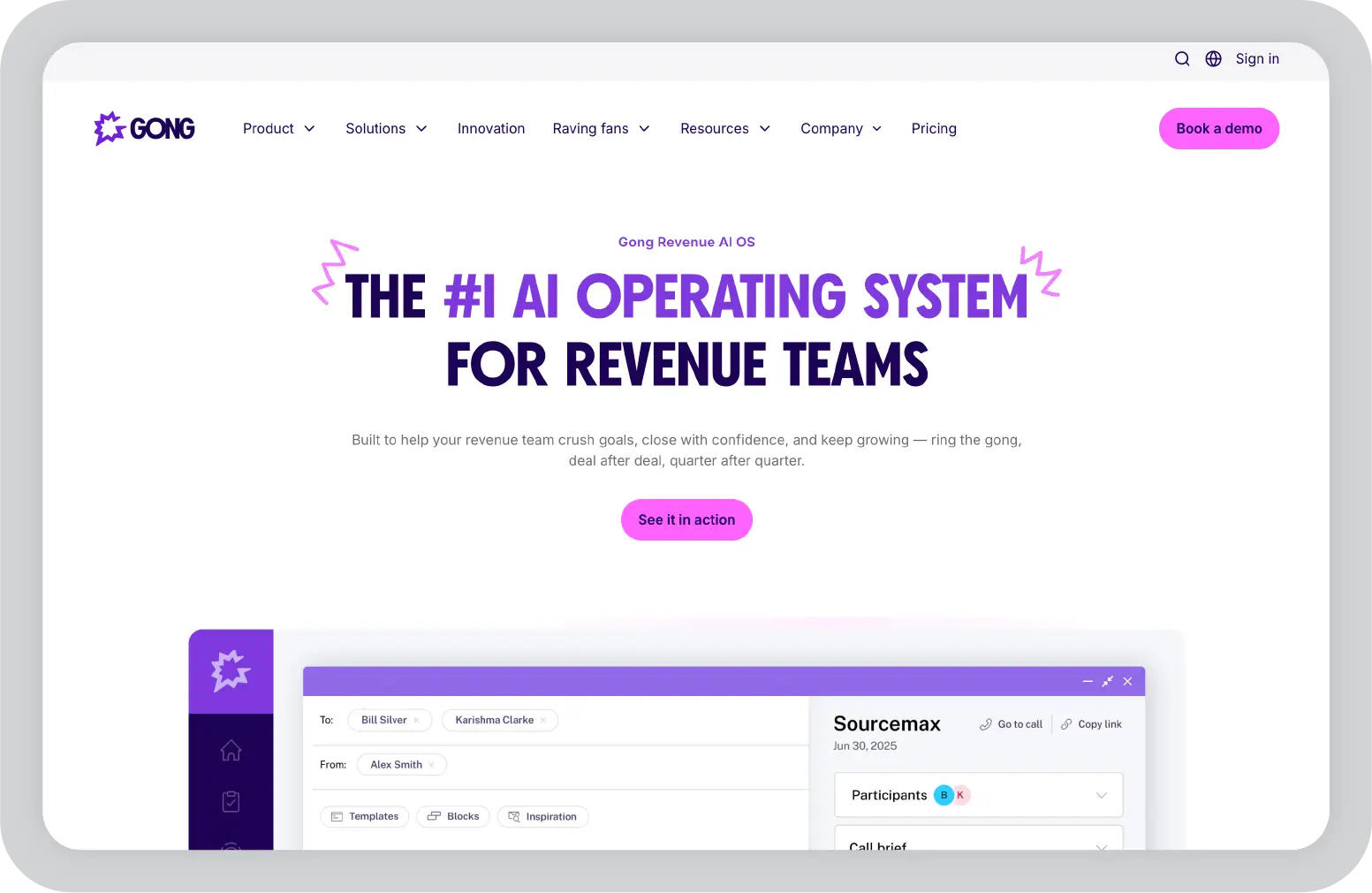
Gong records and analyzes customer-facing conversations, then surfaces patterns that separate top-performing reps from the rest. It helps answer questions that are often hard to measure, such as which talk tracks lead to closed deals, where deals lose momentum, and how top reps handle objections.
For sales leaders who rely on observation or rep feedback, Gong brings in actual data. Coaching becomes more consistent and grounded in what is happening in real customer conversations.
Pros
Provides actionable coaching insights based on real conversations
Helps identify and scale top performer behaviors
Strong integrations with major CRMs and video platforms
Cons
Higher cost compared to smaller team budgets
Set up and call tagging require time and effort upfront
Pricing: Custom pricing based on team size. Gong typically costs around $1,600 per user per year plus a platform fee, though pricing varies based on negotiation and scale.
Best for: Sales leaders managing complex deal cycles who want to coach teams using real conversation data instead of relying on summaries or intuition.
Pro tip: Build a quarterly call library organized by deal stage and objection type. This allows new team members to access real examples on demand instead of waiting for scheduled coaching sessions.
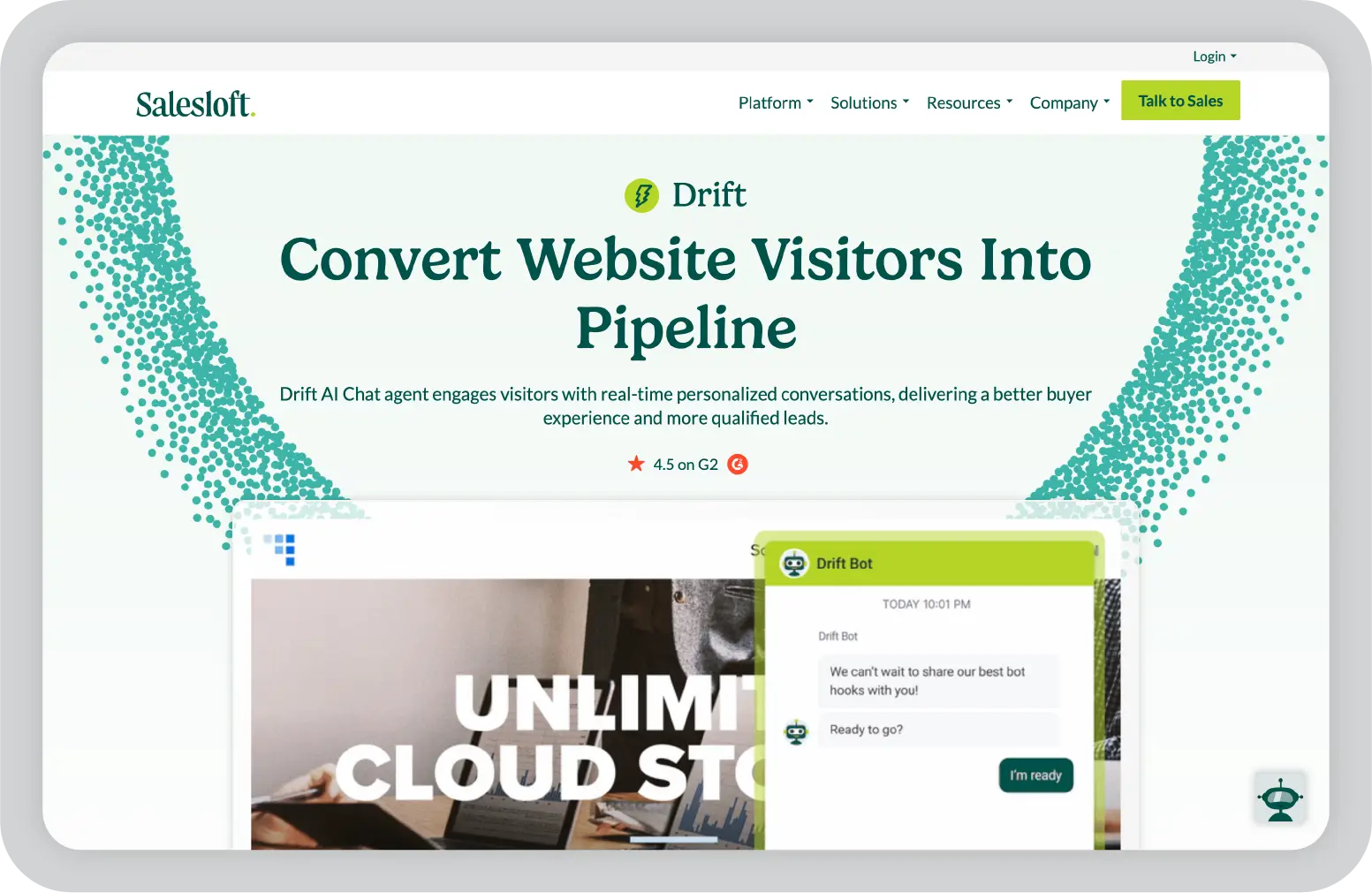
Drift places AI chatbots on your website to engage visitors, answer common questions, and qualify leads in real time. It also allows qualified prospects to book meetings directly into a rep’s calendar, which reduces friction and speeds up the path to conversation.
For B2B teams running account-based marketing programs or driving strong inbound traffic, Drift helps capture and convert that intent without adding more headcount.
Drift is now part of Salesloft following its 2024 acquisition and serves over 6,000 enterprise customers. The platform is designed for B2B sales cycles where timing, personalization, and quick response can directly impact the pipeline.
Pros
Converts inbound traffic into a qualified pipeline
Strong Salesforce integration for account-level targeting
Proven ROI for mid-market and enterprise deal sizes
Cons
Starts at a higher price point, suited for enterprise teams
Complex queries still need human support
Implementation can take four to eight weeks
Pricing: Drift’s Premium plan starts at approximately $2,500 per month, billed annually. Advanced and Enterprise tiers require custom pricing.
Best for: Mid-market and enterprise B2B sales teams with strong website traffic from target accounts, where deal size justifies the investment.
Pro tip: Review chatbot conversation logs monthly and update your response library based on actual visitor questions. Outdated or incomplete responses can quickly reduce engagement and cause high-intent leads to drop off mid-conversation.
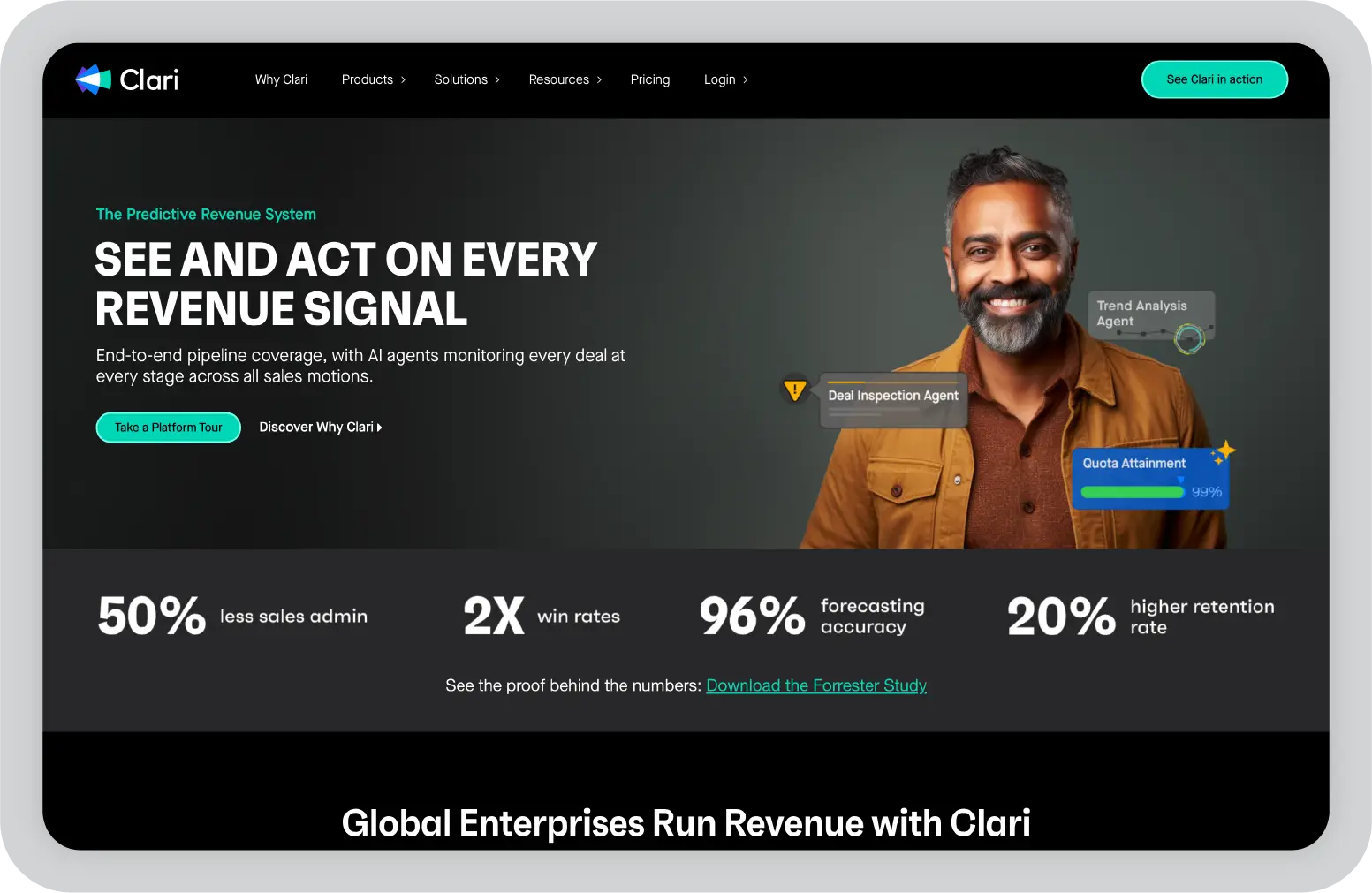
Clari is designed for revenue leaders who need a clear and reliable view of pipeline health. It brings together signals from email activity, call patterns, and CRM updates to show what is likely to close and what may be at risk. This reduces reliance on manually updated data, which can often be overly optimistic.
By combining multiple data sources, Clari provides a more accurate and consistent view of revenue. Teams can track deal movement, identify risks early, and make better decisions based on real activity, not just pipeline stages.
Clari is often used alongside Prezent AI. Revenue teams use Clari to analyze forecast data, then use Prezent AI to present that data in a clear and structured way for leadership and board reviews.
Pros
Improves forecast accuracy and reduces surprises at quarter end
Provides a clear, data-backed view for leadership reporting
Dashboards are easy for operations teams to use without advanced analytics skills
Cons
Integration requires coordination across CRM and engagement tools
Priced as an enterprise platform, not a lightweight tool
Pricing: Custom pricing. You have to contact Clari for a quote based on your team size and setup.
Best for: Sales leaders and revenue operations teams who need a forecast they can confidently present to leadership, based on real pipeline activity rather than manual updates.
Pro tip: Use Clari’s risk signals to create a weekly list of at-risk deals. Addressing these opportunities early improves recovery chances compared to identifying issues at the end of the month.
Outreach focuses on the operational side of outbound sales. It automates follow-ups, tracks activities, and organizes tasks so reps can spend more time speaking with prospects instead of managing workflows.
For teams running high-volume outbound programs, Outreach brings structure and consistency. It helps ensure that no lead is missed and that every prospect gets the right sequence of touchpoints.
Pros
Improves productivity for outbound sales teams
Strong integration with Salesforce and other major CRMs
Detailed analytics to optimize outreach over time
Cons
Can feel complex for reps new to structured outbound processes
Pricing increases with advanced features and team size
Pricing: Custom pricing. You have to contact Outreach for a quote.
Best for: SDR and outbound sales teams running structured, high-volume prospecting programs that need consistent execution across a large team.
Pro tip: Test at least three variations of your opening email before scaling any sequence. Even a small change in the subject line or first sentence can significantly improve reply rates.
ZoomInfo provides sales and marketing teams with access to a large database of B2B contacts and companies. For teams running outbound programs, it is often one of the first tools added, since accurate data is the foundation for prospecting, outreach, and targeting.
Beyond contact data, ZoomInfo helps teams keep their CRM records up to date and identify which accounts are actively researching solutions. This allows teams to prioritize outreach based on timing, not just static lists.
Pros
Large and regularly updated database with strong US coverage
Intent signals help improve outreach timing and conversion
ZoomInfo Copilot AI provides account summaries and outreach suggestions
Cons
Annual-only pricing with no monthly option
Total cost can increase with credits and additional seats
Data accuracy can vary by region and niche industries
Pricing: Quote-based and billed annually. Pricing starts at approximately $14,995 per year for the Professional plan with 5,000 credits. Advanced plans start around $24,995 per year, and Elite plans start from $39,995 per year. Additional seats and add-ons increase the total cost.
Best for: Sales and marketing teams building outbound programs or enriching inbound leads with verified contact data and buying intent signals.
Pro tip: Use ZoomInfo’s intent signal filters to prioritize accounts that are actively researching your category. In outbound prospecting, timing often matters more than volume.
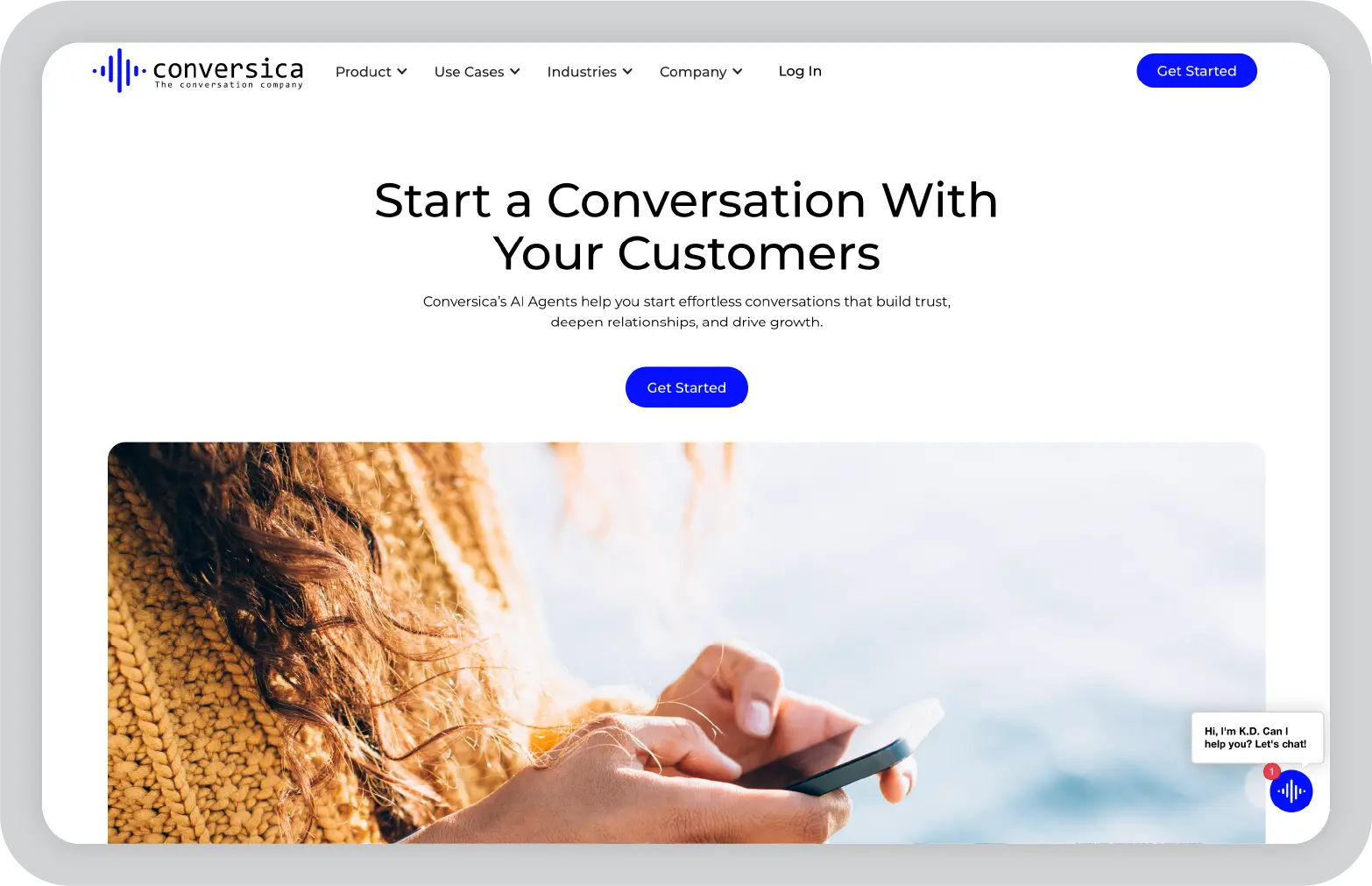
Many leads go cold not because there is no interest, but because follow-up is delayed or inconsistent. Conversica addresses this by automating follow-up through personalized, natural-language email conversations that continue until the lead is ready to engage with a sales rep.
For teams managing large volumes of leads, Conversica helps maintain consistent outreach without adding manual effort. It ensures that no lead is missed and that interested prospects are identified and routed at the right time.
Pros
Reduces lead drop-off across large lead lists
Frees reps from repetitive follow-up tasks
Improves over time by learning from past interactions
Cons
Requires setup to handle more complex conversation paths
Qualification rules need careful tuning during setup
Pricing: Custom pricing. You have to contact Conversica for a quote.
Best for: Sales teams handling large lead volumes with limited rep capacity, as well as organizations looking to re-engage older or inactive leads that still have potential.
Pro tip: Review your handoff triggers on a regular cadence. If Conversica is qualifying leads too early or too late, adjusting the intent threshold can have a direct impact on downstream conversion rates.
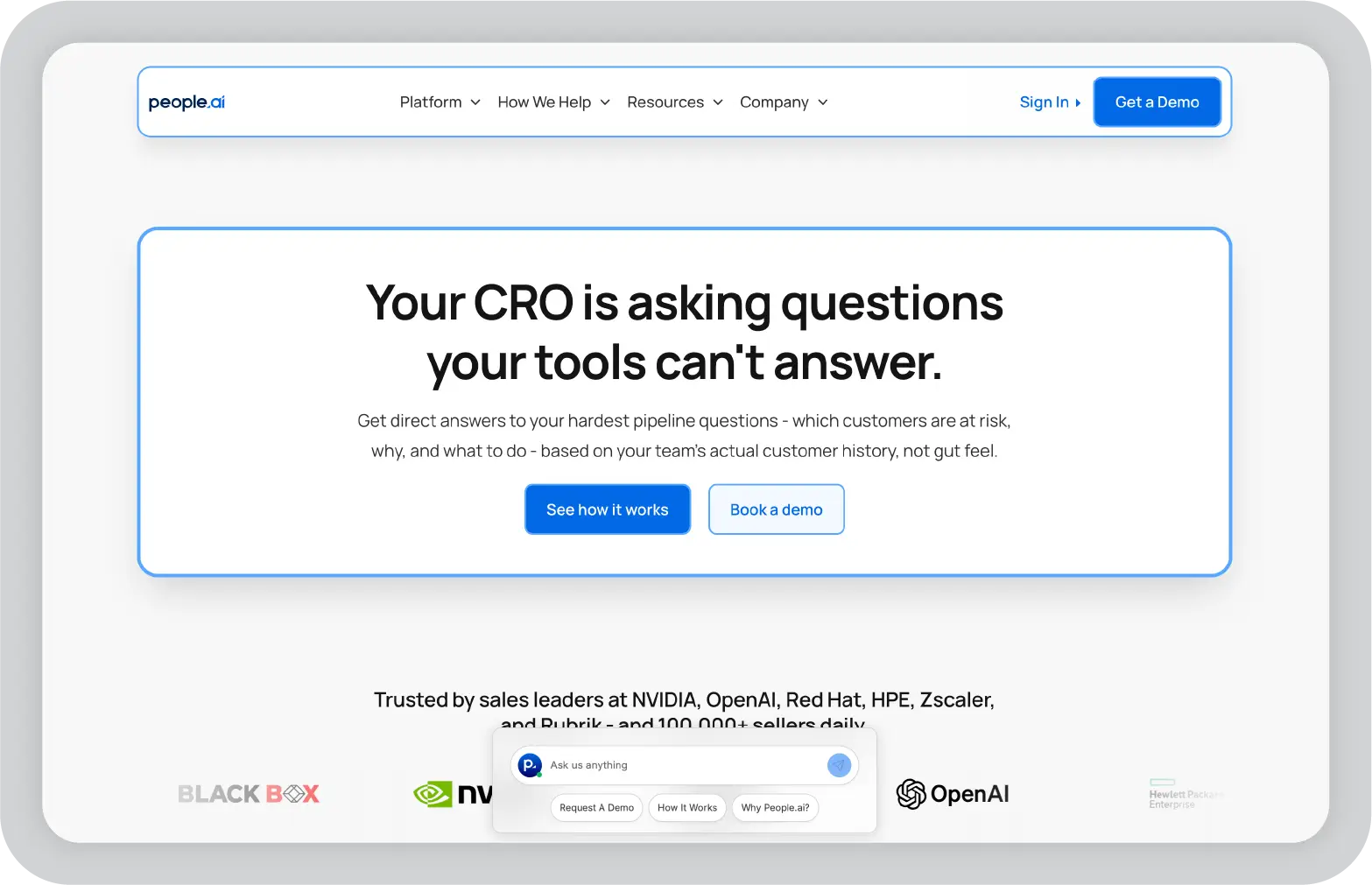
People.ai automatically captures sales activity data from email, calendars, and call systems, removing the need for reps to log everything manually. This gives sales leaders a more accurate view of what their teams are doing and which activities actually drive revenue.
By closing the gap between real activity and recorded data, People.ai helps organizations improve pipeline visibility, coaching, and resource allocation.
Pros
Eliminates gaps caused by manual CRM logging
Provides visibility into actual rep activity
Scales well across large, multi-team sales organizations
Cons
Integration setup often requires IT involvement
Priced for mid-market and enterprise teams
Pricing: Custom pricing. You have to contact People.ai for a quote.
Best for: Sales operations leaders who need reliable activity data to coach teams effectively and make decisions based on what drives results.
Pro tip: Use People.ai’s activity benchmarks to define clear performance standards for each role, then share those benchmarks with your team. Transparency often drives improvement faster than top-down feedback alone.
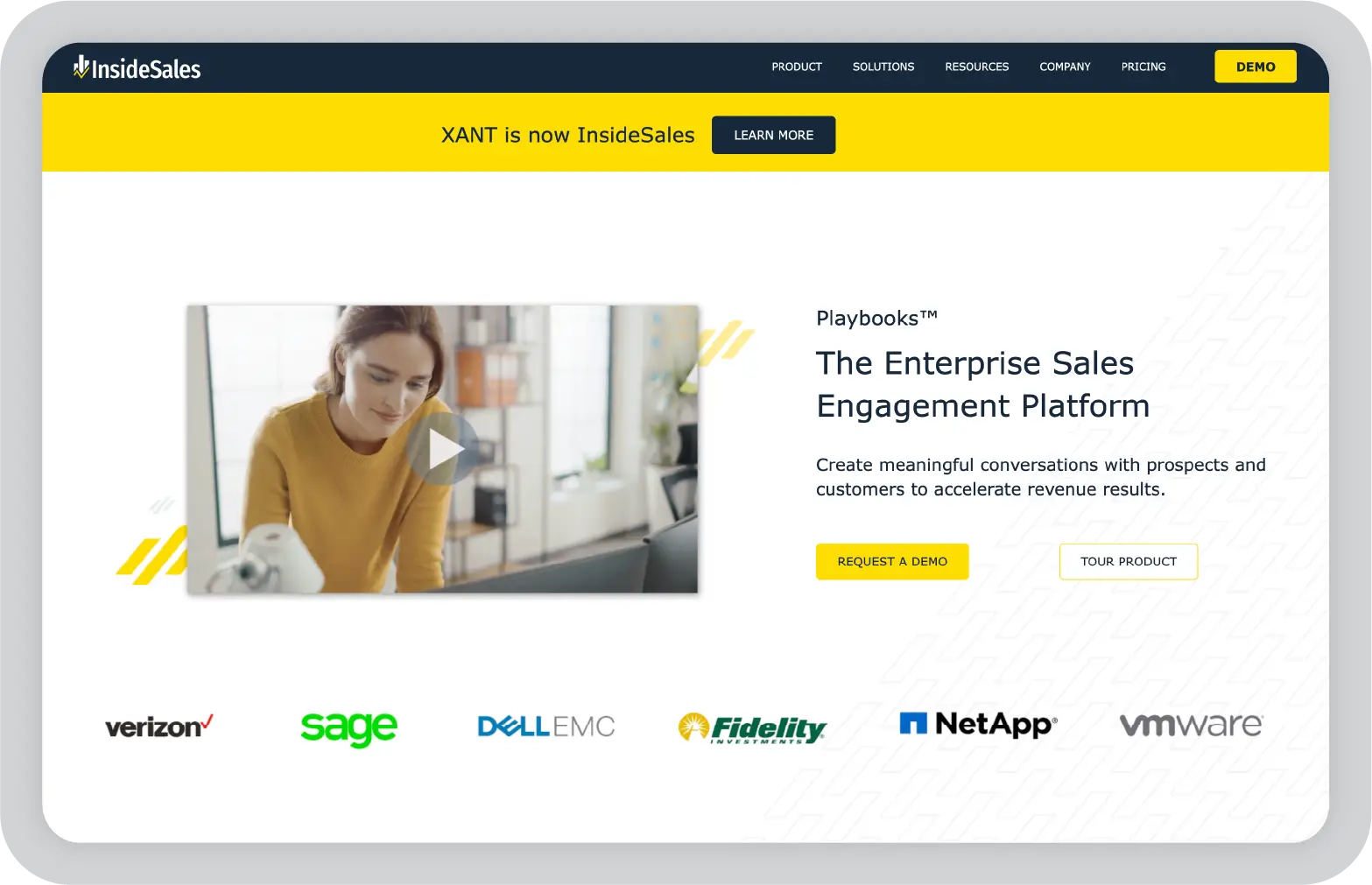
InsideSales uses machine learning to help sales teams focus on the right prospects at the right time. It predicts which leads are worth contacting, when to reach out, and which channel to use. For teams working through large prospect lists, this removes much of the daily guesswork.
By prioritizing outreach based on data, InsideSales helps improve efficiency and increase the chances of connecting with high-potential leads.
Pros
Accurate prioritization once trained on your data
Measurable productivity gains in high-volume outbound teams
Cons
Requires several months of historical data to perform well
Can feel complex during initial setup and adoption
Pricing: Custom pricing. You have to contact InsideSales for a quote.
Best for: High-volume inside sales teams that need data-driven prioritization to focus effort on the most promising opportunities instead of working through lists sequentially.
Pro tip: Feed your full won and lost deal history into InsideSales as early as possible. The predictive model becomes more accurate with at least six months of your own outcome data.
X.ai simplifies meeting scheduling by handling coordination directly within email. You can include the AI assistant in a thread, and it manages availability, confirms a time that works for all participants, and sends the calendar invite.
For teams and individuals managing a high volume of meetings, this removes the need for back-and-forth emails and reduces scheduling delays.
Pros
Removes scheduling back-and-forth for customer-facing teams
Quick and simple setup compared to most tools
Saves time for users managing frequent meetings
Cons
Complex multi-timezone or large group meetings may need manual review
Pricing: Starts at approximately $10 per user per month.
Best for: Customer-facing teams and executives managing a high volume of meetings across multiple time zones.
Pro tip: Set detailed scheduling preferences early, including meeting windows, buffer time, focus blocks, and travel days. This helps the assistant reflect your real availability instead of just open calendar slots.
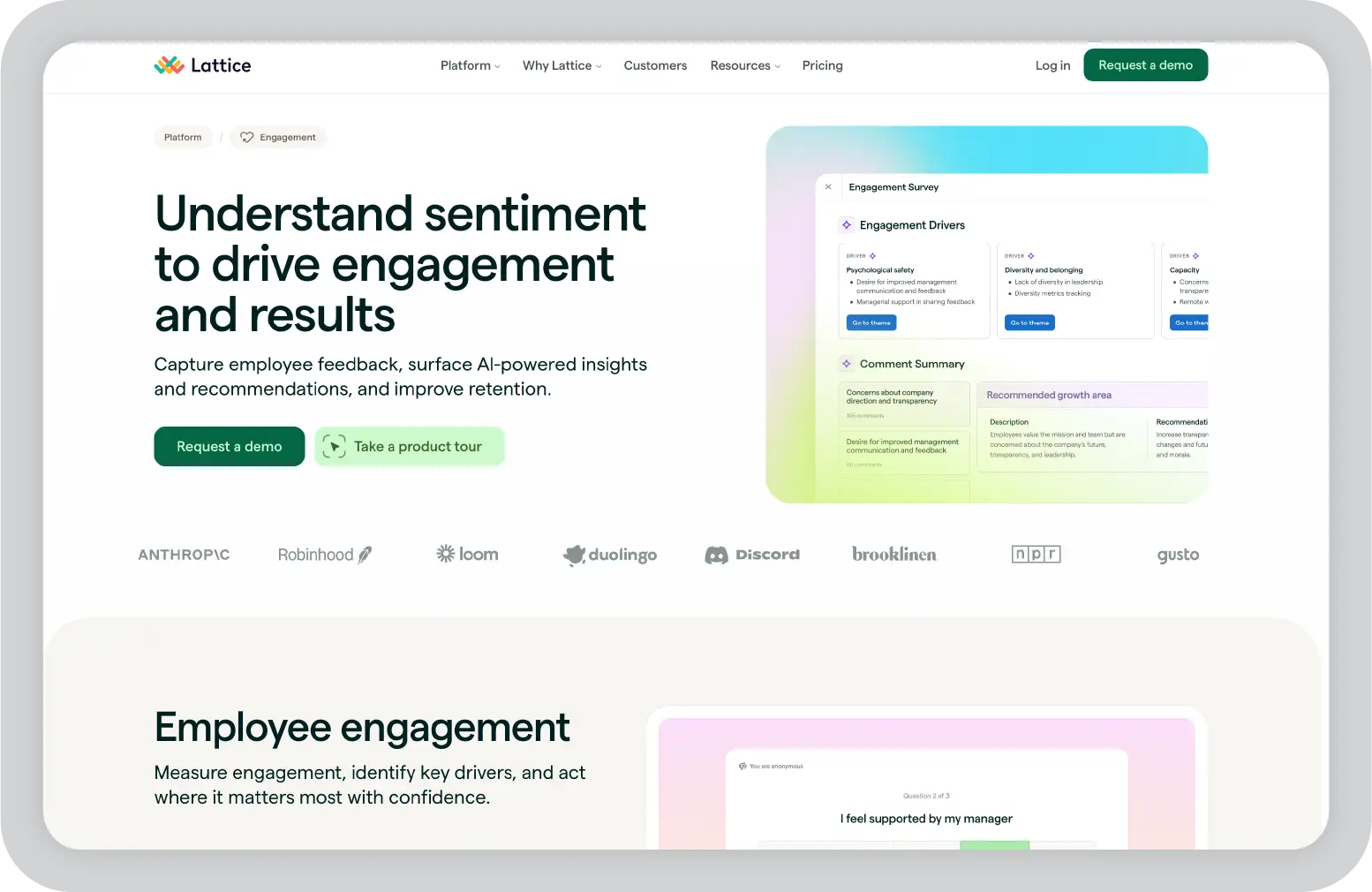
Lattice helps bring structure to performance management. It supports reviews, feedback, goal tracking, and engagement measurement in one platform. For many organizations, this replaces scattered processes with a more consistent system.
Lattice also uses AI to help managers identify engagement risks early, run structured review cycles, and connect individual goals to broader company objectives.
Pros
All-in-one platform for performance management
Easy to use for both employees and managers
Strong analytics for tracking engagement and retention risk
Cons
Implementation requires time and change management
Pricing increases with team size and feature tier
Pricing: Custom pricing is available. You have to contact Lattice for a quote.
Best for: HR and people teams at growth-stage and enterprise companies that want to build structured and scalable performance management processes.
Pro tip: Run an engagement pulse survey before annual reviews. Early signals often highlight retention risks that formal reviews identify too late.
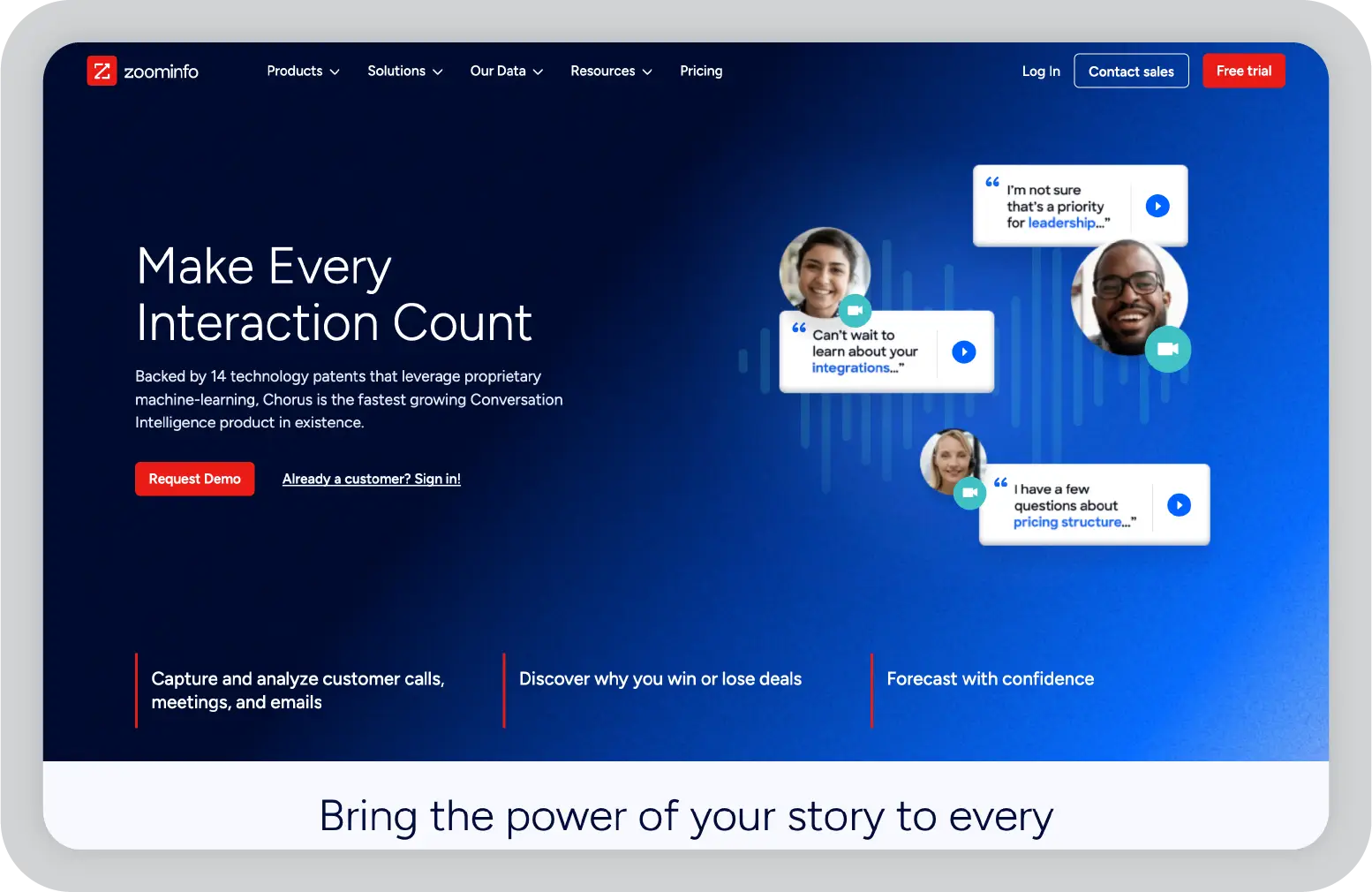
Chorus.ai, now part of ZoomInfo, records and analyzes customer conversations to help sales leaders improve coaching. It captures calls, transcribes them, and highlights key moments that managers can use to guide rep performance.
A key difference is its focus on coaching workflows. Chorus.ai makes it easy to clip, annotate, and share specific parts of conversations, so teams can learn from real examples instead of general feedback.
Pros
Coaching-first design with easy clip sharing
Strong ZoomInfo integration for connected data
Cons
Overlaps with Gong; choice depends on your stack
Setup and tagging take time upfront
Pricing: Custom pricing is available. You have to contact ZoomInfo for a Chorus quote.
Best for: Sales leaders focused on rep development who want a conversation intelligence platform designed around coaching, especially teams already using ZoomInfo.
Pro tip: Build a shared library of objection-handling clips organized by type. This gives reps access to real examples when they need them, not just during scheduled coaching sessions.
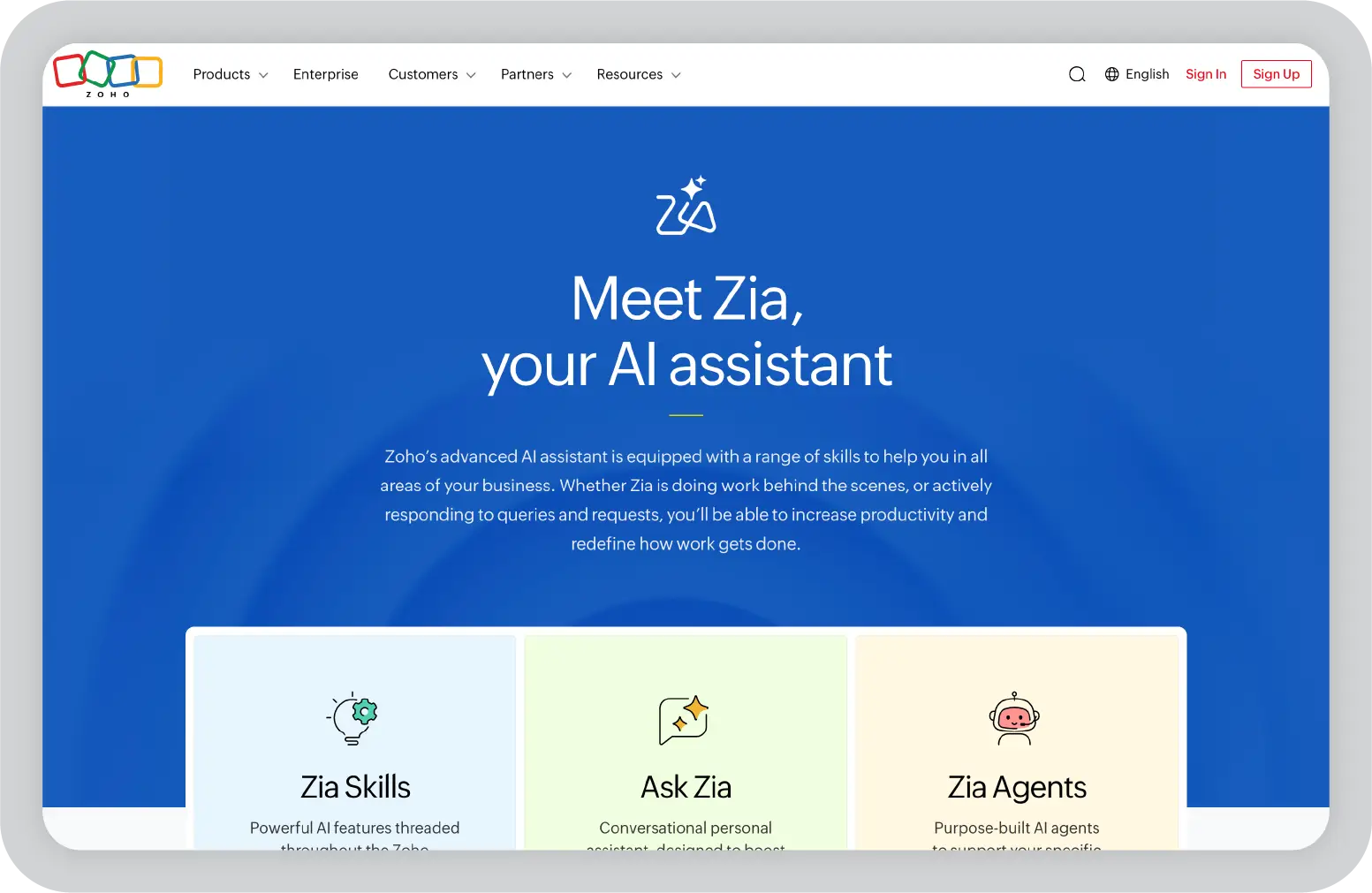
Zoho Zia brings AI capabilities across the entire Zoho suite. For teams already using Zoho applications, it adds insights and automation without requiring a separate platform. Zia pulls data from CRM, finance, support, and operations tools to provide a more complete view of business performance.
It also allows users to interact with data using natural language, which makes it easier for non-technical teams to get answers without building reports.
Pros
Strong value for teams already using Zoho
Broad coverage across multiple applications
More accessible pricing compared to many enterprise tools
Cons
Limited value if core systems are outside Zoho
Less specialized than standalone tools in specific categories
Pricing: Starts at approximately $25 per user per month as part of Zoho’s suite pricing.
Best for: Small to mid-market teams running core operations on Zoho that want AI built into their existing tools without adding new vendors.
Pro tip: Enable anomaly detection on your sales pipeline. Early signals of drops in activity or conversion rates are easier to address before they impact results at quarter-end.
When evaluating AI tools, a practical and structured approach is more effective than a long, complex process. The focus should be on identifying solutions that improve day-to-day operations, not just those that perform well in demonstrations.
1. Start with your biggest time drain
Identify the activity that consumes the most time across your team and begin there. In many cases, this sits within core marketing and sales workflows.
For example, if sales representatives are spending significant time on manual CRM updates, a sales tool like People.ai or Outreach can address that directly. If teams are repeatedly rebuilding presentations for stakeholder reviews, Prezent AI can reduce that effort.
The clearer the problem, the easier it is to measure whether a tool is improving productivity and supporting your broader B2B marketing and sales efforts.
2. Validate integration before evaluating features
Before going deep into features, confirm how well the tool integrates with your existing systems. This includes your CRM, email, calendar, and collaboration platforms.
A tool that does not fit into your current tech stack or requires manual syncing will create friction, even if it performs well in a demo. Strong integration is what allows different tools in your stack to work together and support end-to-end workflows.
3. Involve the people who will actually use it
Include two or three frontline users in the evaluation process, not just decision-makers. These users will quickly identify workflow gaps, usability issues, and whether the tool fits into daily marketing activities or sales processes.
For marketing teams and lean sales teams, ease of use matters as much as capability. If the tool does not work in real conditions, adoption will slow down regardless of how strong the business case appears.
4. Define security requirements before you start
Set clear requirements upfront, including SSO, role-based access, data encryption, audit logs, and data retention policies. This is especially important for teams using AI technology across customer data, content generation, or marketing automation platforms.
Involve security and legal teams early in the process. Addressing compliance late can delay implementation or prevent adoption entirely.
5. Run a focused pilot with clear success metrics
Limit the pilot to 60 to 90 days and define two or three measurable outcomes before starting. These could include time saved on manual tasks, improvement in lead generation, higher engagement in marketing campaigns, or better forecast accuracy from AI predictive tools.
At the end of the pilot, review results against your baseline and decide whether to scale, adjust, or move on.
One principle to keep in mind
Limit your stack to one or two tools per function. Adding too many tools in the same layer creates unnecessary complexity and makes it harder for marketing teams and sales teams to use them effectively. A focused set of well-integrated tools will deliver far more value than a large collection of disconnected platforms.
The real value of an AI stack comes from how well the pieces work together across the full workflow, not from any single tool.
Here is what that looks like in a typical enterprise setup:
This creates a strong foundation of data and insight. However, that alone does not drive outcomes. The final step is translating those insights into clear communication that stakeholders can understand and act on.
Value is created when a focused set of tools is connected effectively, and the output is communicated clearly from data to decision.
If your team regularly builds presentations and wants to see how this works in practice, schedule a demo with Prezent AI and evaluate the impact for your team.
B2B AI tools are software platforms powered by AI technology that support core business workflows across marketing and sales, customer success, operations, HR, finance, and executive communication. These tools cover a wide range of use cases. Some focus on lead generation and AI sales, while others act as AI marketing tools that support content generation, email marketing, and campaign execution.
There are also tools like Prezent AI that help teams turn insights into clear, on-brand presentations that drive action across B2B companies.
A practical approach is to start with a focused set of the best AI tools mapped to three layers. First, a CRM or revenue intelligence layer, such as Salesforce Einstein or HubSpot AI, to make better use of historical sales data.
Second, a conversation or pipeline layer like Gong or Clari to strengthen marketing and sales execution. Third, a communication layer like Prezent AI to turn insights into clear, decision-ready presentations.
It is important to prioritize tools that integrate well with your existing tech stack so marketing and sales teams are not constantly switching between tools just to complete basic tasks.
B2B AI tools improve productivity by automating repetitive marketing tasks and sales activities such as data entry, note-taking, content creation, and follow-ups. Instead of working through large lists, teams can focus on high-value opportunities and more effective marketing strategies.
For marketing and sales teams, this often means better campaign execution, stronger lead generation, and more efficient marketing operations. Over time, this focused use of AI leads to measurable gains in time saved, improved win rates, and faster decision-making.
Most of the best AI tools for B2B are built with enterprise security in mind, but it is important to validate the details. Look for features such as SSO, role-based access, encryption, audit logs, and clear data retention policies.
It is also important to understand how each marketing tool or AI platform handles your data, especially if it uses generative AI or trains models on customer inputs. Involving security and legal teams early helps ensure that any new tools added to your tech stack meet your organization’s requirements.
Adoption depends less on the tool itself and more on how it is introduced. Start with a small pilot group, define clear success metrics, and review progress regularly. This helps marketing and sales leaders see early impact.
Keep training simple and connect the tool to existing workflows so teams can use it without changing how they work completely. Assign an internal champion who uses the tool daily and shares results. This makes it easier for others to see how it improves marketing activities and sales outcomes.
Most tools on this list focus on sales workflows, lead generation, or marketing automation. Prezent AI operates at a different layer. It is where the output of those tools is translated into communication that executives, customers, and partners can act on.
Prezent AI helps teams take inputs such as CRM reports, revenue forecasts, and campaign results and turn them into clear, on-brand presentations tailored to a specific audience and objective. Its AI applies proven business communication frameworks to structure content, build the right narrative for the context, and ensure each presentation aligns with both your brand and the priorities of the audience.
For enterprise teams, moments such as board updates, QBRs, and customer proposals directly influence decisions and budgets. That final step is critical. It determines whether the work done across systems leads to alignment and action or gets lost in translation.
ROI should be tied to outcomes that leadership already tracks, not just usage statistics or feature adoption. For each tool, define two or three measurable outcomes before the pilot begins. Good examples include time saved on manual tasks like data entry or presentation preparation, improvement in qualified lead volume or pipeline conversion, higher rep productivity or meeting booking rates, and improvement in forecast accuracy.
Track these metrics over 60 to 90 days and compare them against your current baseline. This gives you a clear basis for deciding whether to scale a tool, adjust how it is being used, or replace it with something that fits better. The teams that get the most from their AI investments are usually the ones that define success criteria upfront and review results in a structured way rather than making the call on gut feel alone.
For B2B marketing, top AI tools like HubSpot AI (Breeze) and Drift support conversational AI and inbound marketing, while ZoomInfo strengthens lead generation. Prezent AI stands out by helping B2B marketers turn campaign results and content marketing insights into executive-ready presentations that drive budget decisions.
Marketing teams that need faster content generation can combine AI writing tools like HubSpot with Prezent AI for presentations. While AI marketing software supports SEO and content marketing, Prezent AI uses AI to identify the right narrative from marketing campaigns and create on-brand decks that clearly communicate results to leadership.
.webp)
Supriya is a Content Strategist and Creator at Prezent AI with extensive experience in brand storytelling, digital strategy, and B2B content. She has worked across SaaS and technology-driven businesses, building content engines that drive awareness, engagement, and pipeline growth. Passionate about crafting clear, insight-led narratives, Supriya focuses on turning complex ideas into compelling stories that resonate with modern business audiences. You can connect with her on LinkedIn.













